Everything you need to secure and govern Microsoft 365 in the age of AI
You don’t need a screwdriver. You need a plan.
AI is exposing the cracks in M365: oversharing, unclear access, and unmanaged data. This toolbox helps you bring structure to governance, reduce risk, and build a strategy your leadership team can get behind.
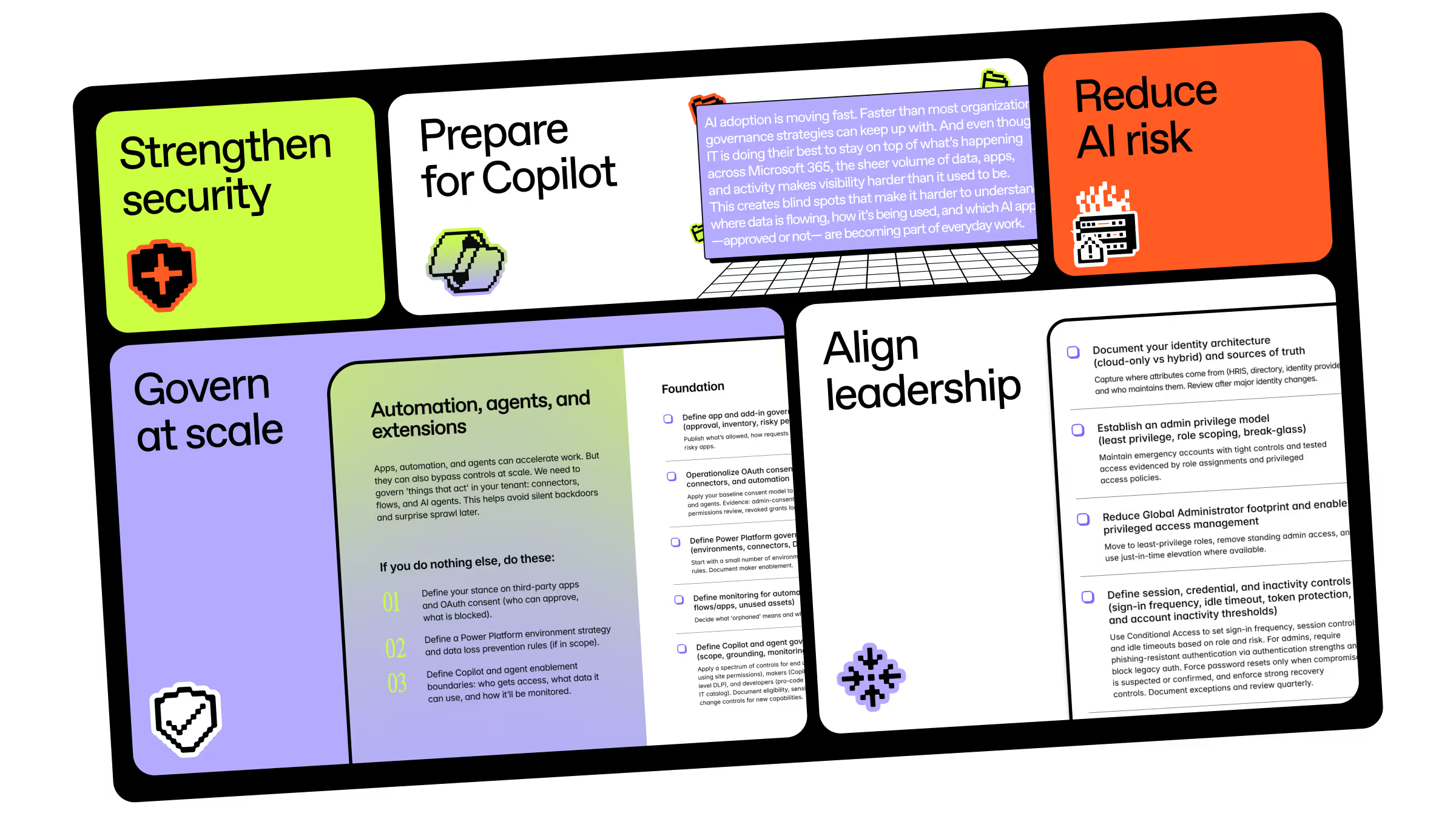
AI is moving faster than governance
Copilot doesn’t introduce new risk. It surfaces what’s already there: overshared files, unclear ownership, inconsistent permissions, forgotten content.
Our research shows that 82% of organizations have already piloted or deployed Copilot. But 36% admit they lack AI governance expertise. Adoption is moving fast. Governance needs to keep up.
This toolbox gives you practical checklists and templates to strengthen security, define governance at scale, and reduce AI risk before it becomes a problem.
What’s in this toolbox:
- The essential Microsoft 365 security guide for the AI era
- 7 steps to prepare for Copilot for Microsoft 365
- Your quick-start checklist to reduce AI risk in Microsoft 365
- Operating Microsoft 365 governance at scale: a checklist
- The free Microsoft 365 governance pitch deck (customizable template)
Strengthen Microsoft 365 security for AI
.png)
Copilot and AI-powered search can only surface what users already have access to. If permissions are inconsistent or controls are loose, that risk scales fast.
This checklist walks you through the core security controls that shape your tenant’s foundation—from user and object-level permissions to MFA, audits, and least privilege—so your Microsoft 365 environment is structurally secure before AI amplifies what’s inside.
Prep Microsoft 365 for your Copilot rollout
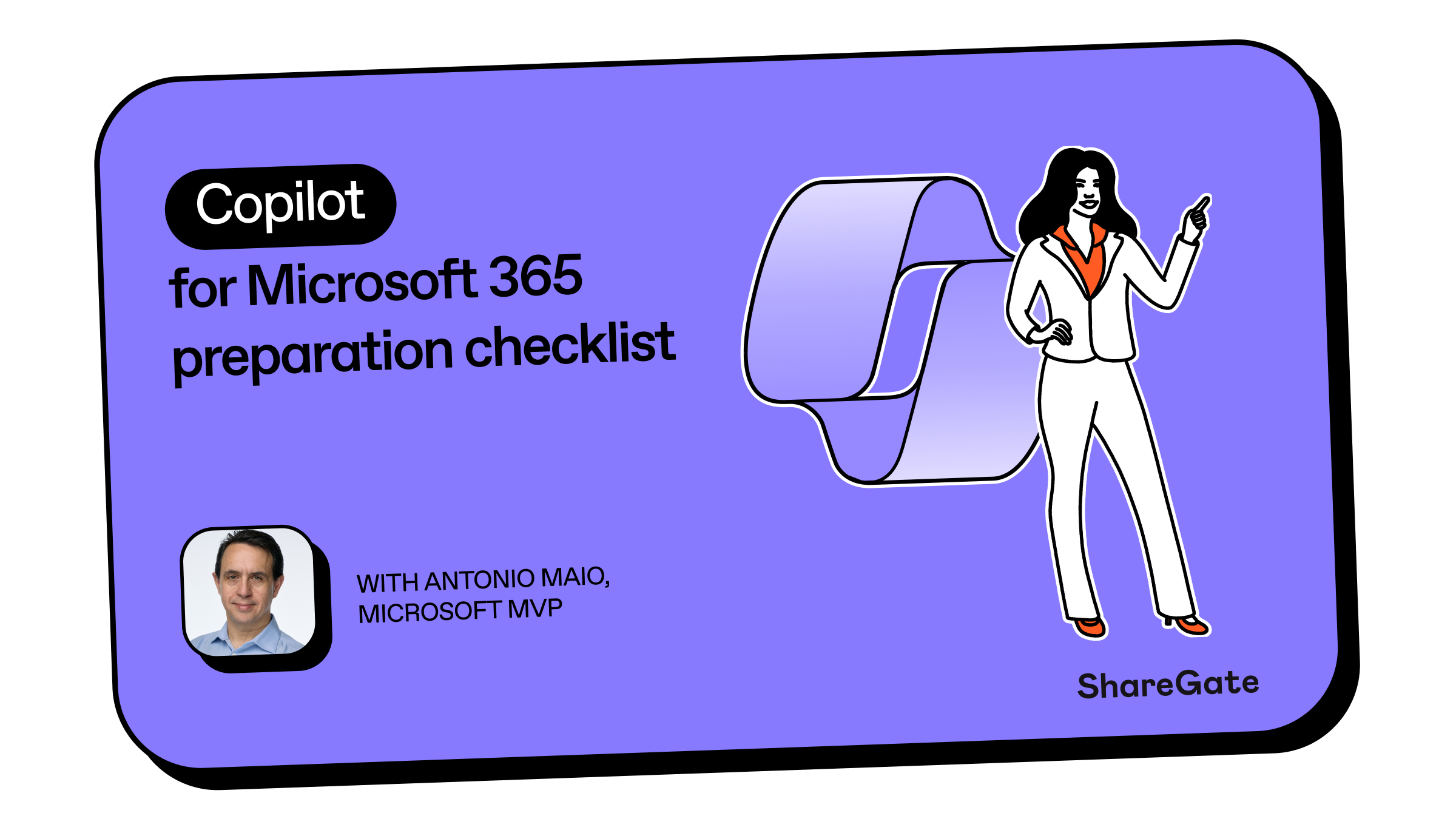
AI adoption is moving quickly. But successful deployments depend on clean data, clear ownership, and defined controls.
In this checklist, Microsoft MVP Antonio Maio outlines the practical steps IT teams should take to evaluate readiness, close critical gaps, and prepare their tenant for a secure Copilot deployment.
Reduce AI risk in Microsoft 365
.png)
As generative AI tools become part of everyday work, new questions emerge: Which AI apps are employees using? What data can they access? Where could sensitive information surface unintentionally?
Microsoft MVP Jasper Oosterveld created this checklist to help you discover shadow AI usage, assess AI-related exposure, and put the right controls in place using tools like Defender and Purview. So you can actively manage AI activity across your Microsoft 365 environment.
Build a scalable Microsoft 365 governance framework
.png)
Security fixes and AI guardrails only go so far without a structured governance model behind them. Roles, policies, lifecycle rules, and accountability all need to be clearly defined. And actually enforced.
Created by Microsoft MVP Richard Harbridge, this in-depth checklist helps you design and operationalize governance at scale, so your Microsoft 365 environment stays controlled long after rollout.
Make the business case for Microsoft 365 governance
.png)
AI has made governance urgent. But urgency alone doesn’t unlock budget, time, or executive attention.
This customizable pitch deck helps you clearly explain the risks of inaction, the impact on AI deployment and the return on getting governance right. So governance becomes a funded priority. Not a postponed project.
Backed by Microsoft 365 research and MVP insight
This toolbox brings together frontline research, product insight, and experience from Microsoft MVPs who live and breathe Microsoft 365 every day.
The result is practical guidance built for the realities of AI adoption—not abstract frameworks you’ll never use.