
L'outil de migration SharePoint le plus puissant pour les administrateurs informatiques
ShareGate simplifie la migration SharePoint et vous permet de gérer et de restructurer votre contenu à votre façon. C'est pourquoi les professionnels de l'informatique du monde entier nous font confiance depuis près de deux décennies.

Des migrations simples, sécurisées et fluides en lesquelles vous pouvez avoir confiance

Gestion de contenu illimitée. Données illimitées.

Sécurisez votre migration grâce à des rapports et alertes intégrés
Le choix de 100 000+ pros TI
Comment ça marche
1: Scanner et préparer SharePoint
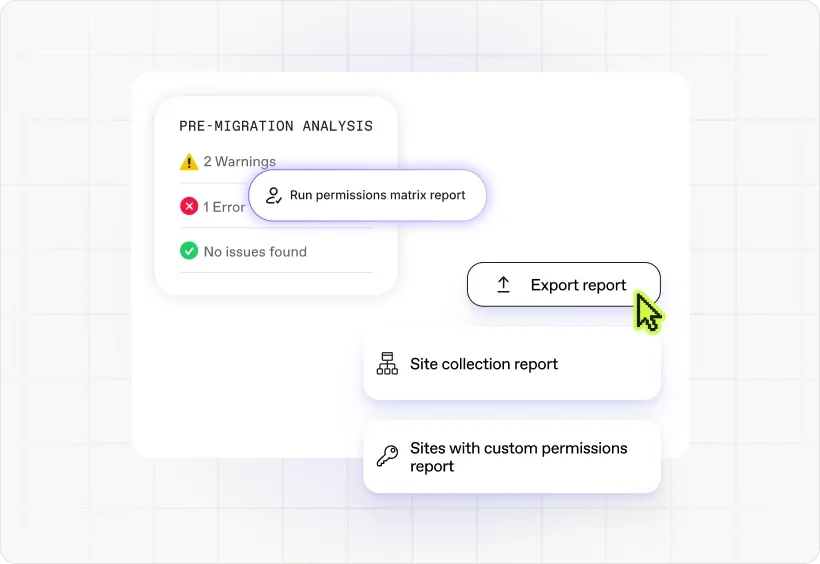
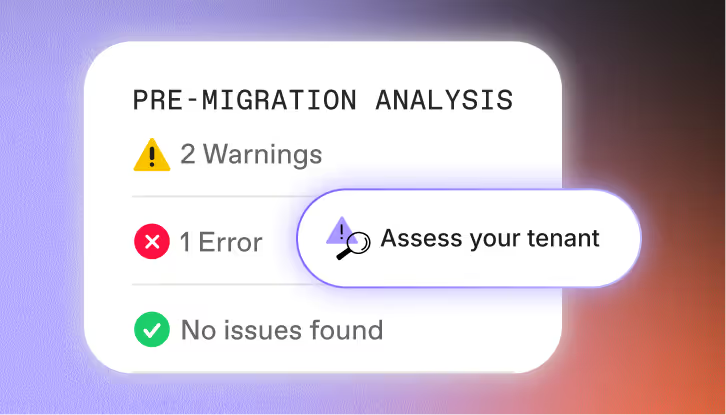
Cartographiez automatiquement vos documents, sites, listes, workflows SharePoint existants, etc. Identifiez les problèmes de migration et de permissions. Corrigez en 1 clic. Générez des rapports de pré-migration.
2: Migrater vos sites & données
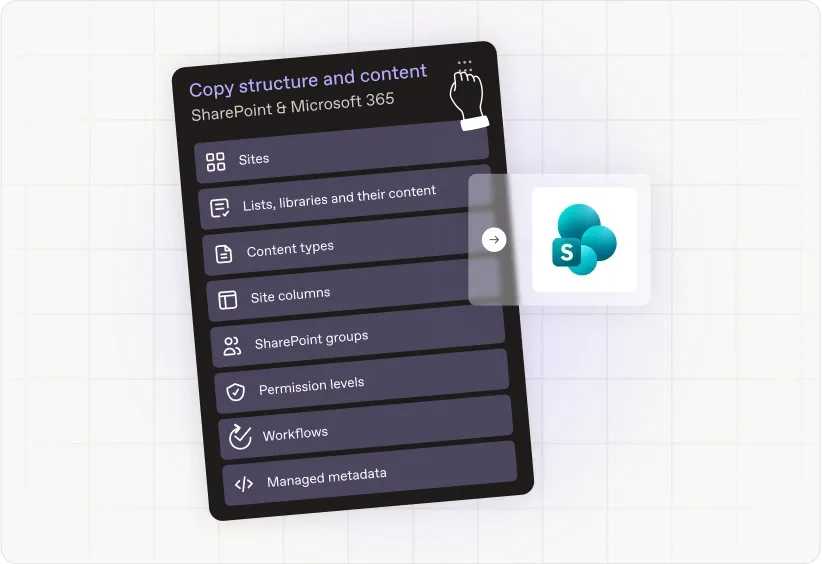
Migrez toutes vos données SharePoint vers un nouveau tenant. Maintenez les hiérarchies de fichiers et les métadonnées. Créez des rapports d'activité. Identifiez les problèmes d'accès et remédiez-y.
3: Réduire l'encombrement SharePoint de 70 %
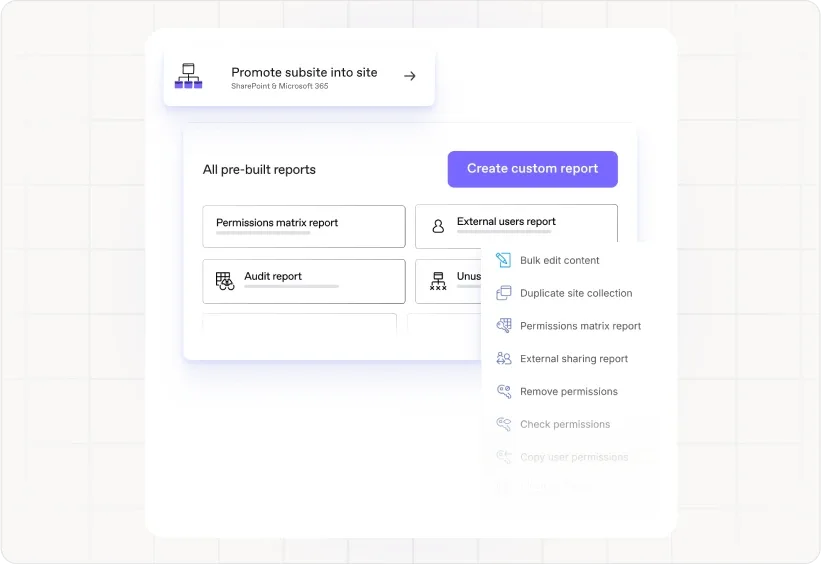
Éliminez 75 % des tâches post-migration, notamment le nettoyage du contenu, la correspondance des permissions et la validation de la structure des fichiers. Migrez plus rapidement.

« Gérer SharePoint à grande échelle crée souvent des angles morts, mais ShareGate nous a aidés à les éliminer. Nous bénéficions désormais d'une visibilité claire sur les autorisations, le partage externe et le contenu inactif dans l'ensemble de notre tenant. »
« ShareGate facilite nos migrations SharePoint depuis les serveurs locaux vers le cloud, mais il offre également la possibilité de générer des rapports sur de nombreux scénarios d'utilisation différents, notamment les contenus obsolètes, les dates de dernière modification, les autorisations et les associations de workflows. »
« ShareGate est un outil qui nous permet d'effectuer des migrations où la source ou la destination doit être SharePoint. Il permet non seulement de migrer le contenu, mais aussi la structure, ce qui a permis au bureau technologique de réduire les délais et de maintenir l'organisation du contenu à migrer. »
« J'utilise ShareGate pour migrer des données depuis des lecteurs réseau locaux et SharePoint Online vers un autre site SharePoint. C'est le seul outil capable de le faire facilement, grâce à son interface intuitive et à sa large communauté, ce qui rend la migration rapide et simple. »
« J'ai récemment migré des milliers de fichiers d'un partage de fichiers vers une bibliothèque SharePoint Online. Le processus impliquait le déplacement d'un grand volume de documents, ce qui a nécessité une planification minutieuse et une grande attention aux détails. Dans l'ensemble, la migration a été un succès et j'ai pu transférer tous les fichiers vers SharePoint Online comme prévu. »
Simplifiez votre migration SharePoint dès le premier jour
- Lancez une analyse de la source pour obtenir un inventaire complet de votre environnement d’origine
- Estimez l’effort nécessaire pour migrer vers Microsoft 365 et prenez des mesures sur les problèmes potentiels
- Migrez tout en un clin d’œil : métadonnées, autorisations et structure intactes
- Pas besoin de PowerShell mais, si les cmdlets sont votre truc, on a aussi ce qu’il vous faut !
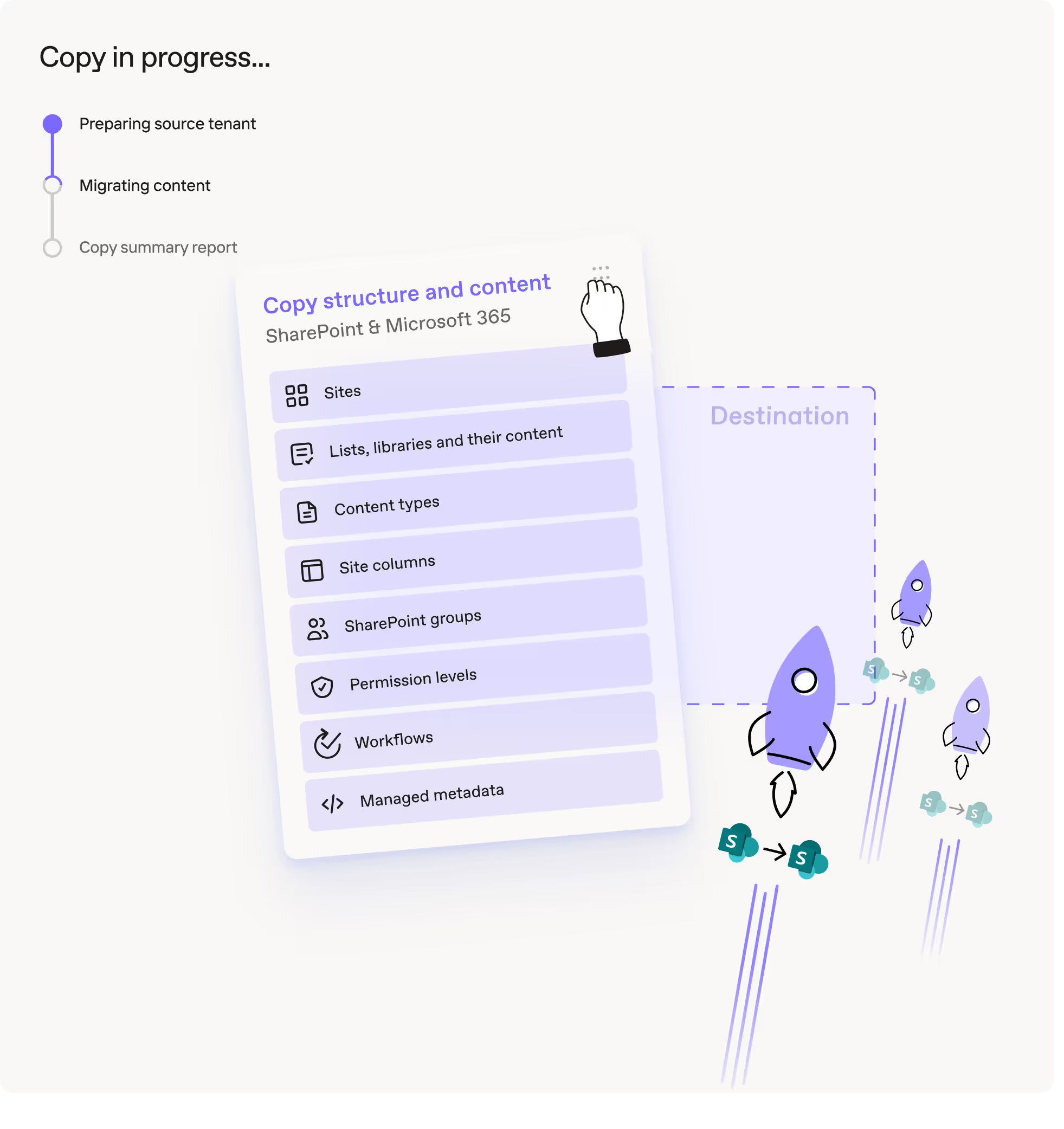
Tout ce que nous migrons


Sites SharePoint

Documents

Sécurité

Ensembles
Historique des versions

Migration Entra ID (bêta publique)

Fichiers et dossiers

Listes et bibliothèques

Autorisations et niveaux d'autorisations

Appartenance aux groupes

Utilisateurs
Éléments de liste

Vues et formulaires de liste

Métadonnées

Étiquettes de confidentialité Microsoft Purview

Lecteurs partagés

Boîtes aux lettres partagées

Groupes SharePoint

Flux de travail SharePoint (standard et SharePoint Designer)
Collections de sites

Colonnes de site

Navigation du site

Paramètres du site
Effectuez un nettoyage SharePoint après la migration (et prouvez que ça a fonctionné)
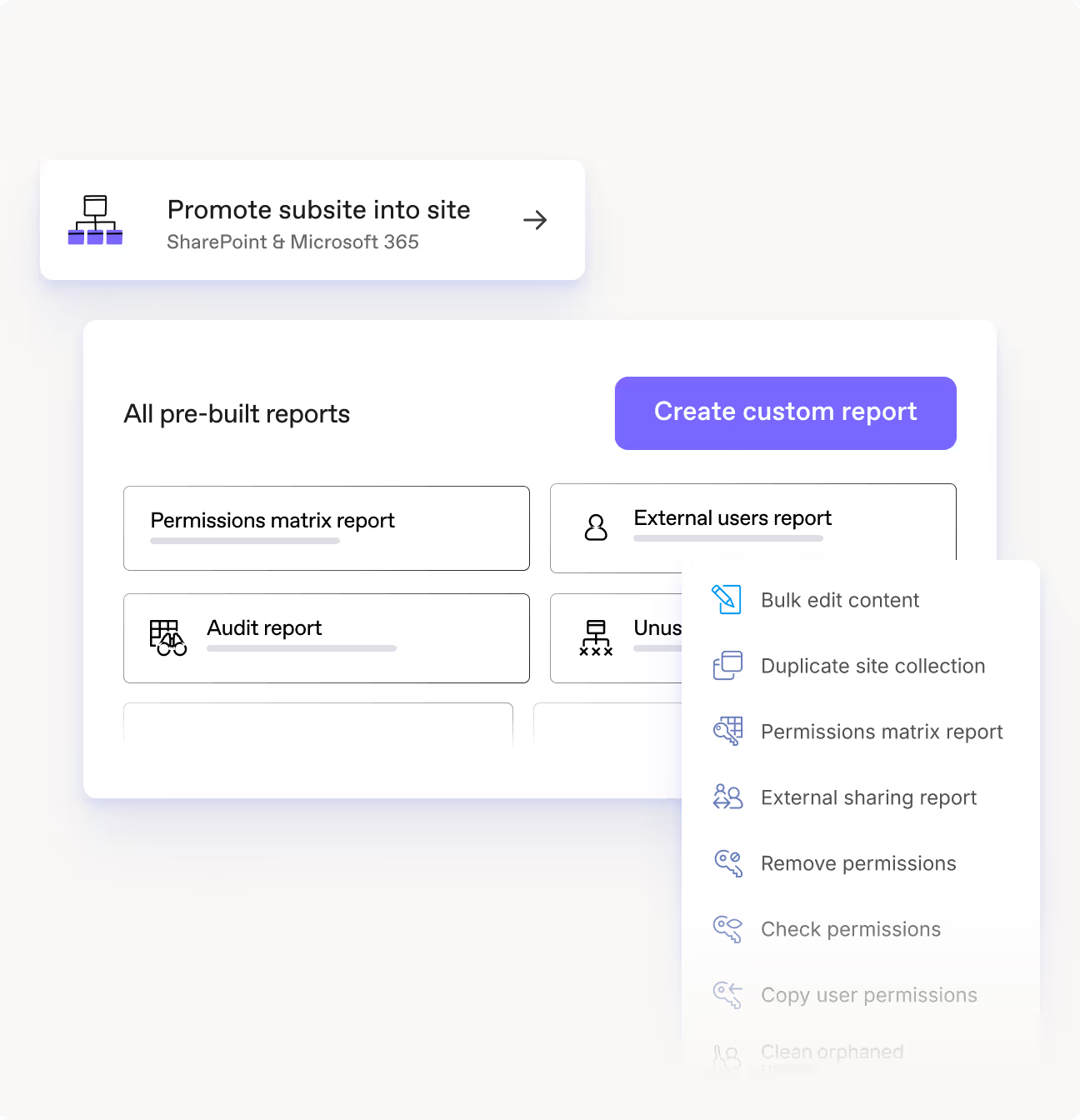
- Appliquez des modifications en masse aux autorisations, métadonnées et structures de fichiers
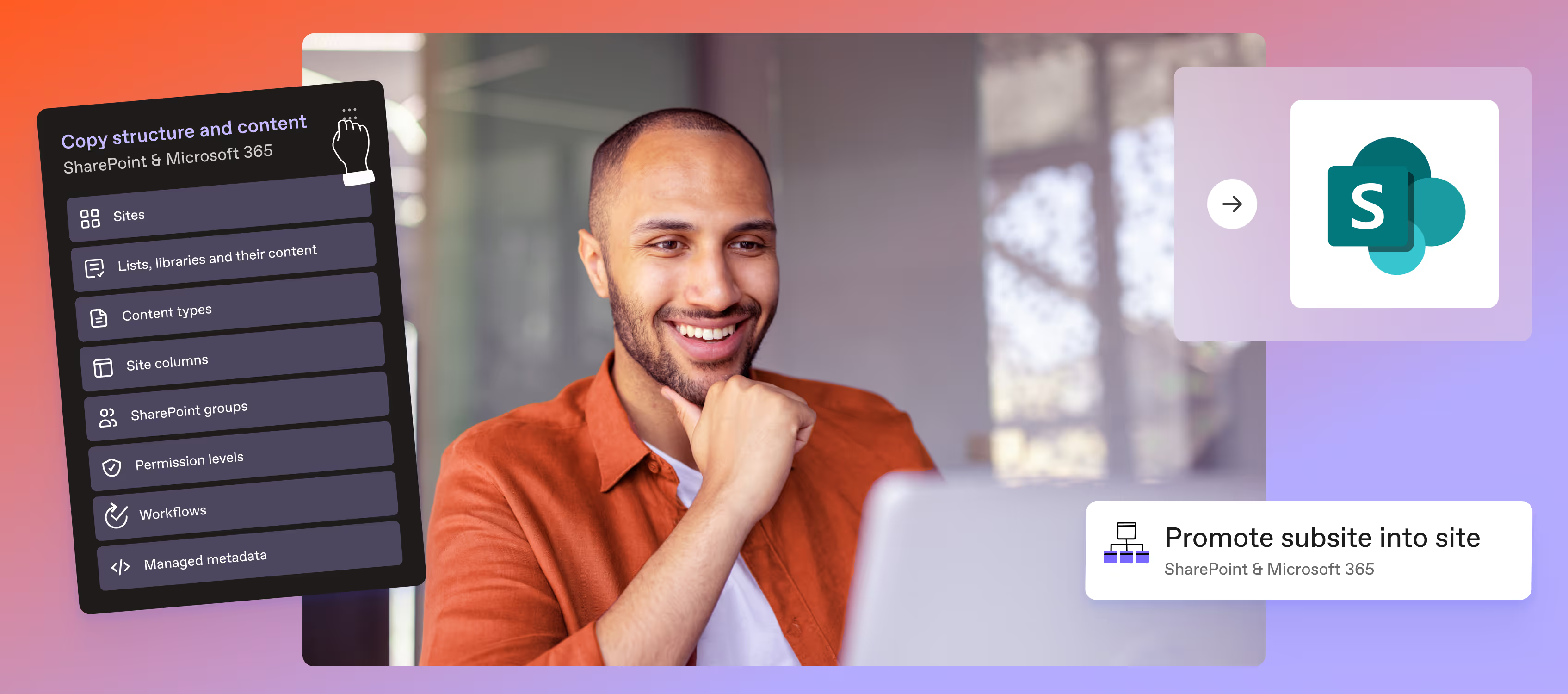
- Réorganisez le contenu SharePoint et fusionnez des sites sans perte de données
- Modernisez l’architecture de vos sites pour activer des charges de travail modernes
- Identifiez les autorisations des utilisateurs et groupes avec notre rapport intégré de matrice des autorisations
- Gardez le contrôle sur l’accès externe et le partage, et agissez directement dans l’application à partir des résultats de vos rapports
Dites adieu à SharePoint 2016 & 2019






FAQ

ShareGate Migrate gère les migrations SharePoint vers SharePoint entre les environnements sur site et Microsoft 365. Cela inclut les migrations sur site vers en ligne, sur site vers sur site, entre locataires, et même la restructuration au sein d'un même locataire.
Au-delà des sites SharePoint, vous pouvez également migrer OneDrive, Teams et les partages de fichiers vers Microsoft 365. Vous avez besoin de migrer depuis Google Drive (y compris les lecteurs partagés) ou Box ? Nous avons également cette possibilité.
ShareGate Migrate prend en charge tous les éléments essentiels de SharePoint : sites, listes, bibliothèques, fichiers, dossiers, métadonnées, types de contenu, autorisations et versions. Nous copions tout à l'identique, de sorte que ce que vous aviez dans la source est exactement ce que vous obtenez à la destination.
Ce que nous ne migrons pas : les modules complémentaires tiers, le code personnalisé ou les applications développées en dehors de SharePoint. Les pages et composants WebPart classiques seront transférés, mais ils ne seront pas automatiquement modernisés. Si vous avez besoin qu'ils fonctionnent dans un site moderne, vous devrez les reconstruire.
Oui. ShareGate Migrate n'impose aucune limite sur la quantité de données que vous pouvez déplacer, mais SharePoint et Microsoft 365 ont des exigences quant à la manière dont vous les déplacez.
N'exécutez pas des millions d'éléments en une seule tâche massive. Divisez les migrations en lots gérables, généralement entre 500 000 et 800 000 éléments par opération, avec 1 million comme limite pratique maximale. Cela permet d'éviter la limitation et de maintenir un flux de travail fluide. Vous souhaitez aller plus vite ? Exécutez plusieurs migrations en parallèle sur différentes machines.
Consultez le rapport de migration de ShareGate Migrate. Chaque élément reçoit un statut : Succès, Avertissement, Erreur ou Ignoré. Une migration est considérée comme réussie lorsque ShareGate envoie le contenu et que SharePoint confirme l'importation.
Ne vous contentez pas de comptabiliser les fichiers à la destination — ShareGate effectue également le suivi des versions, des dossiers et d'autres objets, de sorte que les chiffres ne correspondront pas à un simple décompte de fichiers. Pour plus de certitude, exécutez l'analyse de source avant et après votre migration, puis comparez les totaux.
Oui, si vous exécutez une migration en mode « Copier et remplacer ». ShareGate écrasera tout ce qui se trouve à la destination, même si des utilisateurs ont effectué des modifications après votre migration initiale.
Pour éviter d'écraser les modifications des utilisateurs, utilisez « Ne pas copier les éléments existants » ou « Copier si plus récent (incrémentiel) ». Le mode incrémentiel remplace uniquement les éléments à la destination lorsque la version source est plus récente, en fonction de la date de dernière modification.
Oui aux trois. Les autorisations sont préservées au niveau de l'élément — y compris l'héritage rompu et les étendues d'autorisations uniques — à condition que les utilisateurs de destination existent et soient mappés. Les colonnes de métadonnées (y compris les métadonnées gérées et les types de contenu) sont transférées intactes. L'historique des versions migre également, mais comptez chaque version comme un élément distinct lors de l'estimation des tailles de lots : un document avec 10 versions compte comme 10 objets, et non comme un seul. Pour les bibliothèques très volumineuses, l'exécution préalable d'un rapport d'analyse de source vous indique exactement le nombre d'objets versionnés auxquels vous avez affaire avant de vous engager sur une taille de lot.
Les pages et composants WebPart classiques migrent, mais ne se modernisent pas automatiquement. Si vous déplacez des pages ASPX classiques avec des vues ou des formulaires personnalisés, ceux-ci sont transférés tels quels vers la destination. Un point important à noter : Microsoft a progressivement abandonné les API héritées utilisées pour la migration de pages classiques — si vous constatez des erreurs sur du contenu classique, il s'agit presque toujours d'un problème d'API côté Microsoft, et non de ShareGate. Si vous héritez d'un environnement classique de grande envergure, c'est le bon moment pour envisager de reconstruire ces pages au format moderne avant la migration, plutôt que d'introduire une dette technique dans le nouveau tenant.
La limitation des appels API provient de Microsoft, et non de ShareGate. Lors d'une migration, un seul fichier peut déclencher de nombreux appels API — multipliez cela par des millions d'éléments et le volume attire l'attention de Microsoft. Les moyens les plus efficaces pour réduire cette limitation : visez 500 000 à 800 000 éléments par opération comme plafond pratique, avec 1 million comme limite absolue (les éléments désignent les fichiers, dossiers et versions combinés — un fichier avec 10 versions compte pour 10 éléments) ; activez le mode Insane et accordez le consentement à l'application d'entreprise Azure de ShareGate, ce qui attribue à la migration une identité d'application plutôt qu'une identité d'utilisateur, que Microsoft limite moins agressivement ; et répartissez les charges de travail sur plusieurs machines plutôt que de tout faire transiter par une seule. L'exécution de flux parallèles sur des machines distinctes surpasse systématiquement une grande tâche simultanée exécutée depuis une seule machine.
Oui. ShareGate prend en charge les migrations de SharePoint local vers SharePoint Online, y compris les anciennes fermes de serveurs locales vers les locataires Microsoft 365. Le même outil couvre les scénarios local vers online, local vers local, et locataire vers locataire. Un point important à garder à l'esprit : le code personnalisé, les modules complémentaires tiers et les applications développées en dehors de SharePoint ne seront pas migrés — ceux-ci devront être reconstruits pour l'environnement moderne. Les composants WebPart classiques sont bien transférés, mais il est conseillé de planifier une modernisation si la destination fonctionne en mode moderne.
ShareGate prend désormais en charge la migration des étiquettes de confidentialité pour SharePoint, OneDrive et Teams. Si vos locataires source et de destination ont tous deux des étiquettes de confidentialité configurées, vous pouvez mapper les étiquettes source à leurs équivalents de destination avant l'exécution de la migration - de manière similaire au fonctionnement du mappage des utilisateurs. Les étiquettes portant le même nom sont associées automatiquement ; vous examinez et ajustez celles qui ne correspondent pas. Les étiquettes de contenu et les étiquettes structurelles (appliquées au niveau du site ou de la bibliothèque) sont gérées séparément dans les options de copie. Si le locataire de destination ne dispose pas des étiquettes équivalentes configurées, vous devrez les y configurer au préalable avant l'exécution de la migration.
Resources to help IT admins nail SharePoint migrations

Évaluez, migrez et restructurez SharePoint avec un seul outil
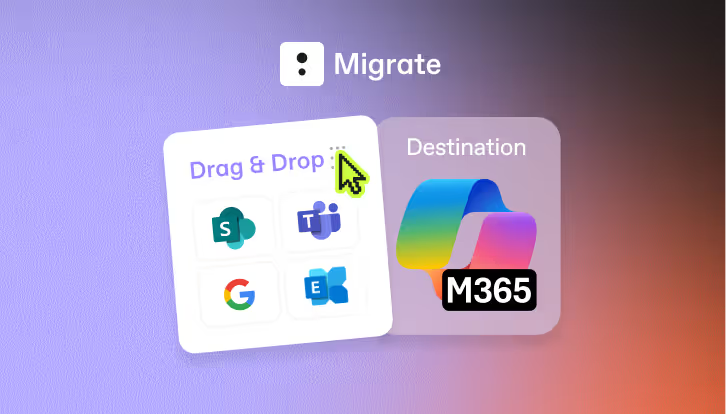
Un seul outil pour tout migrer
ShareGate Migrate est la solution la plus simple, la plus fiable et la plus reconnue pour migrer vos données vers Microsoft 365.
Gouvernez
plus intelligemment
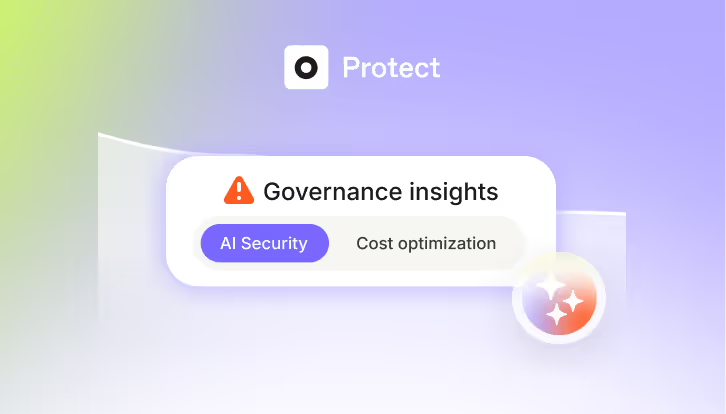
ShareGate Protect vous offre la visibilité nécessaire pour voir ce qui se passe dans votre tenant, les outils pour corriger ce qui est risqué, et les informations pour continuer à vous améliorer.

« ShareGate m'a permis de livrer des projets plus vite et plus efficacement qu'avec d'autres outils. »
Ne faites pas que migrer — faites-le avec ShareGate.
Pas de tarification par utilisateur. Pas d'outils supplémentaires. Pas de mauvaises surprises.

