Passer au contenu principal
Produits
Produits
ShareGate Migrate product showing drag and drop migration from Google Workspace, Teams, and SharePoint to Microsoft 365

Migrez-les tous 

Découvrir Migrate
ShareGate Protect product dashboard showing governance insights, AI security, and cost optimization for Microsoft 365

Gouverner plus intelligemment

Découvrir Protect
Fonctionnalités de migration
Planification pré-migration
Triez et désencombrez avant de déménager
Migration accélérée
Migrer plus vite, automatiquement
Optimisation post-migration
Valider, rapporter et gouverner
Autorisations et revues d'accès
Scanner, auditer et corriger les autorisations
Monitoring des outils IA
Détecter les données exposées dans les outils d'IA
Analyse des licences et des coûts
Suivre et signaler les licences inutilisées
ShareGate MCP
à venir
Serveur MCP pour la gouvernance de l'IA
Solutions
Par cas d'utilisation
Migrer vers Microsoft 365
De partout vers M365
Migration inter-locataires
Consolider ou scinder les locataires
Entreprise
ShareGate Migrate édition entreprise
Migration à grande échelle
Migration par charge de travail
Entra ID
Microsoft Exchange Online
Exchange Online
Google Workspace
Google Workspace
Microsoft SharePoint
SharePoint
Microsoft Teams
Teams
Microsoft OneDrive
OneDrive
Gouvernance et sécurité du cloud
Partage excessif et accès
Modifier les accès
Sécurité de l'IA
Prévenir les fuites de données dans les outils d'IA
Optimisation des coûts
Réduisez vos dépenses M365
Histoire de réussite
Lire leur histoire
Partenaires
ShareGate Partner Program for Microsoft 365 migration and governance services

Évaluez plus vite. Développez vos services.

Devenir partenaire
Partenaires
Programme de partenariat
Développez votre cabinet
Évaluations des partenaires
Lancer les évaluations M365
équipes informatiques
Trouver un partenaire
Collaborez avec un expert
Ressources
Commencer
Trouver un partenaire
Collaborez avec un expert
Essai gratuit
Toutes les fonctionnalités incluses
Télécharger Migrate
Télécharger l'application de bureau
ShareGate docs
Guides et références
Voir ShareGate en action
Obtenir une démo de 30 minutes
Apprendre
Blog ShareGate
Aperçus M365
Guides
Ressources pas à pas
Webinaires
Sessions en direct et à la demande
Histoires utilisateur
Exemples concrets
Parcourir par sujet
Microsoft 365
Tout sur M365
Migration
Planifier et exécuter les migrations
Sécurité
Protéger votre locataire
Actualités
Mises à jour et annonces
Ressource à la une
Microsoft augmente ses prix. Votre facture M365 n'est pas obligée de suivre.
Voir le plan d'action
Tarifs
Connexion
Commencer un essai gratuitDemander une démo
Centre d'aide
Se connecter
Entra ID migration — Available now in preview

Faciliter votre migration Exchange Online

Sautez les scripts et simplifiez les migrations de vos messageries dès la sortie de l'emballage.

Demander une démoDébuter l'essai gratuit

Le choix de 100 000+ pros TI

G2 4.7 star rating

4.8 ★ sur g2

Gartner 4.7 star rating

4.7 ★ sur Gartner

ShareGate Entra ID migration interface showing glowing user silhouettes being mapped, with checkboxes labeling a user (Mia Doe) and a group (Sales) selected for migration.

Migrate Entra ID first. Everything else follows.

Get your migration sequence right before you move a single file to avoid problems once you get started.

Step 01

Users and groups 


Start by copying users, security groups, and M365 groups to the destination tenant so your migration has a solid foundation.

Step 02

Mailboxes and content 


With identities already mapped, mailboxes land correctly, files reach the right owners, and permissions follow automatically.

Step 03

Move with confidence, not crossed fingers

Move through your complete migration without identity mismatches, permission errors, or last-minute fixes.
How it works

The Entra ID migration capabilities IT teams actually need

Most identity migration problems aren't discovered during the migration. They're found after, when a mailbox lands in the wrong place, a permission doesn't follow, or a user can't log in.

ShareGate gives you full control of every mapping decision before execution, so usual problems get caught before anything moves, not after the fact.

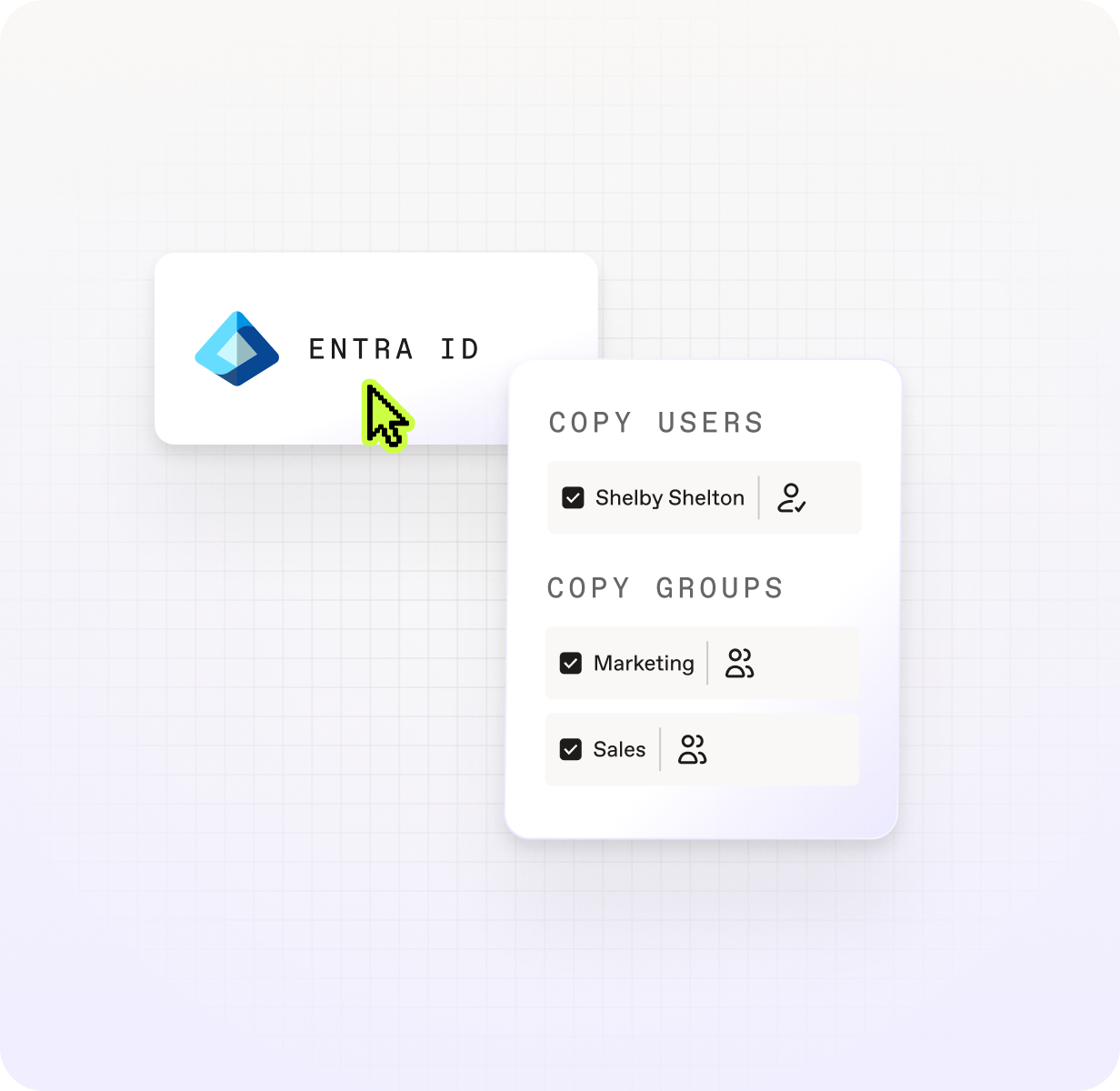
ShareGate Entra ID panel showing copy users and copy groups options, with Shelby Shelton selected as a user and Marketing and Sales checked as groups to migrate.

See every identity and what will happen to it.

Get a view of all your users, groups, and security groups and see every conflict before anything runs.

Fix mismatches before they become failures. 

Choose how users match between tenants and correct issues before execution. No more mid-migration surprises. 

Assign licenses during migration, not after.

Make sure users arrive in the destination tenant licensed and ready for mailbox migration. No manual step, no delays. 

Re-run without rebuilding.

Save your mapping plan and reuse it across migration waves. No starting over every time you run a new batch. 

Get your domains to translate between tenants the first time.

Define exactly how domains map from source to destination, even across complex multi-domain environments.

Have your users ready to work as soon as they land

An automated first-login flow means migrated users can access their new account immediately. No IT hand-holding required.

Tout ce qu'on migre

ShareGate migre tout ce qui compte pour qu'aucun utilisateur, calendrier, ou courriel ne soit oublié.

Who moves

SharePoint groups

Users

SharePoint groups

Security groups 

SharePoint groups

Microsoft 365 Groups 

Group membership

What comes with them

License assignment 

Auto-generated passwords 

How they land

Custom domain mapping

Conflict detection 

Manual mapping overrides 

Comment ShareGate se

ShareGate Migrate Pro BitTitan MigrationWiz Active Directory Quest On Demand Migration Active Directory
Supported identity sources

Entra ID

Purpose-built for cloud-to-cloud M&A, restructuring, and tenant consolidation between Microsoft 365 tenants.

Entra ID and Azure Active Directory.

Better fit for hybrid environments and on-premises modernization scenarios.

Entra ID and Azure Active Directory.

Better fit for hybrid environments and on-premises modernization scenarios.

Pricing model

Flat annual fee of $9,995/yr. Unlimited users, unlimited data, unlimited migration passes.

Mailbox and content migration included.

Active Directory / Entra ID migration is priced per user at $6.25/user for 12 months (SMB Edition, up to 1,000 users).

Above 1,000 users, it moves to the Enterprise Edition (PowerSyncPro Directory Sync) at $8.00/user, or contact sales.

Per migrated source account, sold via subscription. Quote-based, with no prices published on quest.com.

Only user accounts consume a license; groups and contacts don't.

Workflow integration

Entra ID is one of the workloads you can migrate with ShareGate Migrate Pro, along with Exchange Online, OneDrive, SharePoint, Teams, and more.

Migrate identities, mailboxes, and content in one tool with one subscription.

Identity migration is a separate product (Active Directory license) outside the core MigrationWiz mailbox and workload workflows.

Requires purchasing and managing multiple licenses for a complete tenant migration.

Identity migration is part of Quest ODM's broader platform but sold separately under AD-specific subscription plans.

Requires purchasing and managing multiple subscription plans for a complete tenant migration.

Objects migrated

Users, security groups, Microsoft 365 groups, and group memberships.

License assignment included as part of the migration flow.

Users and security groups.

Distribution groups/lists are not migrated in cloud-to-cloud scenarios.

License assignment is not part of the migration workflow.

Users, security groups, Microsoft 365 groups, and contacts.

License assignment is not part of the migration workflow.

Pre-migration conflict detection

Conflicts between source and destination identities are surfaced before execution.

Review and resolve mapping issues before anything moves.

No dedicated pre-migration conflict review. Matching is resolved during the migration pass, where source data overwrites the matched target.

Simulate Change isn't supported when Entra ID is the destination.

A pre-migration Matching step pairs source and target objects and produces a matched/unmatched list to review before anything moves.

Manual identity mapping

Manually choose, correct, or override how users match between tenants.

Supports complex M&A scenarios, multi-domain environments, and cases where automatic matching is insufficient.

Automatic matching based on UPN and attributes.

Manual override of individual user mappings isn't supported in cloud-to-cloud scenarios.

Match manually or by up to three chosen attribute pairs. Domain Move is supported; UPN changes happen via domain pairing (local name kept, domain swapped), not a distinct "UPN rewrite" feature.

Re-runs and delta passes

Unlimited re-runs at no extra cost.

Run as many migration waves as your project requires, across all users and all workloads, all covered under one flat annual license.

Each migration pass billed per user.

Re-runs and delta passes incur additional cost under the per-user model. Removing and re-adding a user to a project consumes a new license.

One license covers re-migration of the same user. New users added to scope consume an additional license.

Feature and pricing information verified from bittitan.com and quest.com as of June 2026. The migration market moves quickly, so confirm current details directly with each vendor.

Ready to see it in action?

Book a 30-minute call with a ShareGate expert.
Request a demo

ShareGate handles your whole migration, end-to-end

ShareGate Migrate is the simplest, most reliable, and most trusted solution to migrate your users, mailboxes, and data to Microsoft 365.

Discover tenant-to-tenant migration
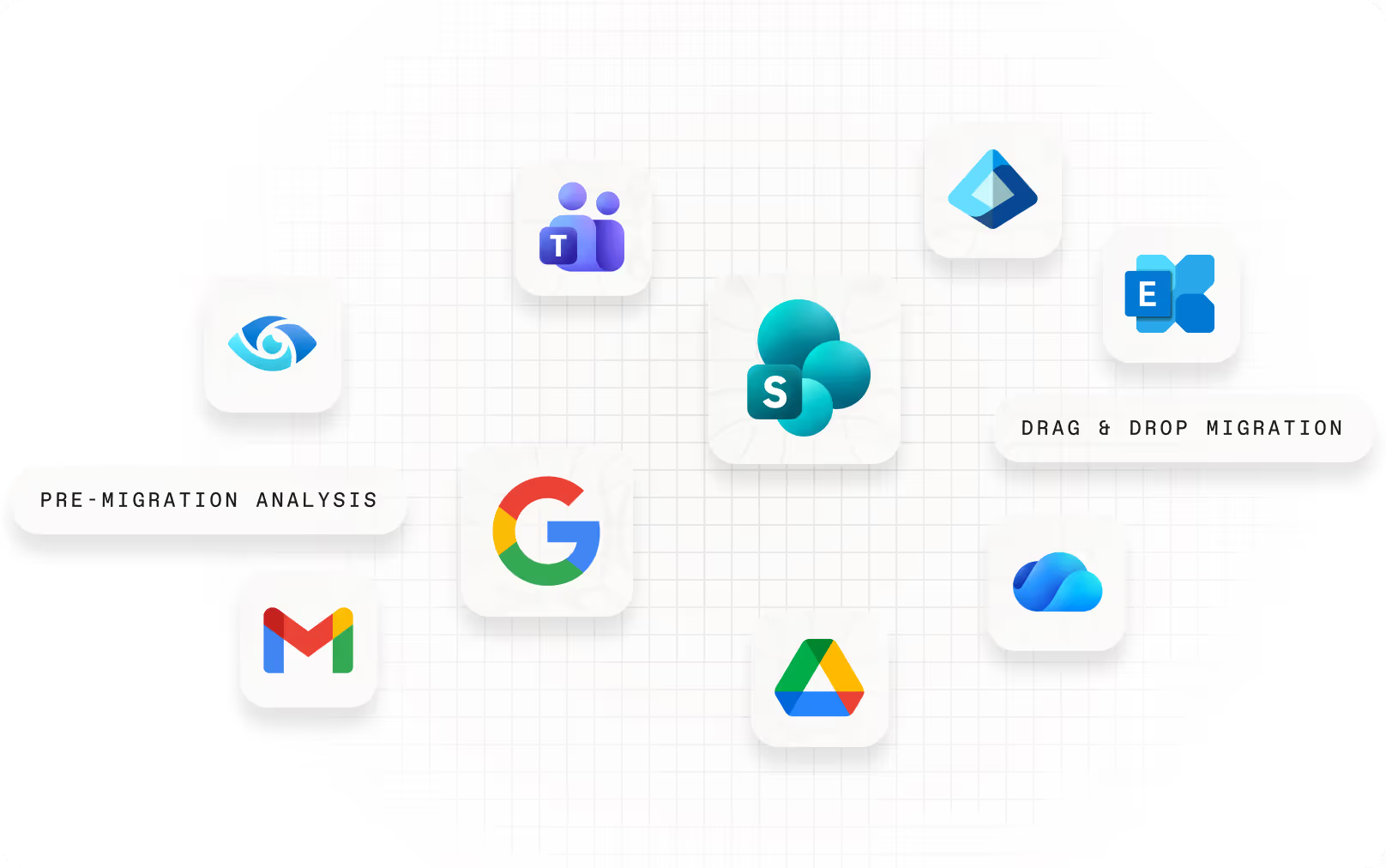
Floating app icons representing supported migration sources and destinations, including Microsoft Teams, SharePoint, Exchange, OneDrive, Google Search, Gmail, and Google Drive, with labels for pre-migration analysis and drag-and-drop migration.

Migration preparation

Scan your source tenant, surface every identity, permission, and conflict that could derail the migration, and fix issues before anything moves.

Accelerated migration

Run migrations across multiple machines at the same time to avoid Microsoft throttling limits. So you can move more, faster.

Post-migration optimization

Once identities and content have landed, keep your Microsoft 365 environment clean. Manage permissions, restructure access, and handle day-to-day admin without switching tools.

FAQ

Which Entra ID objects does ShareGate Migrate support? 

ShareGate migrates users, security groups, Microsoft 365 groups, and group memberships between cloud Microsoft 365 tenants. License assignment is included as part of the migration flow.

ShareGate doesn’t migrate device objects, workstation profiles, or on-premises Active Directory. It's purpose-built for cloud-to-cloud tenant migrations.

When should I migrate Entra ID users in a tenant-to-tenant migration? 

Entra ID should be the first thing you migrate in a tenant-to-tenant project. Identities need to exist in the destination tenant before mailbox migration can begin. If they don't, mailboxes can't map correctly and permissions won't follow.

ShareGate is built around this sequence: migrate Entra ID users and groups first, then mailboxes, then content, all with the same tool. Getting the order right is what prevents the cleanup work that happens when identity is treated as an afterthought.

What should organizations consider when matching and migrating identities between Entra ID tenants? 

The most important thing is resolving how users in the source tenant correspond to accounts in the destination before execution. ShareGate surfaces conflicts—cases where automatic matching is ambiguous or incorrect—so you can review and override them before anything moves.

For M&A scenarios with multiple source tenants or complex domain structures, manual identity mapping is available to handle cases where automatic matching isn't enough. The goal is to start the migration with every mapping confirmed, so permissions follow the way they’re supposed to and users can work on day one.

What happens to already-migrated users if I re-run the migration? 

Re-running is safe and included inShareGate’sflat annual license at no extra cost.

If a user's record hasn't changed in the source tenant since the last run, they'll appear as "Match found" and receive an update. Nothing disruptive happens.

If their record changed at the source before the re-run, ShareGate re-maps them and shows the relevant status: "Will be created" if no matching record exists in the destination, or "Needs Review" if a conflicting match is found.

You stay in control throughout. And manual override is available regardless of match status, so you can correct any mapping before anything executes.

Does ShareGate handle device migration or workstation profiles? 

No, ShareGate's Entra ID migration covers cloud identity objects: users, groups, and security groups between Microsoft 365 tenants. It doesn’t migrate device objects, Intune enrollments, or workstation profiles—documents, favorites, and desktop settings stay out of scope.

One thing worth flagging: 'user profile migration' is an ambiguous term in the Microsoft ecosystem. Microsoft uses it to mean Entra ID directory attributes and many IT teams and partners use it to mean workstation state. If it comes up in your project planning conversations, it's worth confirming which definition everyone is working from before scoping the migration.

Related ressources

Microsoft 365 migration resources for IT admins

Copy identities (preview) overview

Effective tenant-to-tenant migration: the ultimate playbook

How Entra ID migration tools compare for tenant-to-tenant projects

Why permissions break after tenant-to-tenant Entra ID migration

Entra ID migration: The right order of steps for your Microsoft 365 move

No items found.

Start your tenant migration the right way.

No per-user pricing. No extra tools. No surprises.

Demander une démoDébuter l'essai gratuit

Commencez un essai gratuit

Try ShareGate for free. No credit card required.

Get started

Request a demo

Get a live one-on-one with an expert to see how ShareGate can help.

Request demo

Speak with a sales rep

Get information on pricing, promotions, and discounts.

Contact sales

INFOLETTRE

Insights sur la façon dont la technologie transforme votre travail, livrées directement dans votre boîte de réception.

Bienvenue dans la communauté ShareGate ! 🥳 Votre soumission a bien été reçue.
Oups ! Une erreur est survenue lors de l'envoi du formulaire.

SUIVEZ-NOUS

ShareGate logo

COMMENCER

TarificationEssai gratuitConnexionTéléchargerContacter le service commercialDemander une démo

Assistance

DocumentationContacter le support

Produits

ShareGate MigrateShareGate Protect

Fonctionnalités de migration

Planification pré-migrationMigration accéléréeOptimisation post-migrationPermissions & access reviewsAI tool monitoringLicense & cost analytics

Solutions

Migration vers Microsoft 365Migration tenant-to-tenantMigration Entra IDMigration des boîtes aux lettresMigration Google workspaceSharePoint migrationMigration TeamsGestion du contenu des tenantsPartage excessif et accèsSécurité de l'IAOptimisation des coûts

CENTRE DE RESSOURCES

BlogueeBooks, guides et plusWebinars et plusPartenairesTrouver un partenaire

Compagnie

Pourquoi ShareGateGratuit pour les MVPsCarrièresNous contacter
© ShareGate 2025
TermesSous-processeursAddendum sur la confidentialité des donnéesDéclaration sur l'esclavage moderneConfidentialité
Français
English
Français
German
BitTitan® and MigrationWiz® are registered trademarks of BitTitan, Inc. Quest® is a registered trademark of Quest Software Inc. On Demand Migration is a product name of Quest Software Inc. All other trademarks referenced herein are the property of their respective owners. Workleap and/or ShareGate are not affiliated with, endorsed by, or sponsored by BitTitan, Inc. or Quest Software Inc.

The information on this page comparing ShareGate Migrate, MigrationWiz, and Quest On Demand Migration is provided for informational purposes only. All product comparisons are based on publicly available information as of May 2026, using ShareGate Migrate, MigrationWiz, and Quest On Demand Migration as available on that date. Features, pricing, and performance data are subject to change. For the most current information about MigrationWiz and Quest On Demand Migration, please visit BitTitan's and Quest's respective websites.

ShareGate makes no representation regarding the accuracy or completeness of any third-party product information presented on this page. This comparison does not constitute a warranty or guarantee regarding the performance or functionality of any product.