You can’t fix the M365 sprawl you can’t see
Most M365 tenants are quietly compounding risk through oversharing, config drift, and AI exposure. The Sprawl Risk Radar is a free self-assessment tool that gives you a sprawl maturity score, dollar impact, and advice to clean it up.
93%
Are confident their governance framework can support AI responsibly
29%
Have had AI expose sensitive data it shouldn’t have had access to
+$670K
Is added to the average data breach when shadow AI is involved.
See ShareGate
in action
The hands-off way to manage Microsoft 365 sprawl, security, and governance at scale.

How the Sprawl Risk Radar works
The Sprawl Risk Radar is a free self-assessment for Microsoft 365 admins.
10 questions. 5 minutes. Your sprawl risk score on the other side.
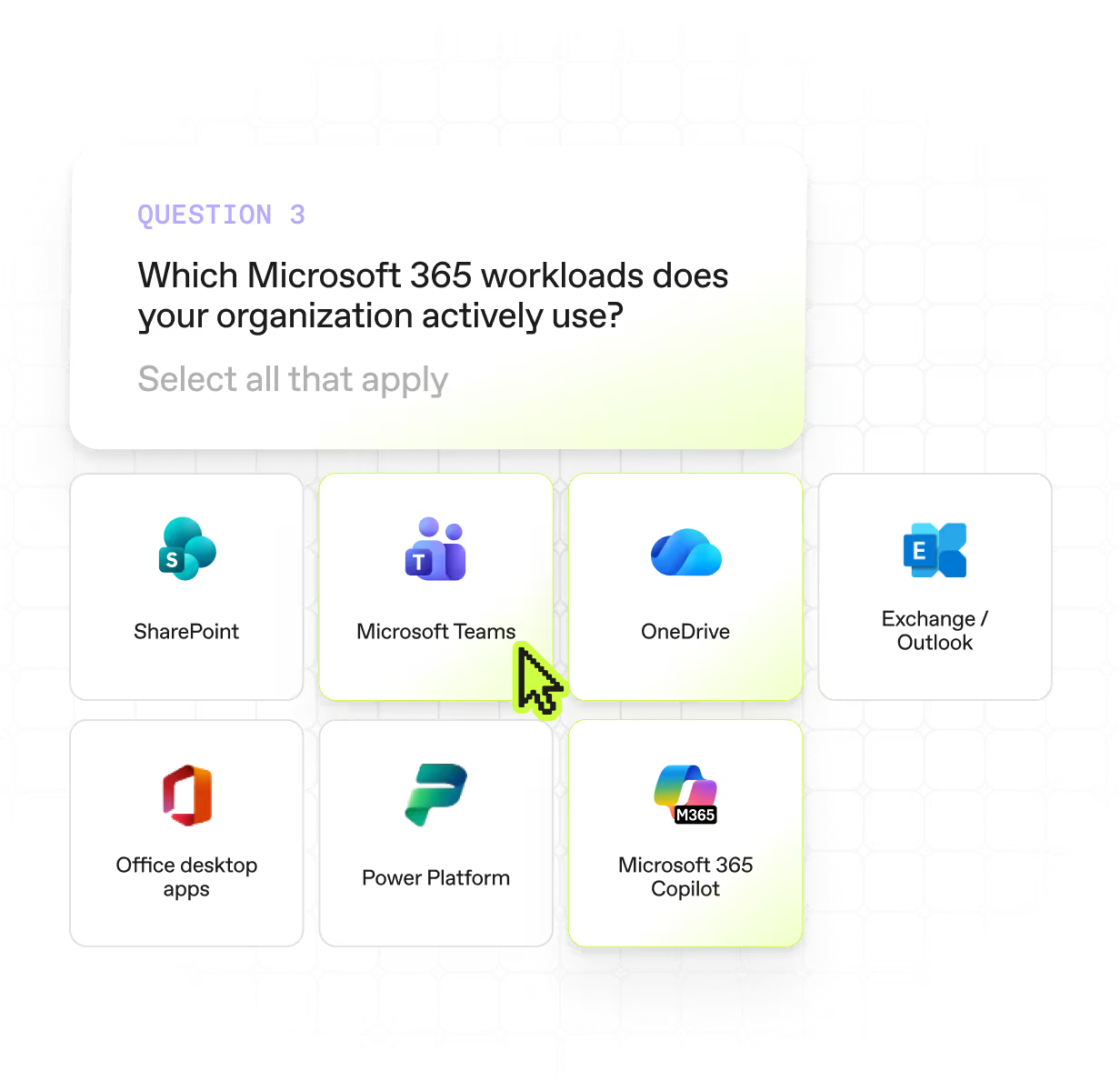
Tell us about your tenant
Answer some quick questions about your tenant’s size, workloads,
industry, and Copilot status. This context shapes everything that comes next, so your score reflects your reality, not a generic Microsoft 365 average.
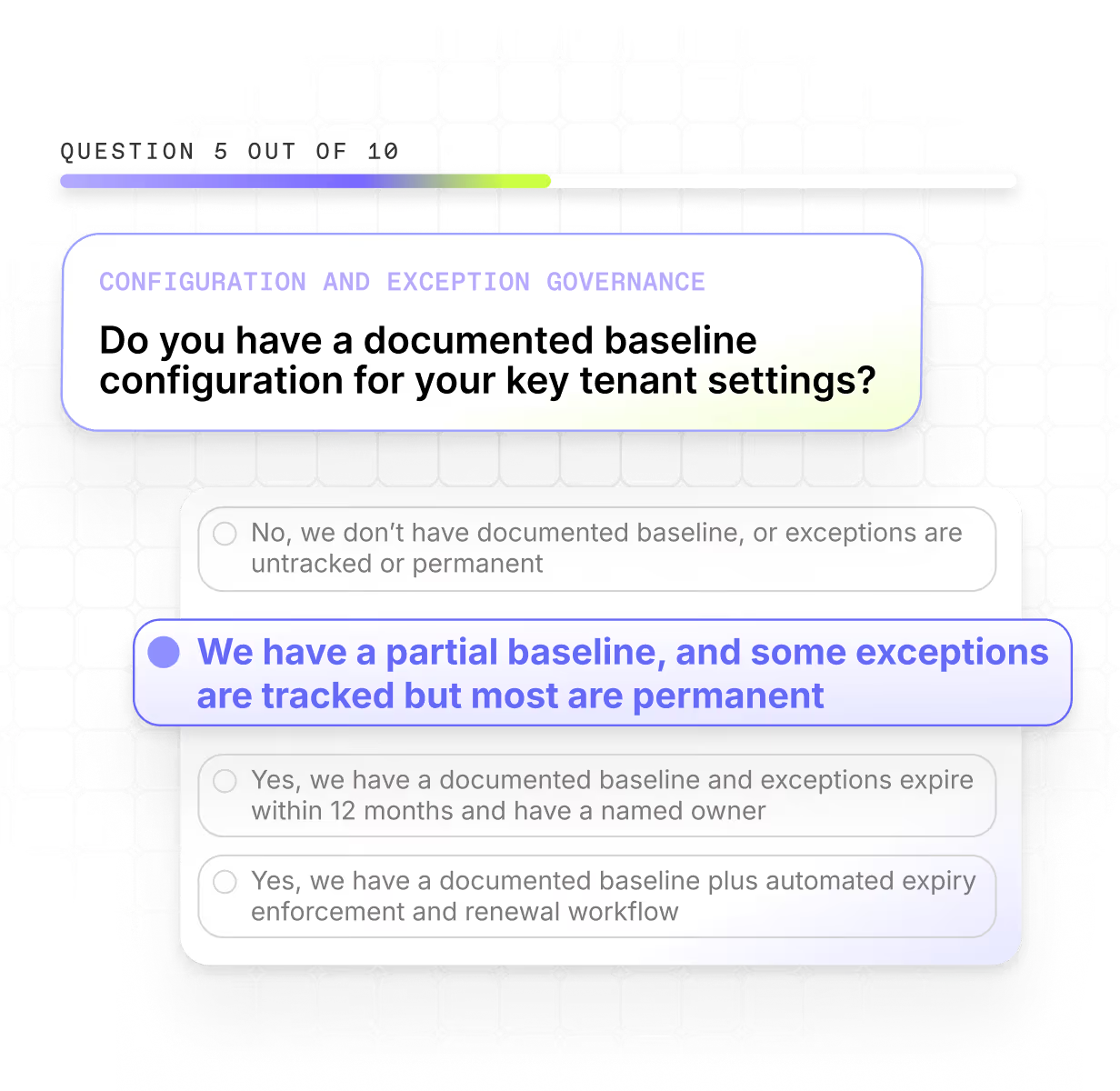
Answer 10 sprawl questions
Short, focused questions about how you’re managing workspaces, sharing, guests, policies, and more. Skip anything you’re not sure
about. We’ll fill in the gaps with industry benchmarks.
.avif)
See your sprawl risk score
See your maturity across 11 sprawl types and what your sprawl is costing you in dollars. You can drill down by workload, and get advice on how to find, fix, and prevent sprawl in different scenarios. Walk away with shareable results for your director and security team.
Sprawl isn’t new.
The cost of ignoring it is.
Microsoft 365 sprawl has beena low-grade IT issue for years. Teams created and forgotten, sharing links that outlive their purpose, guests stacking up, storage quietly ballooning. The difference is, now these are real security risks and budget line items.
AI turned permission drift into exposure risk
Every inactive workspace, stale guest, and forgotten sharing link is now a surface Copilot can pull from. 29% of organizations have already had AI surface sensitive data it shouldn't have had access to. Oversharing and guest sprawl used to sit quietly. Now they show up in search results.
License sprawl turned into real money
When ShareGate Protect started identifying license optimization opportunities, we saw that 50% of our customers had $24,000+ a year in wasted license spend. With Microsoft's latest price increases, that number’s just going to increase.
The teams cleaning up are getting busier
71% of organizations say their governance workload has increased since deploying AI. More content, more access changes, more cleanup. But the same IT team.
If your day looks like fielding Copilot management asks from leadership, watching storage creep up every quarter, and explaining to auditors why that guest from 2023 still has access to finance docs, you've already felt all of this. The Sprawl Risk Radar helps you show your team where it's worst and start cleaning it up with a plan.
.avif)
The 11 places M365 sprawl quietly piles up
Workspace & Content - How sites, teams, files, and AI agents get created, owned, and cleaned up over their lifecycle.
- Workspace
- Content
- App & Agent
Access & Identity — Who can see what, who can do what, and how external sharing and admin privilege get controlled.
- Sharing & Access
- Admin & Privilege
- Search & Grounding
Policy & Config — The guardrails, baselines, and change processes that keep your tenant from drifting in the first place.
- Policy & Config
- Change & Release
Operations & Signal — The reporting, endpoint coverage, and license visibility that tell you what's actually happening across the tenant.
- Reporting & Signal
- Endpoint & Device
- Financial & Licensing
Built on research. Backed by an MVP.
We built the Sprawl Risk Radar with Microsoft MVP Richard Harbridge, grounding it in customer signals, anonymized aggregate research, Microsoft data, and peer-reviewed breach and incident research. Then the Radar was refined with MVP and community feedback. So every maturity level, risk scenario, and dollar figure maps to real patterns seen in real tenants.

Questions fréquemment posées

Microsoft 365 sprawl is the build-up of uncontrolled growth across a tenant. Things like forgotten workspaces, stale sharing links, inactive guests, unused licenses, and duplicate content. It happens quietly, through everyday collaboration, and makes microsoft 365 harder to secure, harder to govern, and harder to trust with ai.
Sprawl shows up across 11 common types, including workspace sprawl, sharing and access sprawl, admin sprawl, and licensing sprawl. Most tenants have issues in at least half of them.
There are a few reasons.
1. Copilot and other AI tools surface content based on what users already have permission to see. If your tenant has sharing links that never expired, guests WHO stuck around after projects ended, or workspaces with broad access, copilot can present the data inside to anyone WHO asks the right question. 29% of organizations have already had AI surface sensitive data it shouldn't have had access to.
2. Copilot helps end users create more files, faster. AI generated Meeting notes, drafts, reports, and more can be automated and piling up in your tenant without anyone ever even opening them.
AI turns existing sprawl into exposure, and turns everyday collaboration into more sprawl to clean up.
The dollar figures in your results are built from published breach and incident data, like IBM's Cost of a Data Breach 2025, Verizon's DBIR, FBI IC3, the FAIR Institute, Cyentia IRIS, and Ponemon, among others. We translate your sprawl maturity score into a risk probability, then multiply by the loss magnitude ranges published for organizations like yours.
It's the same FAIR methodology risk teams use internally, adapted for Microsoft 365 sprawl specifically. The numbers are framed as estimated expected loses, not guaranteed losses, ROI, or savings. That framing is deliberate. It's the language risk and finance teams expect, and it holds up to scrutiny because every input is sourced and traceable.
Nope! The Sprawl Risk Radar is a self-reported assessment. You answer questions about your tenant, and the scoring is based on your answers. You don't need to authenticate or give access to your Microsoft 365 environment.
If you want to move from self-assessment to real tenant visibility, ShareGate Protect connects to your tenant and shows the actual sprawl across your Teams, SharePoint, OneDrive, and Groups.
Microsoft 365 sprawl carries two main cost categories: security exposure and wasted spend.
On the security side, shadow AI and oversharing are the biggest drivers. When sensitive data is accessible to Copilot and other AI tools through stale sharing links, inactive guests, or forgotten workspaces, the risk of exposure climbs fast. Organizations that have experienced AI-related data exposure see an average of $670,000 added to their data breach cost.
On the licensing side, the waste is more predictable. When ShareGate Protect started identifying license optimization opportunities across customer tenants, 50% had more than $24,000 per year in unused or redundant license spend. And that number is growing with Microsoft's recent price increases.
For a breakdown of how these figures are calculated in the Sprawl Risk Radar, see: How do you calculate the financial impact of Microsoft 365 sprawl?
Most tenants have sprawl. The question is how bad it is and where it's concentrated. Common signs of a sprawl problem include:
- Teams and SharePoint sites with no active owner
- Sharing links that were never set to expire
- Guests who still have access long after a project ended
- Storage that keeps growing without a clear reason
- Licenses assigned to users who haven't logged in for months.
A sprawl maturity score measures how well an organization is managing the growth and governance of its Microsoft 365 environment. It reflects your current practices across key areas like workspace lifecycle management, sharing and access controls, policy enforcement, and license visibility.
The Sprawl Risk Radar scores your tenant across 11 sprawl types and assigns a maturity level for each. The score also translates your maturity gaps into estimated financial exposure, so you can prioritize the areas with the highest real-world impact.
AI exposure risk refers to the likelihood that Microsoft Copilot or other AI tools will surface sensitive data to users who shouldn't have access to it. Not because of a breach, but because of existing permission gaps in your tenant.
AI tools retrieve content based on what a user already has permission to see. If your tenant has overly broad sharing links, guests with lingering access, or workspaces that were never properly governed, they can expose that data to anyone who asks the right question. 29% of organizations have already experienced this.
The problem isn't the AI tools, it's that sprawl that was previously low-risk is now an active exposure surface. Cleaning up sprawl before or alongside a Copilot deployment is the most direct way to reduce AI exposure risk.
The longer sprawl goes unchecked, the harder it gets to clean up.
See where you have gaps and get advice on how to close them.