
Migrate data fast, keep work flowing
Need speed? ShareGate allows for instant setup, multi-machine throughput, and smart automation that keeps permissions and metadata intact.


Trusted by 100,000+ IT pros
High-speed Microsoft 365 migrations at scale
ShareGate’s easy-to-use UI gets your team moving fast, concurrent migrations keep data flying fast, and automation cleans up the messy bits fast.

Plug in, authenticate, and migrate. That's it.

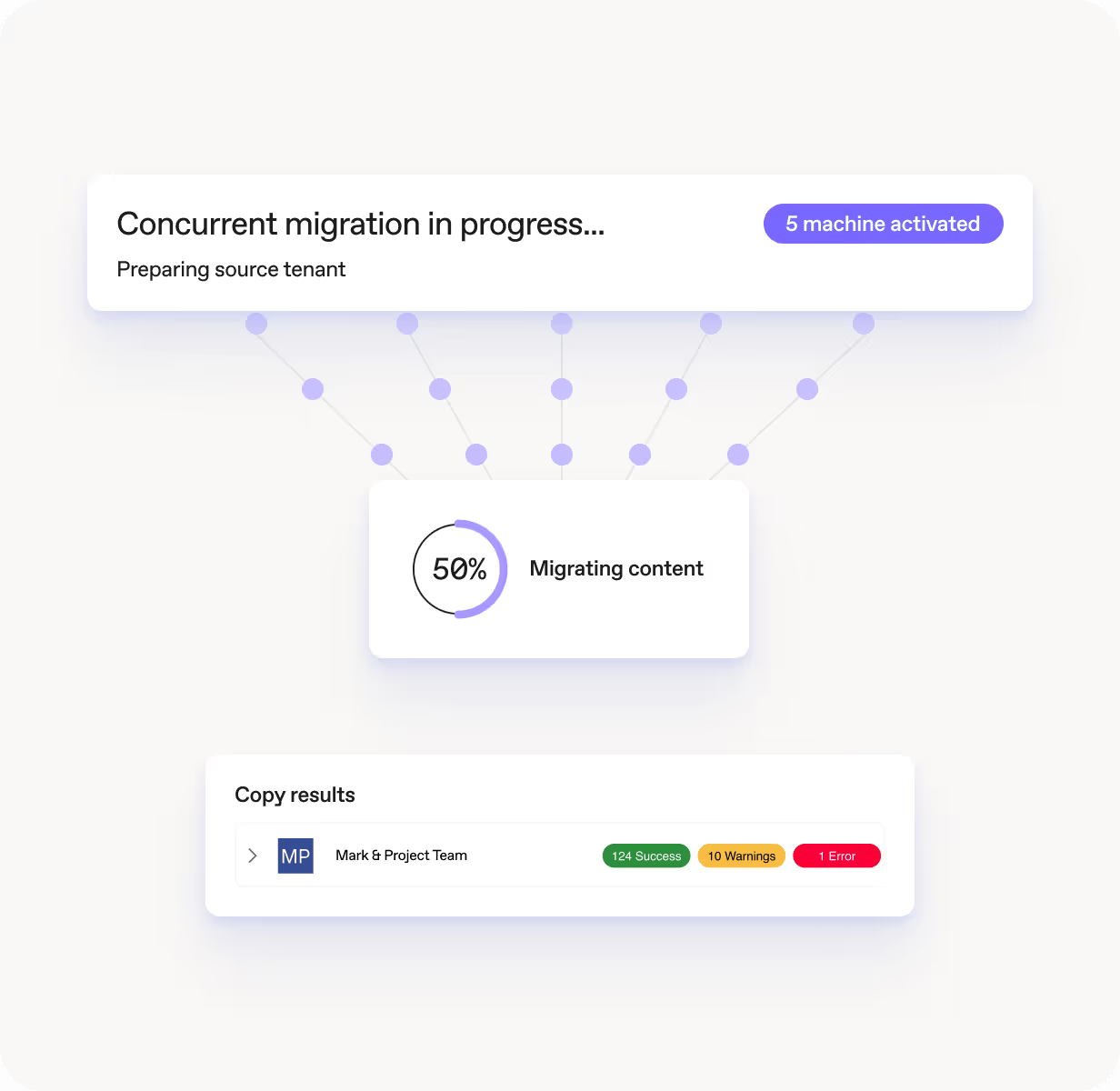
Activate multiple machines to bypass throttling and move terabytes in record time.
Stay on track and on budget with delta mode.
Deploy fast. Migrate to Microsoft 365 faster.
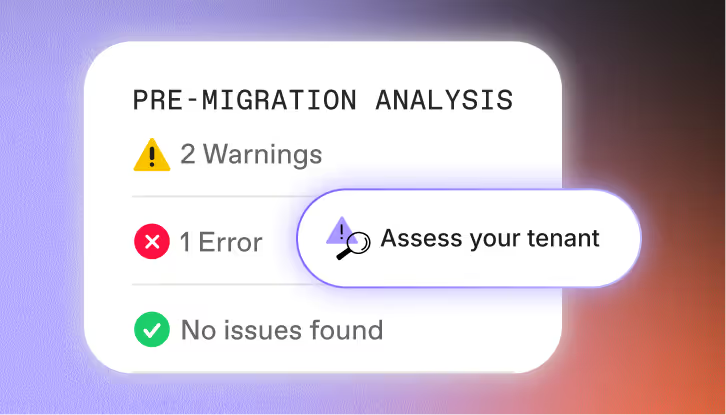
- Assess sites and teams instantly.
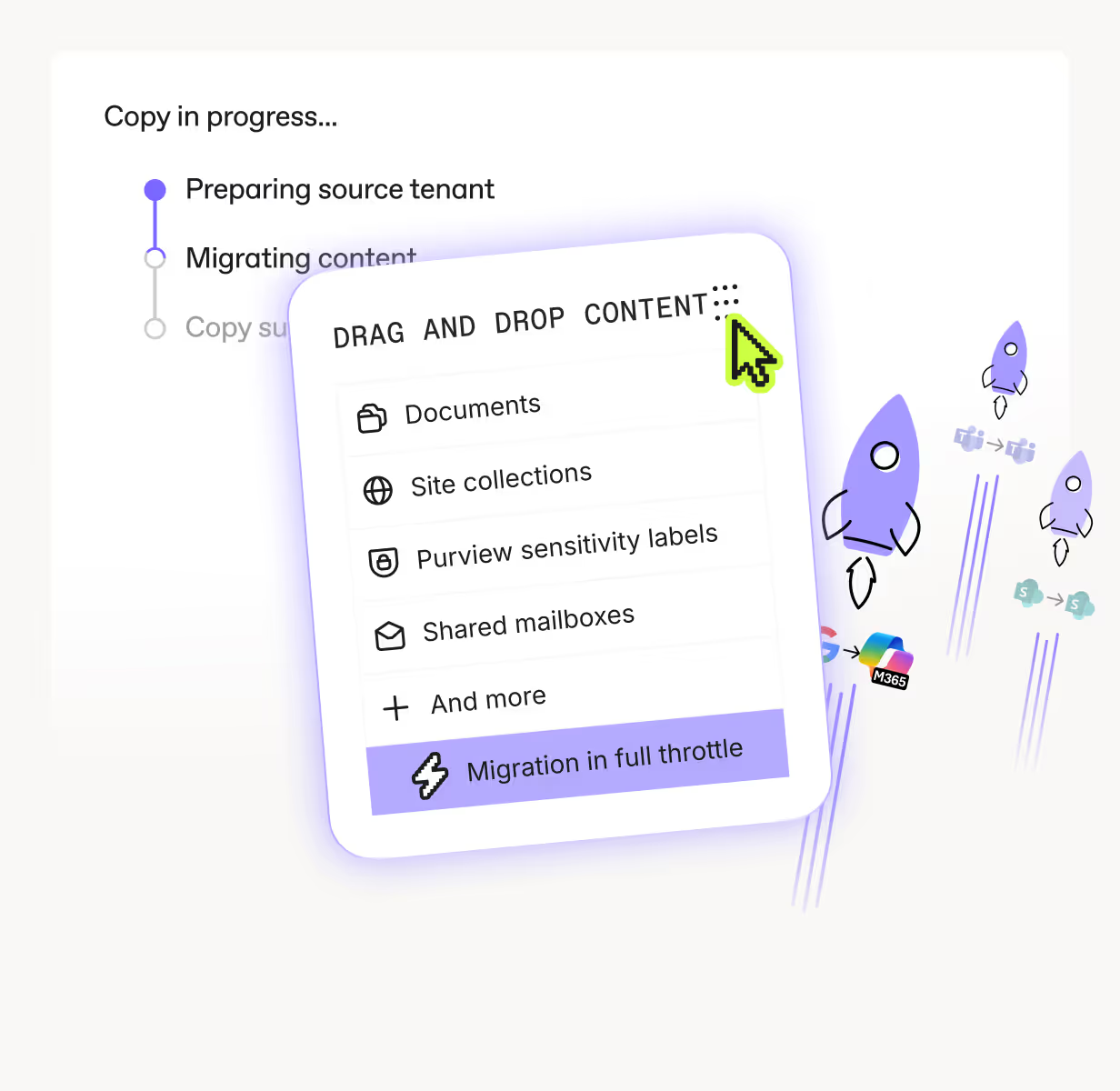
- Drag-and-drop or schedule copy jobs.
- No re-training staff on different tools.
- Migrate SharePoint, Teams, Exchange, Google Workspace and more.
Keep learning with free resources
Scale Microsoft 365 migrations without sacrificing performance
- Activate 5–25 machines on the same license.
- Terabytes moved daily; if one agent stalls, the rest keep humming.
- The faster you migrate, the faster your ROI in M365 is realized.
Shorter cutovers with incremental Microsoft 365 migrations
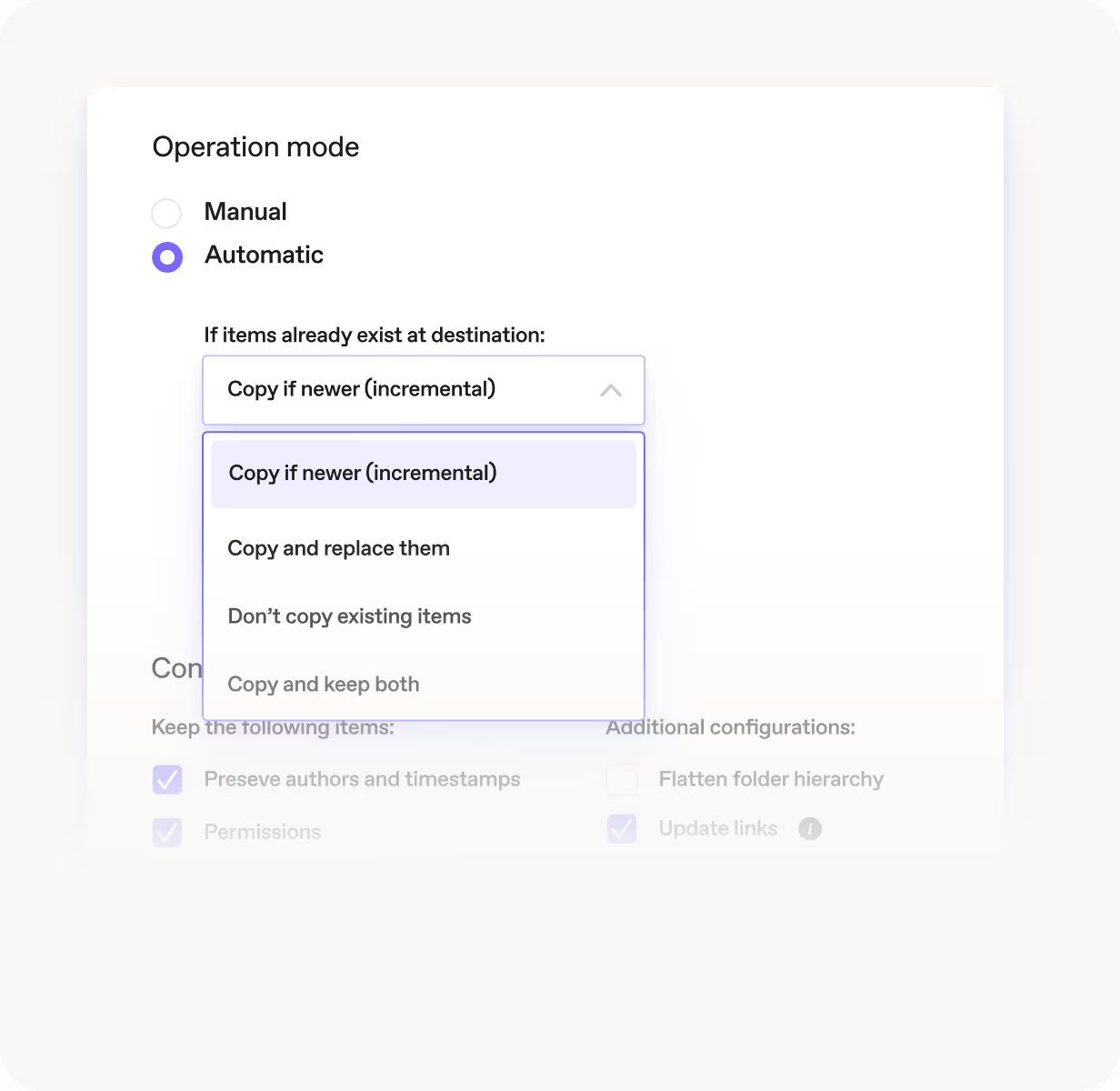
- Schedule hourly or nightly deltas to keep data current
- Skip untouched files and versions to save bandwidth
- Users stay productive while you sync in the background
One trusted tool to accelerate Microsoft 365 migrations end to end
Partner
program
Transform and grow your business, add value for your customers, and seize new growth opportunities.








Frequently asked questions

ShareGate uses "Insane mode" (the Microsoft 365 Migration API) to stage content into the target tenant's Azure storage. This reduces per-item API overhead compared to normal mode because Microsoft handles the final ingestion from there, which is faster at scale.
For very large projects, scale out with multiple machine activations. Run concurrent migrations across different workloads or site collections to increase total throughput. ShareGate Pro supports 5 activations, Enterprise supports 25. You can also batch migrations and use PowerShell with CSV loops to run operations efficiently and sequentially per machine, which helps manage throttling and keeps things moving.
Migration API, also called Insane mode, is ShareGate's default method for Microsoft 365 migrations. It uses Microsoft's SharePoint Online Migration API and Azure import process instead of direct API calls to the destination.
ShareGate packages content into Azure containers and uploads them to the destination tenant's Azure storage, then Microsoft 365 handles the import from there. This is faster because it reduces the number and weight of API calls compared to normal mode, which pushes content directly to sites using older REST/CSOM APIs. Insane mode also reduces throttling and lets ShareGate move on to the next batch while Microsoft completes the import in the background.
ShareGate scales by adding machine activations and running separate ShareGate instances on different machines or VMs. Each activation is tied to a user and machine combination, and each instance operates independently with its own local history and database. There's no built-in coordination between machines.
There's no guaranteed speed in TB per day. As a rough planning estimate, ShareGate migrations often run around 10 GB per hour per machine, but actual throughput varies widely based on throttling, item count, and content complexity.
The most accurate way to estimate your timeline is to run a pilot migration on a representative workload (a typical site, OneDrive, or mailbox), measure how long it takes, then scale that result based on how many machines you'll run in parallel. Throttling and environmental factors like network conditions can slow things down or speed them up, so the pilot gives you a realistic baseline for planning.
Microsoft 365 throttling is the most common cause. When you hit throttling limits (429 or 503 errors), the migration tool backs off and throughput drops. Throttling protects tenant resources but slows your migration down.
Content complexity also slows migrations. Items with many versions, custom permissions, or heavy metadata require more API calls per item, which adds up fast. Running migrations in High performance mode or stacking multiple operations on the same machine can overwhelm your resources or trigger heavier throttling. Keep performance settings at Normal and avoid overloading one machine with concurrent migrations.
Yes, but only across separate machines. Use multiple ShareGate activations with one migration per machine. ShareGate Pro supports 5 activations, Enterprise supports 25.
Don't run multiple migrations on the same machine. They compete for resources, trigger heavier throttling, and cause stability issues. Distribute work across dedicated machines instead.
ShareGate copies content without modifying the source, so users keep working while data migrates to the destination. Run initial migrations ahead of time, then use incremental passes to capture only new or changed content right before cutover. This keeps the final switch short and less disruptive.
The tool doesn't force downtime. Cutover timing is your decision based on when users stop using the source and start using the destination.
Real humans, real fast.
Choosing ShareGate means choosing a highly qualified team of tech support. We’re always there for you.

Microsoft 365 administration resources

Microsoft 365 administration resources



"ShareGate has provided me with the ability to deliver projects faster, more efficiently than using other toolsets. ShareGate's diligence with product updates and community involvement makes them a perfect partner."
Don’t just migrate it, ShareGate it.
Your source is never touched — ShareGate only copies.
Re-running is safe, included, and free.

