
Your migration and governance solution for Microsoft 365
ShareGate helps your teams simplify tenant migrations, get Copilot-ready, and take control of Microsoft 365 governance.
ShareGate helps your teams simplify tenant migrations, get Copilot-ready, and take control of Microsoft 365 governance




Trusted by 100,000+ IT pros
Your one-stop shop for all things data in Microsoft 365

Migrate
One tool to migrate them all
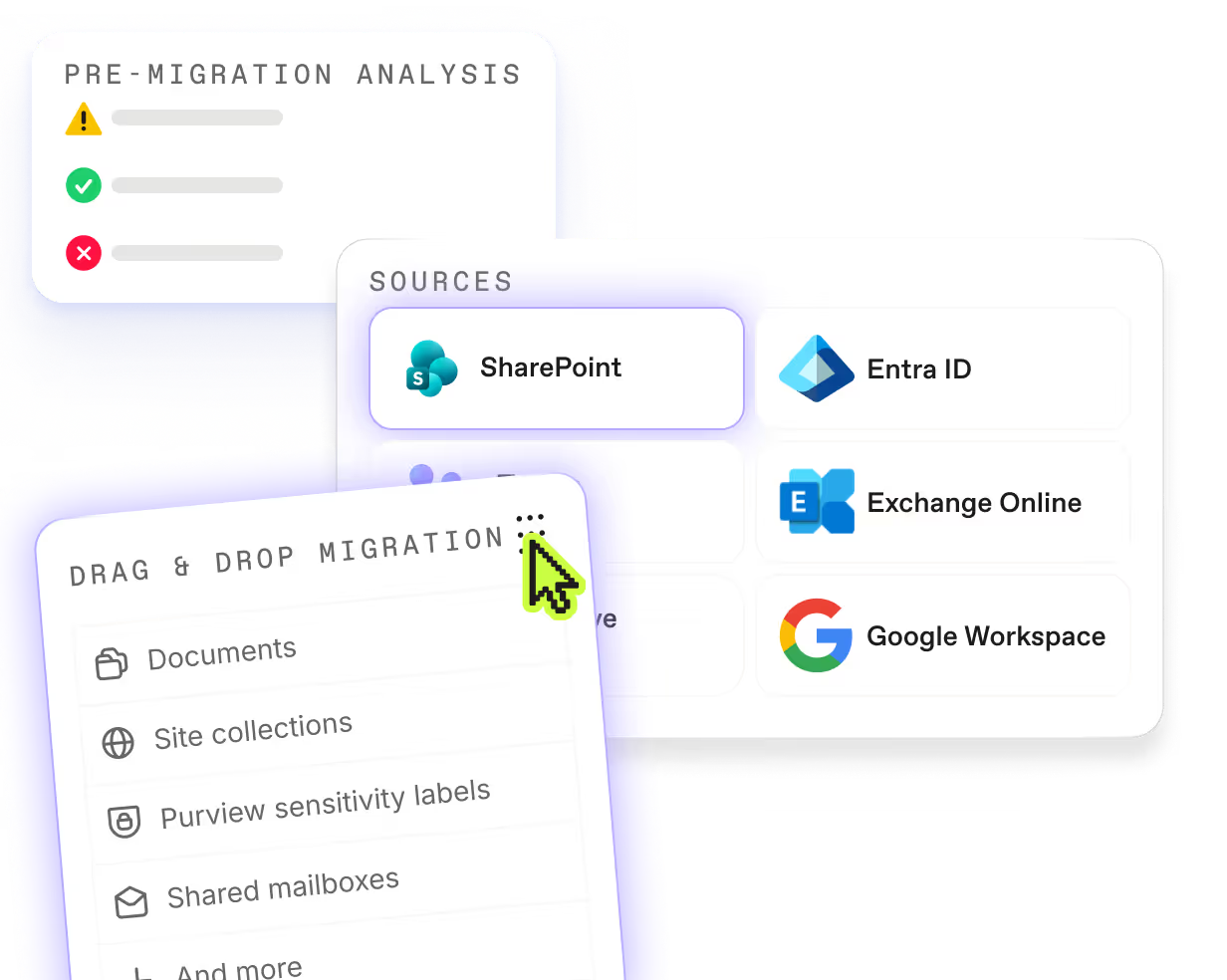
No matter where you are in your M365 journey, ShareGate has you covered.
.svg)
Protect
Total data governance
Build a secure, AI-ready Microsoft 365 environment without breaking a sweat.

migration By workload
Move to Microsoft 365
from anywhere
Whether you're coming from Google, another M365 tenant, or a mix of both — ShareGate covers the workloads that matter, one migration at a time.

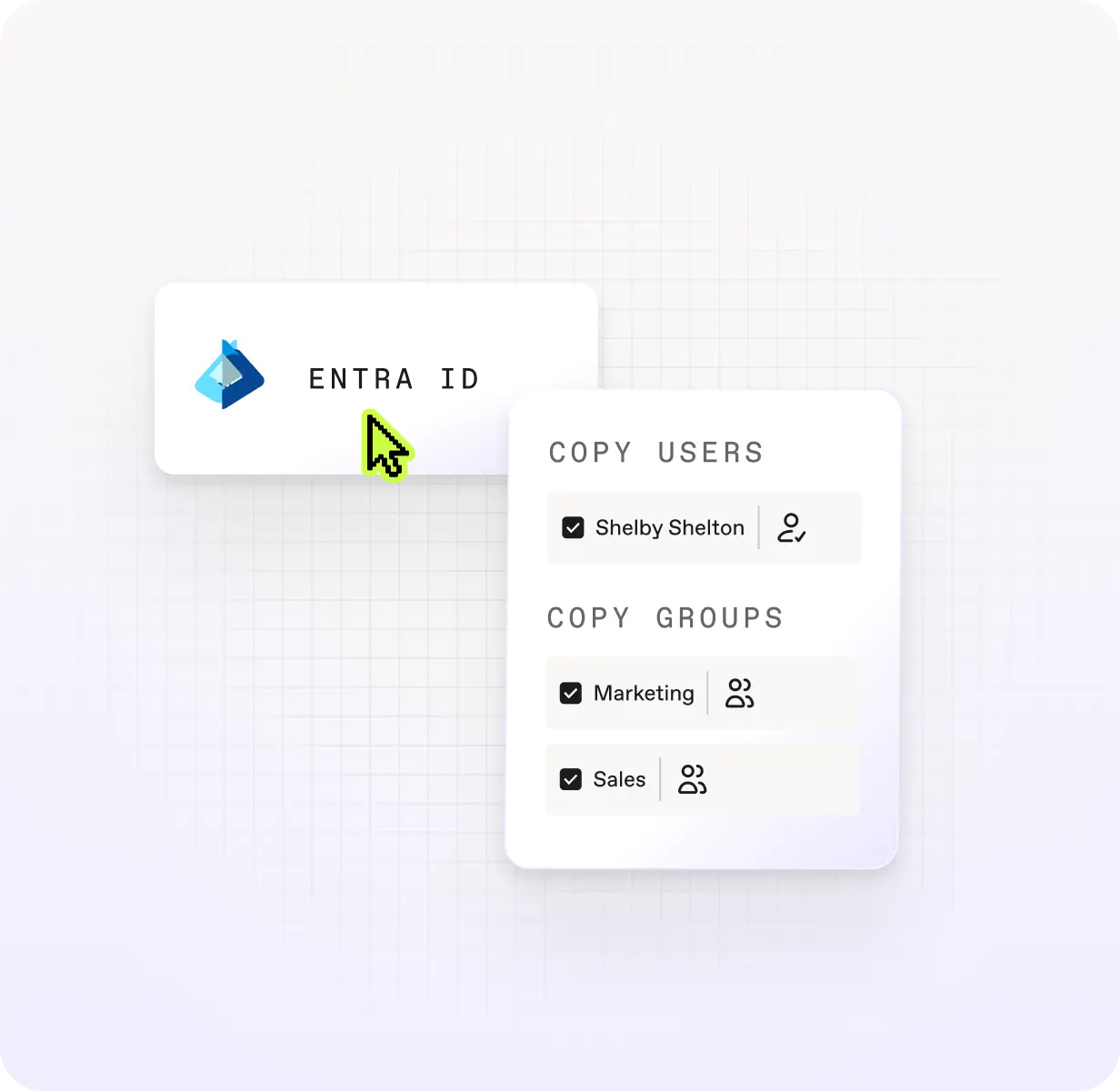
Entra ID
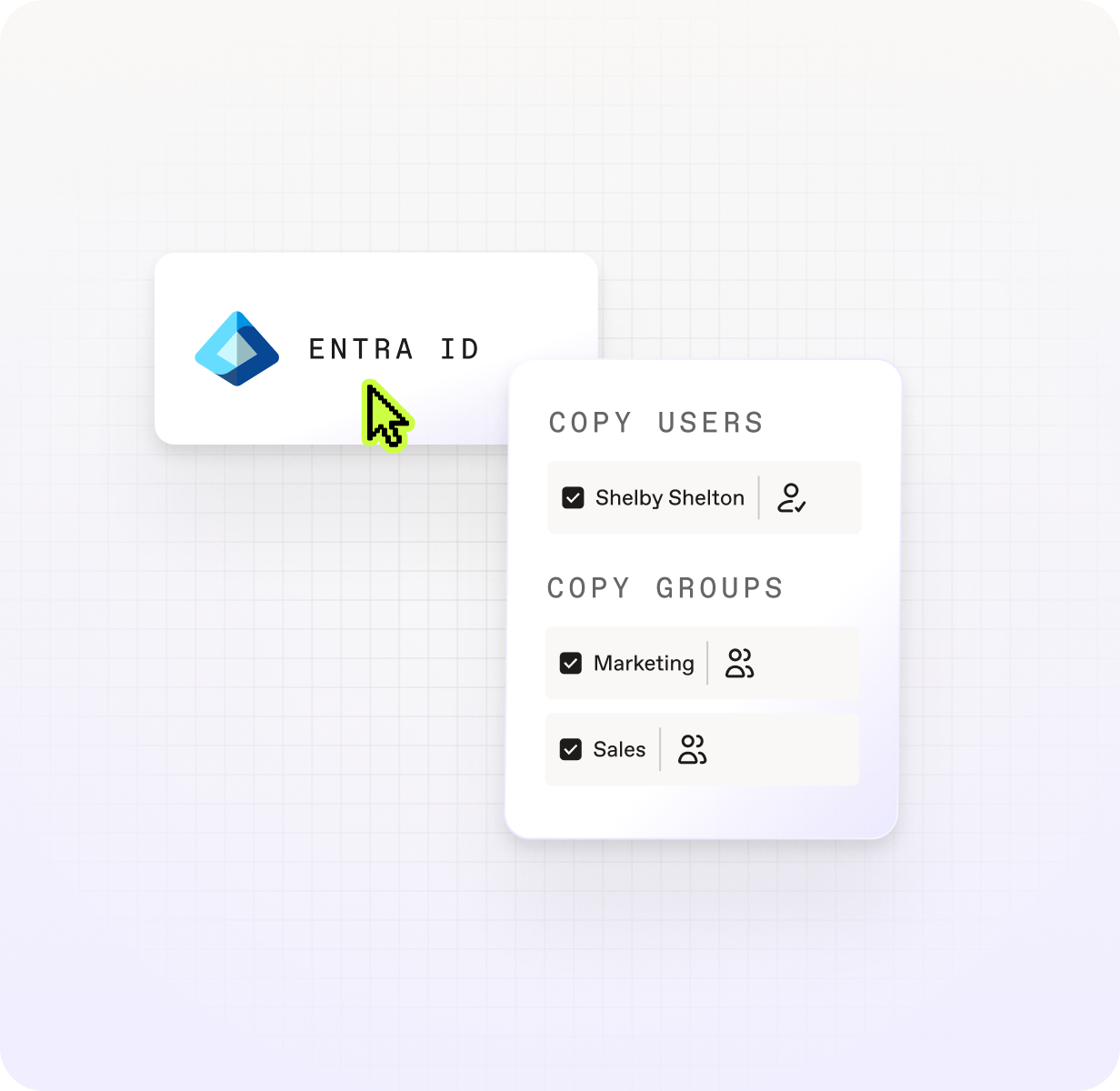
Move users, security groups, M365 groups, group memberships, and license assignment before your mailboxes and content follow. Identity done right means less to fix after migration day.


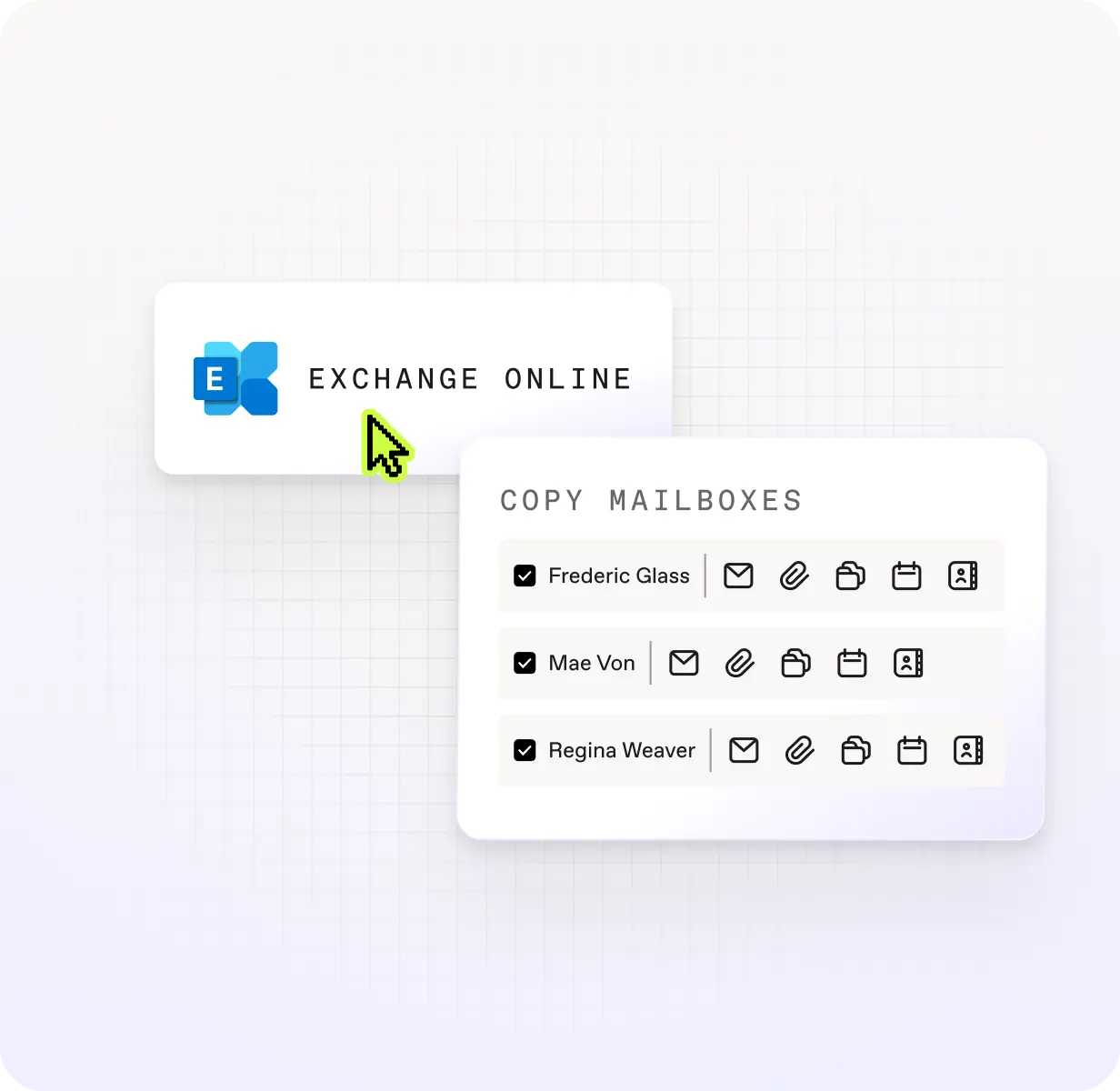
Exchange Online
Move every types of mailbox—user, shared, room, equipment, and archive—plus calendars, contacts, server-side rules, Litigation Hold configuration, and automatic replies. Exchange Online migration without the gaps.

Google Workspace
Migrate Drive files, Gmail threads, and Calendar data without leaving history behind.

.svg)
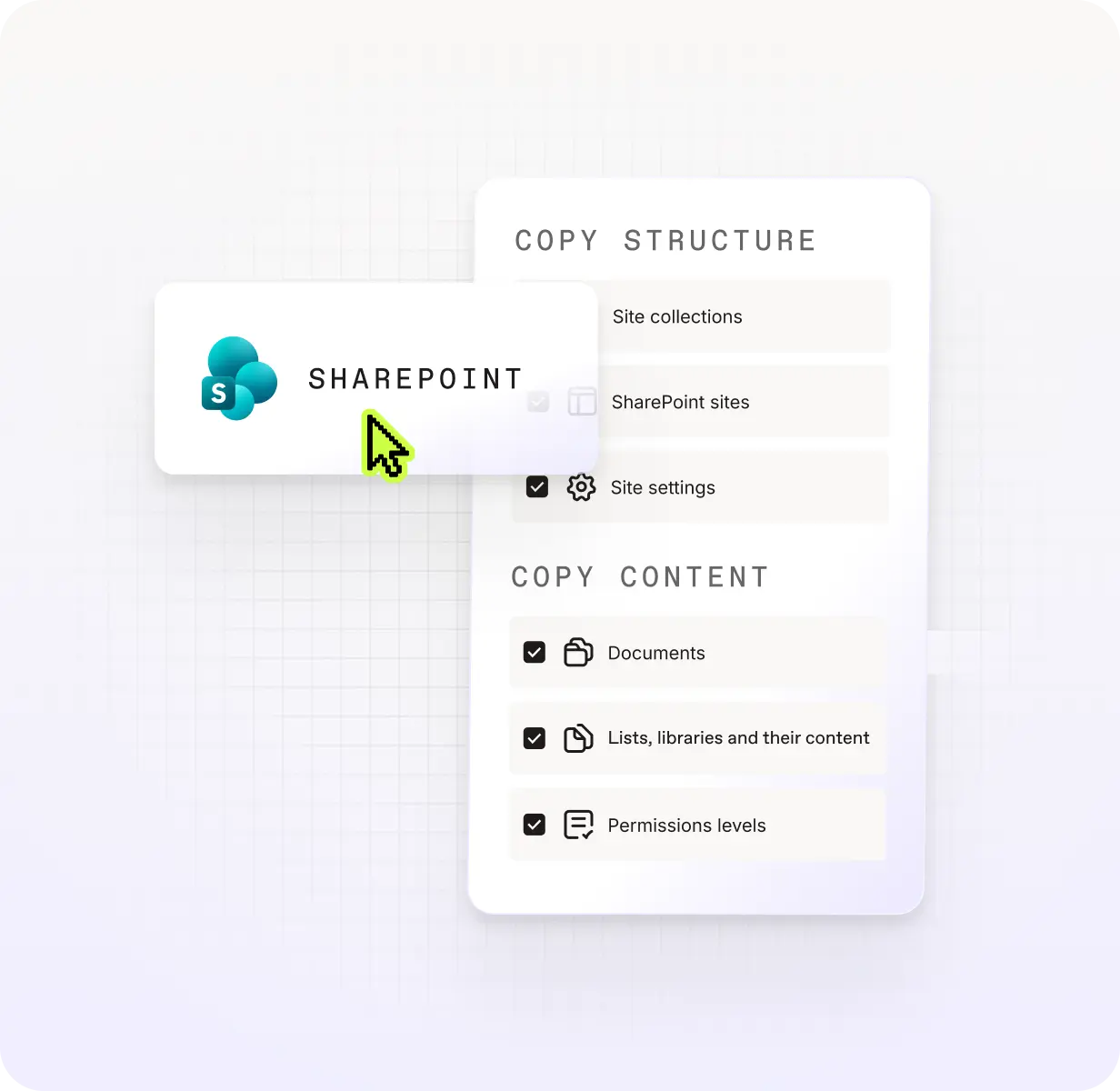
SharePoint
Migrate site collections, sites, lists, libraries, documents, folders, and list items with permissions, metadata, and structure intact.

Teams
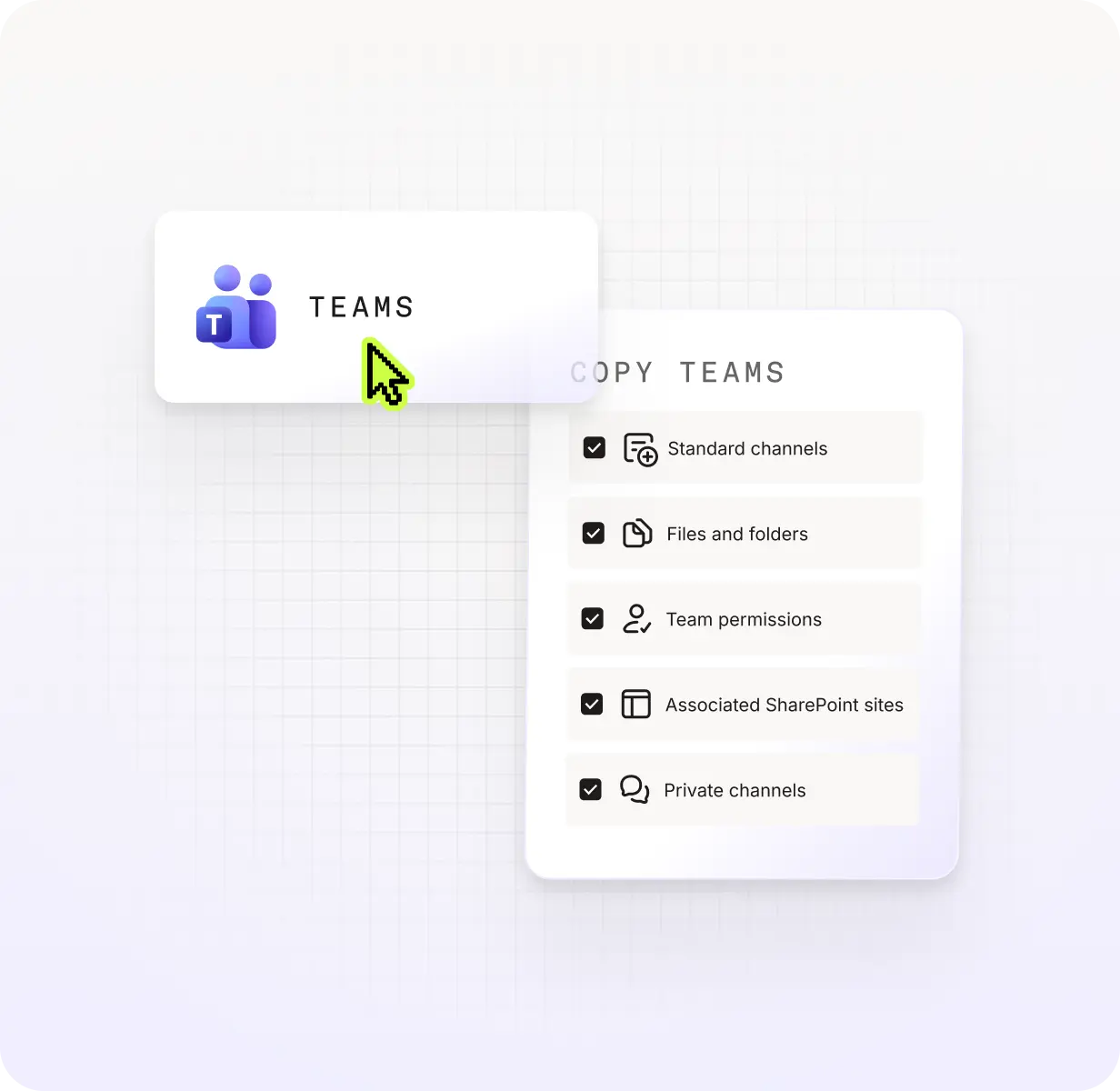
Migrate channels, files, tabs, apps, and Planner boards seamlessly with permissions preserved, so end users can keep collaborating.

OneDrive
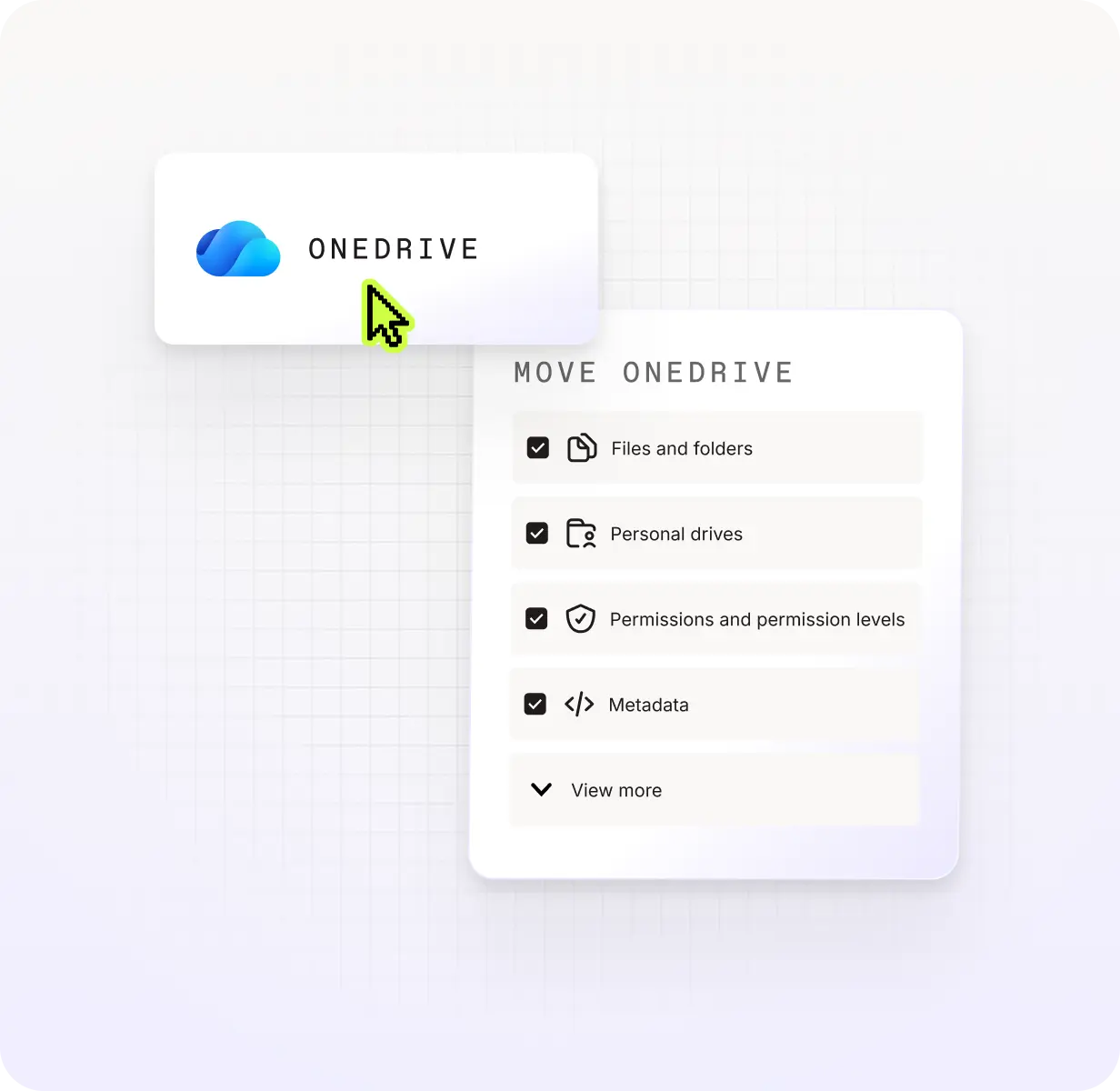
Move files, folders, and shared permissions with accuracy. Less manual cleanup post-migration, more confidence in what landed.
Real-world scenarios we’re built for
Mergers and acquisitions
Bring together two organizations, either tenant-to-tenant or migrating from Google Workspace, with tried-and-true tools.

Workplace modernization
Keep your workplace up to speed, whether it’s moving on-prem to cloud or preparing for SharePoint 2016/19 end-of-life.

AI Security
Govern your data to optimize fo AI security and adoption without compromising data integrity.







Numbers that matter
Trusted to just work
96% CSAT score
That means reliable, human-first support with 3-hour responses, so your projects keep moving forward seamlessly.

mid-market
5 PB
Quantity of data securely and seamlessly migrated every month from startups to global enterprises.
#1
Rated platform by IT professionals who won’t settle for second best.

Talk to an expert before you commit.
Book a 30-minute call with a ShareGate expert. We'll answer the hard technical questions.

Frequently asked questions
Your question is not here?

ShareGate helps IT teams migrate to Microsoft 365 and take control of their environment. Migrate handles tenant-to-tenant migrations, while Protect handles governance, including Copilot readiness, oversharing cleanup, and cost optimization. Both are touted as simple and user-friendly.
Both Migrate and Protect scale across SMB, mid-market, and enterprise. Protect is built for organizations where collaboration is moving faster than governance can keep up—that's most teams with 300+ users. Migrate is built for any IT team executing tenant-to-tenant moves, whether you're 500 people or 50,000. If your Microsoft 365 environment is growing and changing, we're probably a great fit.
Entra ID, SharePoint, OneDrive, Teams, Exchange Online and Google Workspace. Move tenant-to-tenant, from on-prem to the cloud, or into M365 from Google Workspace and file shares. Mergers, restructures, SharePoint end-of-life: covered in one simple and easy-to-use tool.
ShareGate Migrate moves your content into and across Microsoft 365. It's a desktop app built for tenant-to-tenant migrations, on-prem to cloud, and day-one-ready landings.
ShareGate Protect is a SaaS app for governing your M365 environment against sprawl. It covers oversharing and access, AI/Copilot readiness, and cost optimization (inactive workspaces, unused licenses, and storage you don't need)
Yes. Both products let you see the real thing in your environment before you commit. Connect Protect to your tenant and you'll see your governance picture right away. Run a Migrate assessment on your source tenant and understand your scope before anything moves. No guesswork. Just ShareGate doing its thing. Book a demo with an expert, or jump straight into a free trial if you're ready to go.
ShareGate Migrate is a downloadable tool with flat-rate annual plans based on machine activations. Unlimited data, users, and workloads across three plans. Essentials (1 machine activation): starting at $5,995 USD/year, Pro (up to 5 machine activations): starting at $9,995 USD/year, and Enterprise (up to 25 machine activations, 24/7 prioritized support): starting at $17,995 USD/year.
ShareGate Protect is a SaaS tool with simple per-user pricing. Based on your licensed Microsoft 365 users (guests not included), one tenant per subscription. No minimums, no usage limits, no hidden fees.
Both products include a full-featured 15-day free trial, plus unlimited support and software updates.
24/7 support with real humans, 3-hour response times, and a 96% CSAT score. No bots. No runaround.
Yes. The ShareGate Partner Program is built for MSPs, resellers, and system integrators who want to turn M365 migrations and governance into repeatable revenue. Free migration and governance assessments, certification, co-marketing, and 24/7 support. 1,800+ partners trust ShareGate globally. Learn more about the partner program.
Know what to expect from your ShareGate experience





"ShareGate has provided me with the ability to deliver projects faster, more efficiently than using other toolsets. ShareGate's diligence with product updates and community involvement makes them a perfect partner."
Don’t just migrate it, ShareGate it.
Your source is never touched — ShareGate only copies.
Re-running is safe, included, and free.

