Skip to Main Content
Products
Products
ShareGate Migrate product showing drag and drop migration from Google Workspace, Teams, and SharePoint to Microsoft 365

Migrate them all 

Discover Migrate
ShareGate Protect product dashboard showing governance insights, AI security, and cost optimization for Microsoft 365

Govern smarter

Discover Protect
sharegate capabilities
Migration planning
Assess & clean up before you move
Accelerated migration
Migrate faster, automatically
Post-migration optimization
Validate, report & govern
Permissions & access reviews
Scan, audit, and fix permissions
AI tool monitoring
Detect data exposed in AI tools
License & cost analytics
Track and flag unused licenses
ShareGate MCP
Coming soon
MCP server for AI governance
Solutions
By use case
Migrate to Microsoft 365
From anywhere to M365
Tenant-to-tenant migration
Consolidate or split tenants
Enterprise
ShareGate Migrate for enterprise
Migration at scale
Migration by workload
Entra ID
Microsoft Exchange Online
Exchange Online
Google Workspace
Google Workspace
Microsoft SharePoint
SharePoint
Microsoft Teams
Teams
Microsoft OneDrive
OneDrive
Cloud governance & security
Oversharing and access
Fix who has access
AI security
Stop data leaks in AI tools
Cost optimization
Reduce your M365 spend
Success story
CDW's Enterprise Microsoft Migrations
Read their story
Partners
ShareGate Partner Program for Microsoft 365 migration and governance services

Scope faster. Grow services.

Become a partner
For Partners
Partner program
Grow your practice
Partner assessments
Run M365 assessments
For IT Teams
Find a partner
Work with an expert
Resources
Get started
Find a partner
Work with an expert
Free trial
All features included
Download Migrate
Get the desktop app
ShareGate docs
Guides and references
See ShareGate in action
Get a 30-minutes demo
Learn
ShareGate Blog
M365 insights
Guides
Step-by-step resources
Webinars
Live and on-demand sessions
User stories
Real-world use cases
Browse by subject
Microsoft 365
Everything M365
Migration
Plan and run migrations
Security
Keep your tenant safe
News
Updates and announcements
Featured resource
Microsoft's raising prices. Your M365 bill doesn't have to.
See action plan
Pricing
Login
Start a free trialRequest a demo
Help center
Log in
tenant-to-tenant MIGRATION

Conquer your tenant-to-tenant migration

Merge, restructure, or ‘split and peel’ your entire tenant from identities to mailboxes to content. All in one tool.

Request a demoStart a free trial

Trusted by 100,000+ IT pros

G2 4.7 star rating

4.8★ on g2

Gartner 4.7 star rating

4.7★ on Gartner

Floating app icons representing supported migration sources and destinations, including Microsoft Teams, SharePoint, Exchange, OneDrive, Google Workspace, Gmail, and Google Drive, with labels for pre-migration analysis and drag-and-drop migration.

Why ShareGate

How tenant-to-tenant migrations work with ShareGate
The complete T2T migration—identity, mailboxes, and content—in one connected workflow.
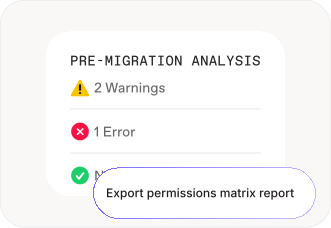
ShareGate pre-migration analysis screen showing 2 warnings and 1 error, with an option to export a permissions matrix report.

Step 01

Map users. Surface issues. Fix them in bulk.
Scan your source tenant to surface identity gaps, permission conflicts, and issues before anything runs. Review and resolve them in ShareGate's planning view, then migrate Entra ID users and groups.
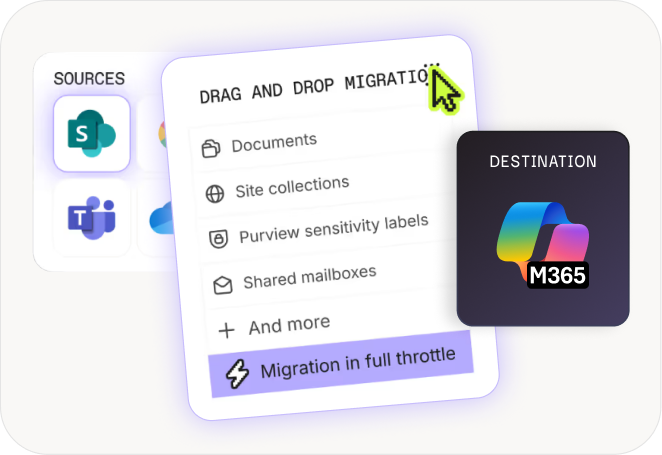
ShareGate drag-and-drop migration interface showing SharePoint and Teams as sources, with a checklist of migratable content including documents, site collections, Purview sensitivity labels, and shared mailboxes, with migration running in full throttle.

Step 02

Migrate every workload. In one tool.
With users ready and waiting in the destination tenant, mailboxes and content land in the right place. Run migrations across multiple machines to avoid Microsoft throttling.
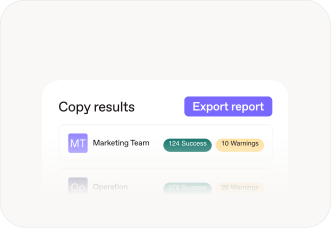
ShareGate copy results screen showing migration outcomes by team — Marketing Team with 124 successes and 10 warnings, and Operation with 376 successes and 26 warnings — with an Export report button.

Step 03

A migration your organization barely notices

Users arrive with licenses. Permissions follow. Mailboxes and content reach the right people. Incremental passes catch changes made between waves. No one has to stop working while you finished the job.

migration By workload

Move to Microsoft 365
from anywhere

‍

Entra ID

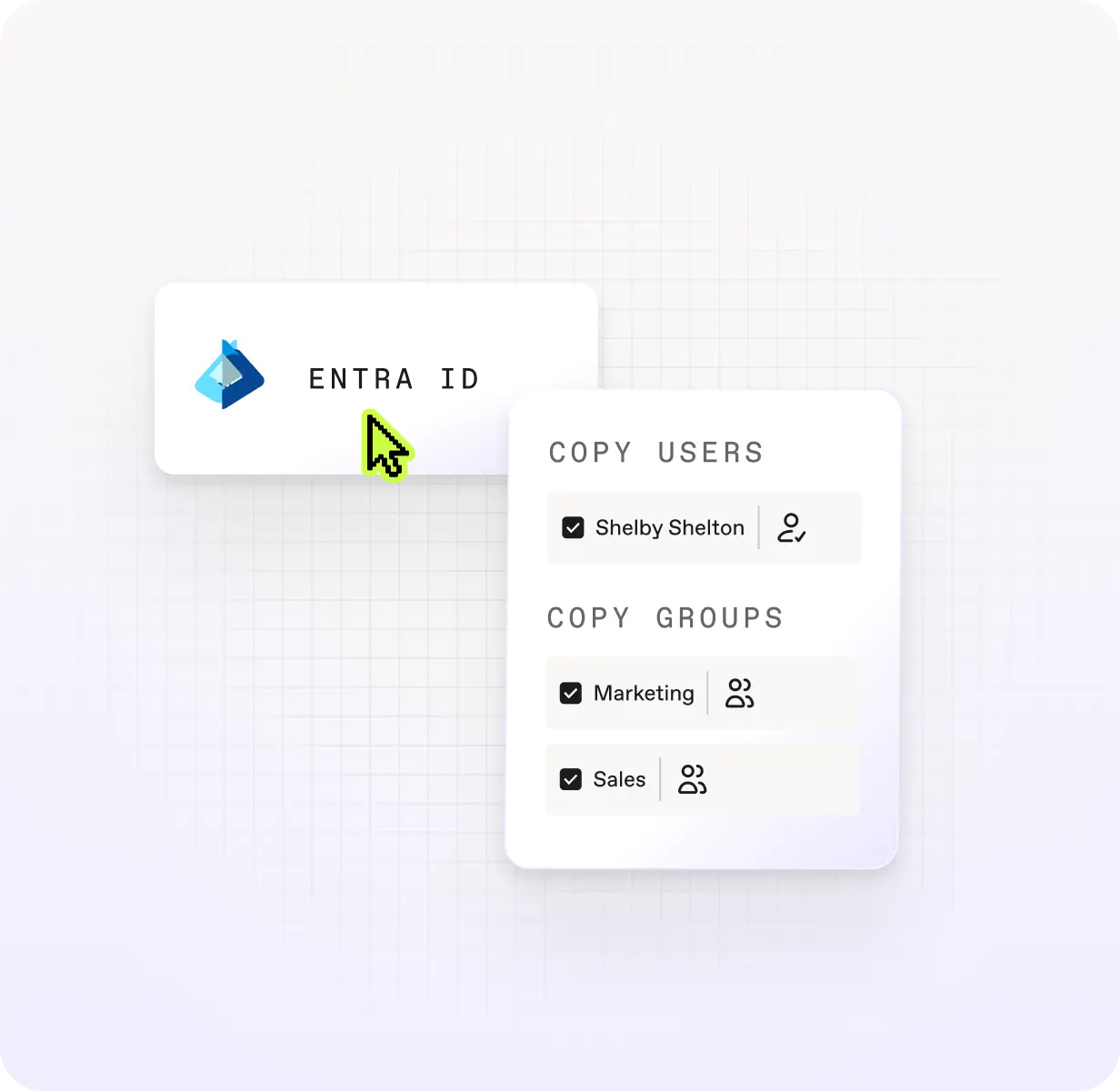
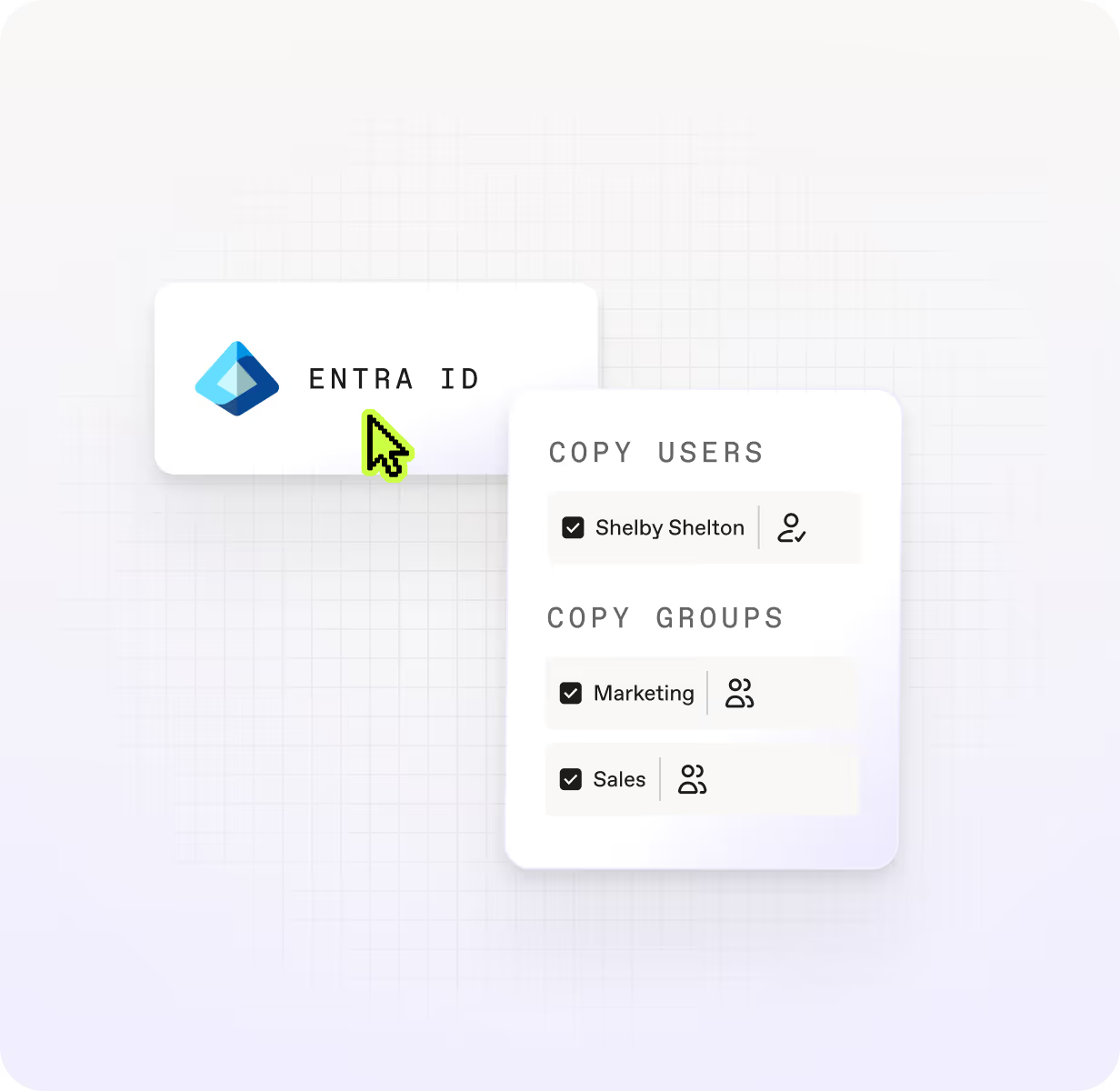
Move users, security groups, M365 groups, group memberships, and license assignment before your mailboxes and content follow. Identity done right means less to fix after migration day.

Discover Entra ID migration
Microsoft Exchange Online

Exchange Online

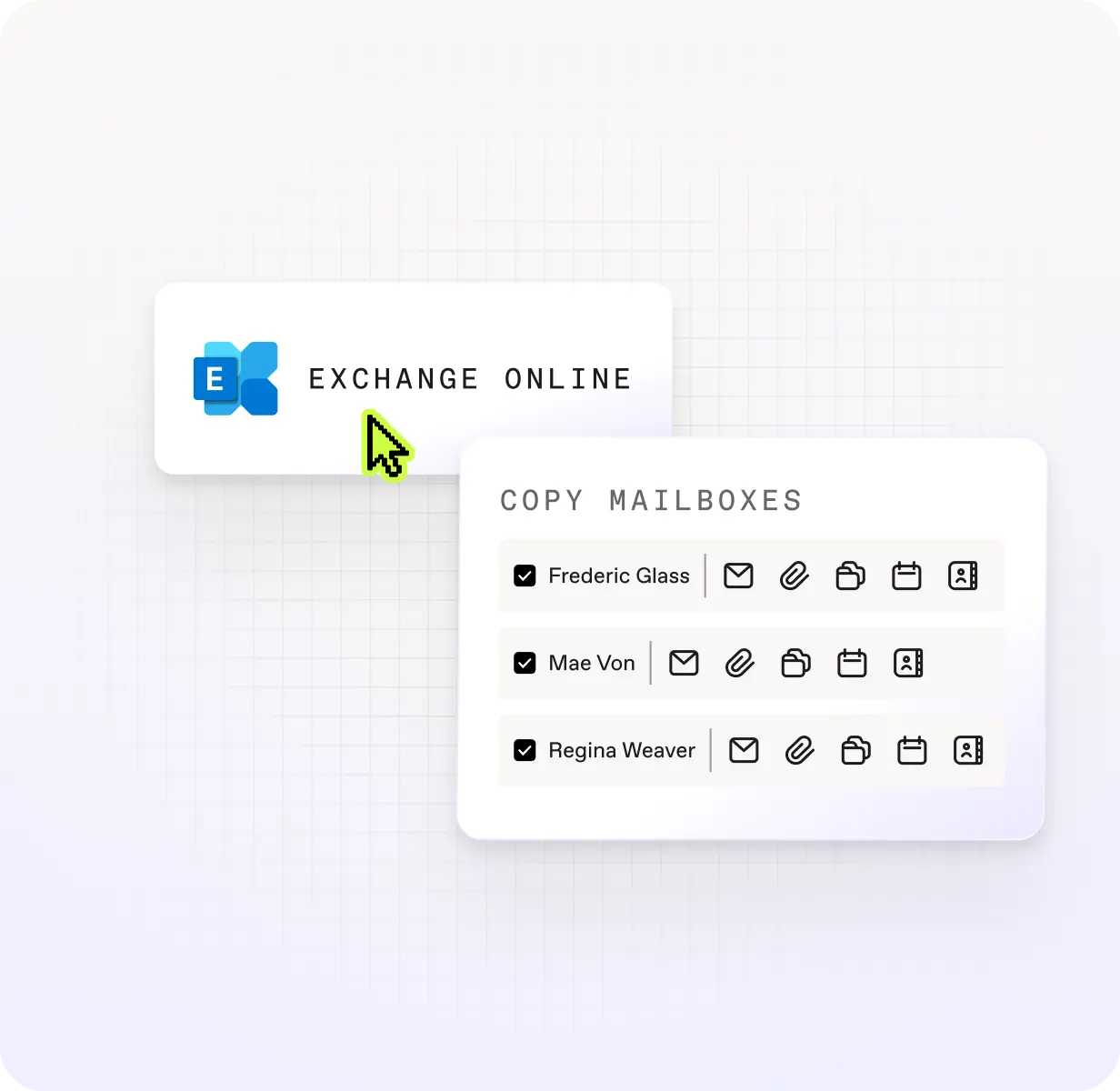
Move every types of mailbox—user, shared, room, equipment, and archive—plus calendars, contacts, server-side rules, Litigation Hold configuration, and automatic replies. Exchange Online migration without the gaps.
Discover Exchange Online migration
Google Workspace

Google Workspace

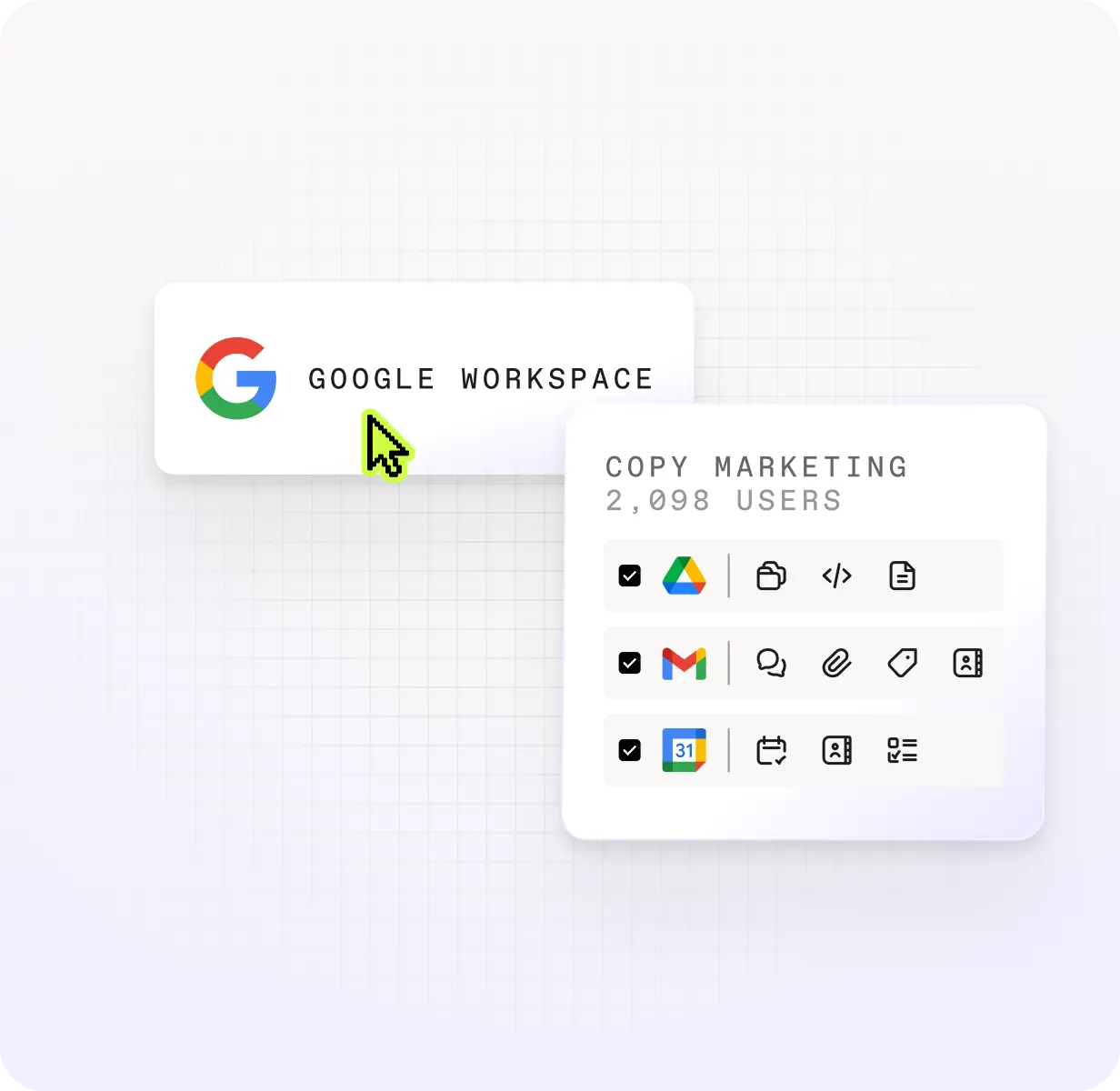
Migrate Drive files, Gmail threads, and Calendar data without leaving history behind.
Discover Google Workspace migration
Microsoft SharePoint

SharePoint

Migrate site collections, sites, lists, libraries, documents, folders, and list items with permissions, metadata, and structure intact.
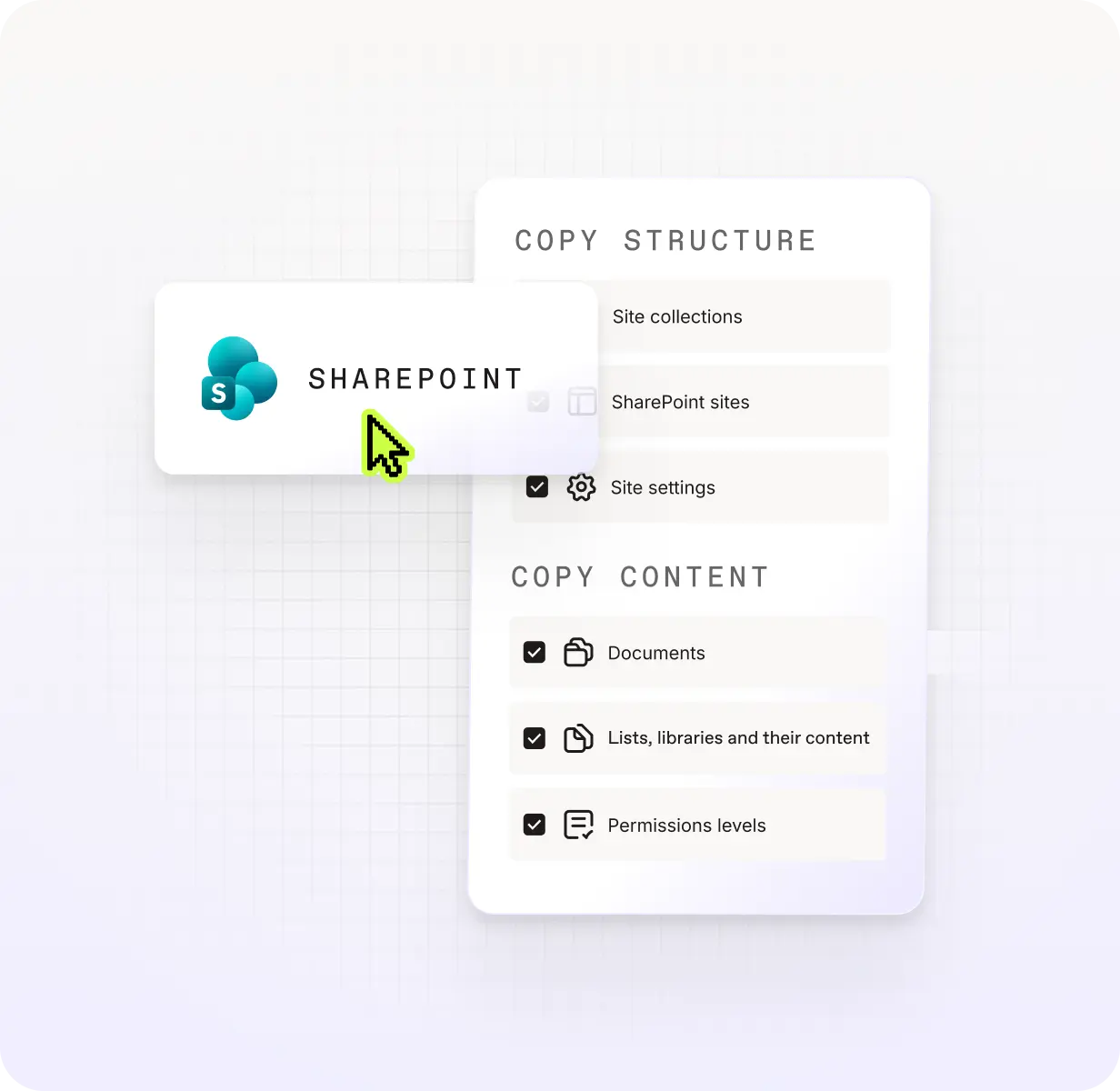
Discover SharePoint migration
Microsoft Teams

Teams

Migrate channels, files, tabs, apps, and Planner boards seamlessly with permissions preserved, so end users can keep collaborating.
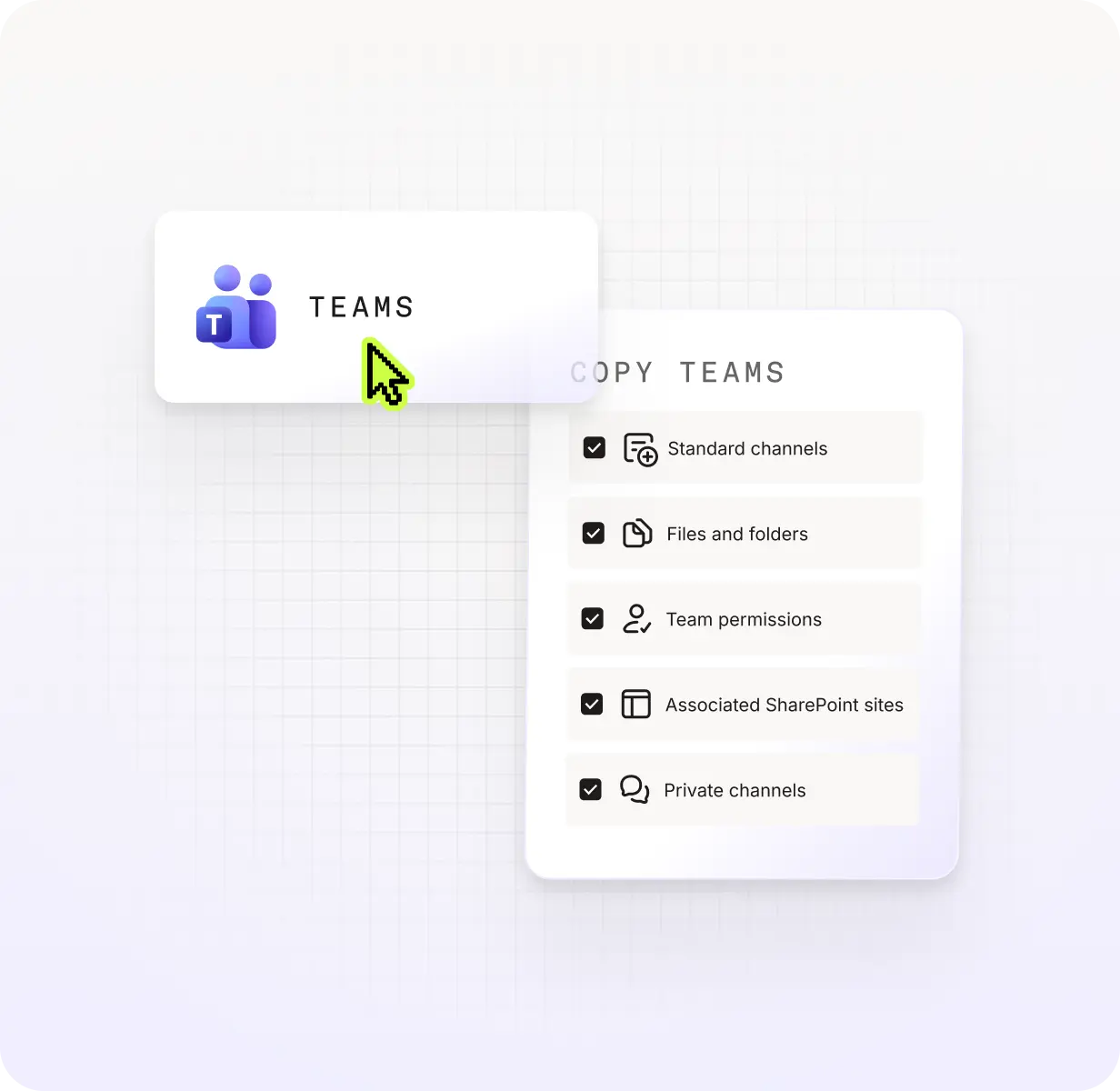
Discover Teams migration
Microsoft OneDrive

OneDrive

Move files, folders, and shared permissions with accuracy. Less manual cleanup post-migration, more confidence in what landed.
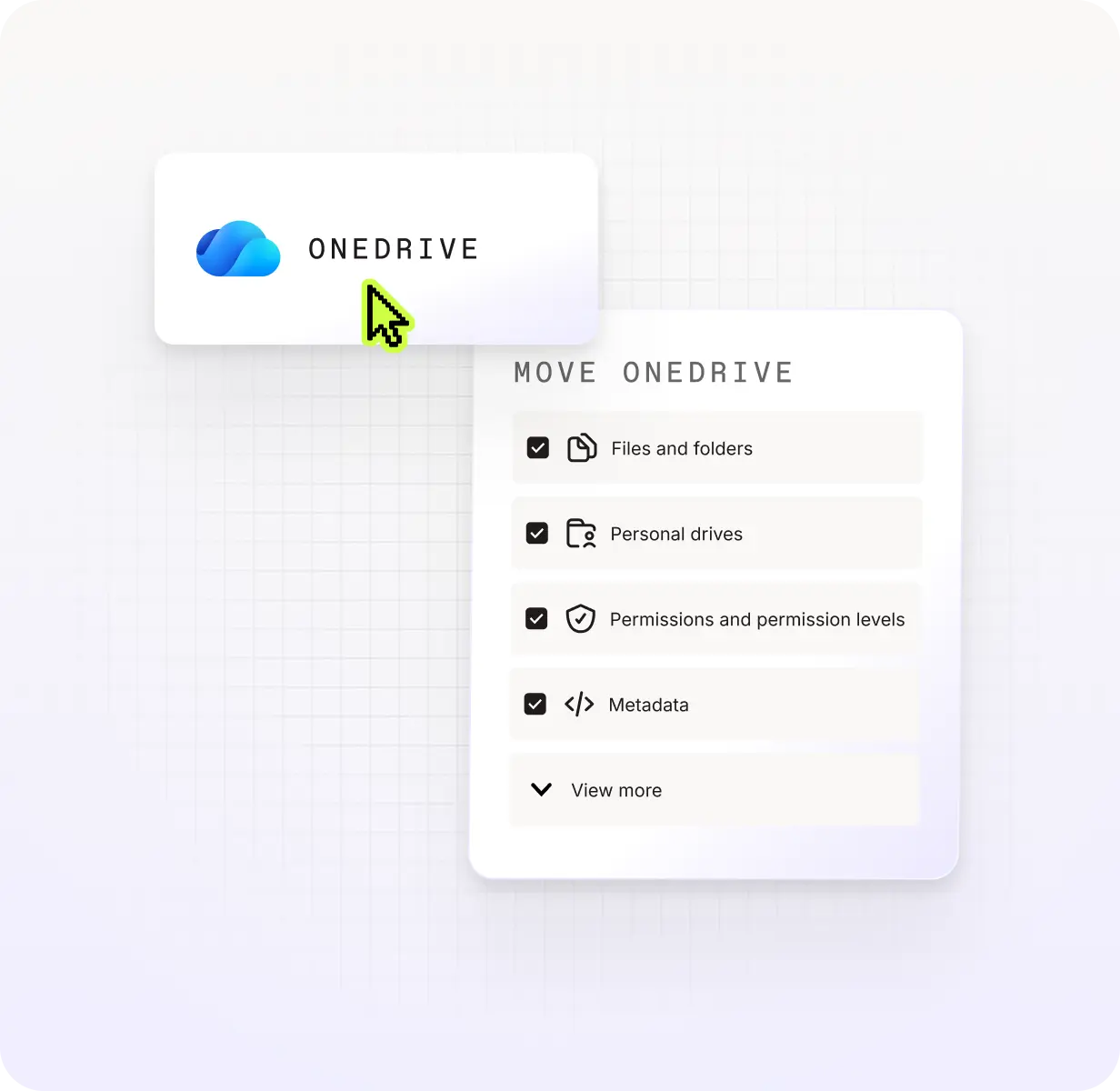
Discover OneDrive migration

Microsoft Purview

Migrate sensitivity labels, encryption keys, and access rules across files, libraries, site collections, and M365 Groups. Your compliance posture moves with you.
Discover Microsoft Purview migration
ShareGate Entra ID panel showing copy users and copy groups options, with Shelby Shelton selected as a user and Marketing and Sales checked as groups to migrate.

One flat price beats per-user pricing

ShareGate,BitTitan, or Quest: Which tool is right for your T2T migration?

ShareGate Migrate Pro BitTitan MigrationWiz Tenant Migration Bundle Quest On Demand Migration T5 license
Supported source workloads
  • Entra ID
  • Exchange Online
  • SharePoint
  • Teams
  • OneDrive
  • Microsoft Purview sensitivity labels
  • Google Workspace
  • Box

Purpose-built for cloud native M&A, restructuring, and tenant consolidation.

  • Exchange Online
  • Exchange 2003+ and Hosted Exchange
  • IMAP/POP
  • Zimbra
  • SharePoint
  • Teams
  • OneDrive

Better fit for hybrid environments and on-prem modernization scenarios. Migrating identities requires an additional license.

  • Entra ID
  • Azure Active Directory
  • Exchange Online
  • SharePoint
  • Teams
  • OneDrive

Better fit for hybrid environments and on-prem modernization scenarios.

Pricing model

Flat annual fee of $9,995. Includes unlimited users, unlimited data, unlimited re-runs.

Per-user pricing at $57/user.

Per-user pricing. Pricing not publicly listed.

Pre-migration conflict detection

Identity conflicts, archive presence, mailbox size, and mapping issues surfaced before execution starts. Review and resolve everything before anything moves.

Run a full source analysis and permissions matrix report to understand what's in your tenant and how to clean it up before your migration.

No conflict detection before execution. Basic mailbox sizing assessment available. Key variability typically discovered during the migration run.

A separate Migration Discovery solution subscription is needed for more in-depth pre-migration assessment.

Conflicts and duplicates between source and destination accounts surfaced before migration starts.

Pre-migration assessment reports available across all workloads.

Same-tenant restructuring

Move or reorganize SharePoint and Teams content within the same tenant as part of a reorg or consolidation.

Not supported.

Not supported.

Data limits and re-runs

No data caps. No re-run limits.

100GB cap per SharePoint document library or Teams team. Unlimited data for mailboxes and OneDrive. No re-run limits.

No data caps. No re-run limits.

Post-migration validation

Item-level results with error context, centralized across all workloads. Validation reports surface issues before DNS cutover. Permissions matrix report available before, during, and after migration.

Status-level reporting only. Manual investigation needed for errors. No dedicated post-migration validation report. Issues may surface after users are cut over.

Real-time migration dashboards and workload-level reporting across all workloads. Item-level error reporting included.

Feature and pricing information verified from bittitan.com and quest.com as of June 2026. The migration market moves quickly, so confirm current details directly with each vendor.

What does a 500-user T2T migration project actually cost?

Scenario: You need to migrate 500 users, 830 mailboxes (user, shared, resource, archive), 500 OneDrive drives, 150 SharePoint document libraries, and 150 teams from one M365 tenant to another.

ShareGate Migrate Pro BitTitan MigrationWiz Tenant Migration Bundle + Active Directory license
Entra ID migration

Included in flat annual fee.

Active Directory license at $6.25/user.
500 × $6.25 = $3,125

Exchange Online + OneDrive migration

Included in flat annual fee.

$57/mailbox object including shared, resource, and archive mailboxes.
830 × $57 = $47,310

SharePoint migration

Included in flat annual fee.

1 library included for each mailbox object
150 libraries included within TMB allocation.

Teams migration

Included in flat annual fee.

1 team included for each mailbox object
150 teams included within TMB allocation.

Total estimated cost

$9,995
All workloads. Unlimited users. Unlimited data.

$50,435
TMB $47,310 + AD license $3,125

Feature and pricing information verified from bittitan.com and quest.com as of June 2026. The migration market moves quickly, so confirm current details directly with each vendor.

Talk to an expert before you commit.

Book a 30-minute call with a ShareGate expert.
Request a demo

Pre-migration planning

Scan your source tenant before anything moves. Surface identity gaps, permission issues, and content that needs cleanup. Then fix problems in bulk so your migration starts clean instead of inheriting the mess.

Prepare your migration
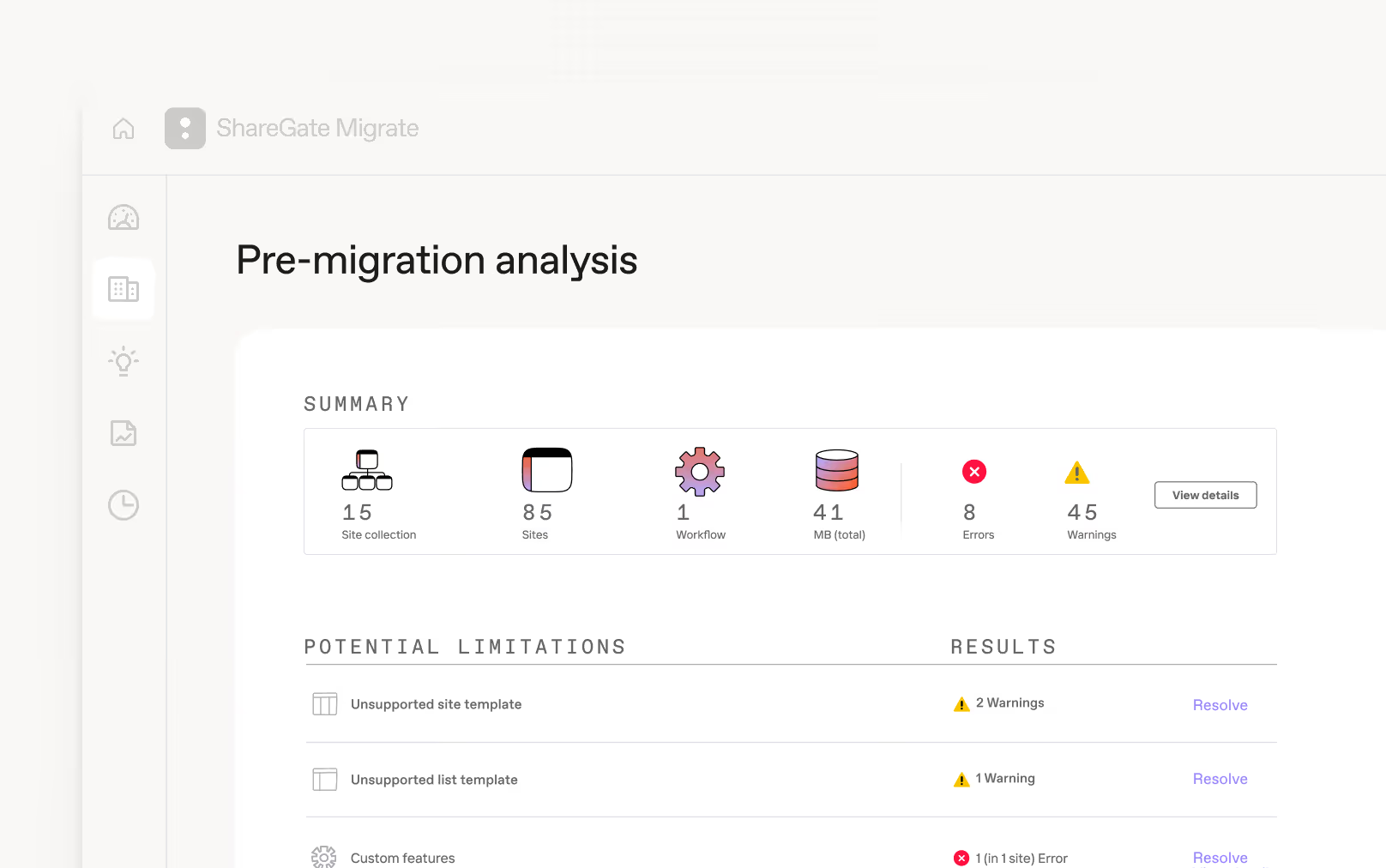
ShareGate Migrate pre-migration analysis screen showing a summary of 15 site collections, 85 sites, 8 errors, and 45 warnings, with a list of potential limitations including unsupported site templates and custom features flagged for review.

Accelerated migration

Run multiple machines simultaneously to move more mailboxes faster. The more machines you have, the more ground you cover. So large projects finish on schedule, not whenever throughput allows.

Post-migration optimization

Cutoverisn'tthe finish line. Keep permissions clean, access controlled, and yournew environmentrunning the way it should without bouncing between admin centers or writing PowerShell scripts from scratch.

Frequently asked questions

What’s the right sequence for a Microsoft 365 tenant-to-tenant migration?

The most important thing to set up in the destination tenant before you migrate mailboxes or content is users. Destination users need to exist and be licensed so that permissions land correctly and content reaches the right people from day one.

ShareGate now handles Entra ID migration, including identity prep and mapping. You can migrate Entra ID users, security groups, and Microsoft 365 Groups with licenses assigned as part of the migration itself, so users arrive ready for the next step without a manual licensing pass.

Custom domain mapping handles source-to-destination domain translation, even across complex multi-domain environments. And if the auto-matching doesn't fit your project, manual overrides let you take full control of any mapping decision.

Once identity migration completes, an automated first-login flow gets migrated users into their new accounts immediately. No IT hand-holding, no support queue.

The sequence matters. Get users right first, and mailboxes and content fall into place.

‍

How can I automate my tenant-to-tenant migration?

ShareGate can help automate your migration, save you time, and help to make sure your move is smooth. 

ShareGate makes migration simple with an intuitive interface and easy drag-and-drop functionality. You can automate user and group mapping, run incremental passes to sync what’s changed between waves, and centralized reporting across everyworkload, so you don’t have to bounce between admin centers. No PowerShell required, though if you want to script parts of the process, PowerShell is fully supported. The result: a migration you can run, monitor, and repeat without rebuilding it from scratch each time.  

Will our end users be able to keep on working during the migration process?

Yes! We know that most migrations don’t happen in one big push overnight. End users need to keep working while you plan and migrate content in batches.  
‍

ShareGate handles this with incremental migrations. After your initial migration, you’ll be able to copy only what’s changed. That applies across identities, mailboxes, and content, so you’re not re-migrating everything each waves or asking users to stop working while you catch up. 
‍

Read more: Pro tips to manage your end users during a Teams migration. 

What are the most common T2T migration challenges, and how does ShareGate handle them?

Tenant-to-tenant migrations often fail because identities aren’t migrated properly before mailboxes move, permissions don't survive the transfer, throttling kills your timeline, and users keep working while you migrate, changing content between waves. 

ShareGate addresses all of these. Entra ID migration handles identity preparation first, so mailboxes, and content land where it should. Incremental passes sync only what's changed between runs, so ongoing work doesn't get lost. Concurrent migration across multiple machines keeps large projects on schedule despite Microsoft throttling. And permissions, metadata, and timestamps migrate alongside content, so you don’t have to deal with manual cleanup after cutover.

Which ShareGate plan includes tenant-to-tenant migrations?

ShareGate supports tenant-to-tenant migrations on any Migrate plan, but if you need to migrate Entra ID, Exchange Online or Google Workspace, you'll need Migrate Pro or Migrate Enterprise.

Can I use my ShareGate license to migrate multiple tenants or subsidiaries?

Yes, if the tenants are part of the same organization: tenants you own, are acquiring, or divesting. This typically covers subsidiaries and affiliates under the same corporate ownership. 

No, if you're a consultant or MSP trying to use one license across unrelated client tenants. Each client project requires its own license. 

What admin permissions do I need for tenant-to-tenant migrations?

The answer depends on the source:

  • Entra ID and Exchange Online: Global Admin permissions for both source and destination tenants 
  • SharePoint and OneDrive: Site Collection Administrator on the specific sites you're migrating andSharePoint Admin is only required if you want to browse the entire tenant or create sites during migration. 
  • Teams:SharePoint Admin plus Teams Admin (or Global Admin), and a Global Admin must grant one-time consent to ShareGate's Azure migration app.  
  • Google Workspace: Google Workspace Super Admin permissions to use administrator mode.  
Related ressources
Microsoft 365 tenant-to-tenant migration resources for IT admins

Effective tenant-to-tenant migration: the ultimate playbook

Concurrent migrations: Best practices and strategies

Make Microsoft 365 sensitivity labels your secret weapon for security, [...]

Comparing Microsoft 365 tenant-to-tenant migration tools

Plan it once, move it clean: How to sequence M365 tenant-to-tenant [...]

G2 Grid Leader badge, enterprise, Summer 2026
File Migration Enterprise

“ShareGate has been a reliable tool for our mailbox migrations. It’s especially valuable for tenant-to-tenant moves during acquisitions, and it’s become our go-to solution as we continue to scale.”

Mike Danilovich
|
Sr. Infrastructure Engineer at Tarkett
|
Enterprise
|
5
★ on g2

One tool. One flat price. Less migration stress.

Request a demoStart a free trial

Start a free trial

Try ShareGate for free. No credit card required.

Get started

Request a demo

Get a live one-on-one with an expert to see how ShareGate can help.

Request demo

Speak with a sales rep

Get information on pricing, promotions, and discounts.

Contact sales

Newsletter

Insights on how technology is changing the way you work, delivered right to your inbox.

Welcome to the ShareGate community! 🥳 Your submission has been received.
Oops! Something went wrong while submitting the form.

Follow us

ShareGate logo

Get started

PricingFree trialLog inDownloadContact salesRequest a demo

Support

ShareGate docsContact support

Products

ShareGate MigrateShareGate Protect

ShareGate capabilities

Pre-migration planningAccelerated migrationPost-migration optimizationPermissions & access reviewsAI tool monitoringLicense & cost analytics

Solutions

Migrate to Microsoft 365Tenant-to-tenant migrationsEntra ID migrationMailbox migrationGoogle workspace migrationSharePoint migrationTeams migrationOneDrive migrationOversharing and accessAI SecurityCost optimization

Resource Center

BlogeBooks, guides & moreWebinars & morePartnersFind a partner

Company

About usProduct roadmapFree for MVPsCareerContact us
© ShareGate 2025
TermsSub-ProcessorsData Privacy AddendumModern Slavery StatementPrivacy
English
English
Français
German