Start your tenant project right with Entra ID migration
Start by getting identity right, and the mailboxes, files, permissions you migrate after will land exactly where they should.
Trusted by 100,000+ IT pros

4.8★ on g2

4.7★ on Gartner

Migrate Entra ID first. Everything else follows.
Step 01
Users and groups
Step 02
Mailboxes and content
Step 03
Move with confidence, not crossed fingers
The Entra ID migration capabilities IT teams actually need
Most identity migration problems aren't discovered during the migration. They're found after, when a mailbox lands in the wrong place, a permission doesn't follow, or a user can't log in.
ShareGate gives you full control of every mapping decision before execution, so usual problems get caught before anything moves, not after the fact.
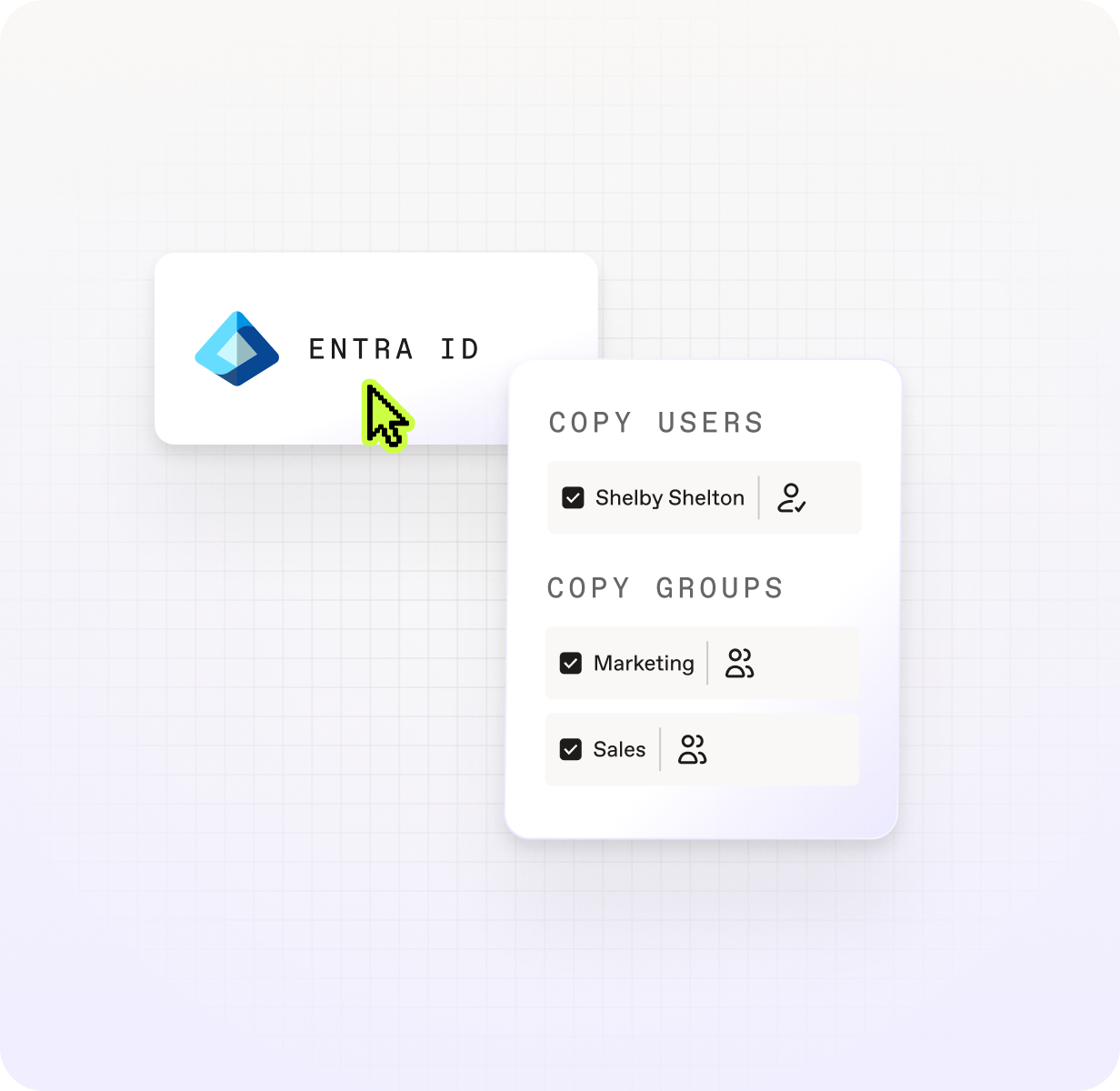

See every identity and what will happen to it.

Fix mismatches before they become failures.

Assign licenses during migration, not after.

Re-run without rebuilding.

Get your domains to translate between tenants the first time.

Have your users ready to work as soon as they land
Everything included in your Entra ID migration
Who moves

Users
Security groups
Microsoft 365 Groups

Group membership
What comes with them

License assignment

Auto-generated passwords
How they land

Custom domain mapping

Conflict detection
Manual mapping overrides
How ShareGate Migrate compares to other Entra ID migration tools
ShareGate handles your whole migration, end-to-end
ShareGate Migrate is the simplest, most reliable, and most trusted solution to migrate your users, mailboxes, and data to Microsoft 365.


Migration preparation

Accelerated migration
Post-migration optimization
Frequently asked questions

ShareGate migrates users, security groups, Microsoft 365 groups, and group memberships between cloud Microsoft 365 tenants. License assignment is included as part of the migration flow.
ShareGate doesn’t migrate device objects, workstation profiles, or on-premises Active Directory. It's purpose-built for cloud-to-cloud tenant migrations.
Entra ID should be the first thing you migrate in a tenant-to-tenant project. Identities need to exist in the destination tenant before mailbox migration can begin. If they don't, mailboxes can't map correctly and permissions won't follow.
ShareGate is built around this sequence: migrate Entra ID users and groups first, then mailboxes, then content, all with the same tool. Getting the order right is what prevents the cleanup work that happens when identity is treated as an afterthought.
The most important thing is resolving how users in the source tenant correspond to accounts in the destination before execution. ShareGate surfaces conflicts—cases where automatic matching is ambiguous or incorrect—so you can review and override them before anything moves.
For M&A scenarios with multiple source tenants or complex domain structures, manual identity mapping is available to handle cases where automatic matching isn't enough. The goal is to start the migration with every mapping confirmed, so permissions follow the way they’re supposed to and users can work on day one.
Microsoft 365 migration resources for IT admins

"We tested Entra ID Migration before it was widely available, and it's already changed how we think about tenant migrations. Identity is handled before we ever touch a mailbox. That's not something we could say before."
Start your tenant migration the right way.
No per-user pricing. No extra tools. No surprises.