Conquer your tenant-to-tenant migration
Merge, restructure, or ‘split and peel’ your entire tenant from identities to mailboxes to content. All in one tool.
Trusted by 100,000+ IT pros

4.8★ on g2

4.7★ on Gartner
Why ShareGate
How tenant-to-tenant migrations work with ShareGate
Step 01
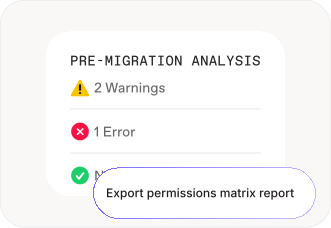
Map users. Surface issues. Fix them in bulk.
Step 02
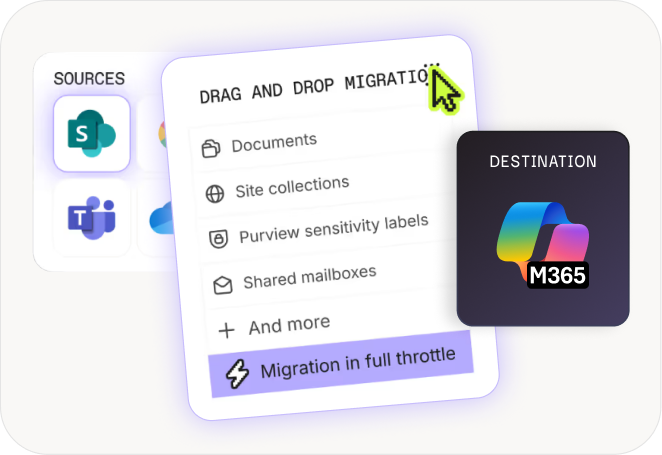
Migrate every workload. In one tool.
Step 03
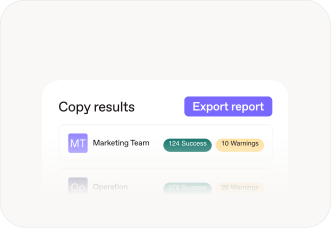
A migration your organization barely notices
migration By workload
Move to Microsoft 365
from anywhere

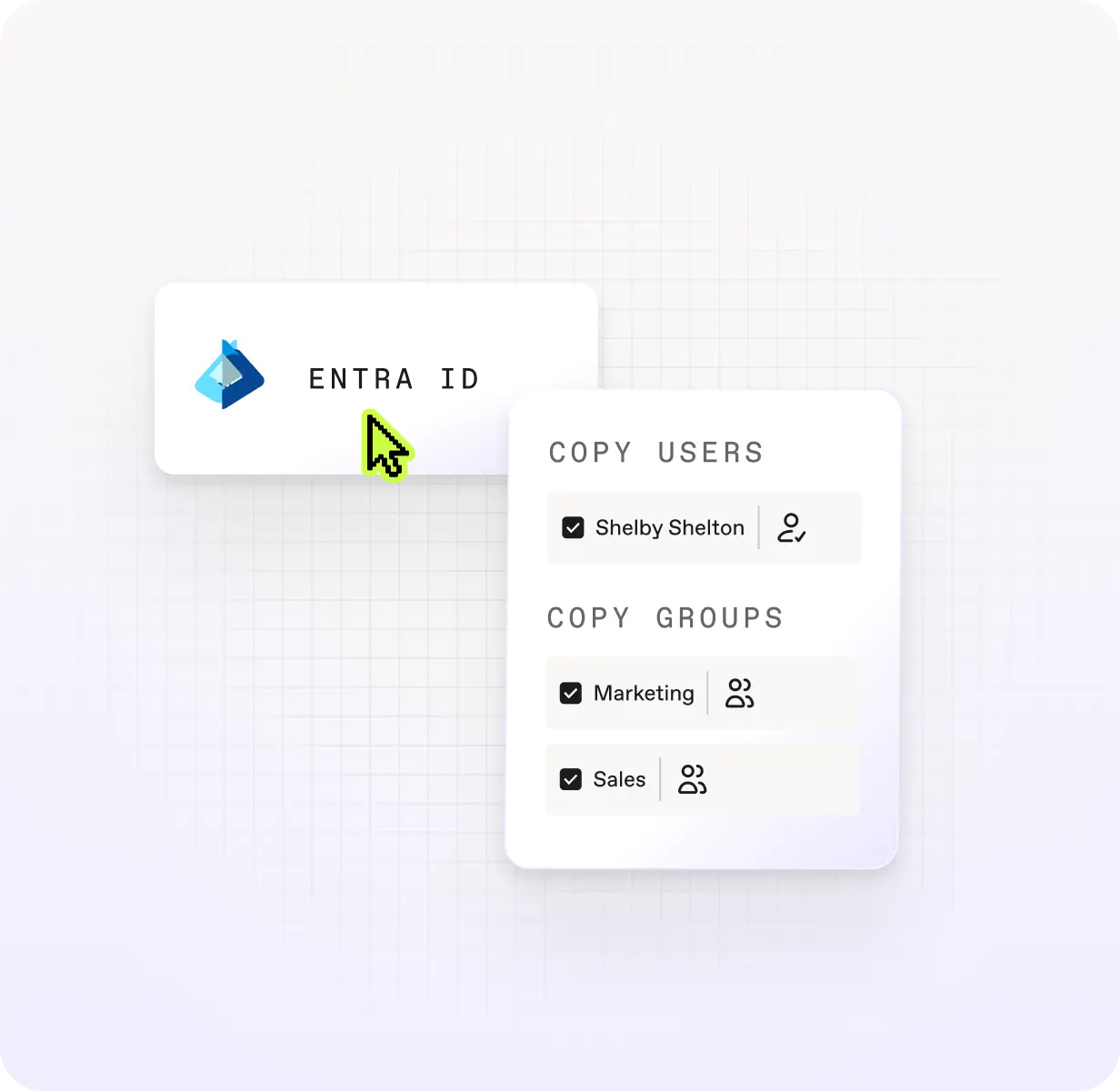
Entra ID
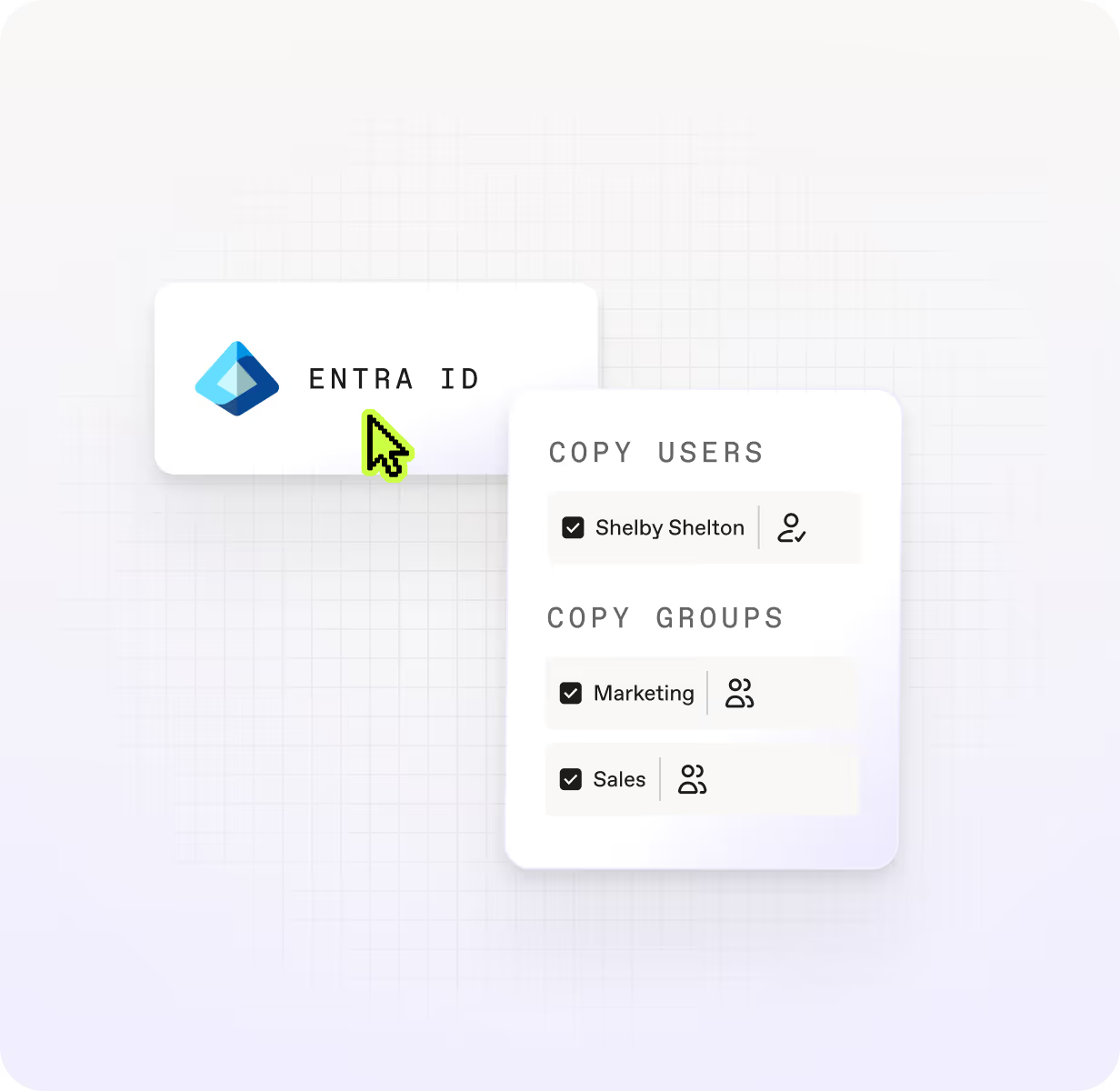
Move users, security groups, M365 groups, group memberships, and license assignment before your mailboxes and content follow. Identity done right means less to fix after migration day.


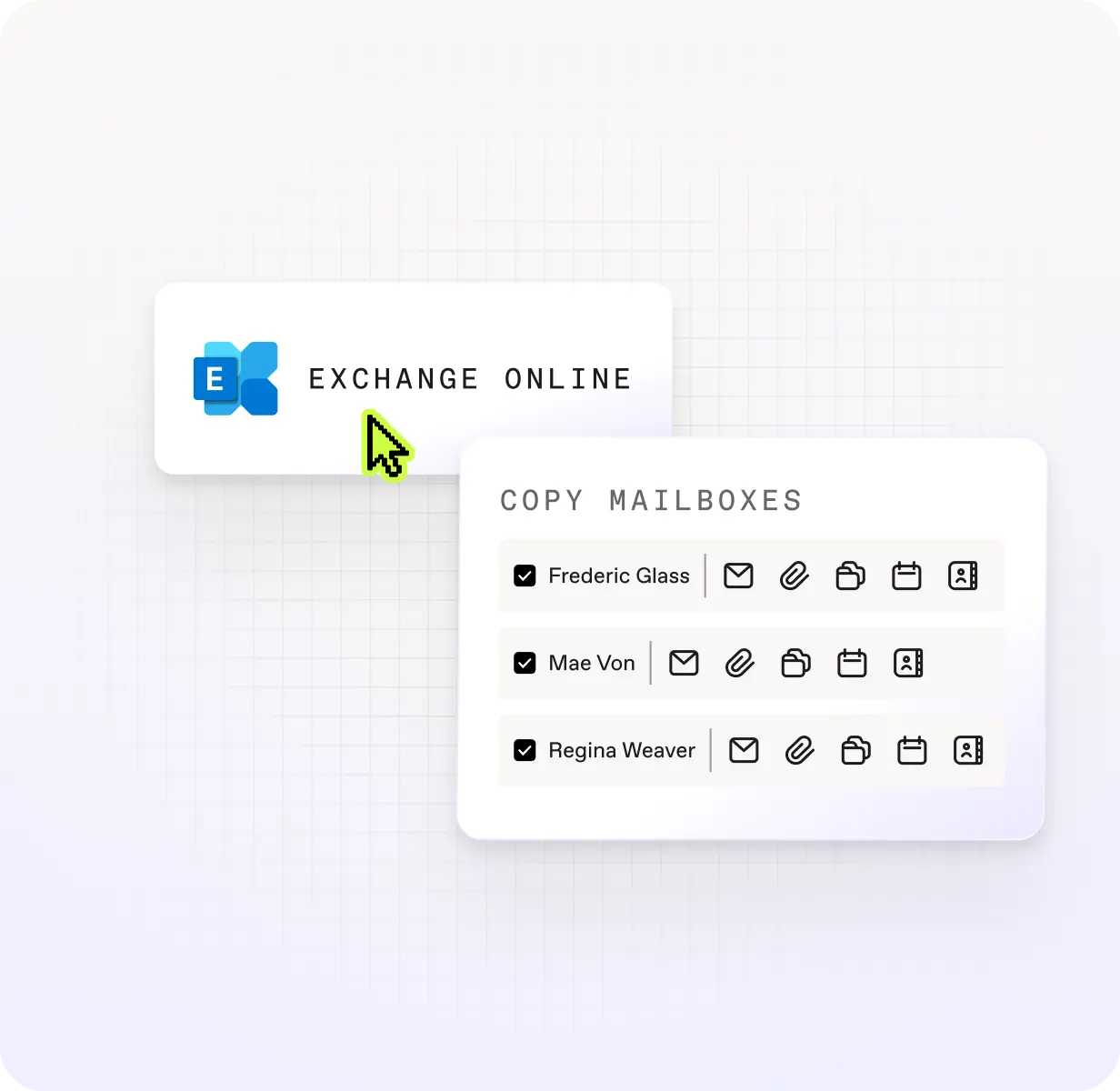
Exchange Online
Move every types of mailbox—user, shared, room, equipment, and archive—plus calendars, contacts, server-side rules, Litigation Hold configuration, and automatic replies. Exchange Online migration without the gaps.

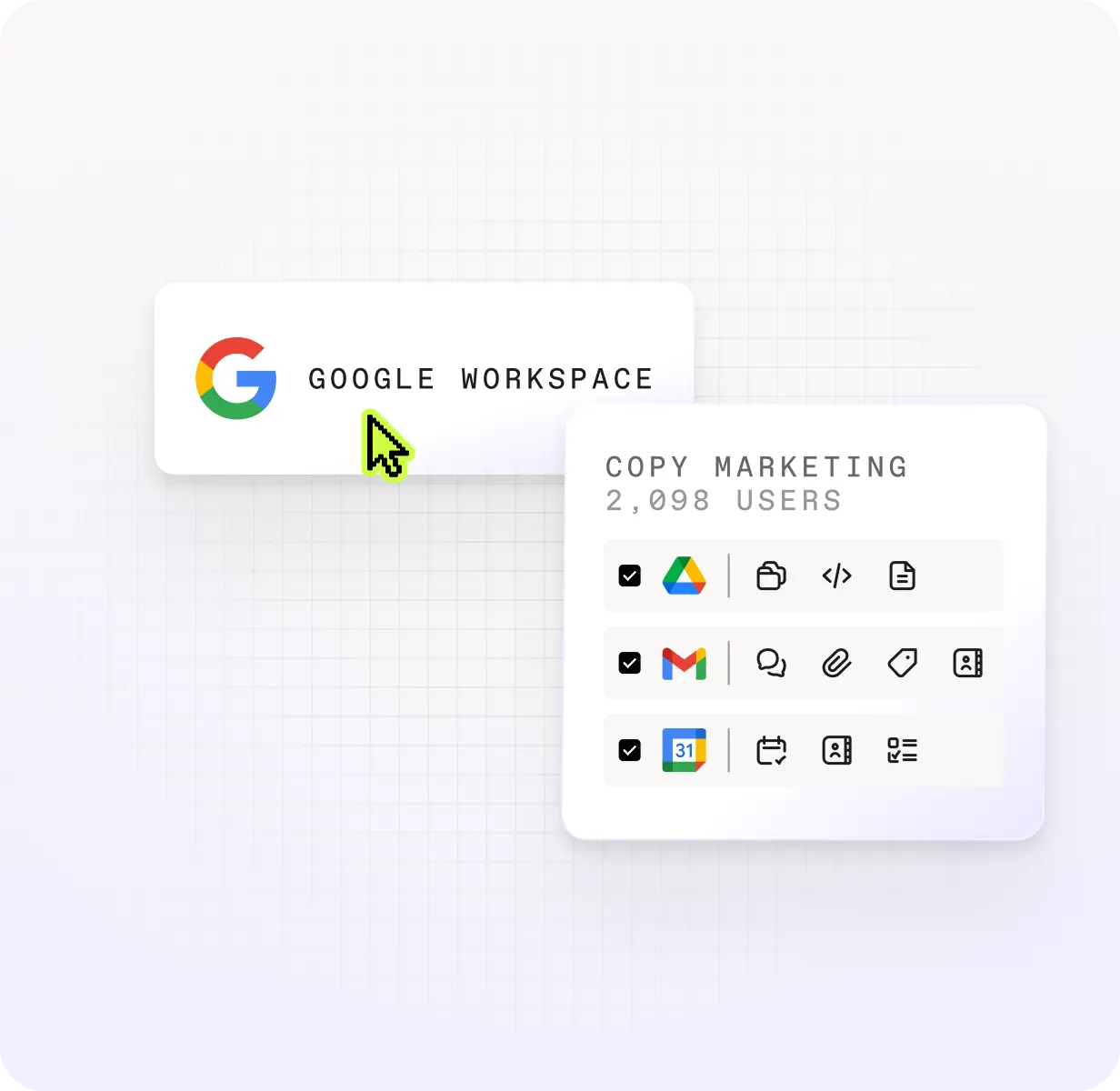
Google Workspace
Migrate Drive files, Gmail threads, and Calendar data without leaving history behind.
.svg)
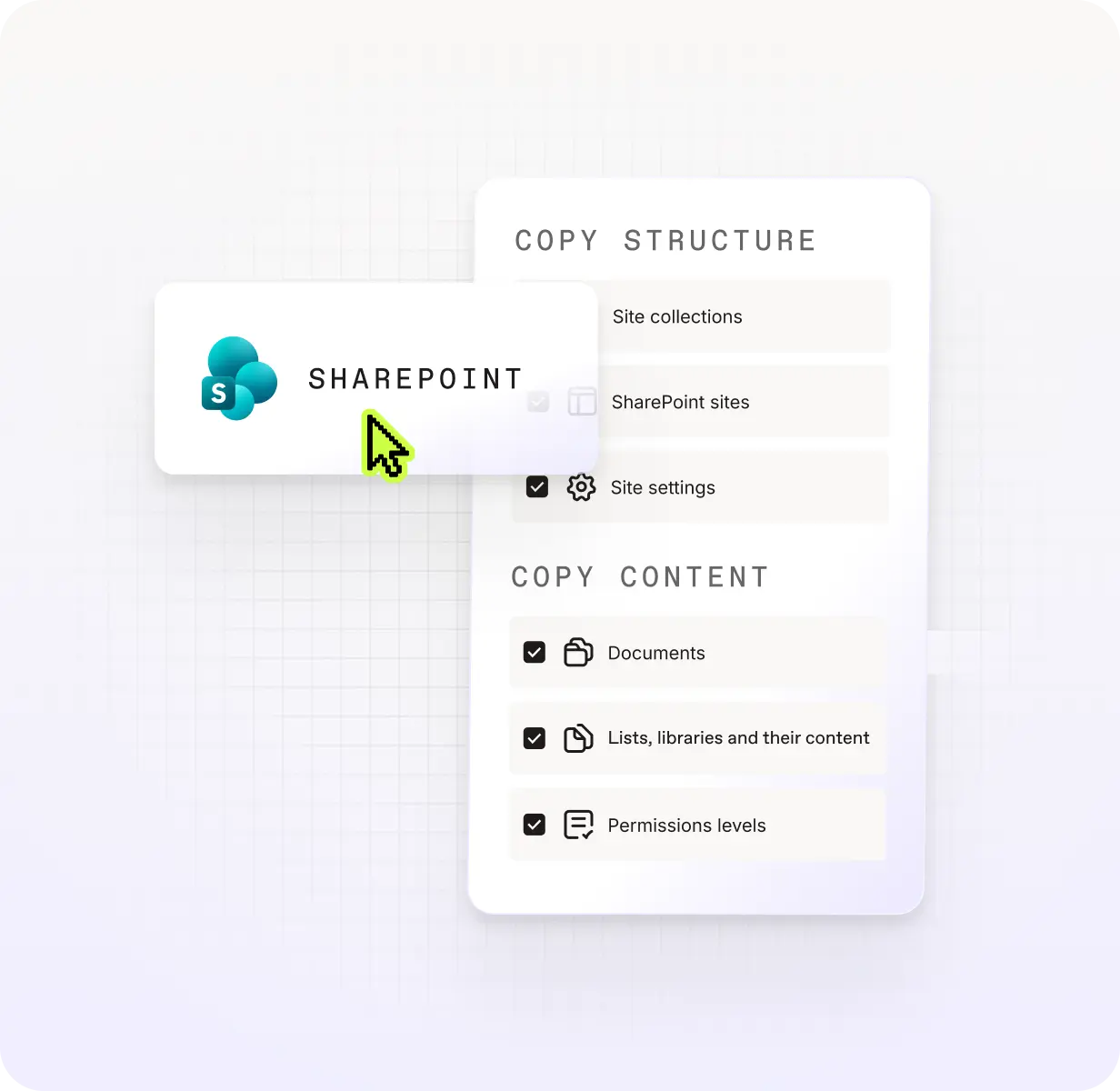
SharePoint
Migrate site collections, sites, lists, libraries, documents, folders, and list items with permissions, metadata, and structure intact.

Teams
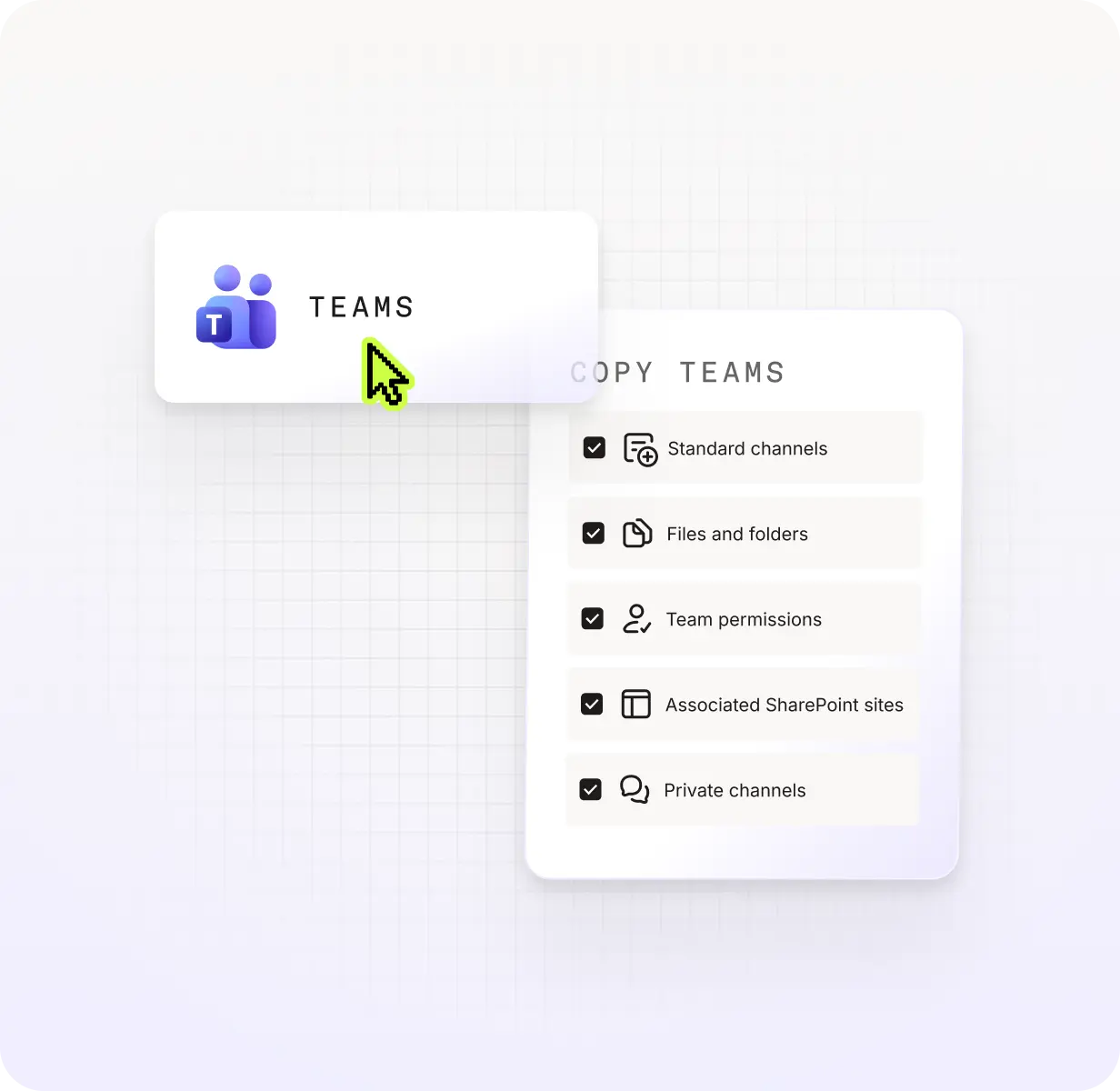
Migrate channels, files, tabs, apps, and Planner boards seamlessly with permissions preserved, so end users can keep collaborating.

OneDrive
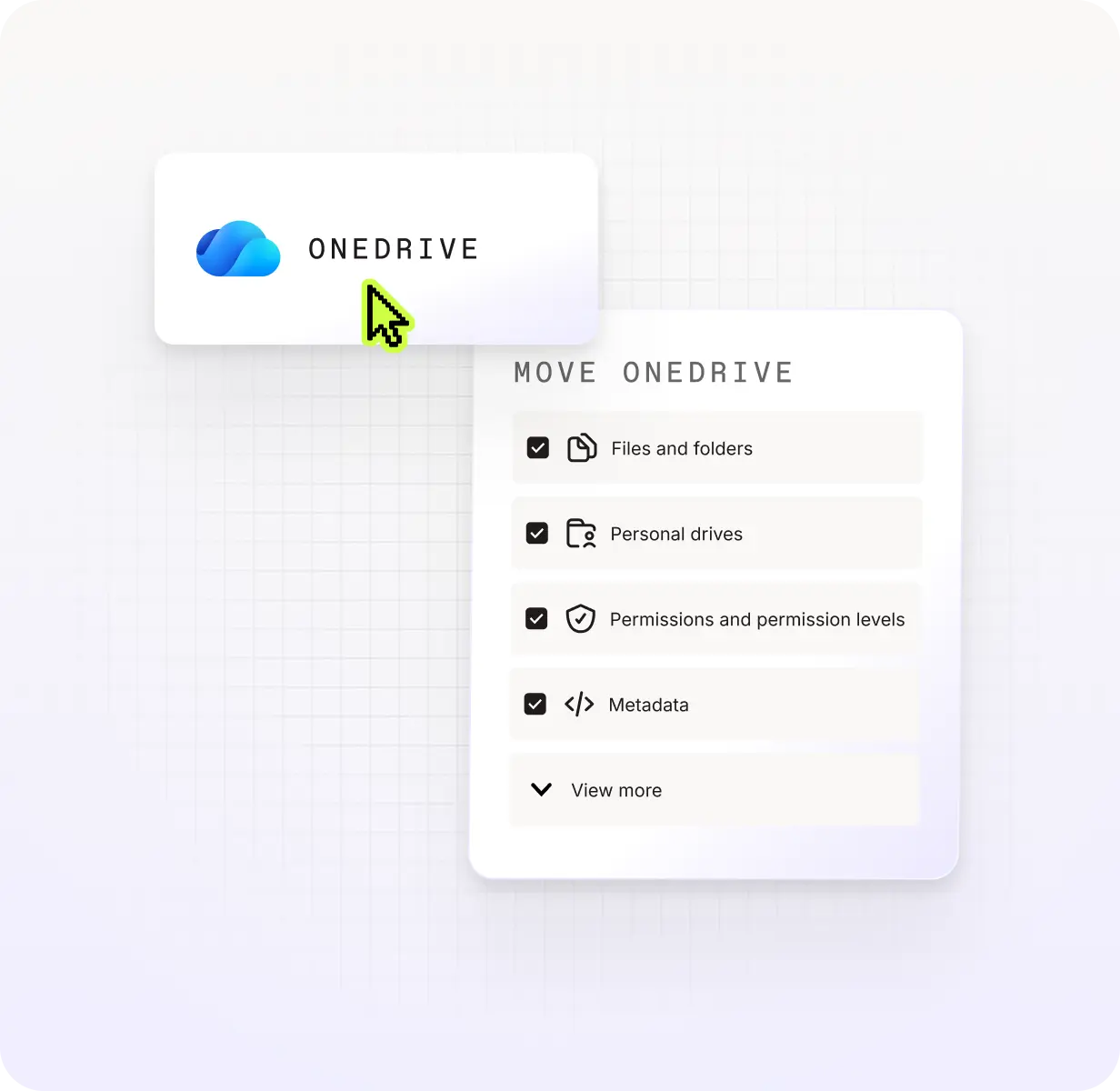
Move files, folders, and shared permissions with accuracy. Less manual cleanup post-migration, more confidence in what landed.

Microsoft Purview
Migrate sensitivity labels, encryption keys, and access rules across files, libraries, site collections, and M365 Groups. Your compliance posture moves with you.
One flat price beats per-user pricing
ShareGate,BitTitan, or Quest: Which tool is right for your T2T migration?
What does a 500-user T2T migration project actually cost?
Scenario: You need to migrate 500 users, 830 mailboxes (user, shared, resource, archive), 500 OneDrive drives, 150 SharePoint document libraries, and 150 teams from one M365 tenant to another.
Pre-migration planning
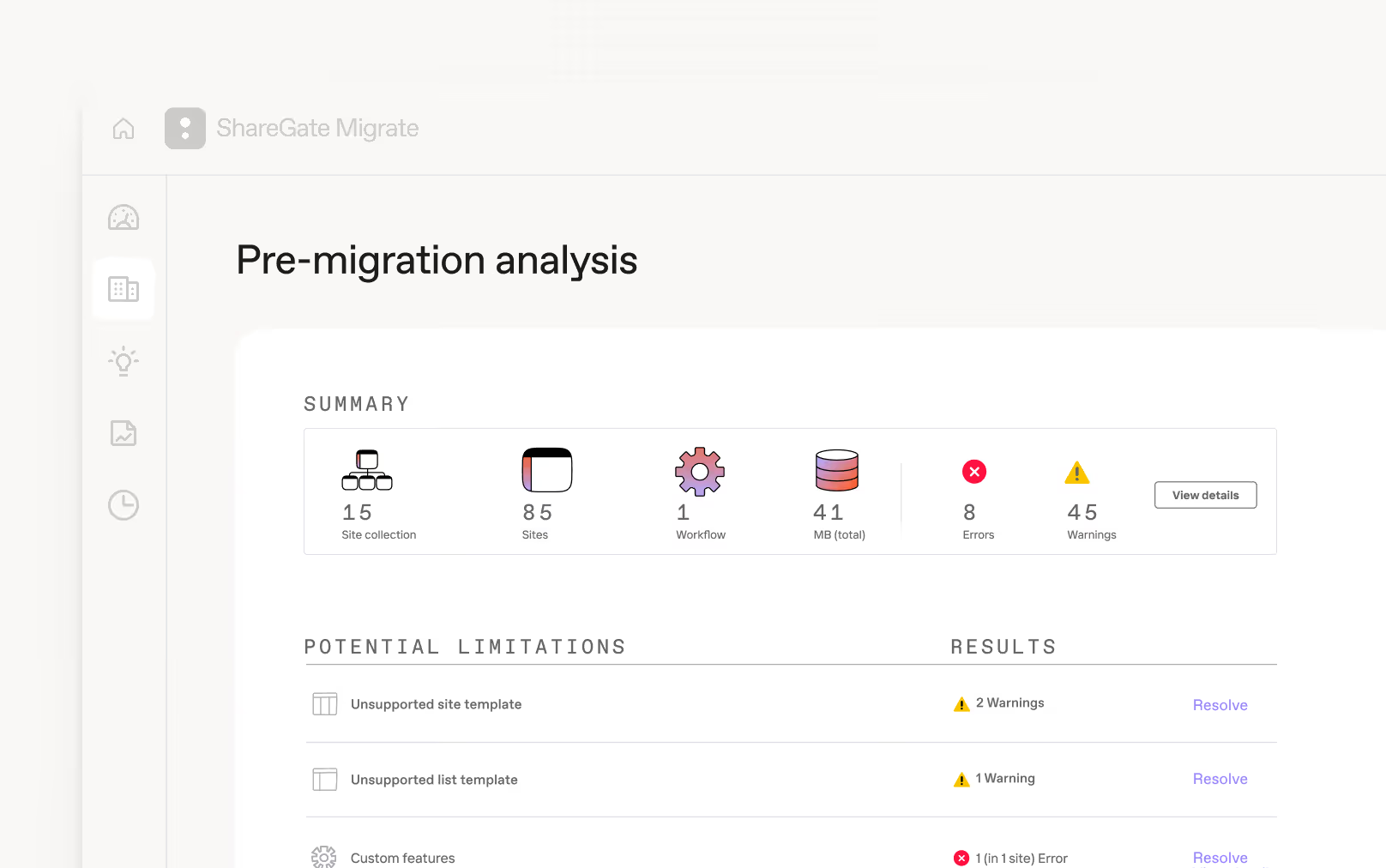
Scan your source tenant before anything moves. Surface identity gaps, permission issues, and content that needs cleanup. Then fix problems in bulk so your migration starts clean instead of inheriting the mess.

Accelerated migration

Post-migration optimization
Frequently asked questions

The most important thing to set up in the destination tenant before you migrate mailboxes or content is users. Destination users need to exist and be licensed so that permissions land correctly and content reaches the right people from day one.
ShareGate now handles Entra ID migration, including identity prep and mapping. You can migrate Entra ID users, security groups, and Microsoft 365 Groups with licenses assigned as part of the migration itself, so users arrive ready for the next step without a manual licensing pass.
Custom domain mapping handles source-to-destination domain translation, even across complex multi-domain environments. And if the auto-matching doesn't fit your project, manual overrides let you take full control of any mapping decision.
Once identity migration completes, an automated first-login flow gets migrated users into their new accounts immediately. No IT hand-holding, no support queue.
The sequence matters. Get users right first, and mailboxes and content fall into place.
ShareGate can help automate your migration, save you time, and help to make sure your move is smooth.
ShareGate makes migration simple with an intuitive interface and easy drag-and-drop functionality. You can automate user and group mapping, run incremental passes to sync what’s changed between waves, and centralized reporting across everyworkload, so you don’t have to bounce between admin centers. No PowerShell required, though if you want to script parts of the process, PowerShell is fully supported. The result: a migration you can run, monitor, and repeat without rebuilding it from scratch each time.
Yes! We know that most migrations don’t happen in one big push overnight. End users need to keep working while you plan and migrate content in batches.
ShareGate handles this with incremental migrations. After your initial migration, you’ll be able to copy only what’s changed. That applies across identities, mailboxes, and content, so you’re not re-migrating everything each waves or asking users to stop working while you catch up.
Read more: Pro tips to manage your end users during a Teams migration.
Tenant-to-tenant migrations often fail because identities aren’t migrated properly before mailboxes move, permissions don't survive the transfer, throttling kills your timeline, and users keep working while you migrate, changing content between waves.
ShareGate addresses all of these. Entra ID migration handles identity preparation first, so mailboxes, and content land where it should. Incremental passes sync only what's changed between runs, so ongoing work doesn't get lost. Concurrent migration across multiple machines keeps large projects on schedule despite Microsoft throttling. And permissions, metadata, and timestamps migrate alongside content, so you don’t have to deal with manual cleanup after cutover.
ShareGate supports tenant-to-tenant migrations on any Migrate plan, but if you need to migrate Entra ID, Exchange Online or Google Workspace, you'll need Migrate Pro or Migrate Enterprise.
Yes, if the tenants are part of the same organization: tenants you own, are acquiring, or divesting. This typically covers subsidiaries and affiliates under the same corporate ownership.
No, if you're a consultant or MSP trying to use one license across unrelated client tenants. Each client project requires its own license.
The answer depends on the source:
- Entra ID and Exchange Online: Global Admin permissions for both source and destination tenants
- SharePoint and OneDrive: Site Collection Administrator on the specific sites you're migrating andSharePoint Admin is only required if you want to browse the entire tenant or create sites during migration.
- Teams:SharePoint Admin plus Teams Admin (or Global Admin), and a Global Admin must grant one-time consent to ShareGate's Azure migration app.
- Google Workspace: Google Workspace Super Admin permissions to use administrator mode.
Microsoft 365 tenant-to-tenant migration resources for IT admins
Effective tenant-to-tenant migration: the ultimate playbook
Concurrent migrations: Best practices and strategies
Make Microsoft 365 sensitivity labels your secret weapon for security, [...]
Comparing Microsoft 365 tenant-to-tenant migration tools
Plan it once, move it clean: How to sequence M365 tenant-to-tenant [...]

“ShareGate has been a reliable tool for our mailbox migrations. It’s especially valuable for tenant-to-tenant moves during acquisitions, and it’s become our go-to solution as we continue to scale.”
One tool. One flat price. Less migration stress.