Exchange Online Postfach-Migrationen ohne unerwartete Hindernisse
Migrieren Sie Exchange Online-Postfächer zwischen Mandanten sicher als Teil einer vollständigen, vorhersagbaren Migration. Alles mit klarer Transparenz und der Expertenunterstützung, die Sie benötigen.
Über 100.000 IT-Profis vertrauen uns

4,8★ bei G2

4,7★ bei Gartner
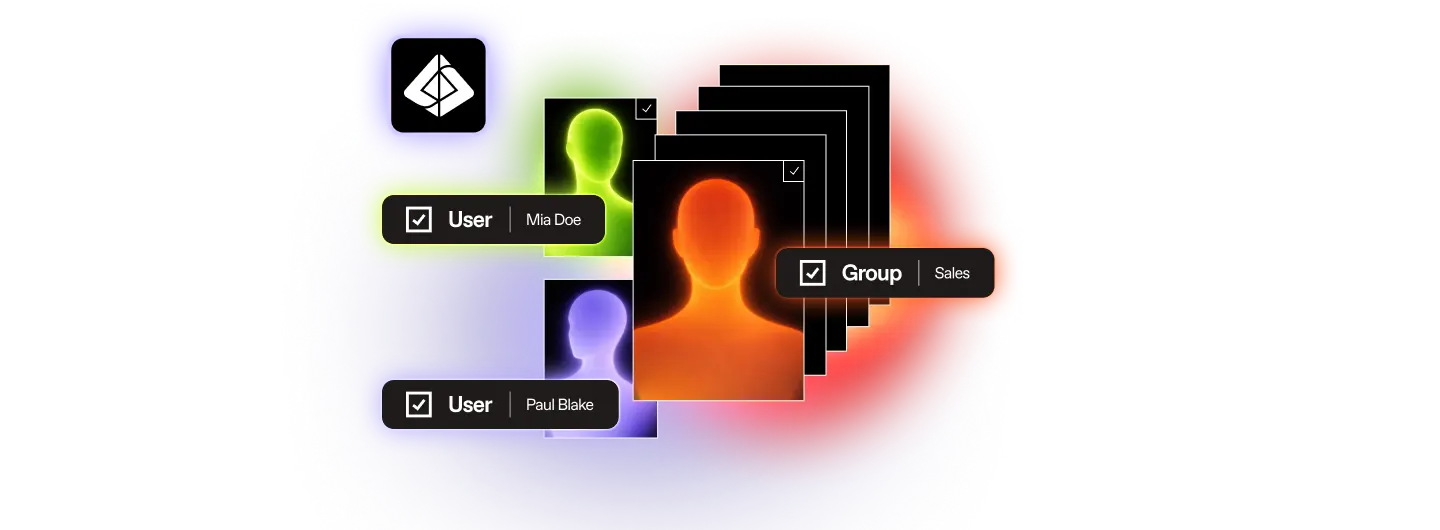
Migrieren Sie zuerst Entra ID. Alles andere folgt dann.
Schritt 01
Benutzer und Gruppen
Schritt 02
Postfächer und Inhalte
Schritt 03
Mit Zuversicht migrieren, nicht auf gut Glück
Die Entra ID Migrationsfunktionen, die IT-Teams tatsächlich benötigen
Die meisten Probleme bei der Identitäts-Migration werden nicht während der Migration entdeckt. Sie werden erst danach gefunden, wenn ein Postfach am falschen Ort landet, eine Berechtigung nicht übernommen wird oder ein Benutzer sich nicht anmelden kann. ShareGate gibt Ihnen die volle Kontrolle über jede Zuordnungsentscheidung vor der Ausführung, sodass übliche Probleme erkannt werden, bevor etwas verschoben wird, und nicht erst im Nachhinein.
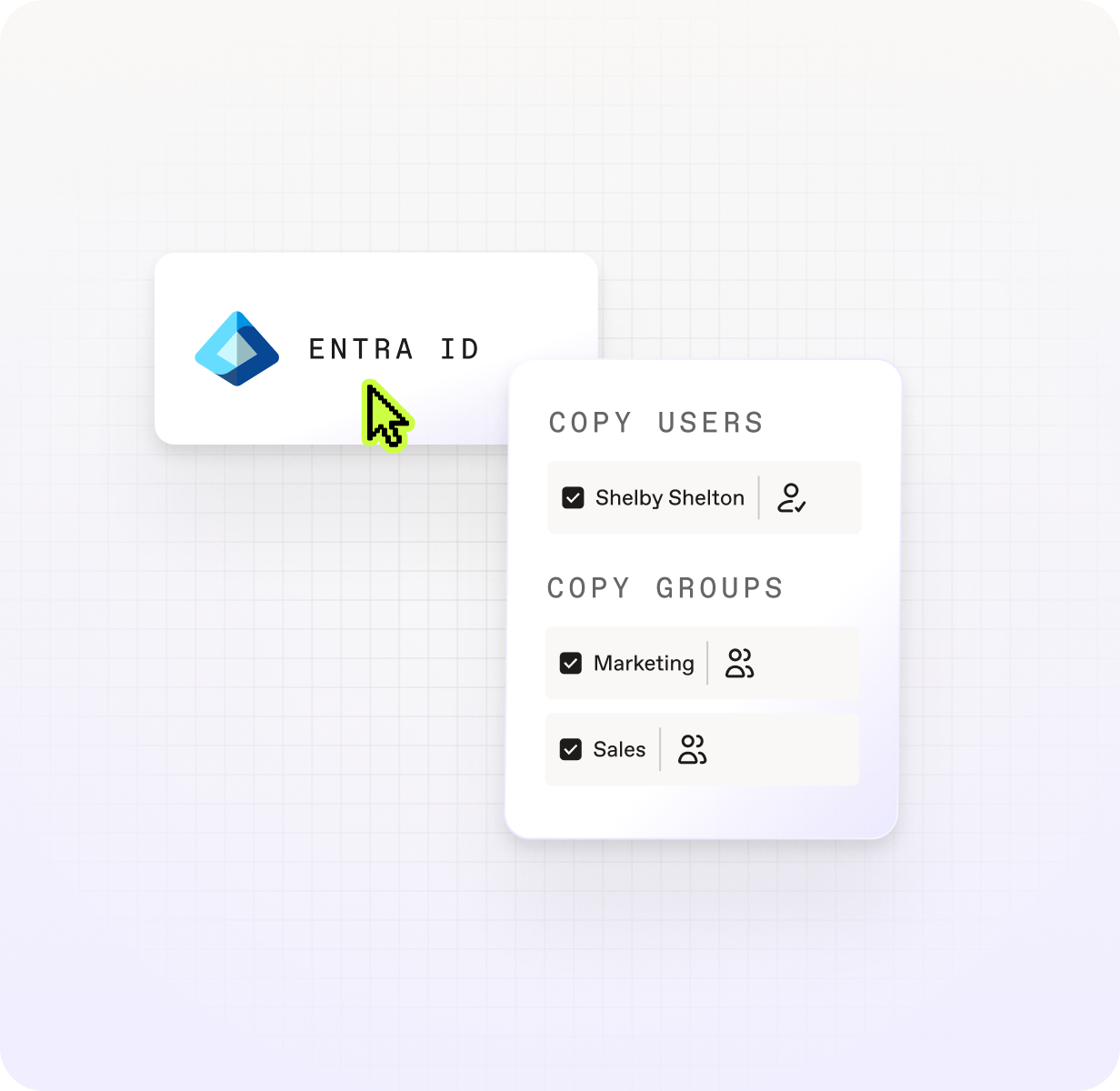

Sehen Sie jede Identität und was mit ihr geschehen wird.

Beheben Sie Diskrepanzen, bevor sie zu Fehlern werden.

Lizenzen während der Migration zuweisen, nicht danach.

Erneut ausführen ohne Neukonfiguration.

Sorgen Sie dafür, dass Ihre Domänen beim ersten Mal korrekt zwischen Tenants übertragen werden.

Sorgen Sie dafür, dass Ihre Benutzer sofort nach der Ankunft arbeitsbereit sind
Alles, was Sie für eine Postfach-Migration benötigen, die einfach funktioniert
Archiv

Benutzer
Sicherheitsgruppen
Microsoft 365 Groups

Gruppenmitgliedschaft
Was sie mitbringen

Lizenzzuweisung

Automatisch generierte Passwörter
Wie sie übertragen werden

Benutzerdefinierte Domänenzuordnung

Konflikterkennung
Manuelle Zuordnungsüberschreibungen
Wie ShareGate im Vergleich zu reinen Mailbox-Tools abschneidet
ShareGate übernimmt Ihre gesamte Migration von Anfang bis Ende.
ShareGate Migrate ist die einfachste, zuverlässigste und vertrauenswürdigste Lösung, um Ihre Benutzer, Postfächer und Daten zu Microsoft 365 zu migrieren.

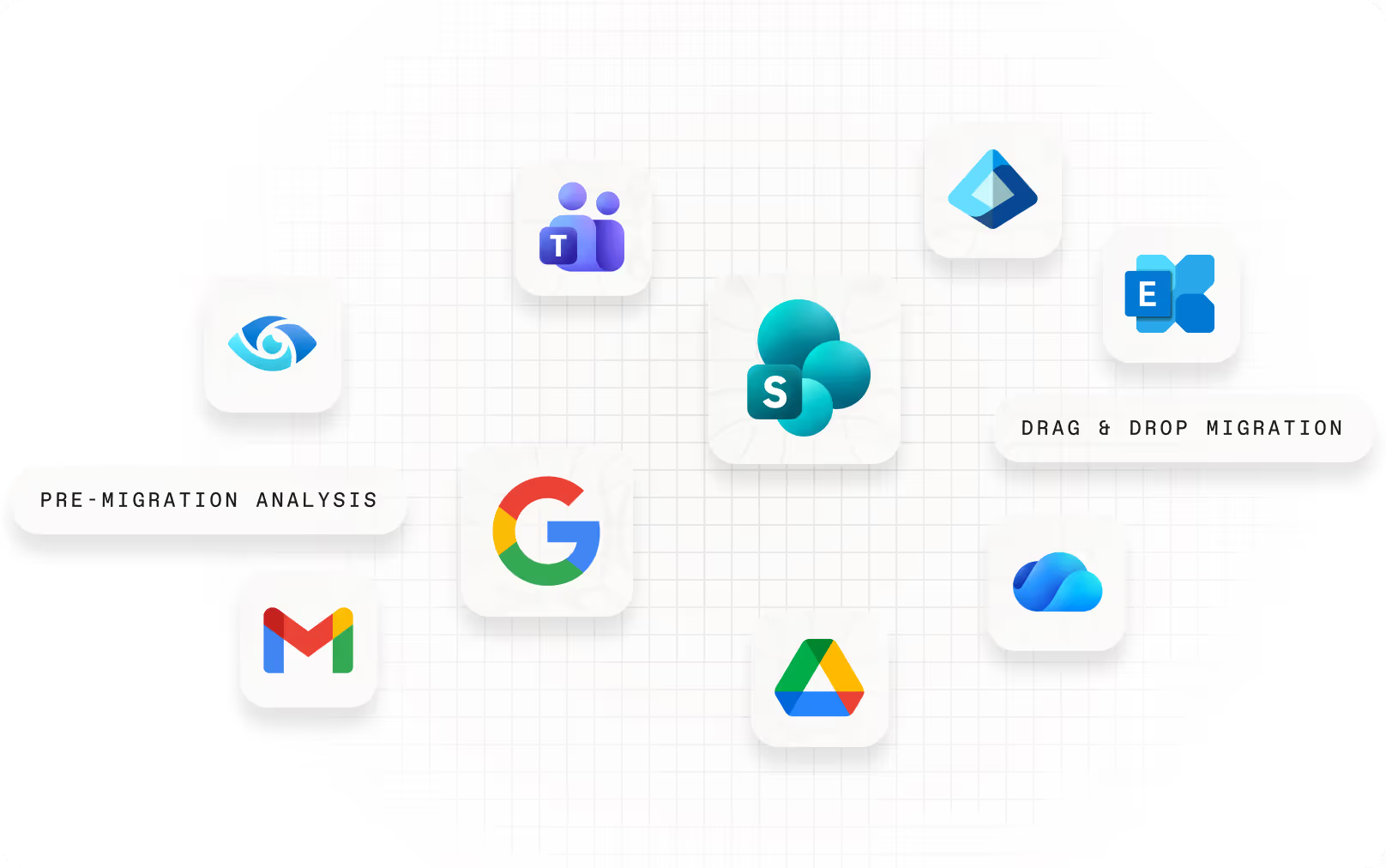
Migrationsvorbereitung

Beschleunigte Migration
Optimierung nach der Migration
Häufig gestellte Fragen

ShareGate migriert Benutzer, Sicherheitsgruppen, Microsoft 365-Gruppen und Gruppenmitgliedschaften zwischen Cloud-Microsoft 365-Tenants. Die Lizenzzuweisung ist Teil des Migrations-Workflows.
ShareGate migriert keine Geräteobjekte, Workstation-Profile oder lokales Active Directory. Es wurde speziell für Cloud-zu-Cloud-Tenant-Migrationen entwickelt.
Entra ID sollte das Erste sein, was Sie in einem Tenant-zu-Tenant-Projekt migrieren. Identitäten müssen im Ziel-Tenant existieren, bevor die Postfachmigration beginnen kann. Andernfalls können Postfächer nicht korrekt zugeordnet werden und Berechtigungen werden nicht übernommen.
ShareGate basiert auf dieser Reihenfolge: zuerst Entra ID Benutzer und Gruppen migrieren, dann Postfächer, dann Inhalte, alles mit demselben Tool. Die richtige Reihenfolge verhindert die Bereinigungsarbeiten, die anfallen, wenn die Identität als nachträglicher Gedanke behandelt wird.
Das Wichtigste ist, vor der Ausführung zu klären, wie Benutzer im Quell-Tenant den Konten im Ziel entsprechen. ShareGate deckt Konflikte auf – Fälle, in denen der automatische Abgleich mehrdeutig oder falsch ist – damit Sie diese überprüfen und überschreiben können, bevor etwas verschoben wird.
Für M&A-Szenarien mit mehreren Quell-Tenants oder komplexen Domänenstrukturen steht eine manuelle Identitätszuordnung zur Verfügung, um Fälle zu behandeln, in denen der automatische Abgleich nicht ausreicht. Ziel ist es, die Migration mit jeder bestätigten Zuordnung zu beginnen, damit Berechtigungen wie vorgesehen übernommen werden und Benutzer am ersten Tag arbeiten können.
Microsoft 365 Migrationsressourcen für IT-Administratoren

„Wir haben die Entra-ID-Migration getestet, bevor sie allgemein verfügbar war, und das hat unsere Sicht auf Mandantenmigrationen bereits verändert. Die Identität wird bearbeitet, bevor wir ein Postfach berühren.“
Starten Sie Ihre Tenant Migration auf die richtige Weise.
Keine nutzerbasierte Preisgestaltung. Keine zusätzlichen Tools. Keine Überraschungen.

