
Stop paying for unused Microsoft 365 licenses and storage



























Where is your M365 budget going?
Two levers of M365 cost optimization: licenses and storage
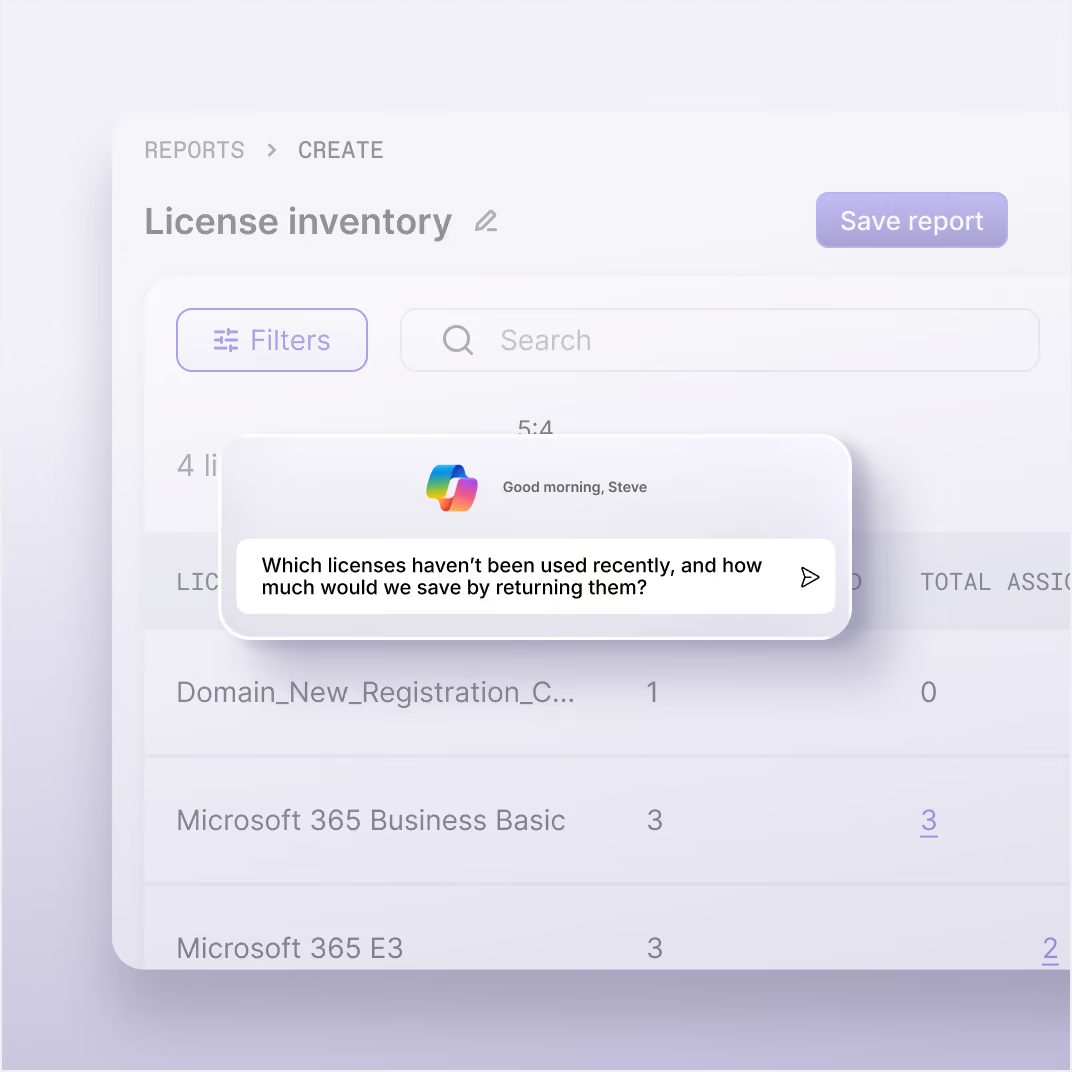
ShareGate identifies licenses that are assigned but haven't been used in over 30 days and unassigned seats. Get the estimated cost, so you can unassign them in bulk or skip them at the next renewal.

Which licenses haven’t been used recently, and how much would we save by returning them?
Depending on the content, there are three ways to tackle storage issues that can amount to a big bill.
Delete what isn’t needed anymore. Remove the data entirely: it’s the most direct way to get storage back.
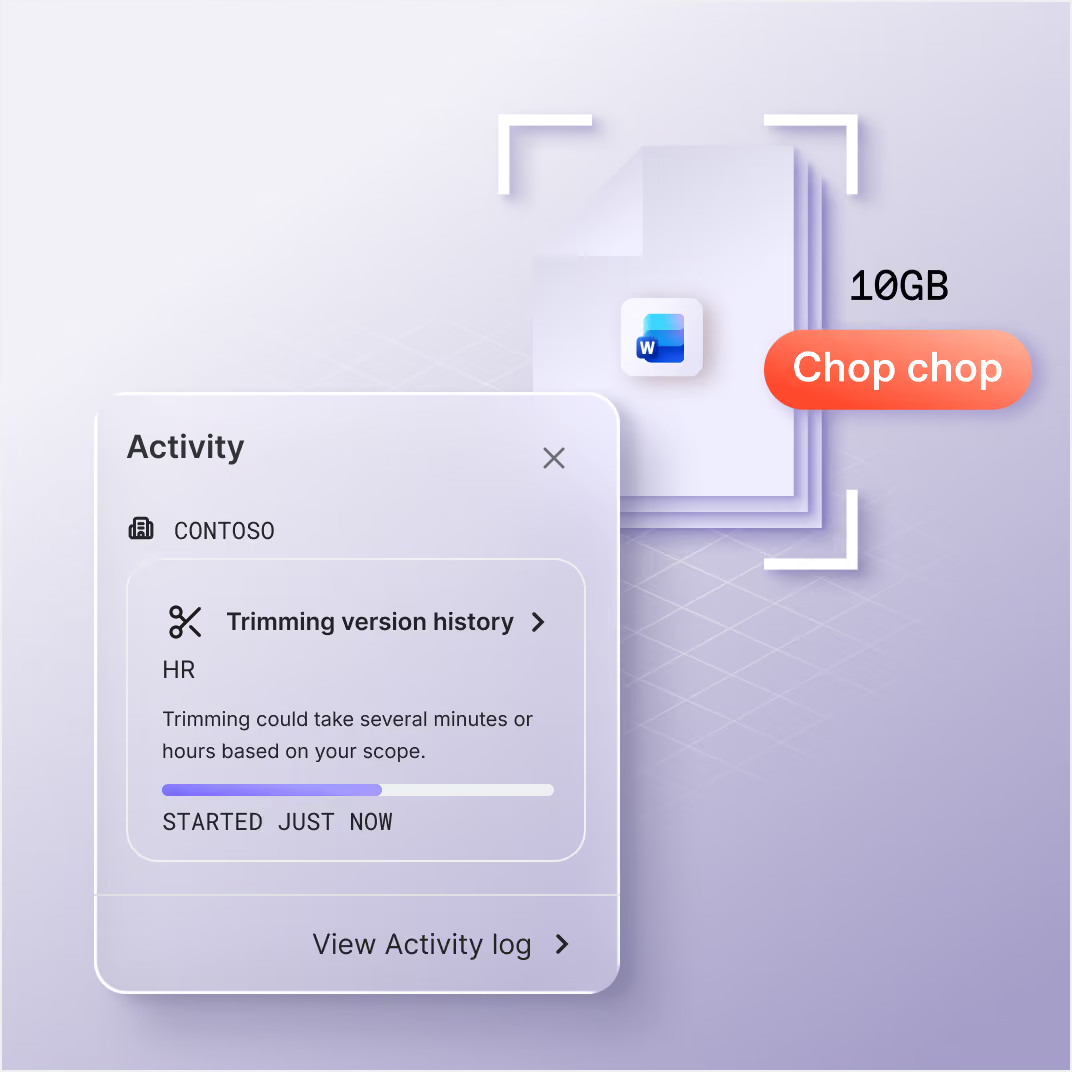
Trim the versions if the file is fine but its history isn’t. Remove older file versions across a site, so storage drops without losing the file itself.
Archive what you need to keep. Move inactive content to Microsoft 365 Archive, keeping sensitivity labels, retention labels, and native security rules intact.
Learn more about Archive
Which sites haven’t been modified in 3 years, and how much storage do they use?
The costly secret behind a 100MB file
Which workspaces and OneDrives have the most old file versions, and how much space do they take?
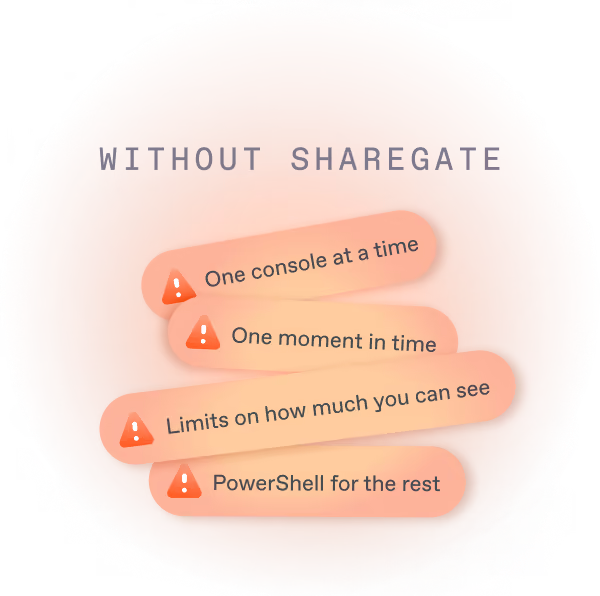
A manual inventory vs. a number for finance
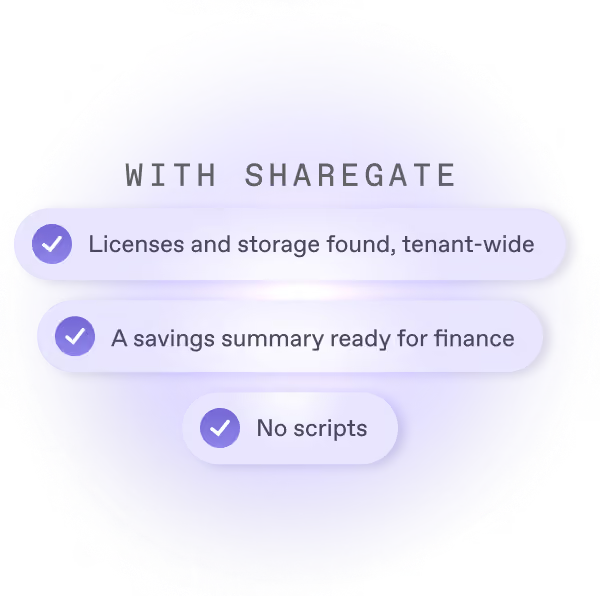
Part of the work you already do
See how ShareGate helps partners








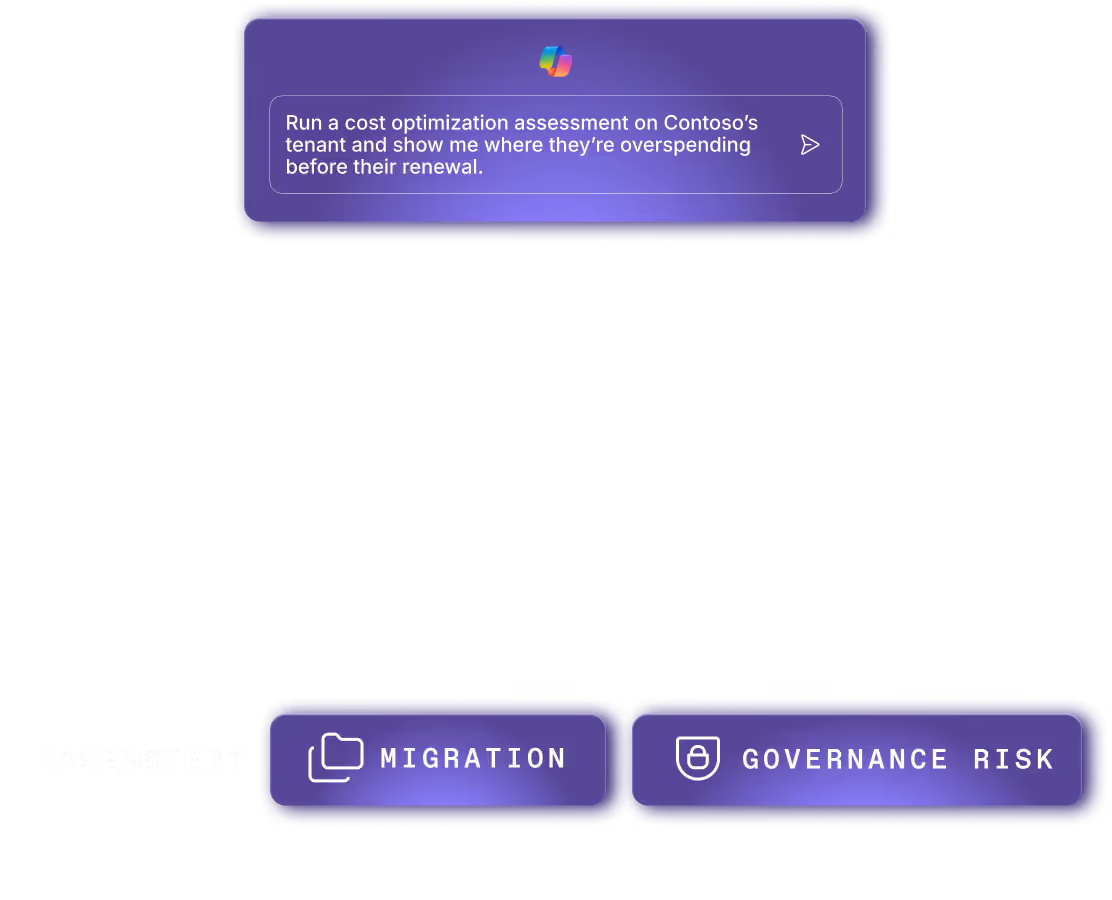




Frequently asked questions

ShareGate finds two kinds of seats you pay for and don't use: licenses assigned to people who haven't signed in for more than 30 days, and licenses nobody is assigned to. Each comes with an estimated dollar figure based on Microsoft's public list price, so negotiated discounts aren't reflected. Unassign them in bulk, right from the list. Your invoice goes down when you lower your purchased seats at renewal.
Start where the money is. ShareGate shows storage by workspace across SharePoint, Teams, Microsoft 365 Groups and OneDrive, and puts a price on anything above your tenant's quota. It also finds the version history piling up in sites people use every day, which is often where the space goes. Then trim versions, archive what you can't delete and delete what nobody needs. Check your retention rules first: trims are permanent.
In ShareGate, filter storage by workspace on activity and ownership. Every site, team, group and OneDrive shows its storage next to its last activity and its owner. Save a report like 'sites over 100 GB, untouched for a year, no owner' and re-run it next cycle. A workspace counts as inactive only when everything attached to it is inactive, after 180 days by default. You can change that.
It's usually version history. Old versions of files people still use pile up inside active sites, and they add up: a 100 MB file with 100 versions can take 10 GB. ShareGate's Version storage report shows how much version history each workspace, OneDrive and library holds. A version limit only affects new versions. To get existing space back, you trim, and trims are permanent. Check retention first.
It depends on what you're allowed to lose. Archive inactive sites you can't delete: they move to Microsoft 365 Archive with permissions, labels and retention intact. Delete what nobody needs: Microsoft's recycle bins hold deleted workspaces for 30 days, then 63, then they're gone. Trim old versions in sites people still use: trims are permanent and skip the recycle bin, so check retention first.
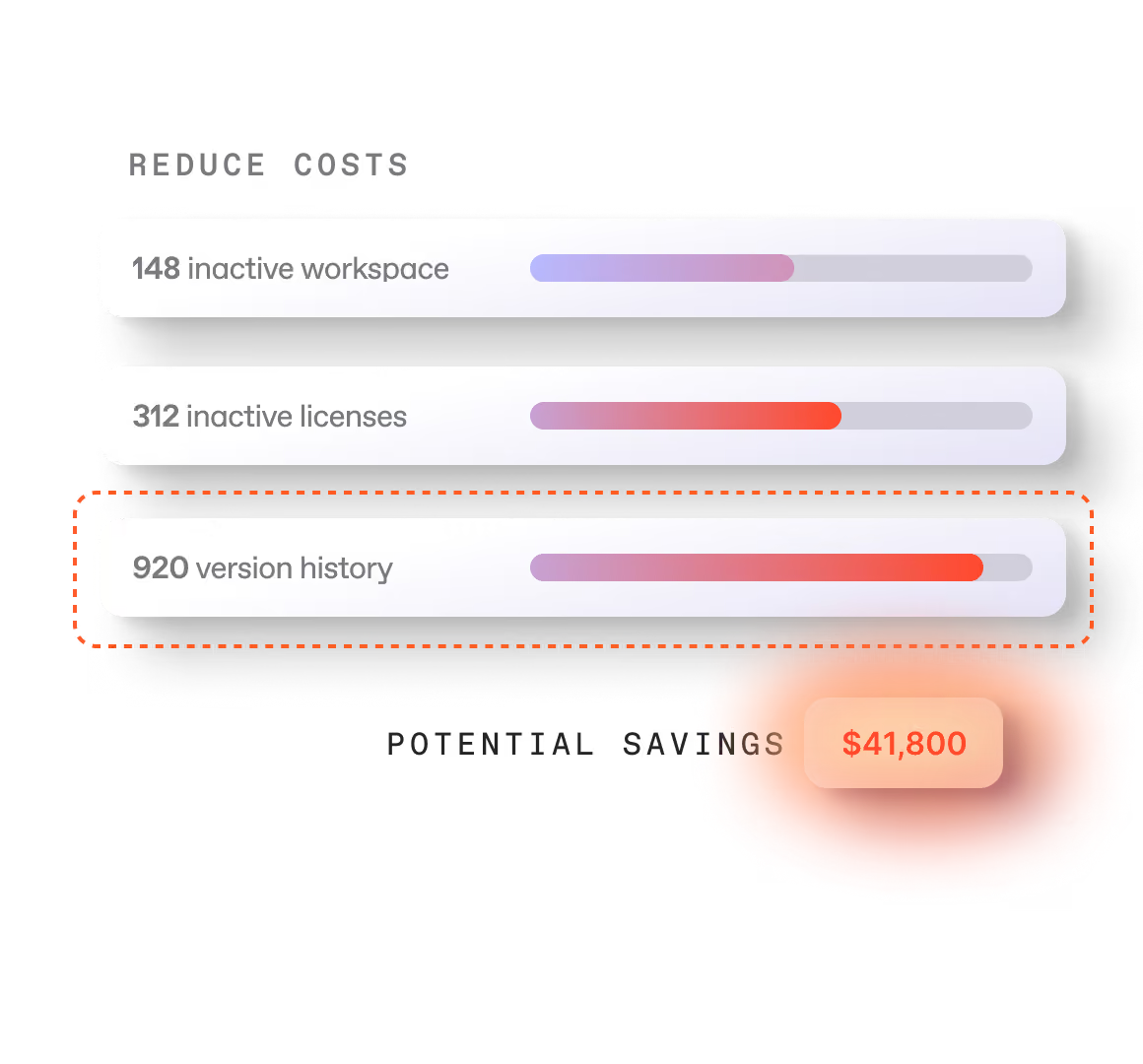
ShareGate's cost optimization covers two things: licenses nobody uses and storage you don't need. ShareGate puts an estimated dollar figure on inactive and unassigned seats, storage above your quota, inactive sites, ownerless workspaces and version history, biggest savings first. Then you act on the same screen: unassign seats, trim versions, archive or delete workspaces. It's not a spend management tool. It's where cutting Microsoft 365 waste starts, and your invoice changes at renewal.
Yes. ShareGate automates archiving, deleting and version history cleanup. Automated policies can archive or delete matching workspaces, set version limits and trim versions, up to once a day, based on conditions you set. You see the match count and the list before launch. Policy actions can't be undone, and version policies work on whole workspaces, not single libraries. Unassigning licenses stays manual. Taking a seat away from someone is a call a person should make.
Partners bring a number to the renewal conversation. When a client is about to buy more storage or seats, a priced list of what they already waste turns 'buy more' into 'clean up first'. Do the cleanup in their tenant, then come back each quarter: re-run the same saved reports, show what changed and use the activity log as the record.
Keep cutting the waste
Archive

Oversharing
Admins don't sugarcoat. So these feel extra sweet.
Real words from the admins who run migrations and govern Microsoft 365 every day.

Find the waste. Cut the cost.
Unused licenses. Wasted storage. Two answers, one tenant.