Migrate Exchange Online with confidence. Not crossed fingers.
Movemail boxes between tenants as part of a complete, predictable migration. Start with identity, keep mail flowing, and never get surprised by the bill.
Trusted by 100,000+ IT pros

4.8★ on g2

4.7★ on Gartner
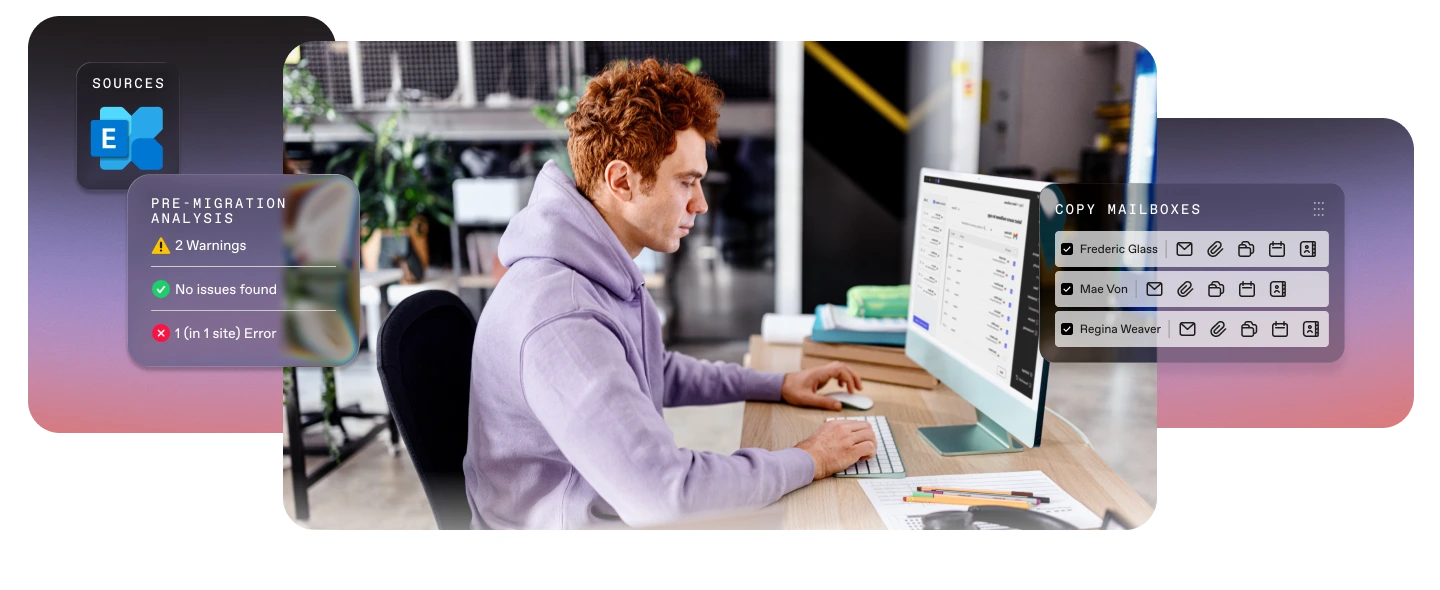
How it works
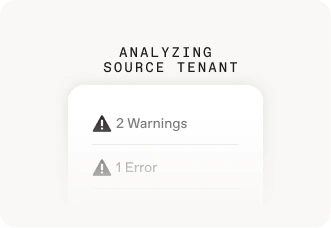
Step 01
Assess sources
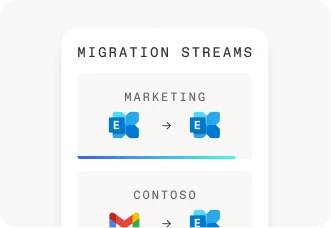
Step 02
Automate mailbox migration
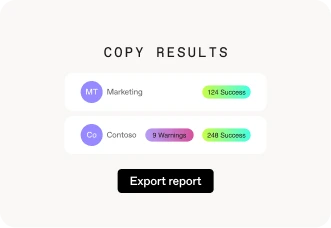
Step 03
Smoother migration
Migrate your mailboxes without the rework
Get a complete migration, whether you're managing 50 mailboxes or 5,000.
No manual cleanup. No post-cutover calls about missing meetings or broken rules.
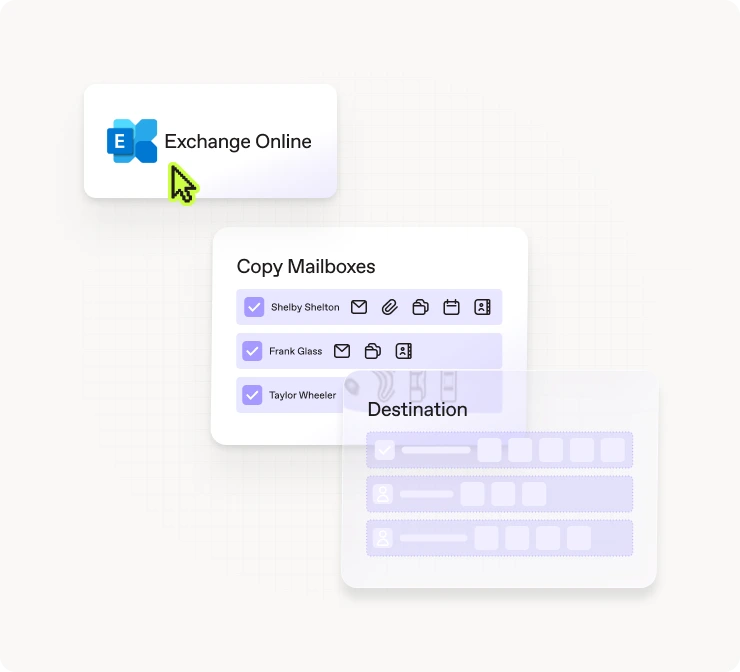

Preserve archives seamlessly

Set up your workplace automatically

Hit the ground running

Stay compliant

Move only what you want, when you want

Get total visibility
Everything you need for a mailbox migration that just works
Mailbox types

User mailboxes
In Place Archive mailboxes
Shared mailboxes

Microsoft 365 Group mailboxes
Room mailboxes
Equipment mailboxes
Meetings

Recurring meetings that follow Exchange Online rules

New Teams meeting links created at destination
Mailbox content

Emails and attachments

Calendar items
Contacts
Junk mail
Deleted items
Mailbox behavior
Server-side rules
Litigation Hold configuration
Automatic replies
Auto-Expanding archive
Why ShareGate
One tool for all your migrations
ShareGate fits your project, not the other way around
ShareGate handles the full scope, whether that’s running a staged migration from a large environment, a cutover for a small org, a tenant-to-tenant consolidation after an acquisition, a Google Workspace move, or folding multiple tenants into one.
Built for your scale, whatever that means
Whether you're an IT team of one migrating a few dozen mailboxes or an enterprise pushing hundreds of concurrent mailbox sessions across multiple machines, ShareGate can handle it all.
Moving more than just mailboxes
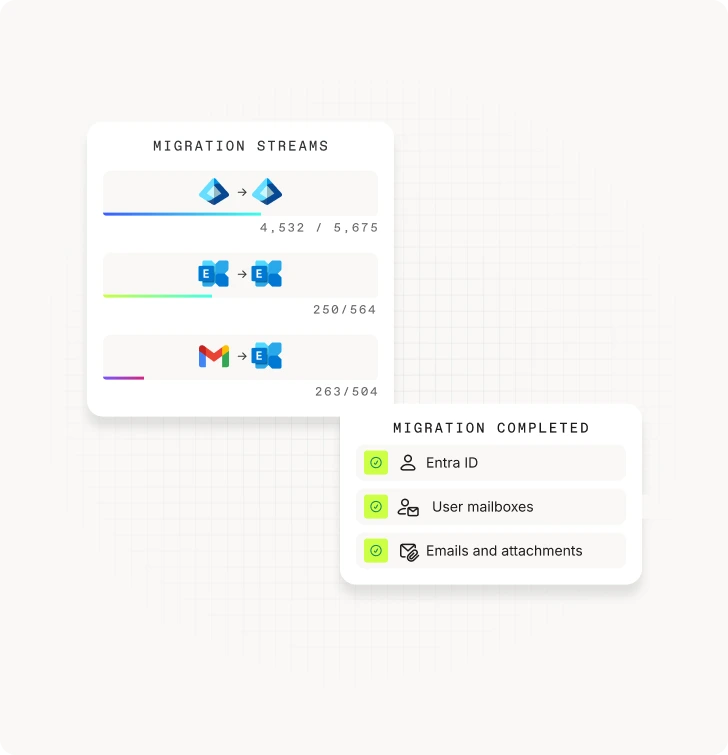
A complete Microsoft 365 migration means moving more than email. ShareGate handles identity preparation, mailbox and workload migration in one connected workflow. Everything lands in the right place, in the right order, from the start.
One flat price beats per-user pricing
One flat price beats per-user pricing
Migrate your entire tenant with one tool
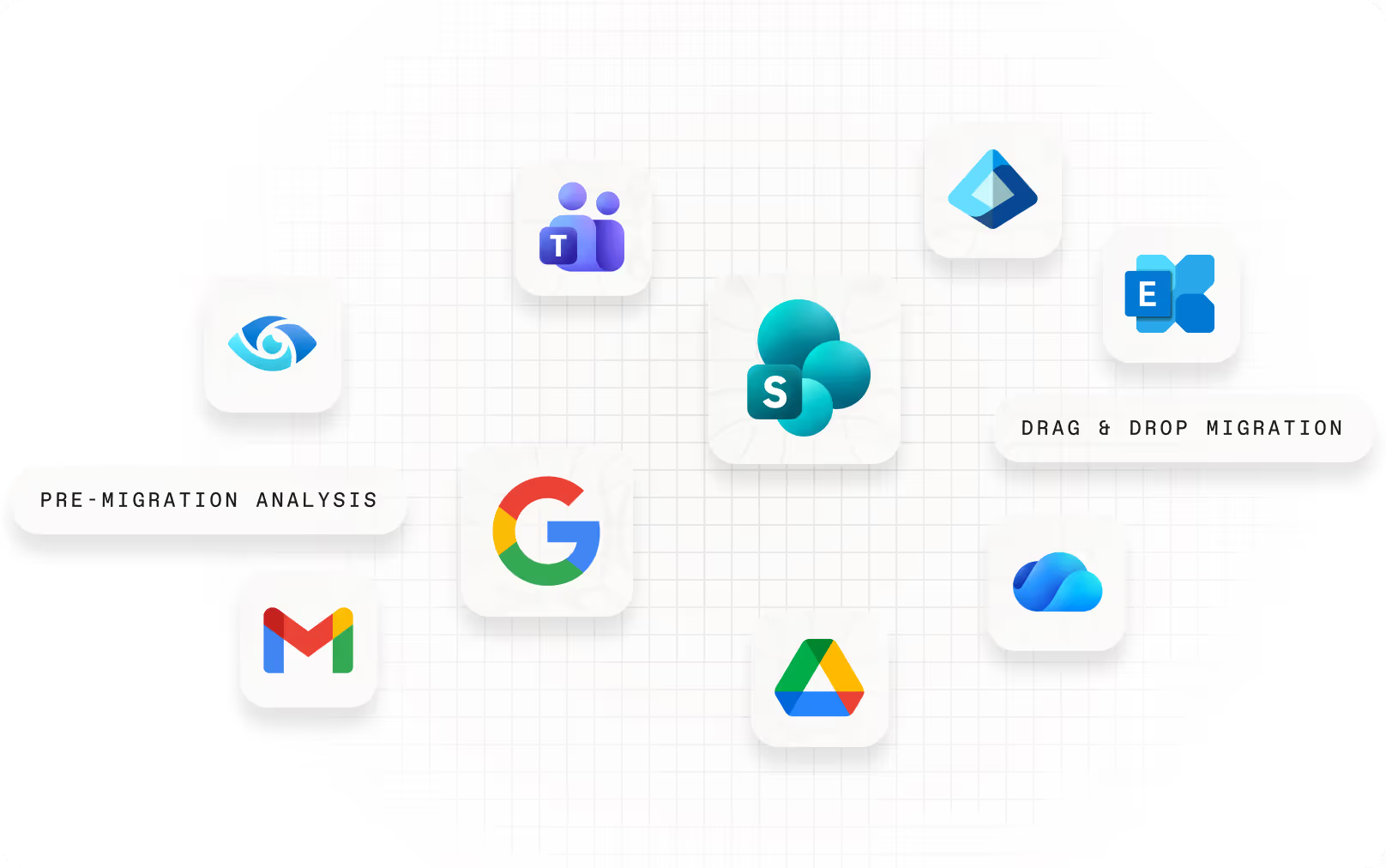
ShareGate Migrate is the simplest, most reliable, and most trusted solution to migrate your users, mailboxes, and data to Microsoft 365.

Migration preparation

Accelerated migration
Post-migration optimization
Frequently asked questions

Yes, ShareGate supports tenant-to-tenant Exchange Online mailbox migrations. You can migrate mailboxes for users, Microsoft 365 Groups, rooms, equipment, and archives.
No, ShareGate Migrate Pro and Enterprise cover the full tenant-to-tenant migration in one platform: Entra ID, Exchange Online mailboxes, SharePoint, OneDrive, and Teams. All in one tool.
Yes, when in-place archive mailboxes are present in the source tenant, ShareGate detects them during planning and migrates archive content alongside primary mailboxes as part of the same migration flow. Auto-expanding archives are supported as well.
ShareGate migrates the mailbox content and behaviors users rely on every day—messages, calendars, contacts, junk mail, and deleted items.
Mailbox types include user, shared, Microsoft 365 Group, room, and equipment mailboxes, with in-place and auto-expanding archive mailboxes migrating alongside primary mailboxes as part of the same flow.
Behaviors including server-side rules, automatic replies, and Litigation Hold configuration migrate with the mailbox so enforcement doesn't lapse at cutover.
Recurring meetings follow Exchange Online rules at the destination, and new Teams meeting links are created automatically.
Recurring meetings follow Microsoft-defined Exchange Online behavior after migration. ShareGate aligns mailbox data to those rules so post-cutover behavior is consistent with how Exchange Online handles recurring events.
Delegate relationships depend on both the delegator and delegate mailboxes being migrated. ShareGate's planning visibility surfaces these dependencies before execution so nothing gets missed.
Shared mailboxes migrate as part of the same workflow as user mailboxes, with no separate licensing or configuration required.
Room and equipment mailboxes migrate with their booking policy settings intact, so conference rooms are bookable from day one in the destination tenant.
Yes, you can run an initial migration and follow up with delta migrations to sync only what has changed between runs, which helps support staged and multi-wave cutovers. It’s included in the same annual price for your ShareGate subscription.
A cutover migration moves all mailboxes at once in a single window. It’s typically used for smaller organizations where everyone switches to the destination at the same time.
A staged migration moves users, mailboxes, and content in waves, with two tenants running in parallel the entire time. Mail routing, free/busy, delegated access, and meeting continuity all need to work across both tenants during that period.
ShareGate fully supports cutover migrations today. ShareGate also supports migrating in waves with our incremental migrations, which allow you to move only what's changed since your previous run. Full coexistence is coming soon!
ShareGate handles the mailbox migration itself—moving content, preserving behaviors, and running delta passes to catch anything that changed between waves. The MX, DNS, and Autodiscover cutover is a Microsoft 365 administration step that happens at the end of the migration, not inside ShareGate.
ShareGate's pre-migration planning surfaces mailbox issues, archive presence, and mapping conflicts before you reach that point, so when you're ready to cut over DNS, the mailbox side is already clean.
Yes, ShareGate connects to Exchange Online using modern authentication and is compatible with MFA-enabled accounts. ShareGate uses delegated permissions via Microsoft 365 consent, so it works within your existing authentication policies without requiring legacy auth to be re-enabled or special exceptions carved out. If your tenant has Conditional Access policies applied to third-party apps, those should be reviewed before migration to ensure ShareGate's connection isn't blocked during execution.
Deep dives, pro tips, and playbooks, straight from the mailbox migration trenches.
How to migrate Microsoft 365 mailboxes: Everything you need to know for tenant-to-tenant moves
Migrate Microsoft 365 mailboxes from tenant to tenant with ShareGate
Microsoft 365 mailbox migration guide: Ensuring a smooth transition
Master tenant-to-tenant migrations with this playbook
Your go-to checklist for M&A migrations and user adoption

“ShareGate has been a reliable tool for our mailbox migrations. It’s especially valuable for tenant-to-tenant moves during acquisitions, and it’s become our go-to solution as we continue to scale.”
Ready to run a mailbox migration that goes according to plan?