
.svg)
ROI-Rechner
Sehen Sie, wie viel Sie sparen können, indem Sie ShareGate Protect zur Verwaltung und Sicherung Ihres Tenants verwenden
Berechnen Sie Ihre Einsparungen%20(1).avif)
Master-Hacks: Migrieren Sie wie ein Profi
Schauen Sie sich unsere Videoserie an, die Ihnen dabei hilft, Migrationsprojekte in Meisterwerke zu verwandeln!
Inhaltsverzeichnis
The ShareGate product teams were heads down focused on a theme in August, and it wasn't subtle: closing the gap between finding a problem and fixing it. Protect got two updates that both do the same job from different angles. The MCP server can now act, not just report. And you can now remove access the Permissions matrix report surfaces, right where you found it.
Migrate has two. The first is bigger than it sounds. The Migration assessment, until now partner-only, is live on the ShareGate for all customers. This means you can size up a tenant from the web before you download the app or move anything. The second is for people migrating from Google. Gmail labels can now land as Outlook folders instead of categories.
Let's dig in.
ShareGate Protect
Protect’s August updates are about taking action, in whichever tool you happen to be working in.
Both updates below follow the same rules. Preview before you commit, every action lands in the Activity Log, and the remediation impacts on your Home page reflect what you cleaned up. No surprises, no side doors.
ShareGate MCP: Remediation and policies, straight from the conversation
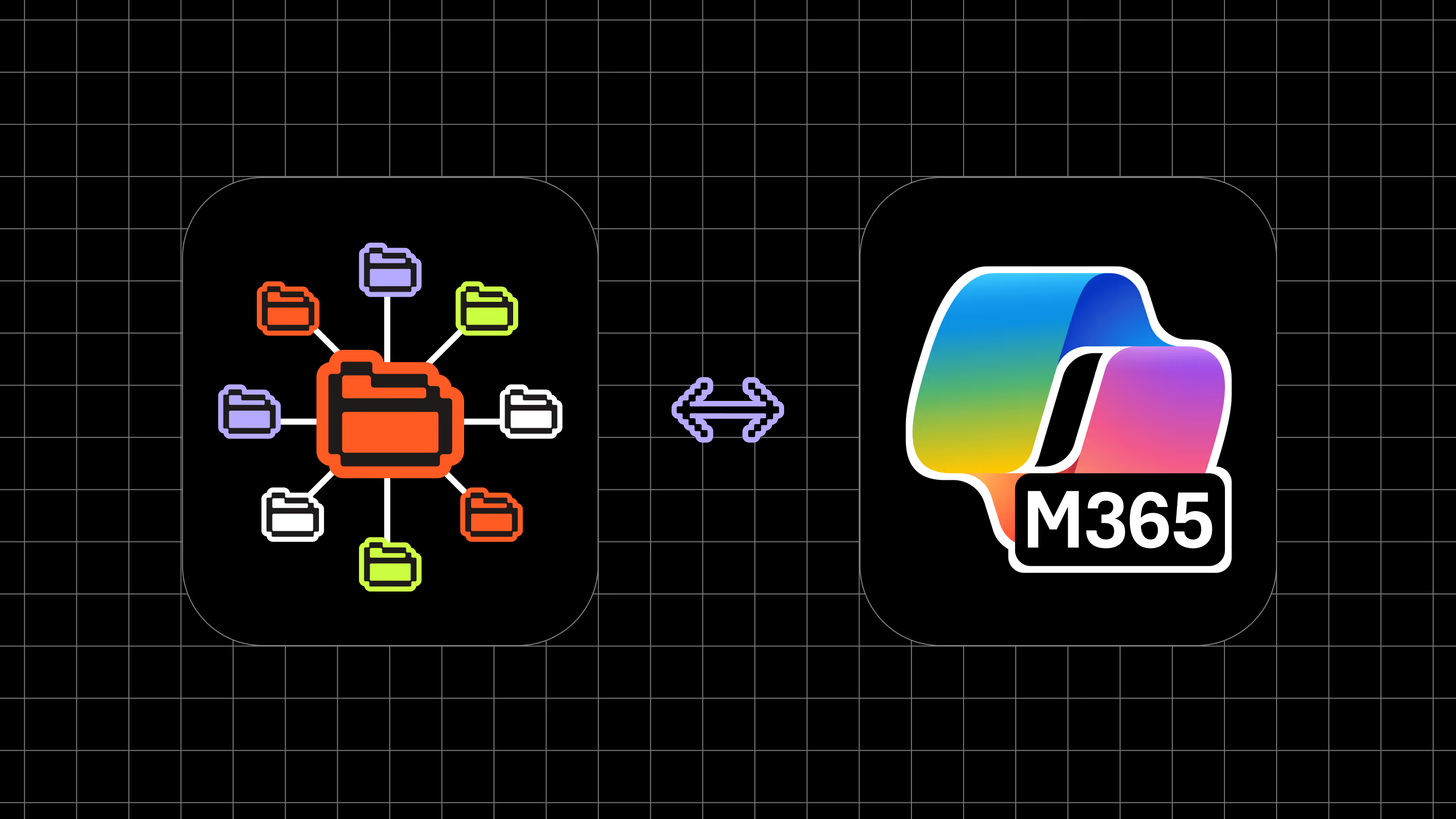
We launched ShareGate MCP sever in June, and at first it was read-only. You could connect ShareGate MCP to your AI tool of choice, then ask what was going on in your tenant and get a real answer without leaving your AI chat. But if you found a problem you wanted to fix, you’d have to break flow to go to Protect.
That round trip is gone.
All of Protect's remediation actions are now available through ShareGate MCP. Delete a workspace, archive it, manage owners, pull a guest.
It works as a plan-then-execute pair: preview the action first and you get back the count of everything it would touch, then execute once you're satisfied. The AI acts as you, with your permissions, so it can never do more in Protect than you could do yourself.
Policies came along too. You can preview, launch, pause, and modify automated policies through MCP, which means the ongoing enforcement layer is now part of the same conversation as the one-off cleanup.
Explore insights, dig into results, manually address the top offenders and then automate remediation. All from the same session in your AI tool.
The Activity Log is queryable through MCP as well, and it gets a new Source: MCP value alongside Manual and Policy. Because MCP acts as the signed-in user, the log still names the person who ran the action. The new value tells you the route they took to get there, which is what you want when you're reconstructing a change three weeks later.
Two guardrails worth knowing about.
- Remediation permissions still require consent, exactly as they do through the Protect UI, so MCP doesn't get a shortcut the product doesn't have.
- There's a new per-workspace Write Guard, on by default, that controls whether the MCP server can perform any write actions at all for your connected tenants. If you want AI reading your tenant but nowhere near the delete button, that's a single toggle.
We’re excited to keep finding new ways to make ShareGate MCP even more useful over the coming months.
Permissions matrix report: Remove risky access without leaving the report
You run the PMR, and there it is: an anonymous link on a folder full of contracts, created for a vendor project that wrapped two years ago. Nobody remembers making it. Everything with a copy of that URL still has the keys, and so does every AI tool pointed at your tenant.
Last month the report could show you that link. Now it can remove it.
Removing a link works on all three flavors: anonymous, org-wide, and specific-people. For a specific-people link, that removes the link itself, so everyone it granted access to loses that access. It works at the site level and on any broken lower-level object, which is exactly where oversharing tends to hide.
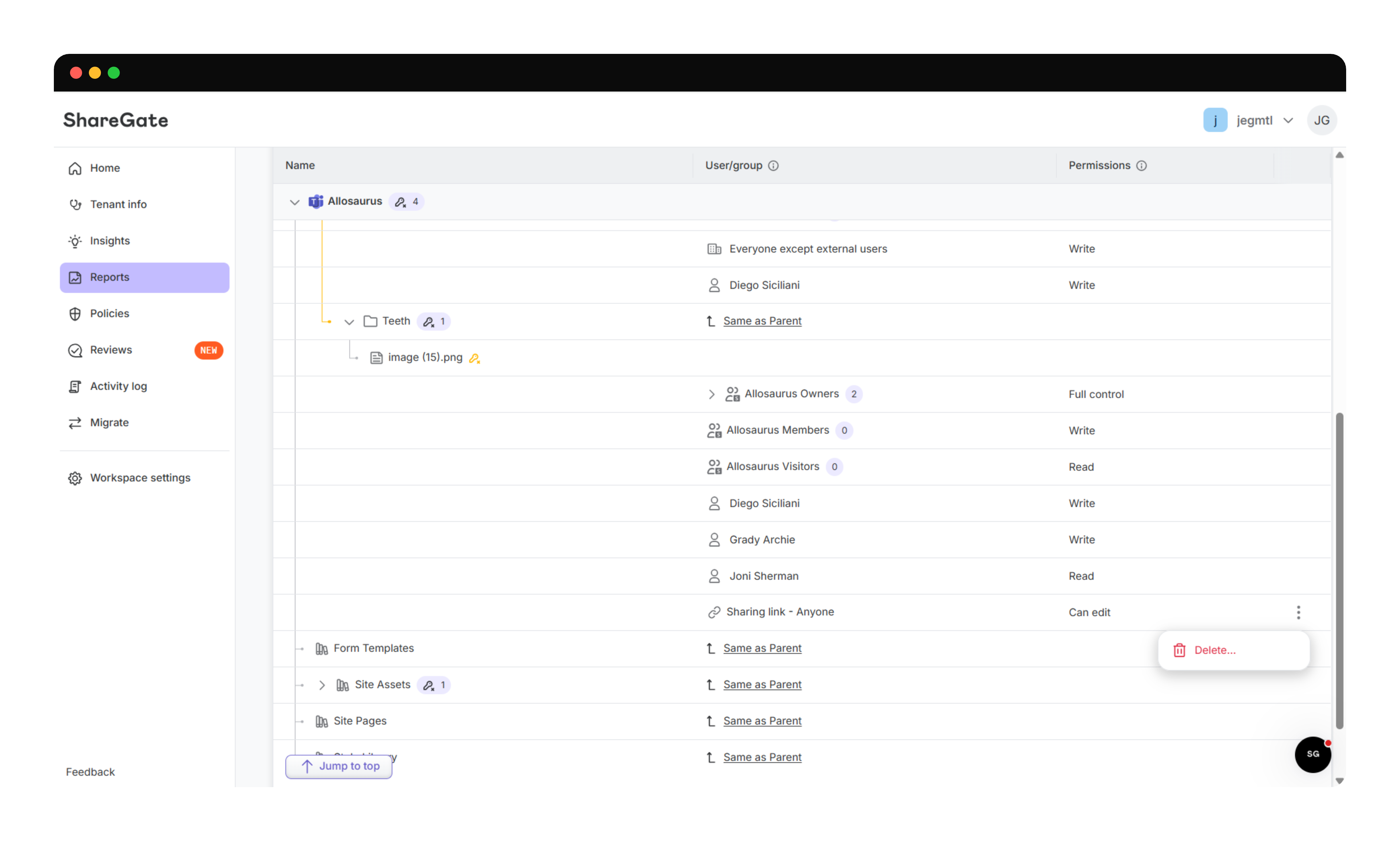
Every action previews before it applies, so you see what's about to change and who's about to lose access before you commit. These are real permission changes, not flags. If that link was how someone was reaching a document, they lose it the moment you confirm.
For now you can remove links. More individual actions are rolling out over the coming weeks: removing a direct user or group permission is next. Bulk remediation will follow, so you can clear several grants on an object in a single pass instead of one by one, with a summary of what you're about to remove rather than a line-by-line list. The direction is simple: everything you can remove in SharePoint's advanced permissions settings, done from the report that told you it needed doing.
ShareGate Migrate
Two updates in Migrate this month, sitting at opposite ends of a project. One is about the picture you build before you move anything. The other is about where your Gmail lands once you do.
The first moved to the web, next to the governance reporting you'll want once the move is done. The second is a new option in the Copy options step you already walk through, so there's nothing new to learn to find it.
Migration assessment: Size up a tenant from your browser
Every migration starts with the same conversation. Someone asks how big this is, how long it'll take, and what's going to go wrong. You know your tenant better than anyone, but the answers live in a dozen places, and the questions arrive before the project does.
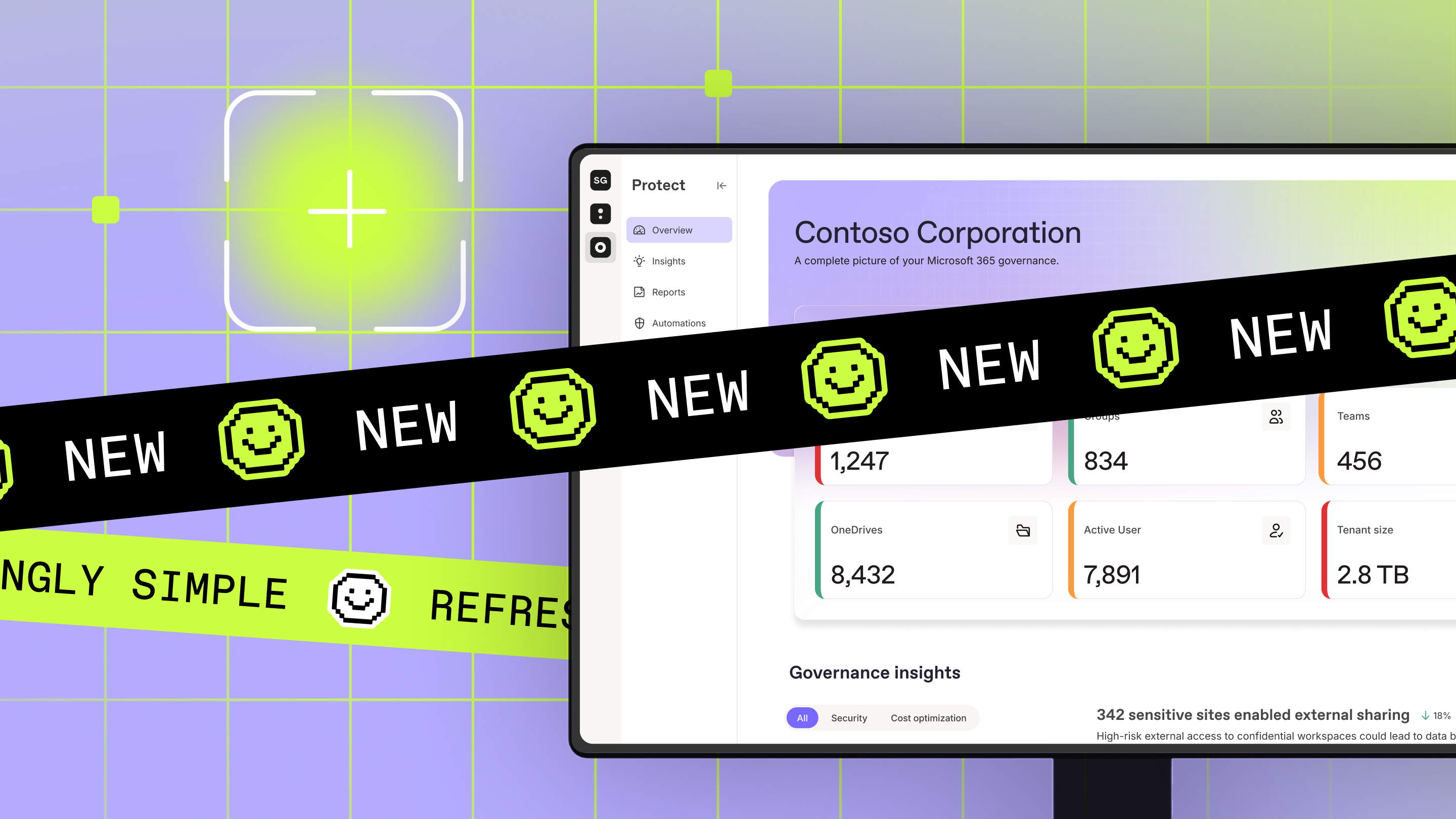
The Migration assessment gets you those answers early and from the browser. Connect a source tenant, and in minutes you have tenant size, a workload breakdown, and the insights that show you where the migration risk actually sits. It's a number you can take into that conversation, and a picture you can point at.

Partners will recognize this one. It's the assessment tool they've been using, rebuilt on the Platform's foundations, with readily available data and the insights engine behind it. It covers more ground now, too: UPN analysis, version analysis, and sensitivity labels are all in the picture, and the reporting comes with fresh data every day plus filtering, sorting, and dynamic columns.
Two things to know before you go looking for it. Exchange and Google assessments aren't supported yet, so the legacy assessment tool stays available to partners who need those. And we're starting with new trials and workspaces, letting it settle for a few weeks before opening it up to existing customers in September.
Gmail label handling: Folders or categories, your call
Gmail labels and Outlook folders don't map cleanly onto each other. A message can carry three labels, but it should probably only live in one folder. Something has to give, and that call belongs to you, not us.
So, there's now a Gmail label handling option in the Copy options step:
- Convert labels to Outlook categories, still the default and still the right answer for most moves
- Convert labels to Outlook folders.
Scripted migrations get the same choice through the new -GmailLabelCopyStrategy parameter.
In folder mode, user labels become Exchange folders and nested labels become nested folders. Messages carrying more than one label get copied into each matching folder, so go in expecting a bigger destination mailbox and a longer run, especially on a tenant with heavy multi-label habits.
That's a wrap on August 2026
The through line this month is the distance between knowing and doing. Protect closed it in two places: the MCP server can now act on what it finds, and the PMR can remove the access it reports on. Migrate closed a different one, by putting the assessment phase somewhere you can reach in minutes.
More PMR actions and bulk remediation land over the next few weeks, and there's more coming to the Migration assessment soon, too.
Until next month, go soak up the last of the summer. The fall project queue will still be there when you get back.


.jpeg)



Nicht nur migrieren, sondern ShareGate.
Keine nutzerbasierte Preisgestaltung. Keine zusätzlichen Tools. Keine Überraschungen.