
The simplest way to migrate to Microsoft 365
ShareGate is the simplest, most reliable, and most trusted solution to migrate your data to Microsoft 365.
Trusted by 100,000+ IT pros

4.8★ on g2

4.7★ on Gartner
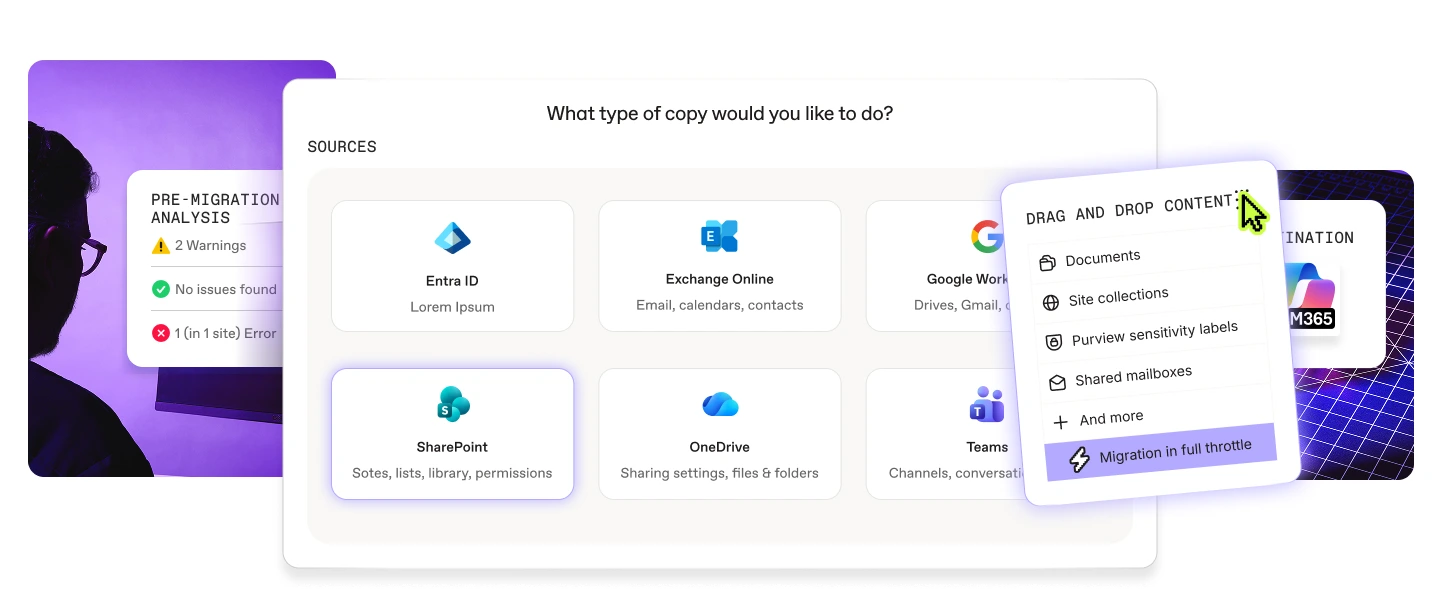
How it works
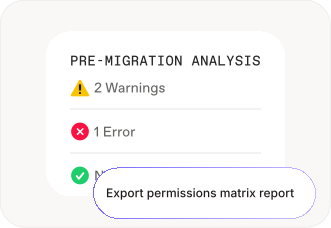
01
Scan and prepare sources
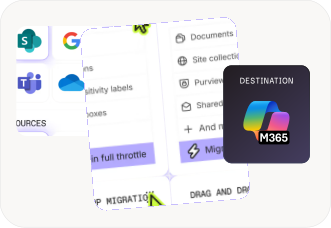
02
Automate data migration
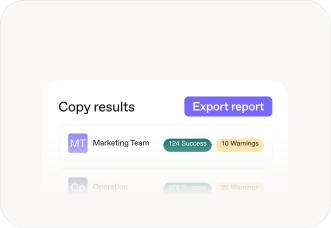
03
Faster migration. Lower cost.
migration By workload
Move to Microsoft 365
from anywhere
Lorem ipsum dolor sit amet, consectetur adipiscing elit. Suspendisse varius enim in eros elementum tristique. Duis cursus, mi quis viverra ornare, eros dolor interdum nulla.

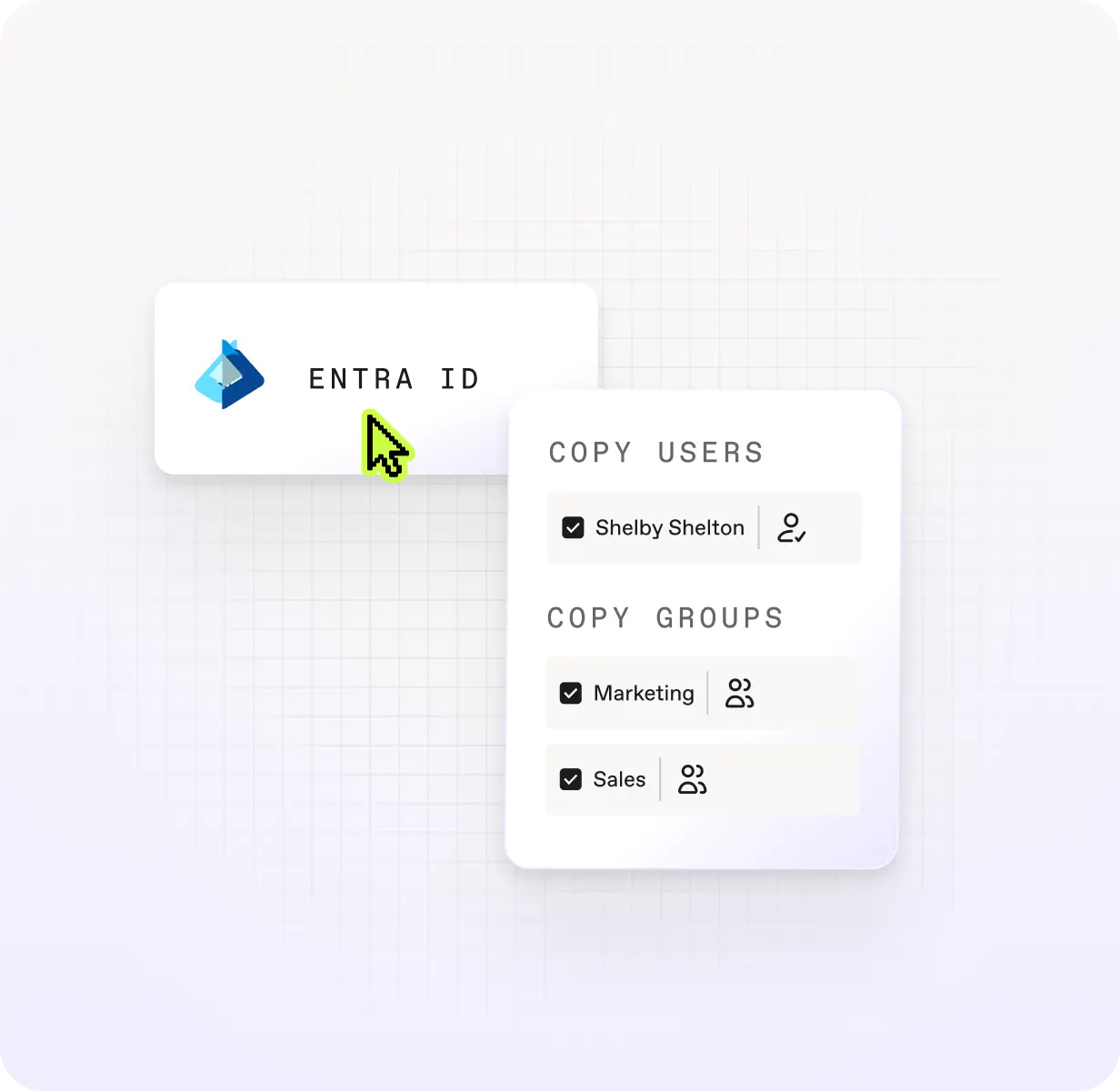
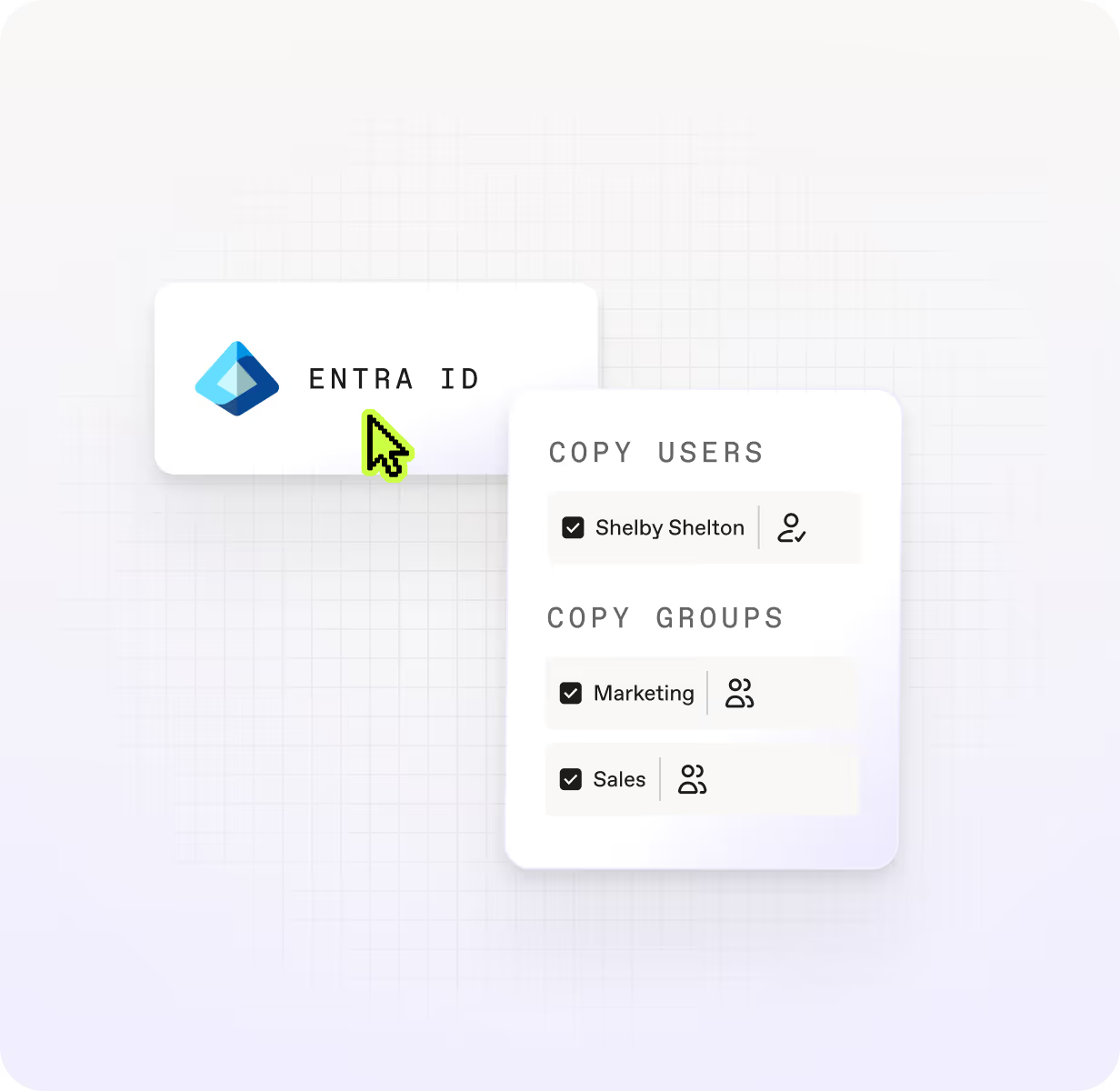
Entra ID
Move users, security groups, and M365 groups before your mailboxes and content follow. Identity done right means less to fix after migration day.


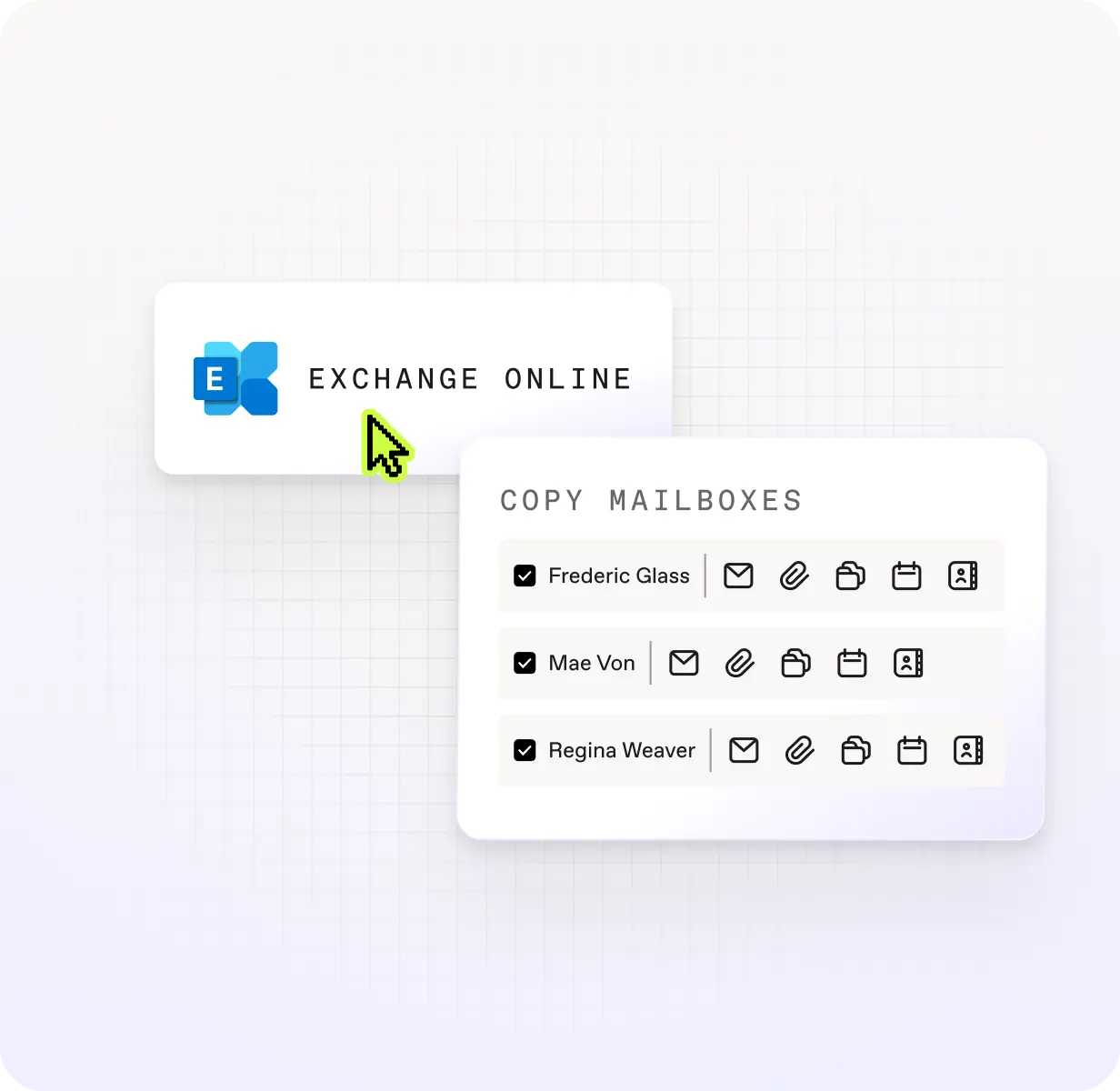
Exchange Online
Mailboxes, messages, calendars, contacts, archive mailboxes, and group mailboxes. Litigation hold data included. Exchange migration without the gaps.

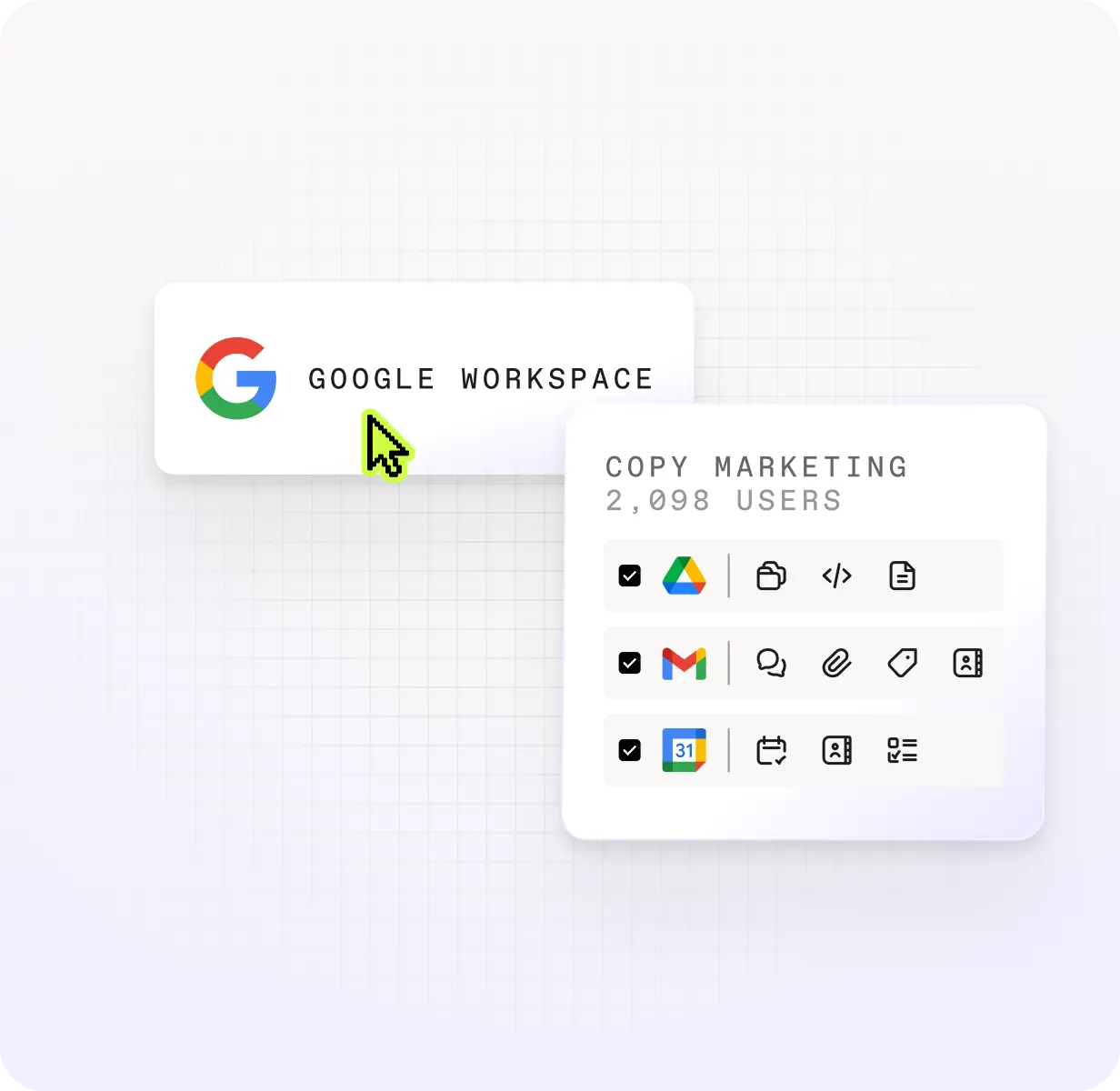
Google Workspace
Making the move to Microsoft? Migrate Drive files, Gmail threads, and Calendar data without leaving history behind.
.svg)
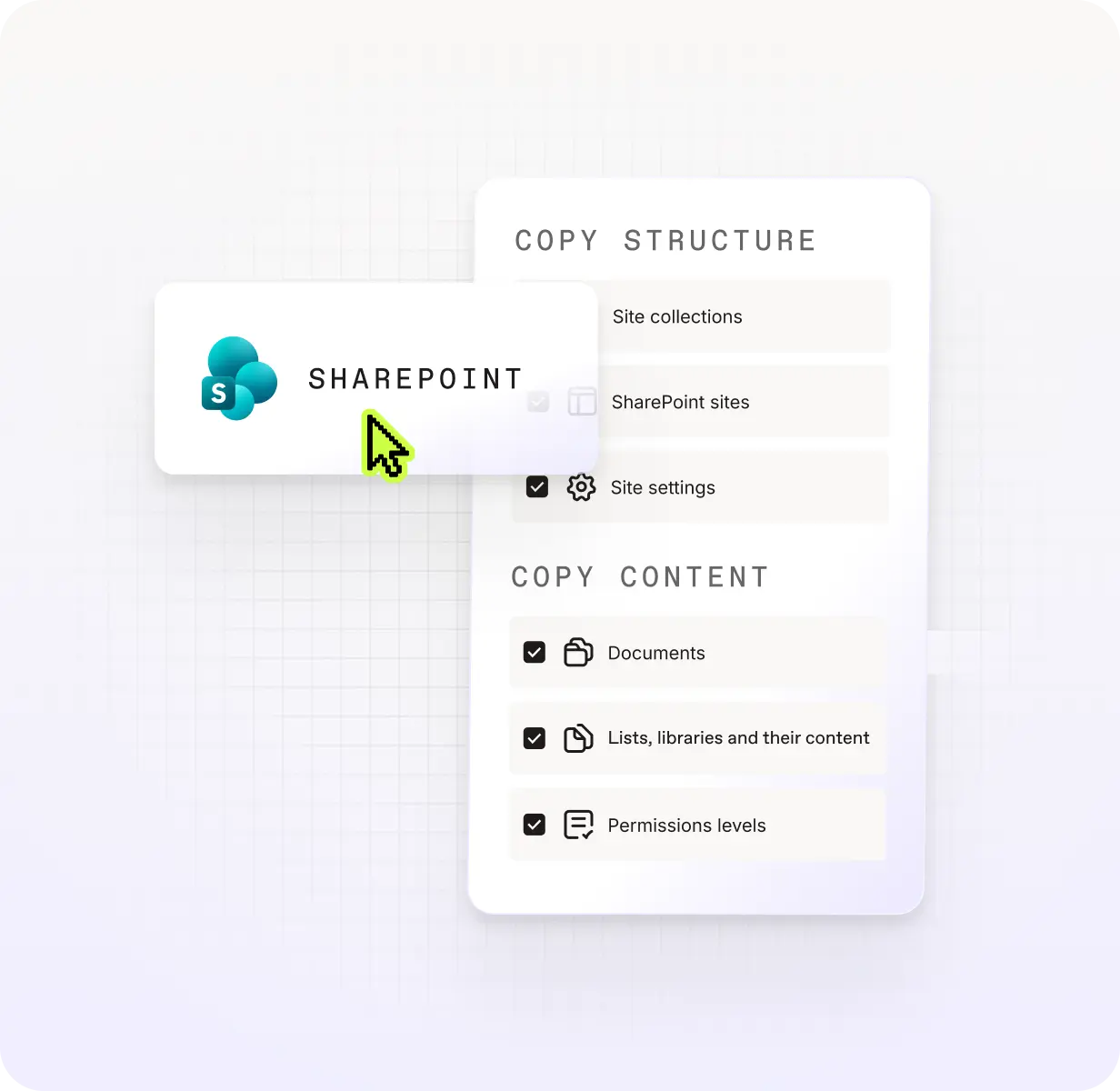
SharePoint
Site collections, document libraries, lists, folders, permissions, and version history — moved with structure intact, not flattened.

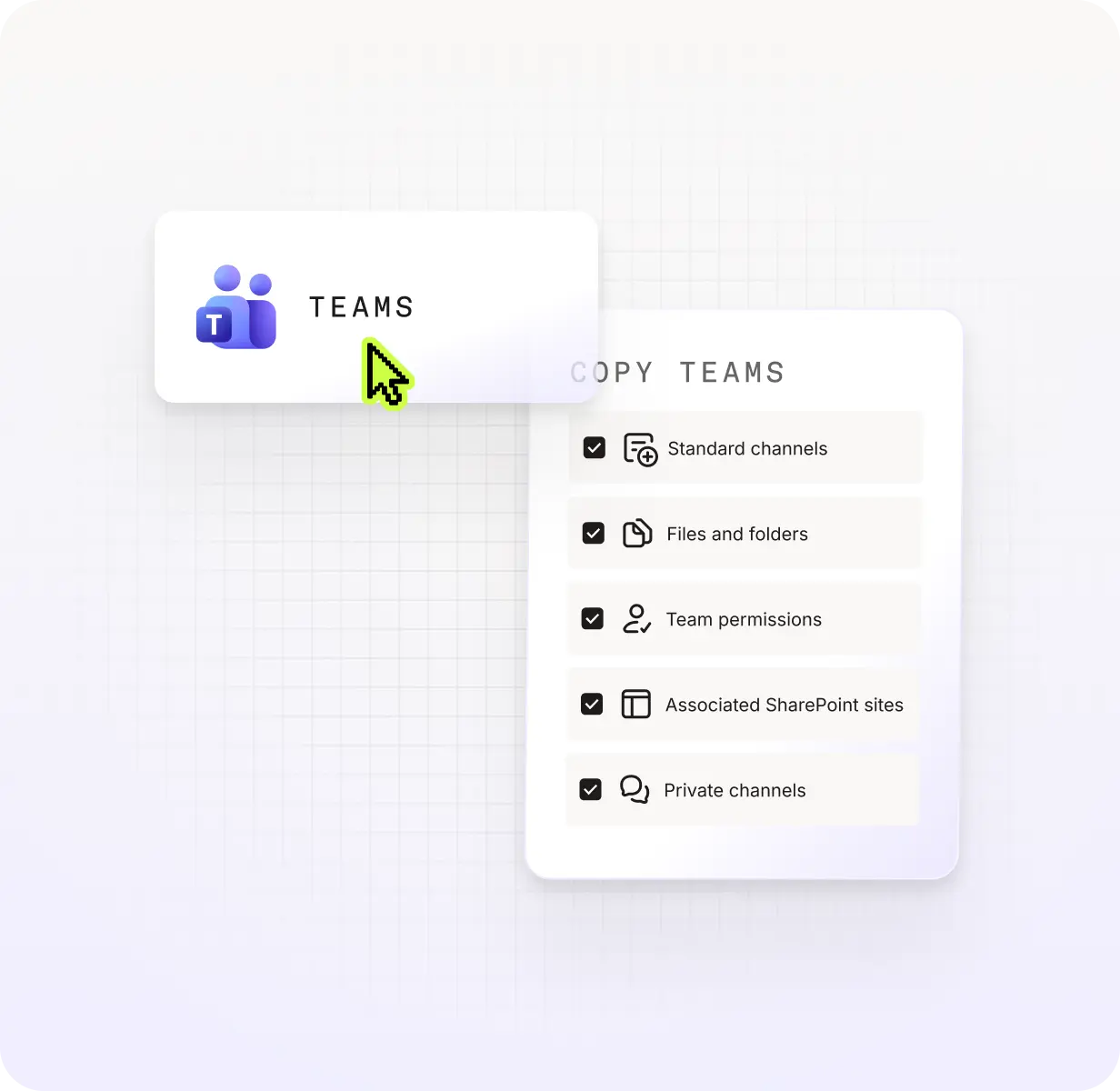
Teams
Channels, conversations, settings, apps, and Planner boards. Teams migration that still looks like Teams on the other side.

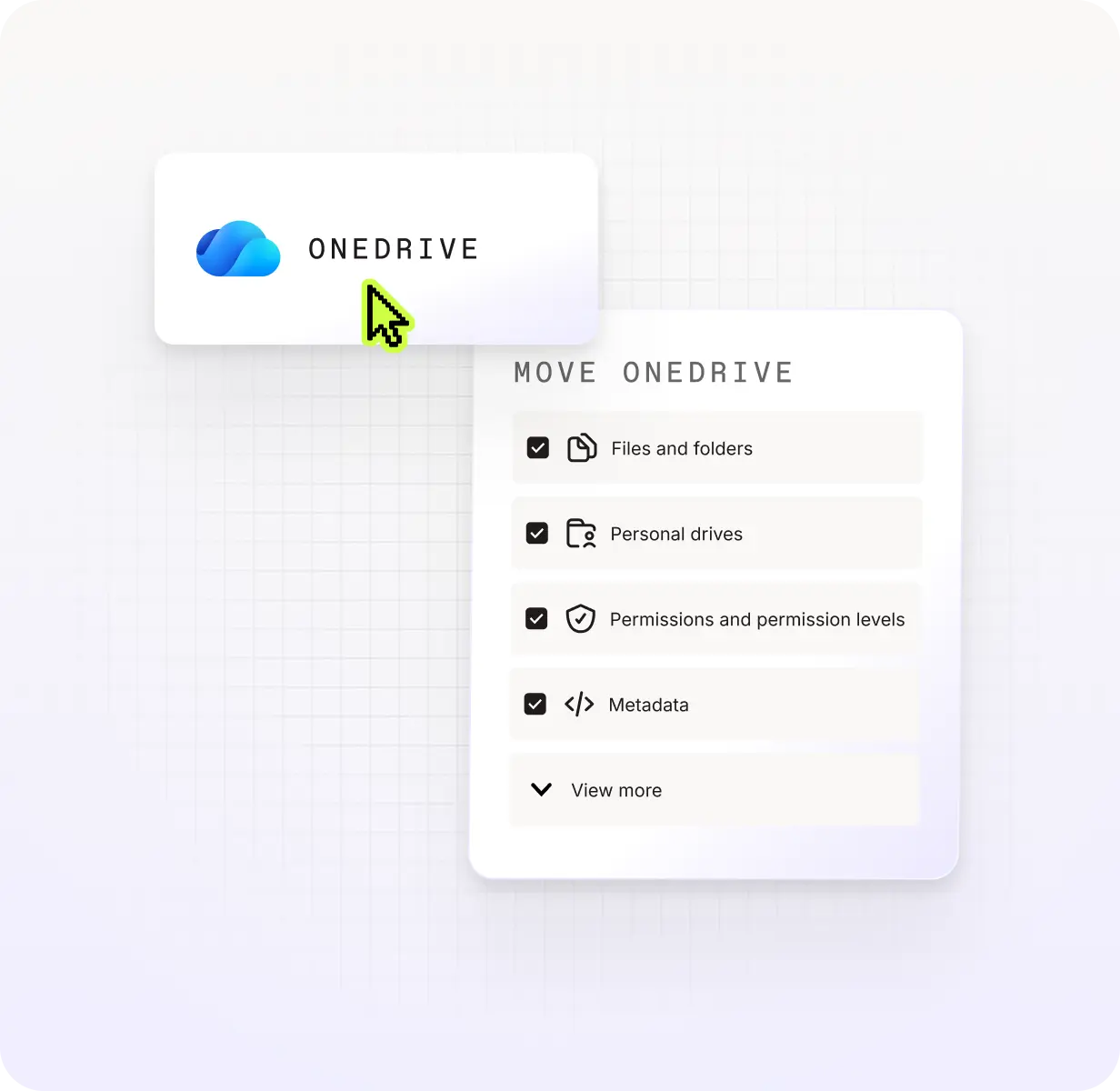
OneDrive
Files, folders, and shared permissions — moved with accuracy. Less manual cleanup after, more confidence in what landed.
ShareGate moves over
5 petabytes of data
every month
That’s 1,25 trillion plays of Friends in Low Places by Garth Brooks.
Enough to soundtrack every heartbreak and barstool story for
the next 14 million years.
Skip the migration surprises
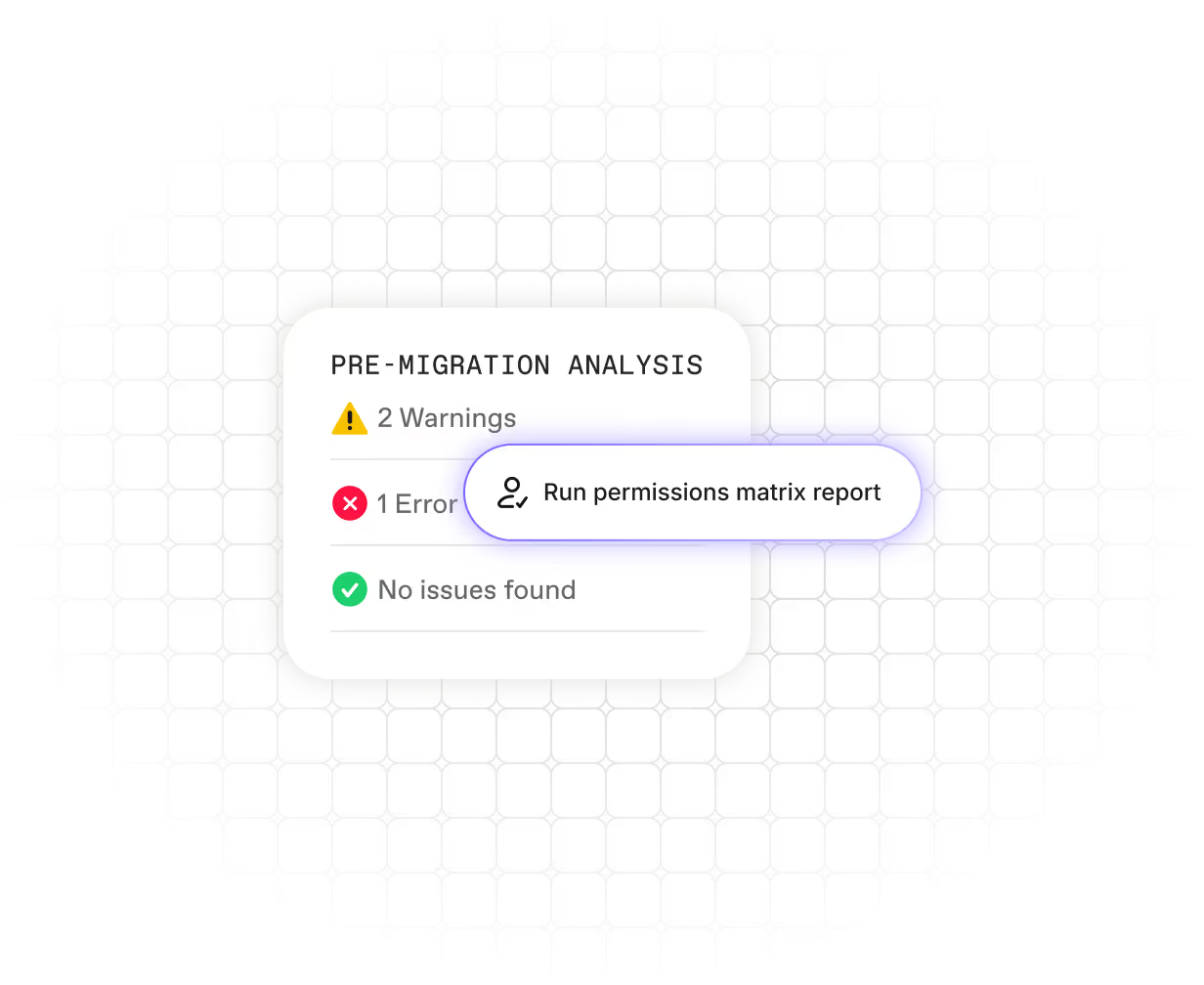
Never skip pre-migration planning. Analyze your content, identify potential issues, and create a comprehensive migration plan before you start.

“ShareGate allows us to see what teams are orphaned, what inactive teams we have, and what teams don’t have any purpose, so we can decide what to keep or archive.”
— Matthew Carter
Cloud Engineer III, Information Technology, IDEMIA Identity and Security North America
Migrate without disruptions
Move your content quickly and efficiently with minimal downtime and maximum data fidelity.
“Getting this migration completed so quickly allows us to streamline our work and focus on our priorities”
— Jafar Owainati
CEO at Barley
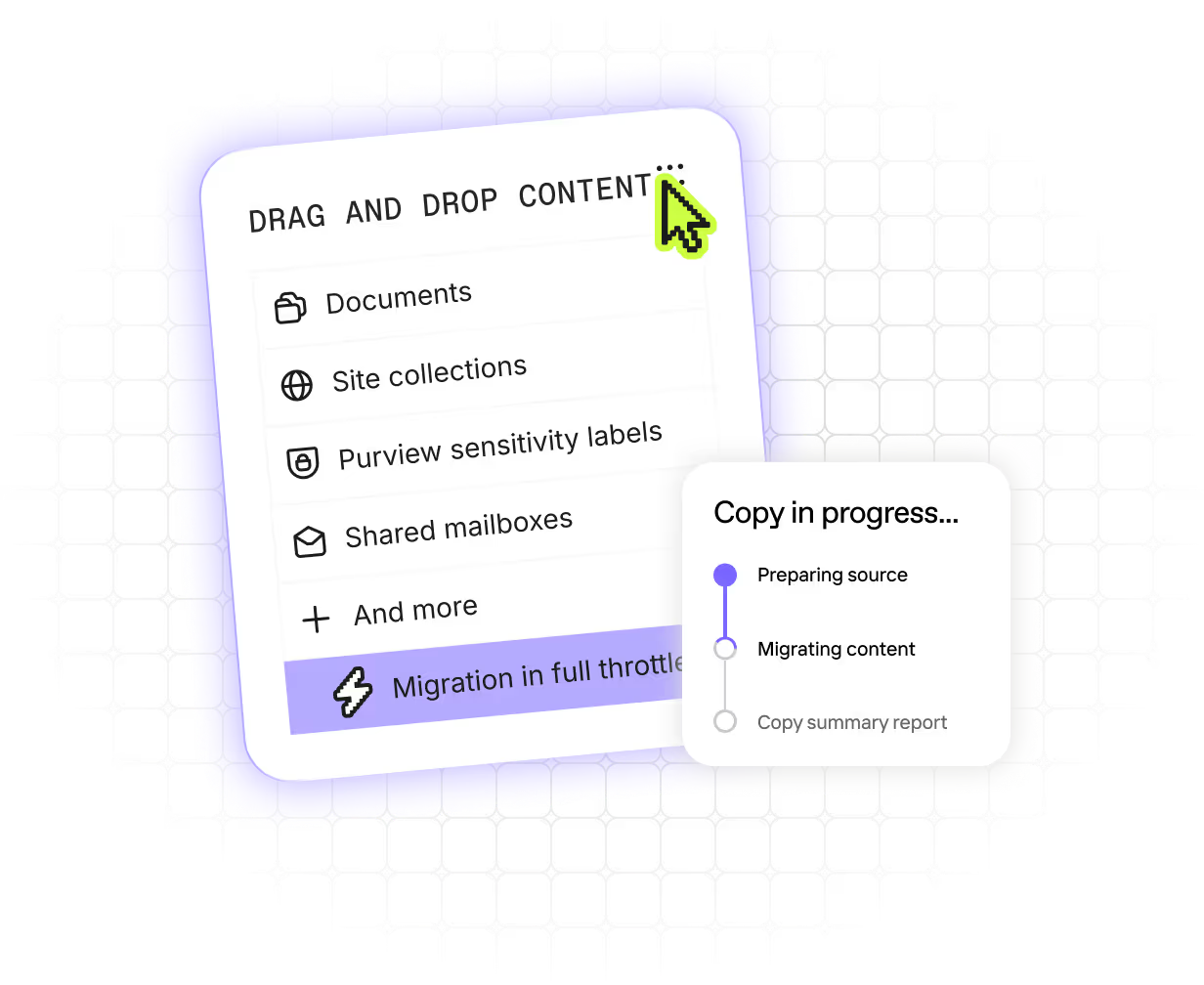
Get everyone back to work in a better environment
Ensure your new environment is secure, optimized, and ready for your users.
“We had total visibility on what was going on, so any mistake could not go undiscovered. Our users were very eager to know if their content and permissions had been copied, and we were able to prove that everything had transferred correctly.”
— Constanze Pretzler
Senior Inhouse Consultant for Digital Collaboration, STIHL
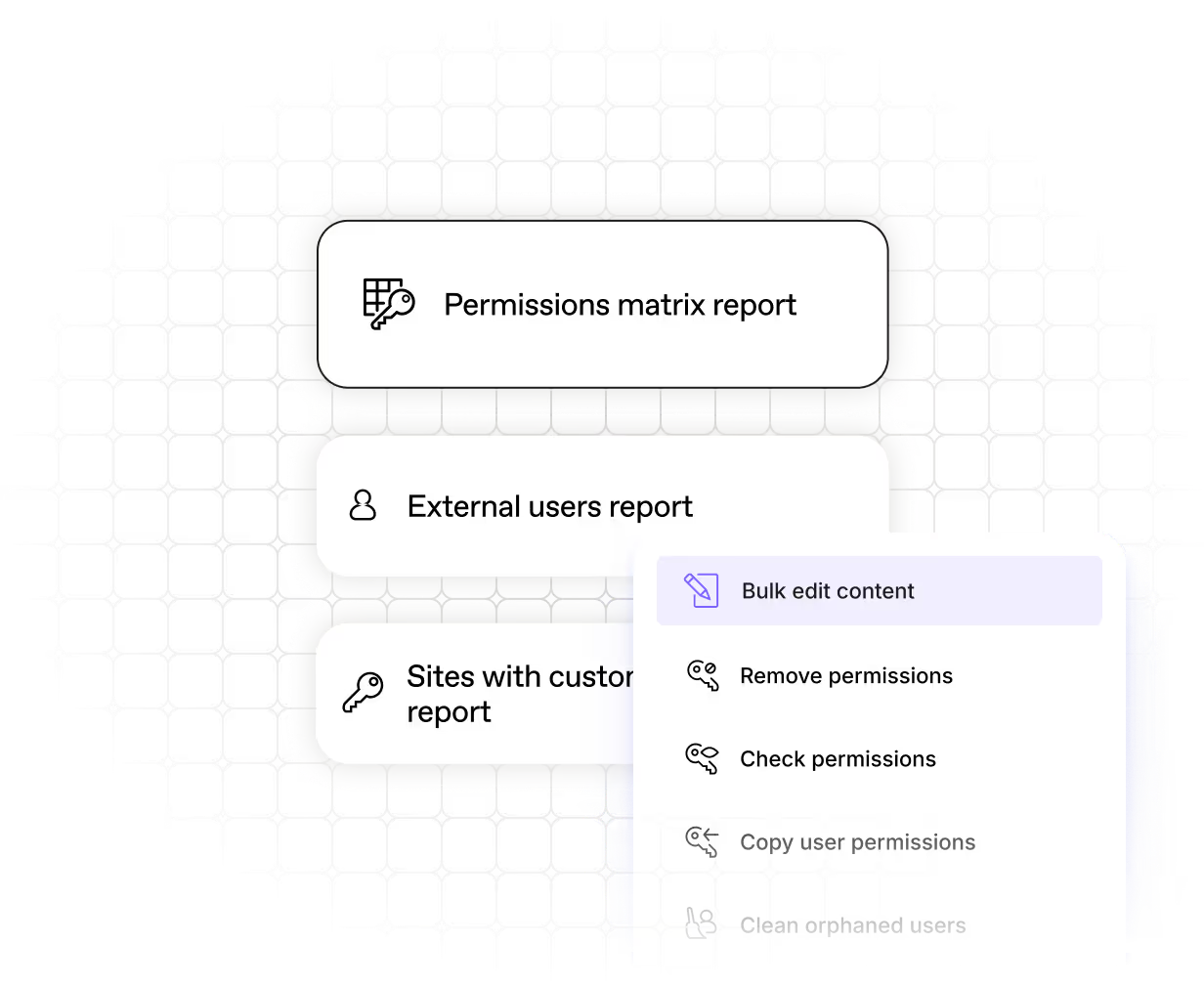
Your unfair advantage in the Microsoft 365 service economy
The ShareGate Partner Program turns complex Microsoft 365 projects into repeatable business.

Real humans, real fast.
Choosing ShareGate means choosing a highly qualified team of tech support. We’re always there for you.









Frequently asked questions

ShareGate migrates users, security groups, Microsoft 365 groups, and group memberships between cloud Microsoft 365 tenants. License assignment is included as part of the migration flow.
ShareGate doesn’t migrate device objects, workstation profiles, or on-premises Active Directory. It's purpose-built for cloud-to-cloud tenant migrations.
Entra ID should be the first thing you migrate in a tenant-to-tenant project. Identities need to exist in the destination tenant before mailbox migration can begin. If they don't, mailboxes can't map correctly and permissions won't follow.
ShareGate is built around this sequence: migrate Entra ID users and groups first, then mailboxes, then content, all with the same tool. Getting the order right is what prevents the cleanup work that happens when identity is treated as an afterthought.
The most important thing is resolving how users in the source tenant correspond to accounts in the destination before execution. ShareGate surfaces conflicts—cases where automatic matching is ambiguous or incorrect—so you can review and override them before anything moves.
For M&A scenarios with multiple source tenants or complex domain structures, manual identity mapping is available to handle cases where automatic matching isn't enough. The goal is to start the migration with every mapping confirmed, so permissions follow the way they’re supposed to and users can work on day one.
Re-running is safe and included inShareGate’sflat annual license at no extra cost.
If a user's record hasn't changed in the source tenant since the last run, they'll appear as "Match found" and receive an update. Nothing disruptive happens.
If their record changed at the source before the re-run, ShareGate re-maps them and shows the relevant status: "Will be created" if no matching record exists in the destination, or "Needs Review" if a conflicting match is found.
You stay in control throughout. And manual override is available regardless of match status, so you can correct any mapping before anything executes.
Microsoft 365 migration resources for IT admins
How to migrate to Microsoft 365 with ShareGate: Google Drive to OneDrive migration

2 ways to map users, permissions, and metadata during a SharePoint [...]
Comparing Microsoft 365 tenant-to-tenant migration tools
Effective tenant-to-tenant migration: the ultimate playbook
Choosing a Microsoft Teams migration tool: Microsoft’s SharePoint Migration [...]

"ShareGate has provided me with the ability to deliver projects faster, more efficiently than using other toolsets."
Don’t just migrateit, ShareGate it.
No per-user pricing. No extra tools. No surprises.