
Cross-tenant mailbox migration without surprises
ShareGate Migrate automates user mapping, runs incremental passes, and gives you a per-mailbox report after every job so you know exactly what landed.
Request a demo


Trusted by 100,000+ IT pros

How it works
A clean migration from start to finish
Automated mailbox mapping
Incremental migration passes
Per-mailbox migration reports
Bulk mailbox operations
What ShareGate Migrate covers for cross-tenant mailbox moves
Mapping users before migration starts
ShareGate Migrate identifies source mailboxes and lets you map them to destination users before a single item moves. You can export your selected mailbox list as a CSV to review and confirm the mapping before committing to the job.
Running incremental passes during cutover
ShareGate Migrate tracks what was already migrated and copies only new or changed items on subsequent runs. This keeps the final cutover window tight and reduces the risk of disruption for users with large mailboxes.
Reading per-item results after completed migrations
After each completed migration job, ShareGate Migrate produces a summary file and individual per-mailbox CSV reports with status, errors, and warnings for every item. You can filter by status in Excel to isolate failures and resolve them before sign-off.
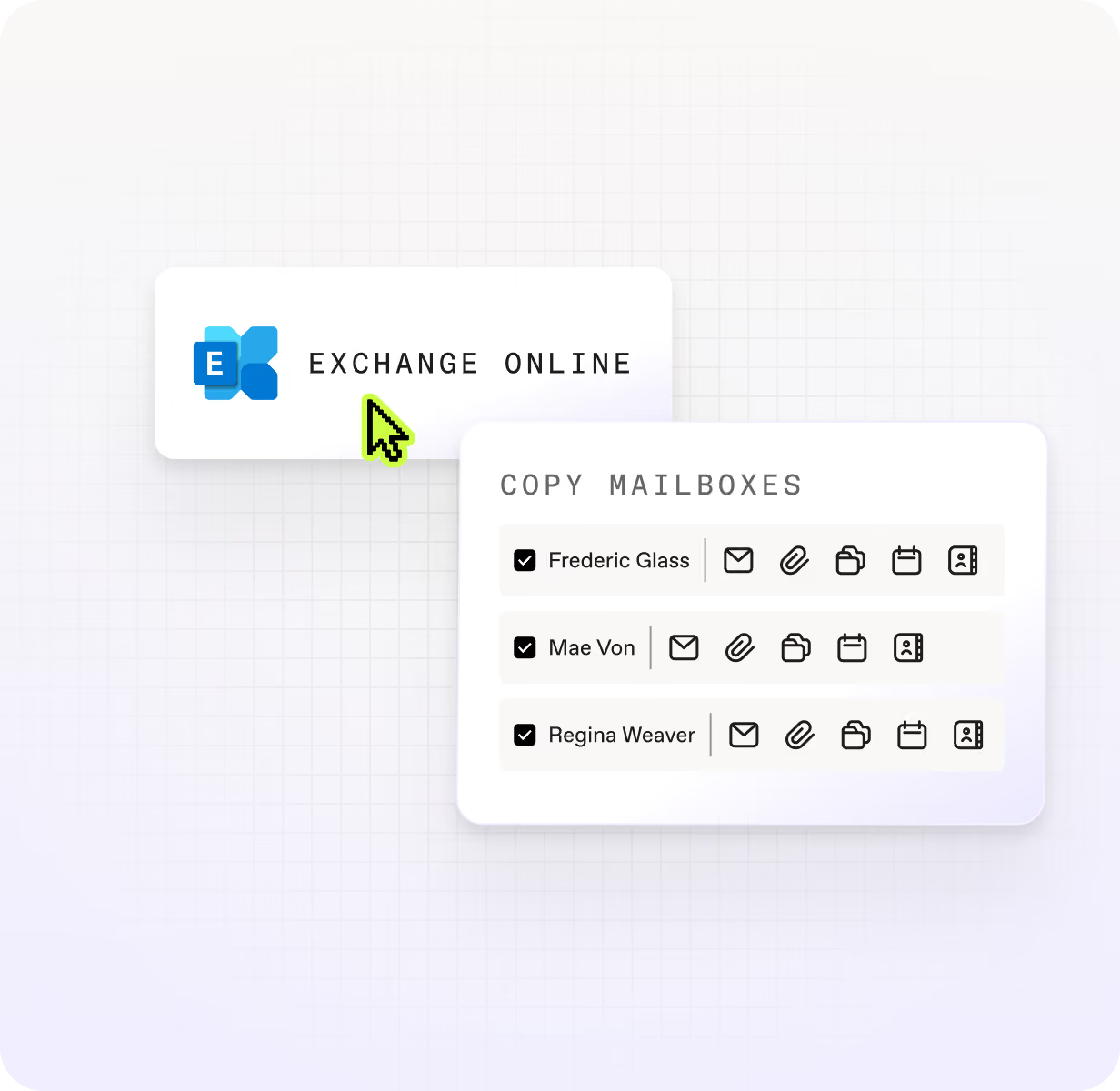
Native cross-tenant migration requires significant manual setup at scale
Frequently asked questions

Microsoft offers a native cross-tenant mailbox migration capability through the Exchange admin center, which supports both hybrid and cloud-only tenant configurations. It works for straightforward moves but requires configuring organization relationships, migration endpoints, and trust policies on both tenants before any mailboxes can move, which adds significant setup time for large or time-sensitive migrations. ShareGate Migrate is a third-party option that handles the same cross-tenant mailbox migration scenario with automated user mapping, incremental migration passes, and per-mailbox error reports generated after every job. ShareGate Migrate requires a Migrate Pro or Enterprise subscription and is designed for IT teams and MSPs running frequent or complex tenant-to-tenant moves where visibility and error recovery matter.
Microsoft's native cross-tenant migration tooling surfaces batch-level status in the Exchange admin center, but getting granular per-item error detail typically requires additional investigation through PowerShell or migration logs. For teams running large tenant-to-tenant moves, that gap between batch status and item-level visibility makes it hard to confirm completeness before sign-off. ShareGate Migrate generates a per-mailbox CSV report after every migration job, with item-level status, categorized errors, and warnings. You can filter the report by status in Excel to isolate failures and resolve them before declaring the migration complete. This reporting is post-migration only and is produced after each job run, not before migration starts.
Don’t just migrate it. ShareGate it.