
Migrate from SharePoint 2019 to SharePoint Online before the deadline
ShareGate Migrate moves your sites, metadata, permissions, and version history to SharePoint Online so you land clean before extended support ends on July 14, 2026.
Request a demo


Trusted by 100,000+ IT pros

How it works
A clean migration from start to finish
Pre-migration content analysis
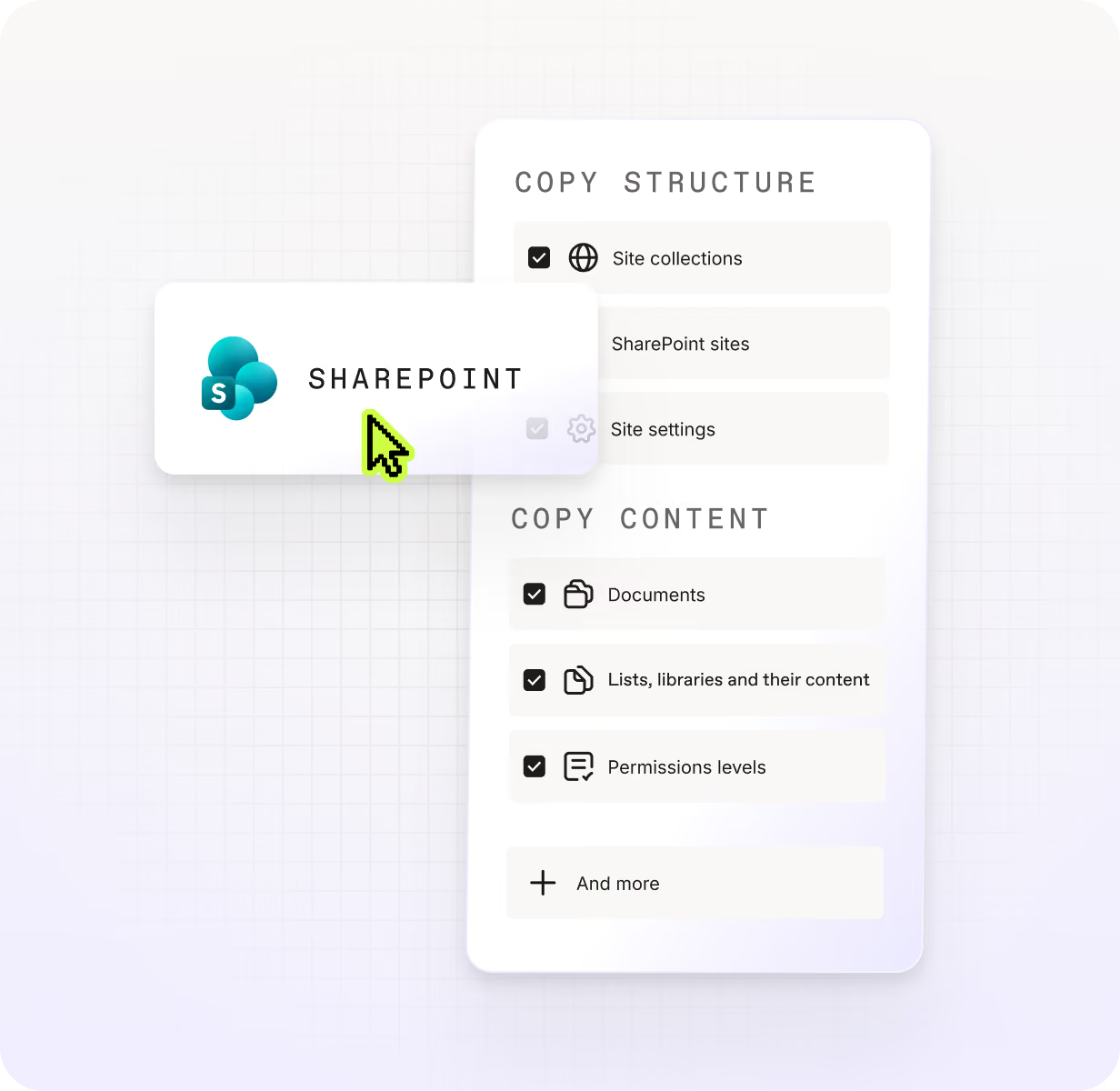
Site structure and content copy
Permissions migration and mapping
Incremental migration passes
What ShareGate Migrate handles for SharePoint 2019 migrations
Content analysis before migration starts
ShareGate Migrate scans your SharePoint 2019 environment so you can identify which sites, libraries, and items are worth moving before a single byte transfers. You then have the inventory data to decide what to migrate, archive, or leave behind — critical when 75% of a farm's content may be stale.
Structure and metadata preserved during copy
ShareGate Migrate copies site structure and content together, carrying metadata, content types, and version history to the SharePoint Online destination. You control dependency placement — mirror, root, or custom — so columns and content types land exactly where they need to be.
Per-item error reporting after each job
After each migration job completes, ShareGate Migrate generates a per-item report with categorized errors, warnings, and version history so you know exactly what transferred and what needs attention. You can export results directly to a SharePoint library for audit and sign-off before decommissioning your 2019 farm.
SharePoint Migration Tool works, but manual remediation adds up at scale
Frequently asked questions

Microsoft's SharePoint Migration Tool (SPMT) is the native free option for moving SharePoint Server content to SharePoint Online — it handles sites, lists, libraries, metadata, and permissions. For smaller or simpler environments, SPMT is a reasonable starting point. For larger farms with complex permission structures, stale content, and a hard deadline, the manual effort of assessing, remediating, and validating at scale becomes the real risk. ShareGate Migrate adds pre-migration source analysis so you can identify what's worth moving before you start, runs delta passes to minimize cutover windows, and generates per-item post-migration reports with categorized errors after each job completes. SharePoint 2019 reaches end of life on July 14, 2026, so the earlier you start your assessment, the more time you have to remediate issues before cutover.
Classic SharePoint workflows built on the SharePoint 2010 workflow platform are retired, and Microsoft recommends planning workflow migration as part of any SharePoint Server to SharePoint Online move. SPMT migrates content and structure but does not migrate classic workflows — those need to be rebuilt in Power Automate or an equivalent modern solution at the destination. This means your migration plan should account for workflow inventory and rebuild effort separately from content migration. ShareGate Migrate handles the content side — sites, lists, metadata, permissions, and version history — giving your team a clean SharePoint Online destination to build modern workflows against. Factoring in workflow retirement alongside your July 14, 2026 deadline is worth doing early.
Don’t just migrate it. ShareGate it.