Move content around your M365 tenant. History included.
Because your business workflows, automations, and AI agents depend on it.
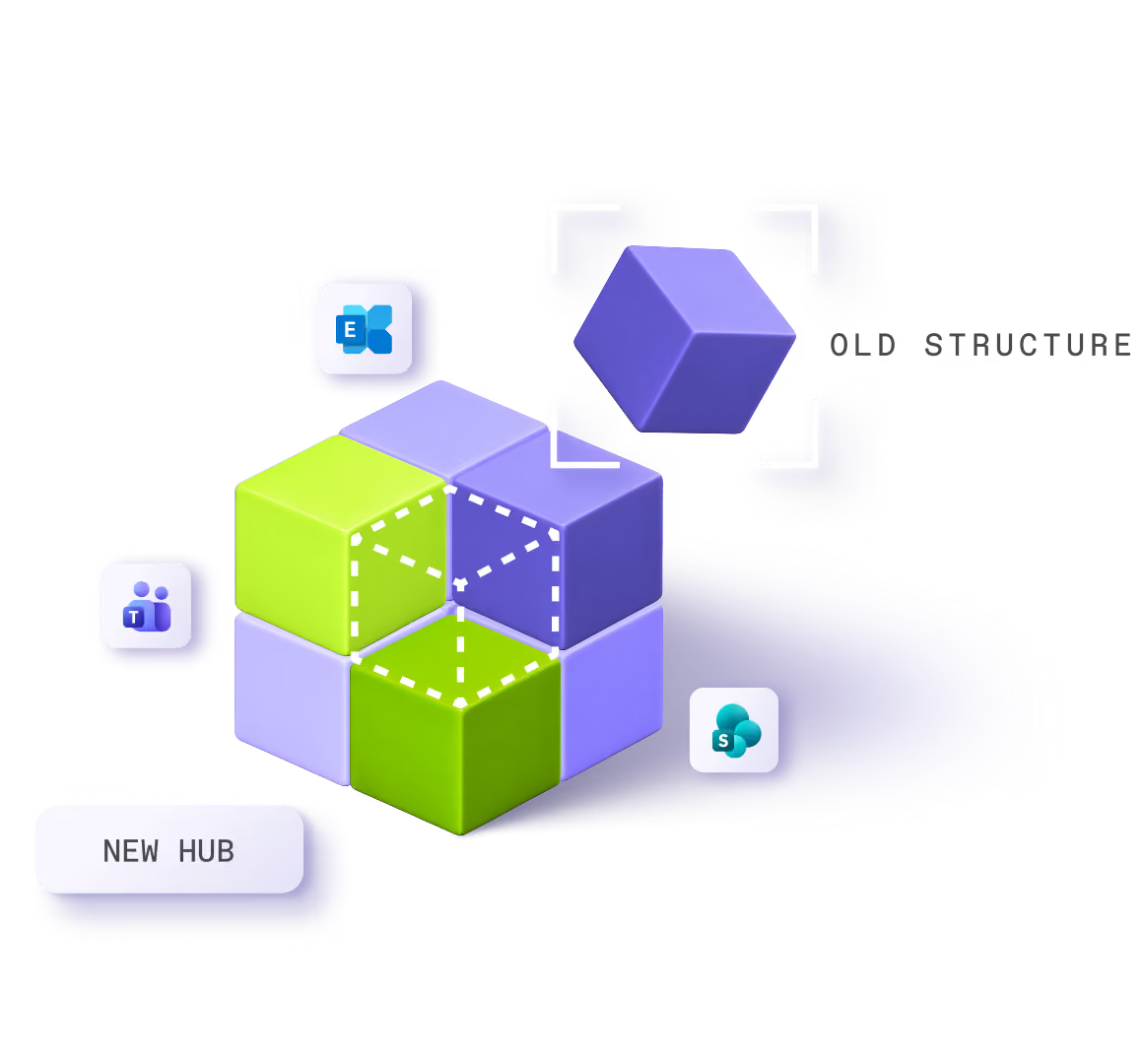


























Retructuring a tenant is never a one-time project
One place for every move. Nothing left behind.
A duplicate site, a merged department, a ticket from the helpdesk. Whatever the trigger, you know where to go.
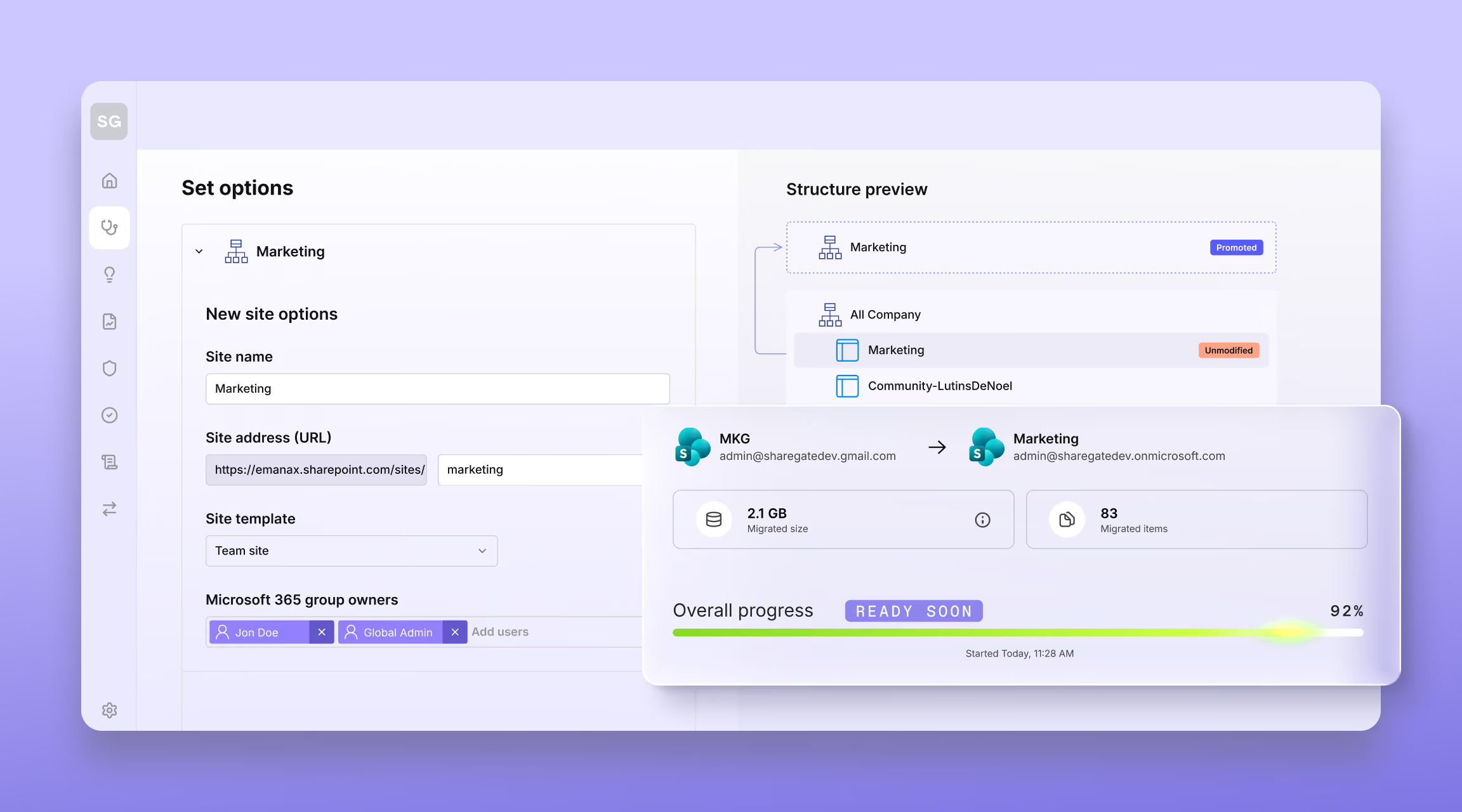
ShareGate lets you copy, merge, move, and reorganize content inside your tenant, from one place, whenever you need to. Merge sites, turn a subsite into a site of its own, tuck a site under another one, copy a team or just its channels and rename it on the way.
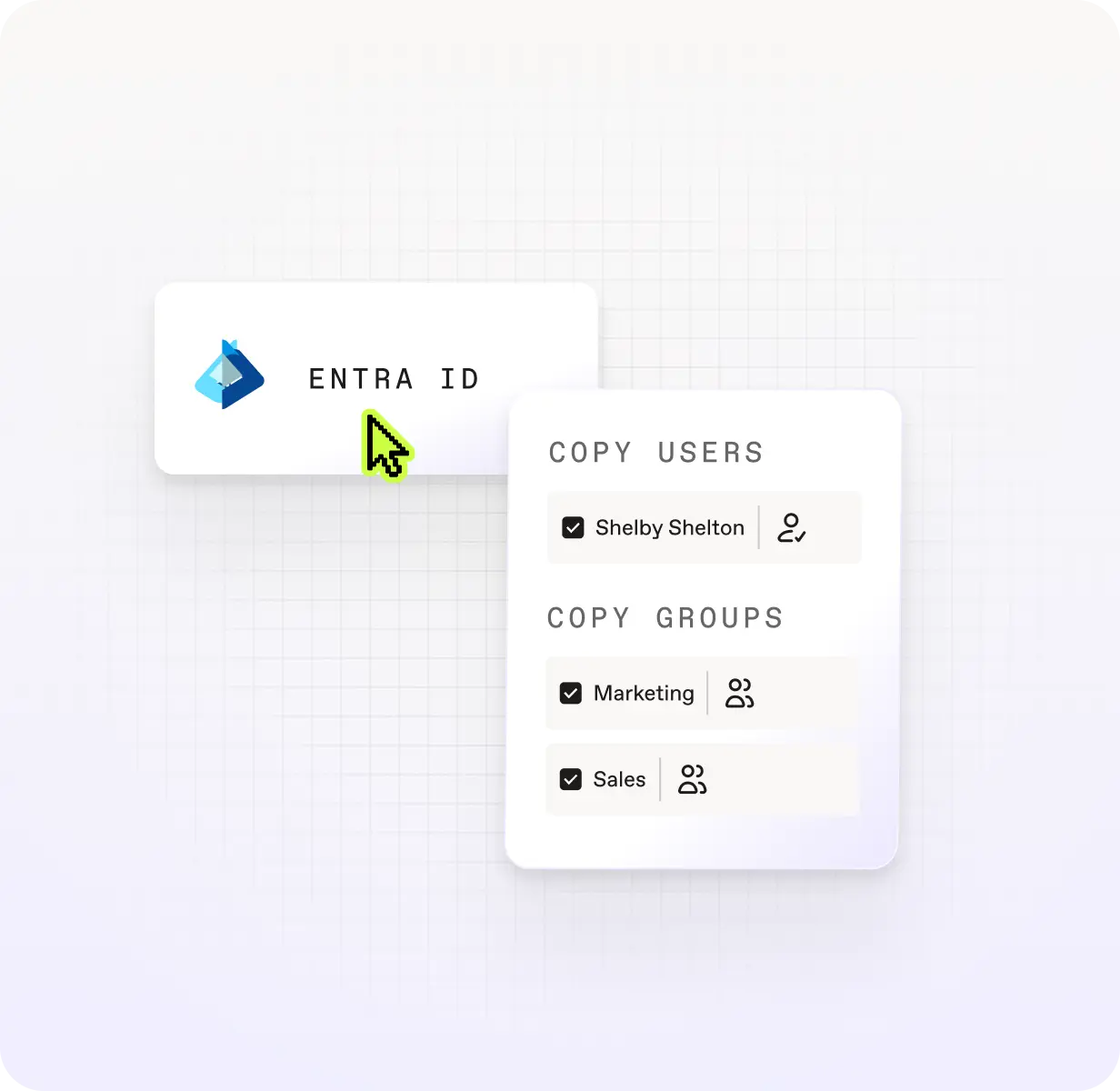
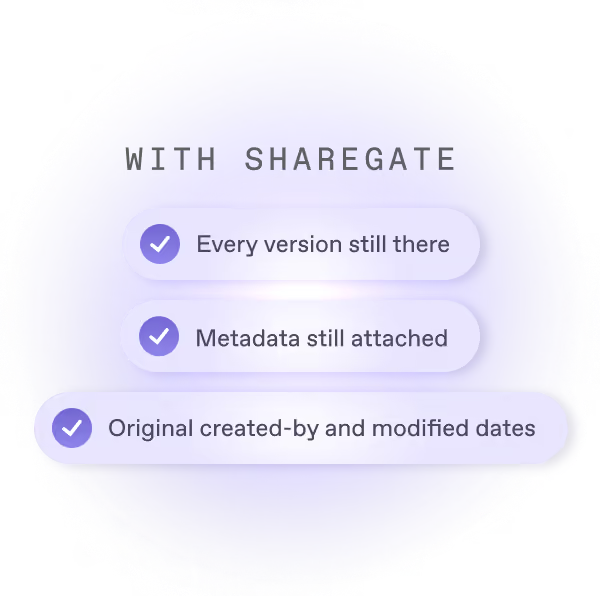
Version history, metadata, created-by dates, and modified dates come along, so your workflows, automations, and AI agents keep working.

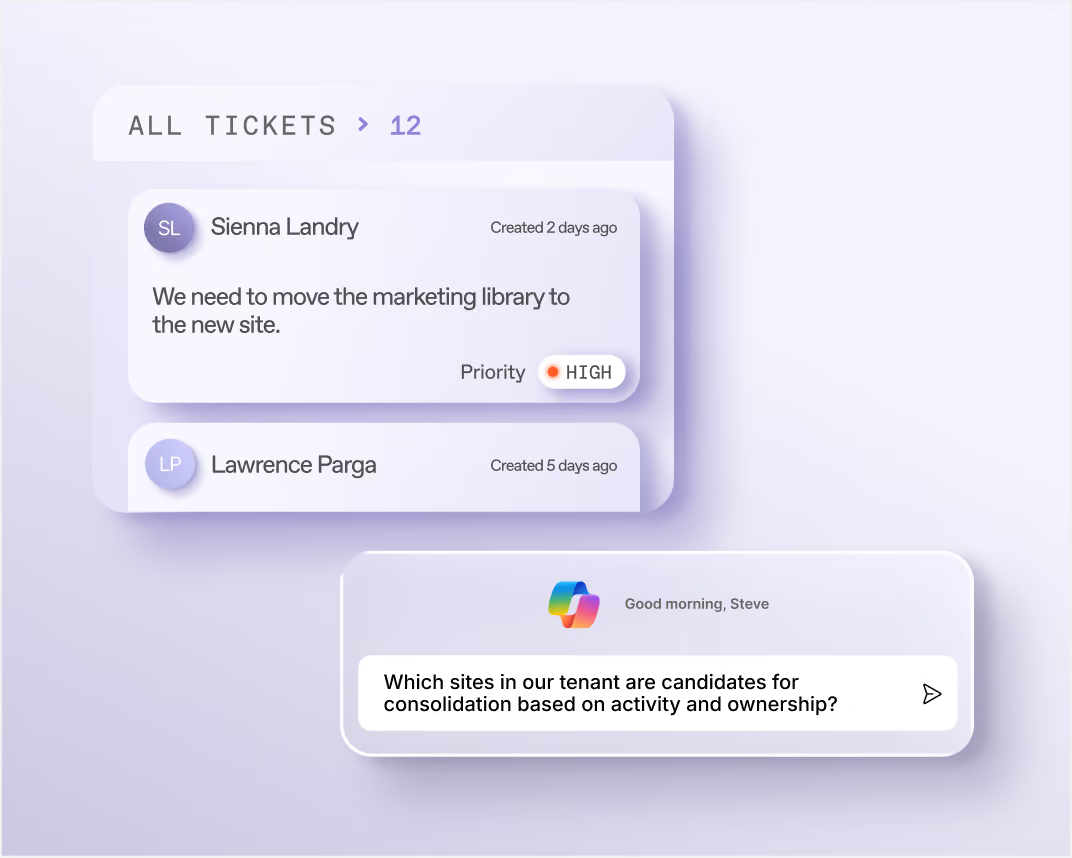
Which sites in our tenant are candidates for consolidation based on activity and ownership?
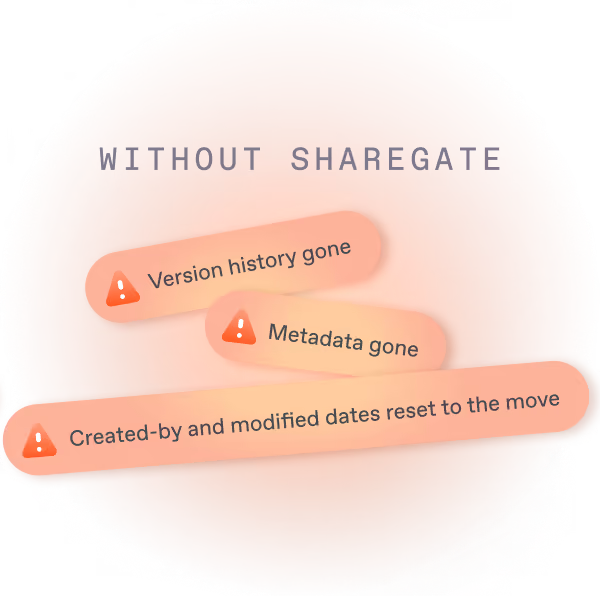
The same file, before and after the move
Version history
Metadata
Created-by dates
Modified dates
Restructure anything that lives inside your tenant
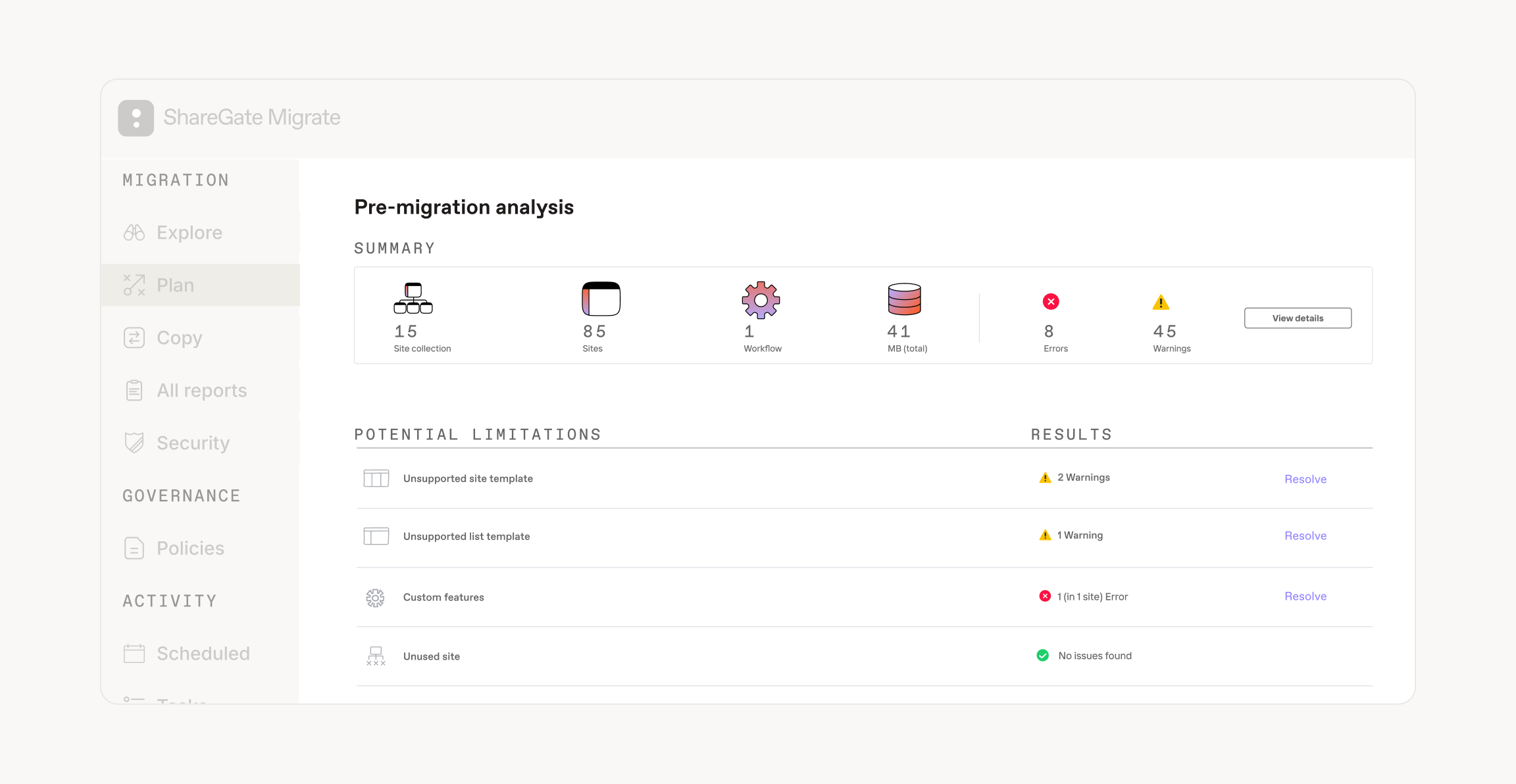
What happened?
- Duplicate sites that need to be merged
- A department that merges with another, or splits in two
- A team that outgrew its site
- A request to move a library or files to the right place
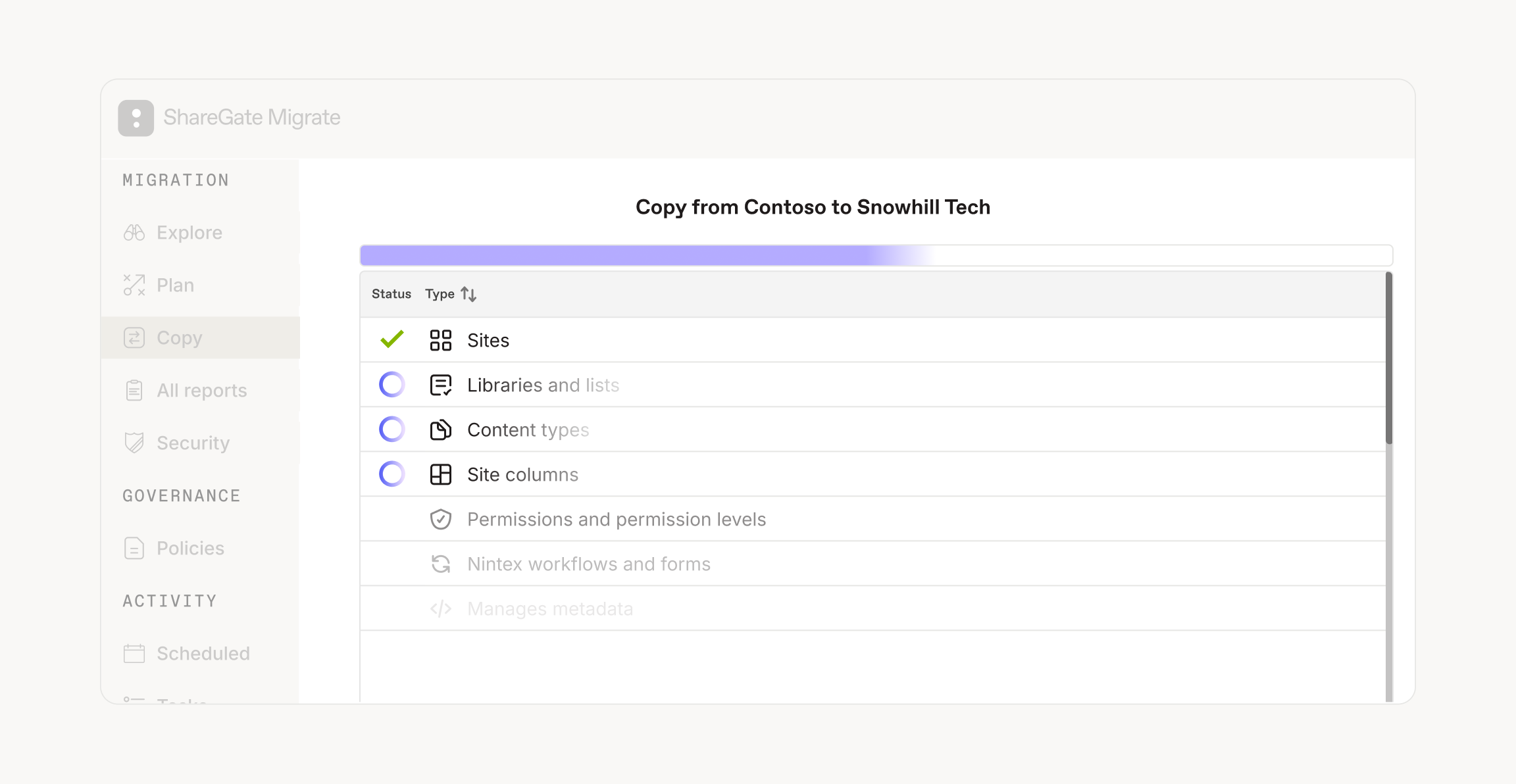
What moves?
Same same move but different history
Part of the work you already do
See how ShareGate helps partners














Frequently asked questions

Copy it with ShareGate's desktop app. Standard and private channels arrive in the other team with their files, tabs and conversations. All conversations land in a Message history tab, and the 50 most recent come across as live posts. The original channel stays until you delete it. Three things to know: members of standard channels need re-adding, a Microsoft limit can hide channels copied into an existing team, and shared channels aren't supported.
Use Copy structure and content in ShareGate's desktop app. Turn on the options you need, and permissions, version history, authors and dates come along. You can also merge a site into another, turn a subsite into a site of its own, or copy a site collection as a subsite. The original stays until you delete it, and nothing redirects to the new address. You need site collection admin rights on both sides.
Yes, as long as you turn on those options when you set up the copy. ShareGate keeps permissions, version history, and who created and last modified each file and list item, and when. Versioning needs to be on at the destination, and you can cap how many versions come along. Custom permissions are recreated. Inherited permissions take the new parent's. Every run ends with a report that marks each item as a success, a warning or an error.
For two reasons. First, the address changes: a flow built on the old site keeps looking there, not at the new copy. Second, the history gets wiped: a careless copy stamps every file with today's date and the wrong author, so AI tools can't tell which files are current. ShareGate keeps the original authors, dates and version history, so the second problem doesn't happen. It doesn't redirect links, though, so update any flow that points at the old site.
Yes. ShareGate copies, so the original stays put while you build the new structure, and people keep working. Re-run a pass with Copy if newer, or an incremental copy for Teams, and only new and changed items come across. Deletions at the source don't carry over, and new channels need their own copy. Retire the old structure once the reports check out.
Partners use ShareGate's Restructuring inside a bigger project, like a migration or a cleanup. Partners see the shape of the client's tenant before the scope is signed. Then they reorganize it in the same desktop app they use for migrations, with the same steps every time, and hand the client the report. Common triggers: a merger that left two structures in one tenant, a post-migration review, or a cleanup before a Copilot rollout.
Moving something bigger?

Admins don’t sugarcoat. So these feel extra sweet.
Real words from the admins who run migrations and govern Microsoft 365 every day.
