A Microsoft 365 migration without a plan is a recipe for disaster



























Is that a M365 migration migraine you’ve got going on?
Click connect. Get your migration assessment and plan.
Get a view of your source tenant across users, SharePoint sites, OneDrive accounts, and Teams: total storage, total users, and a list of key points. Each key point is a risk or a cleanup opportunity, with why it matters for a migration and a link to the filtered list behind it.
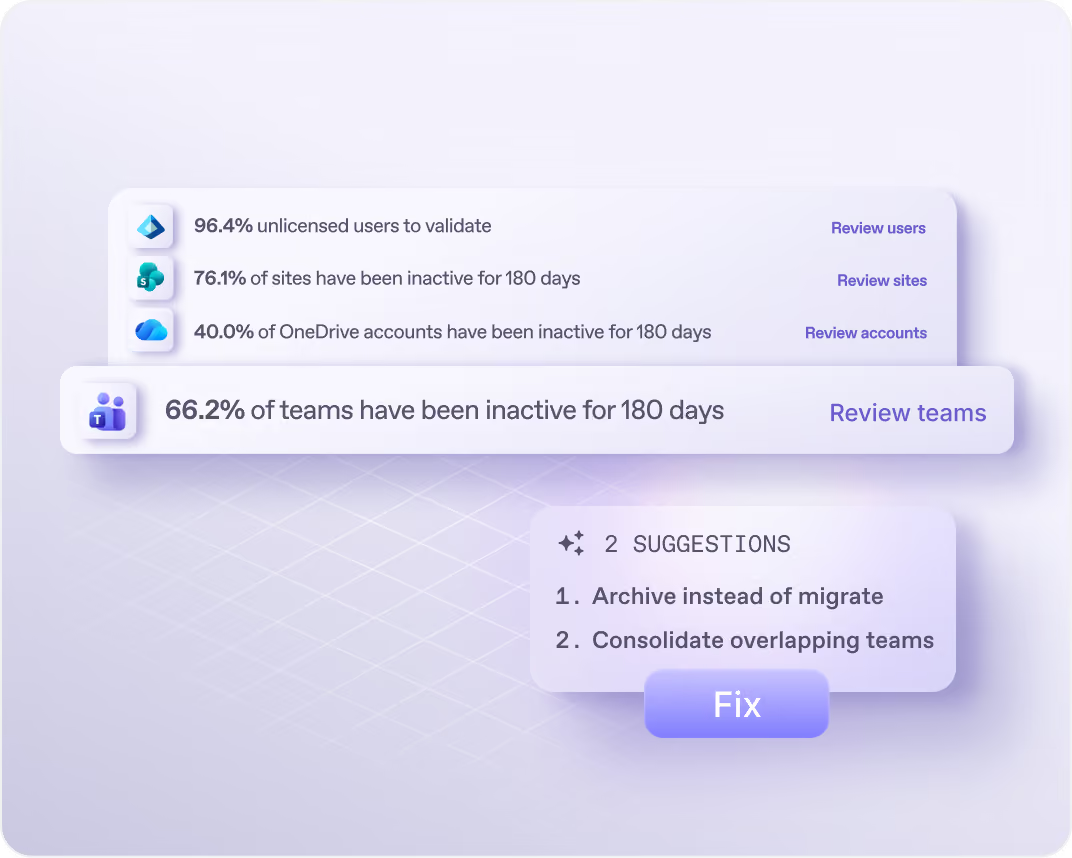
Filter by size, file count, inactivity, guests, or teams without an owner. Get suggestions such as a phased migration, an ownership review, or archiving instead of migrating. Export any view as a CSV.
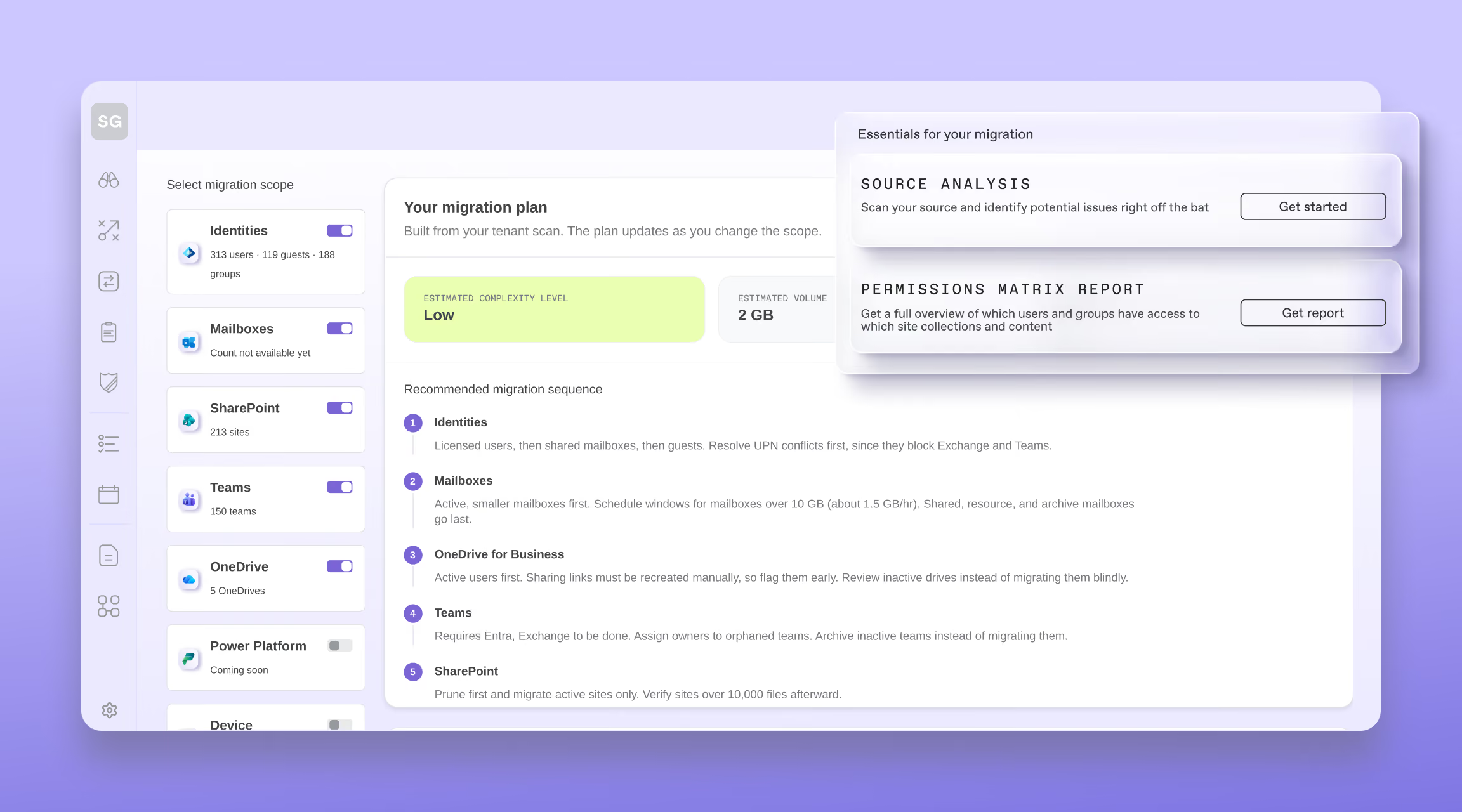
Pick what’s in scope and ShareGate rates the move Light, Medium, or Complex, with the reasons behind it. It shows the volume and the users in scope, and suggests what to move first and what to avoid.

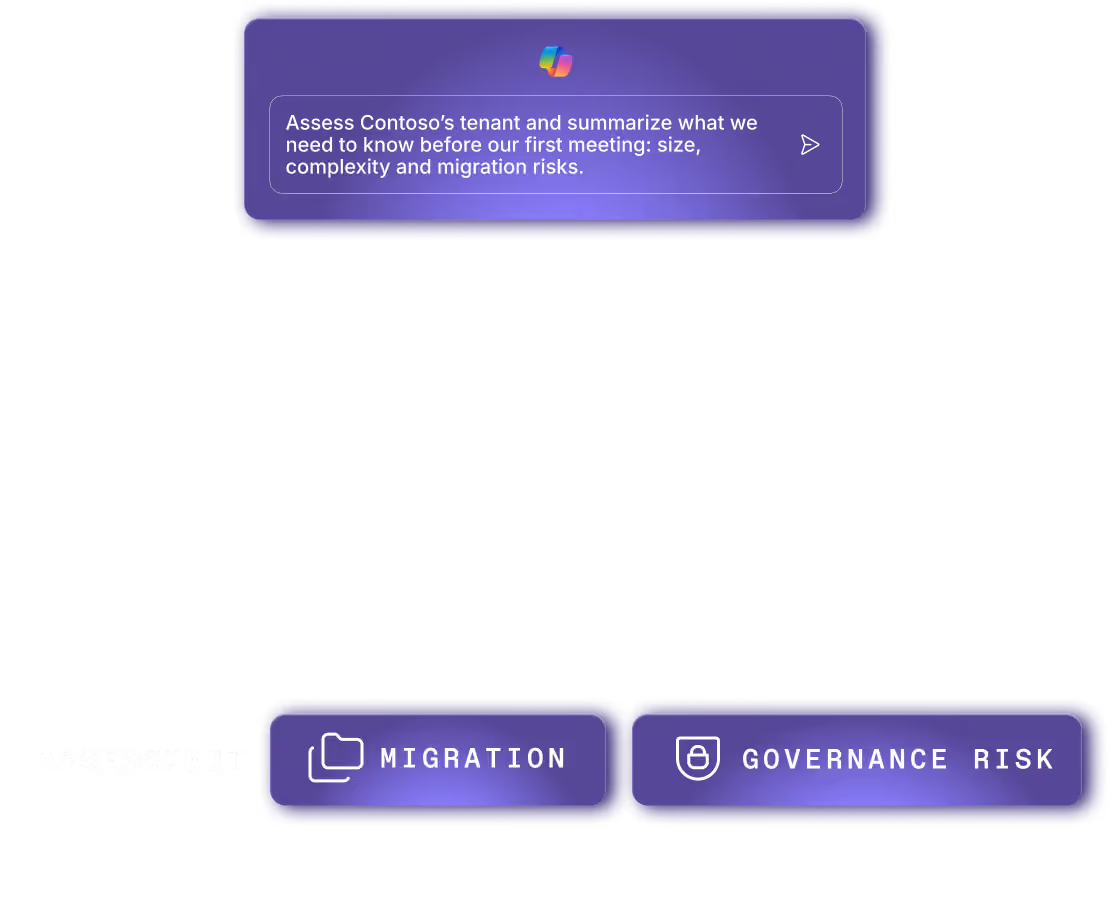
Once your tenant is assessed, ask ShareGate MCP about it in plain language.
Which sites will be the most complex to migrate?
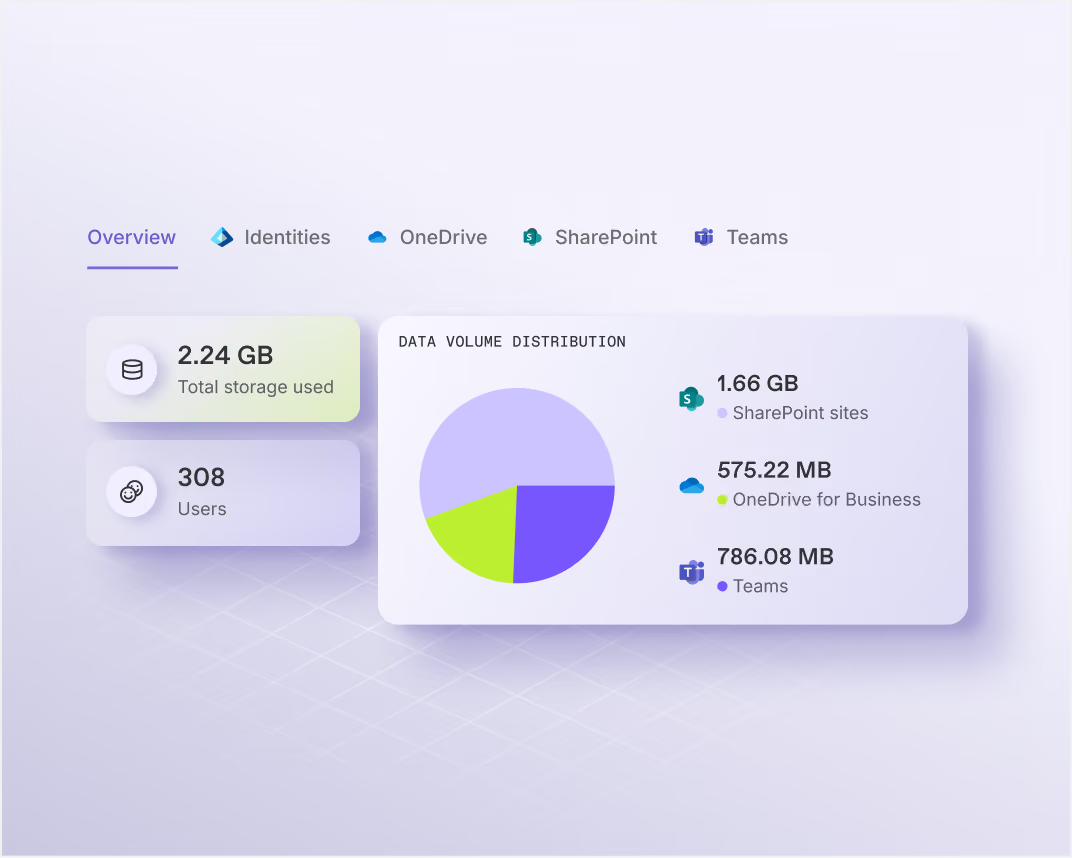
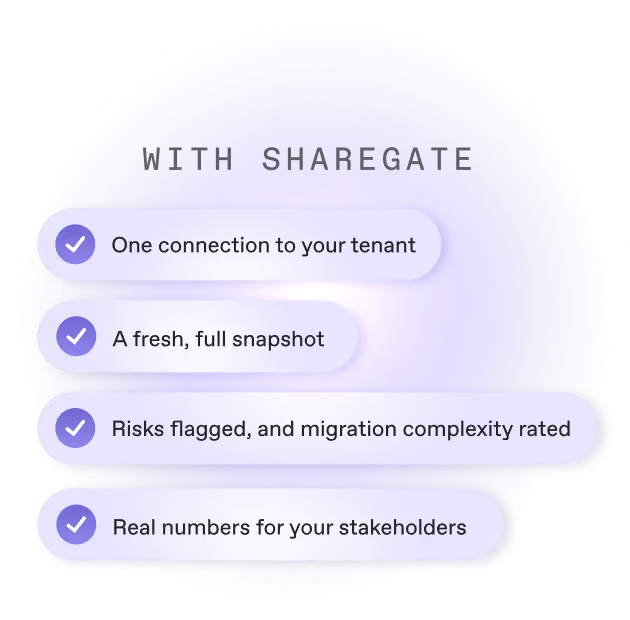
A fresh, full snapshot of your tenant
Always refreshing
No meetings, no scripts, no hopping
Real numbers for every conversation
Key points to flag potential delays in your M365 migration
Teams with no owner
Nobody is available to validate the content, permissions, or structure. Assign an owner before you move.
Inactive sites
Moving them without a review bloats the destination. Confirm they’re still needed, then migrate, archive, or remove.
Large OneDrives
They slow the move and can trigger Microsoft API throttling. Plan a phased approach.
Guests
Moving guest accounts blindly can cause access issues and oversharing risks. Prioritize the active ones.
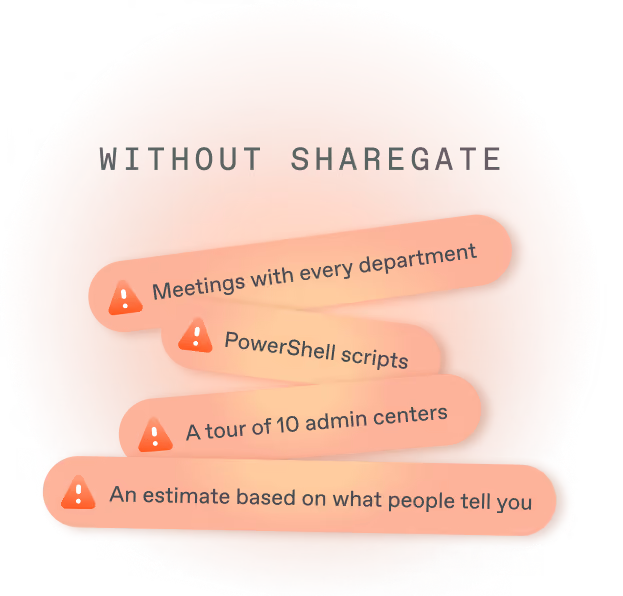
Going in blind vs. switching on the lights
Part of the work you already do
See how ShareGate helps partners















Frequently asked questions

ShareGate’s migration assessment shows how big your Microsoft 365 move is and what could slow it down, before you commit to a date or a quote. Connect your source tenant and ShareGate counts your users and adds up your SharePoint, OneDrive and Teams storage. It flags the things that usually surprise people on migration day: teams with no owner, inactive sites, huge OneDrives and guest accounts. Then it gives you an overall risk level and a recommended order for the move. Every list exports to CSV. Mailboxes, file shares and Google Workspace aren’t assessed today.
Any ShareGate customer can run a migration assessment, including during a trial. A Microsoft 365 admin (Global admin or Privileged Role admin) approves ShareGate’s access once. After that, ShareGate only reads your tenant, so nothing changes while you look. There’s nothing to install: it runs in ShareGate’s web app. The first scan can take several hours on a large tenant. Then the data refreshes about every 24 hours, stored in North America or Europe depending on your workspace
No. ShareGate's migration assessment only reads your source tenant. It never moves anything. What you get is a plan built from your own data, with a risk level and a recommended order for the move. When you're ready, ShareGate's desktop app does the moving: users, mailboxes, OneDrives, sites and Teams. Each copy is tested before it runs and ends with its own report.
With ShareGate’s migration assessment, you skip the detective work. No chasing every department, no PowerShell scripts, no clicking through admin centers. Connect the source tenant once and ShareGate builds the inventory for you: users, SharePoint, OneDrive and Teams, in one place, with lists you can filter and export. It flags what will slow the move and refreshes about every 24 hours. And the same vendor runs the migration, so your scope doesn’t get rebuilt in a second tool.
Yes, you can run it free during ShareGate’s 15-day trial: every feature, no credit card. The trial covers one tenant. Buy ShareGate and that assessment stays with you, so nothing you found is lost. You can then run a second assessment on another source, for your next migration project.
Partners use ShareGate’s migration assessment to size a prospect’s tenant before the deal is won, and walk into the first meeting with answers instead of questions. Once the client’s admin approves read-only access, you see their users and their SharePoint, OneDrive and Teams volume, plus what will slow the move. Your quote rests on the real tenant, not a guess. And discovery runs the same way at every client.
Planning takes you from “his big is it”, to how complex it is and how should I handle it”? It rates the complexity level of the migration, what’s driving the complexity and recommends the appropriate migration sequence.
What comes after the plan
Content migration

Copilot readiness
Oversharing
Permissions reporting
Comparing tools?
Compare ShareGate vs BitTitan
Compare ShareGate vs Quest
Related reading
The ultimate SharePoint migration checklist
[Video series] Master hacks: Migrate like a pro
How Calligo delivers trusted Microsoft 365 governance with ShareGate
How to run a pilot and migrate to Microsoft 365 without downtime
Microsoft 365 migration cleanup: How to prepare what (and what not) to migrate
Admins don't sugarcoat.
So these feel extra sweet.
Real words from the admins who run migrations
and govern Microsoft 365 every day.

Migration planned start to finish.
We got this.
Find out what’s in your tenant before you move a single thing. Connect, see the whole picture, and plan with real numbers.