Microsoft 365 user migration from A to Z




























Migrating users is about more than just accounts
One tool. One flow. No user left behind.
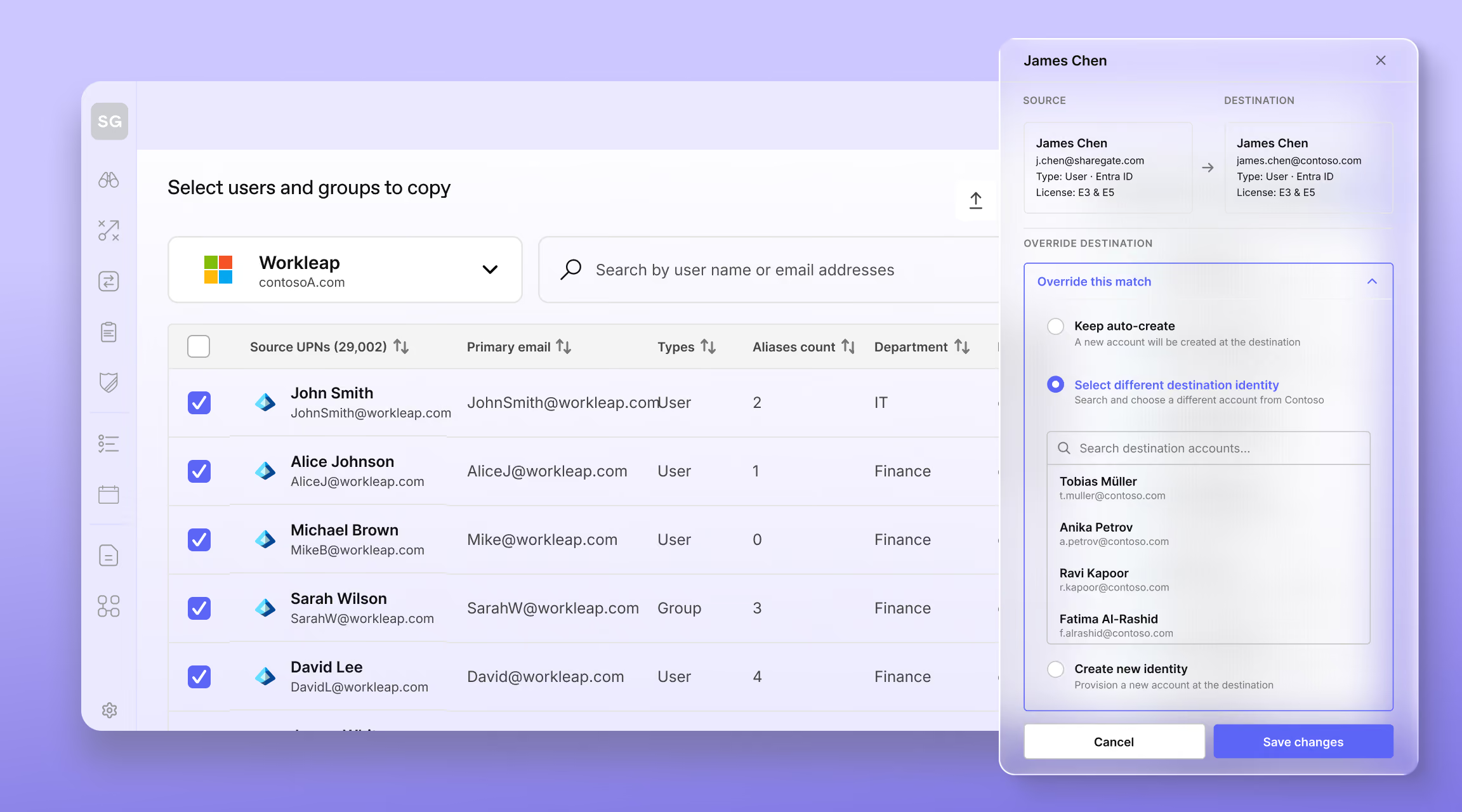
Identities
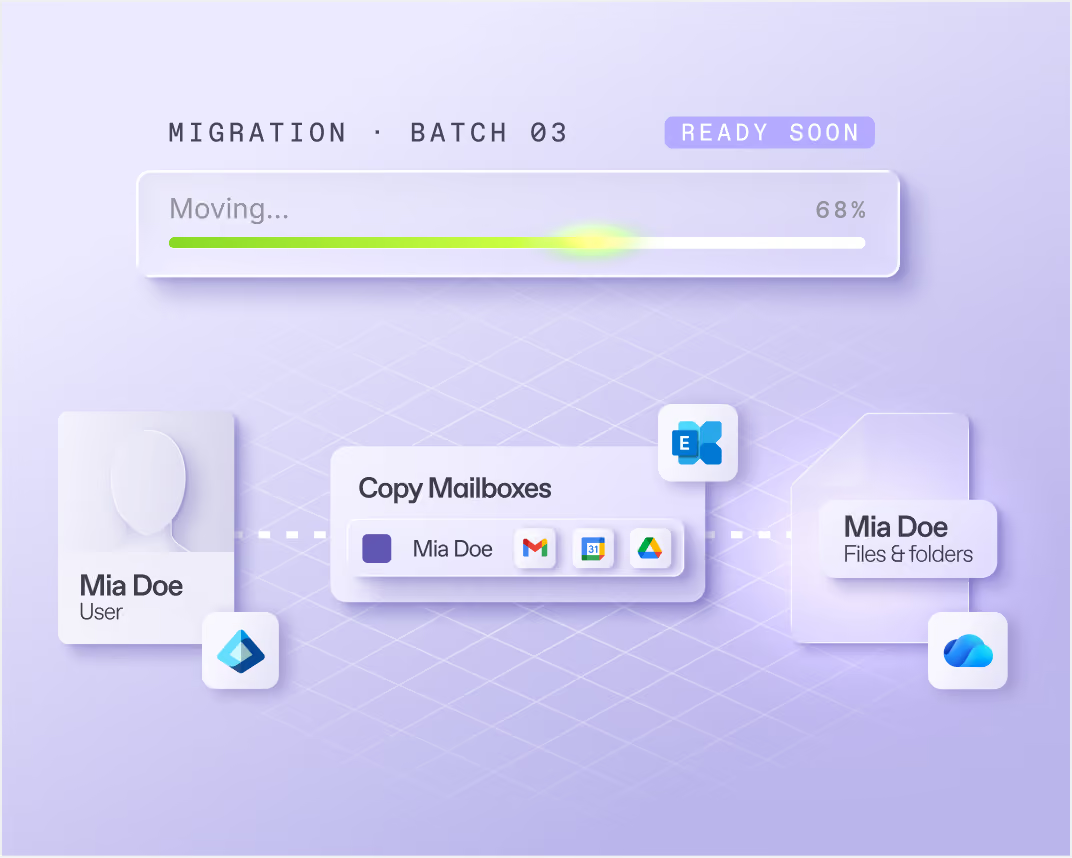
Mailboxes
OneDrives & Teams private chats
Devices
From content to users, from identity to devices
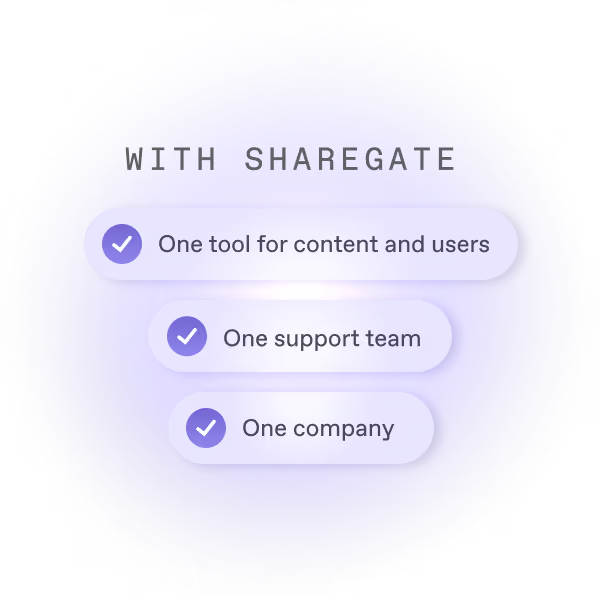
Content and users in one place. Nothing to stitch together from different vendors.
The reporting you rely on for content migration, applied to the user side.
When something breaks, you know who to call.
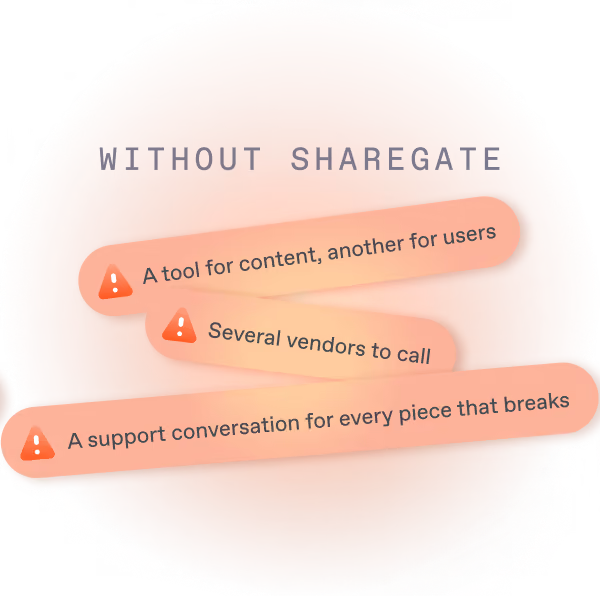
Stitching tools together vs. a one-stop shop
Part of the work you already do
See how ShareGate helps partners















Frequently asked questions

Entra ID migration copies your users, guests and groups from one Microsoft 365 tenant to another. You need it after a merger, an acquisition or a divestiture, when people move to a different tenant. It comes first for a reason: until a user exists in the new tenant with a license, their mailbox and OneDrive have nowhere to land. It's cloud to cloud only. Accounts synced from an on-premises Active Directory can't be moved today.
Users first, then mailboxes and OneDrives, then everything else. Start by sizing your source tenant. Move users, guests, groups and licenses, so the rest has somewhere to land. Next, move mailboxes and OneDrives. They don't depend on each other, but destination mailboxes need licenses and destination OneDrives need to exist. Then move SharePoint sites and Teams: they can only keep who had access once those people exist in the new tenant. Re-run each copy up to cutover.
ShareGate moves your users, guests and groups between Microsoft 365 tenants, including security groups, Microsoft 365 groups, distribution lists and mail-enabled security groups. Users get their licenses during the copy and keep their manager, as long as the manager moves too. Shared, room and equipment mailboxes keep the people who could open them, send from them or send on their behalf. Only cloud-only objects move. Passwords, MFA methods, sign-in rules, admin roles and apps stay behind. Device migration is on ShareGate's product roadmap.
Use ShareGate with PowerShell. Give it a CSV of old and new addresses and one script copies every OneDrive on the list. (The app copies them one at a time.) Microsoft has to create each destination OneDrive first. ShareGate's Get-OneDriveURL command requests them for all users at once: allow up to 24 hours. The OneDrive report's Add administrators option gives you the admin rights the copy needs. To move more at once, split the list across several computers. PowerShell isn't in every plan, so check pricing.
Not yet. Device migration is on ShareGate's product roadmap. Today ShareGate migrates Entra ID objects, mailboxes and OneDrives, cloud to cloud. Intune enrollment and policies aren't in scope.
Yes. ShareGate's desktop app moves your users, mailboxes and content, so you deal with one vendor and one support team. You run them in order: Entra ID objects first, then mailboxes and OneDrives, then SharePoint sites and Teams. Each step is its own copy with its own report, and the user matches you set once carry over to the mailboxes. A few things work differently: bulk OneDrive moves use PowerShell, and planning happens in ShareGate's web app. Hybrid setups aren't supported, and device migration is on ShareGate's product roadmap.
Users are rarely the only thing moving
Content migration

Permissions reporting
Copilot readiness
Governance automation
Admins don't sugarcoat. So these feel extra sweet.
Real words from the admins who run migrations and govern Microsoft 365 every day.

User migrations without strays.
We got this.
Identities, mailboxes, OneDrives, and soon devices. Same tool, same support, same company.