Set the rules for your M365 cleanup. ShareGate handles the rest.
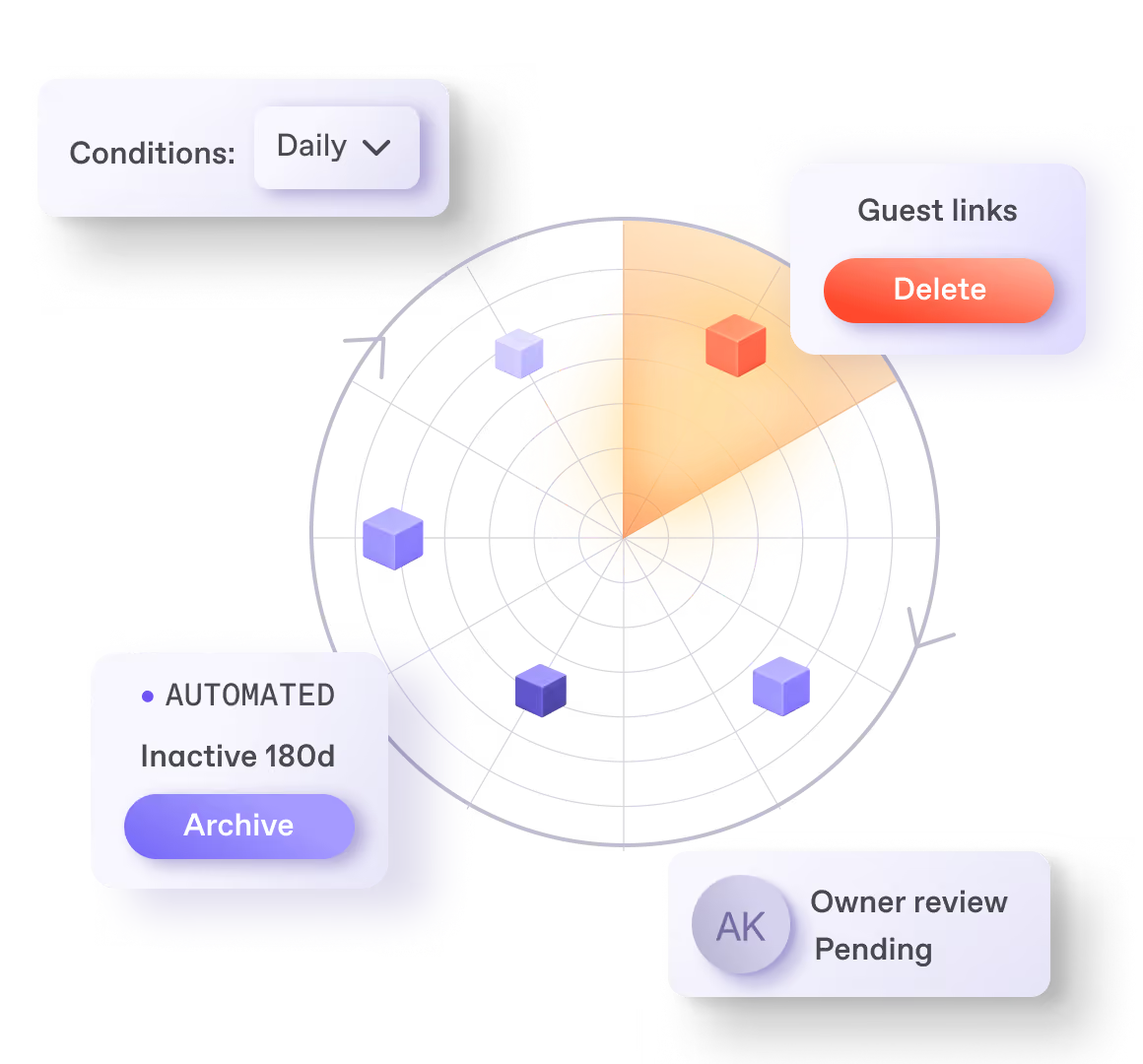



























You cleaned it up. It came back.
Two ways to keep SharePoint, Teams, and OneDrive clean
A policy applies the fix automatically, on your behalf, inside the guardrails IT sets. ShareGate runs it on a recurring basis, so the same problem doesn’t rebuild itself.
A policy can run:
- Delete sharing links
- Remove “Everyone Except External Users”
- Archive inactive workspaces
- Delete inactive workspaces
- Trim file versions

Build your own skills and automations on top of the policies ShareGate provides, from Copilot, Claude, and ChatGPT with ShareGate MCP.
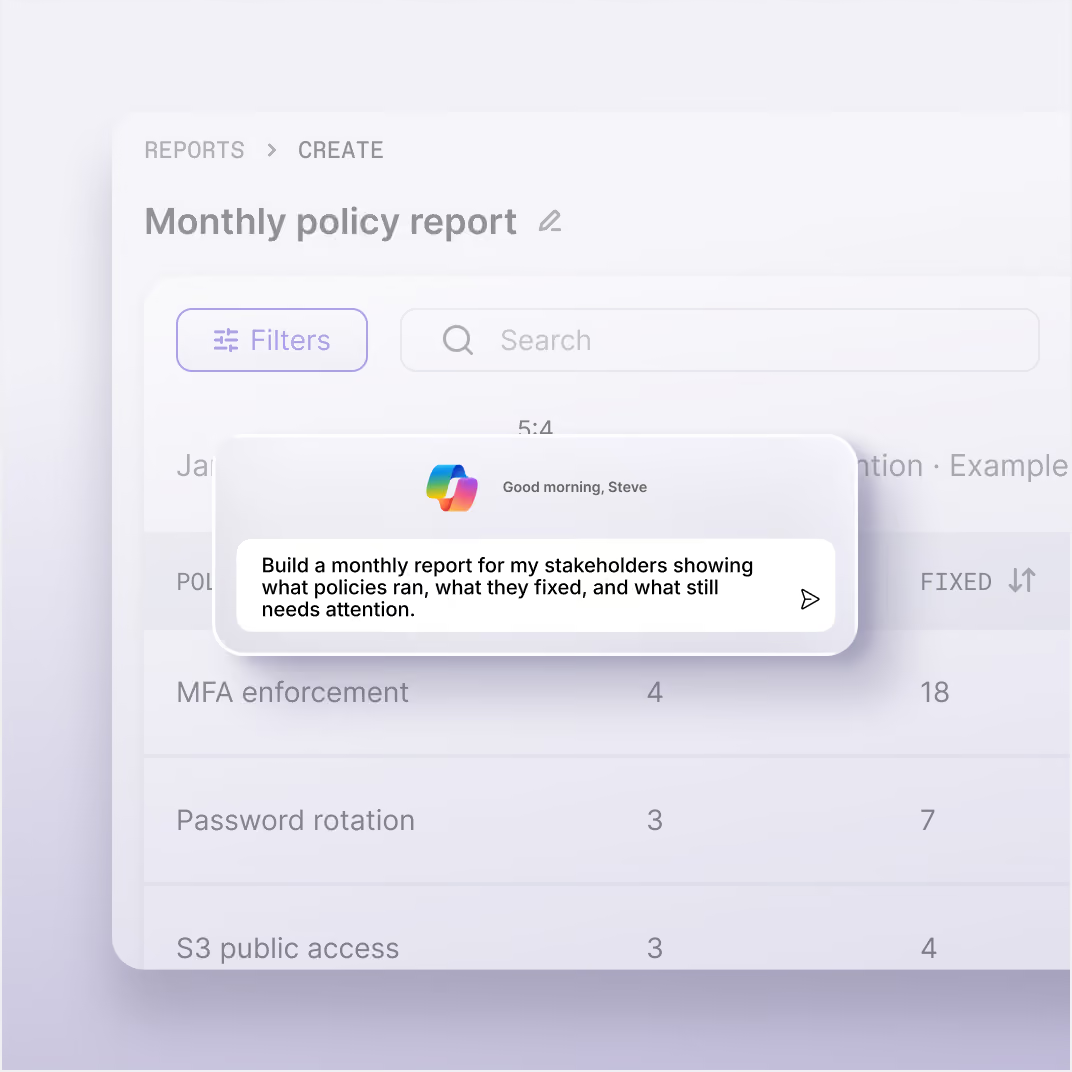
Build a monthly report for my stakeholders showing what policies ran, what they fixed, and what still needs attention.
A review works with the owner of the content to figure out the right course of action. IT decides what gets reviewed and when. Owners make the calls. ShareGate executes and logs the decision.
Follow up on reviews without opening ShareGate.
Which reviews are still waiting on an owner, and what has been decided so far?
You get to pick and choose
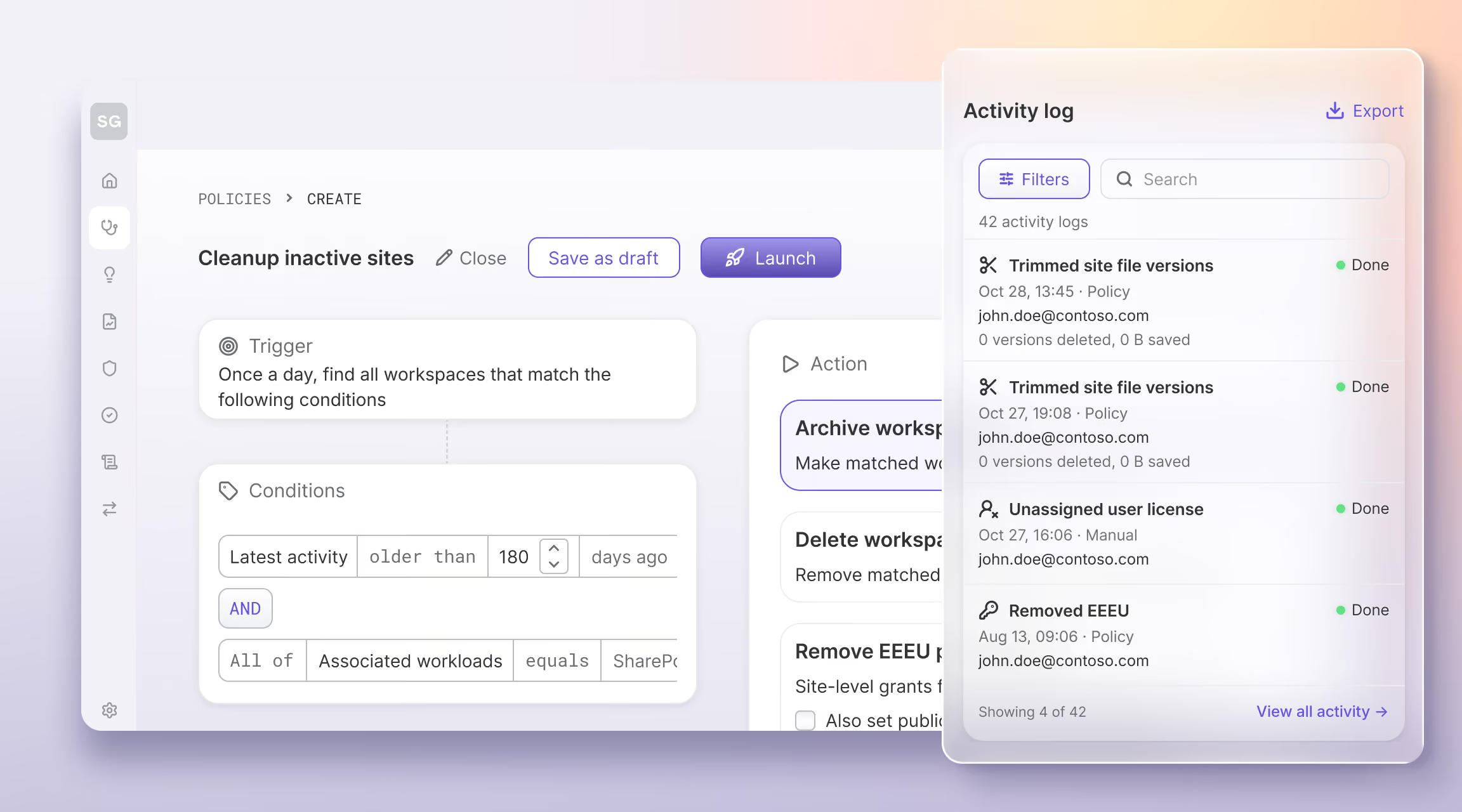
What gets automated
What gets delegated
What gets logged
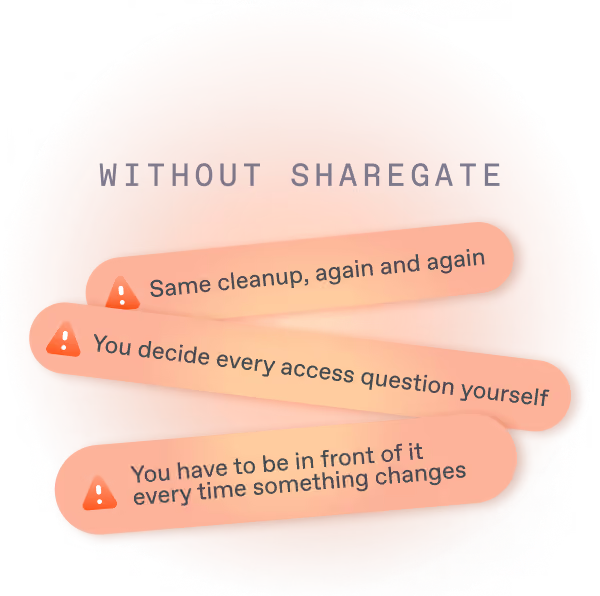
Cleaning up by hand vs. setting the rules once
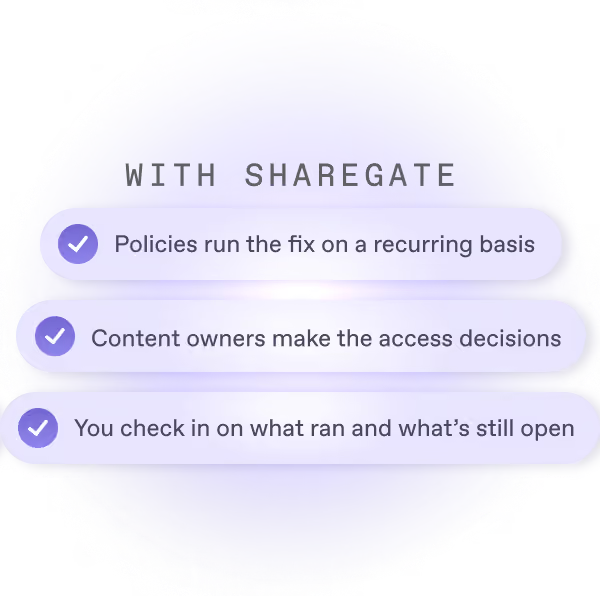
Part of the work you already do
See how ShareGate helps partners








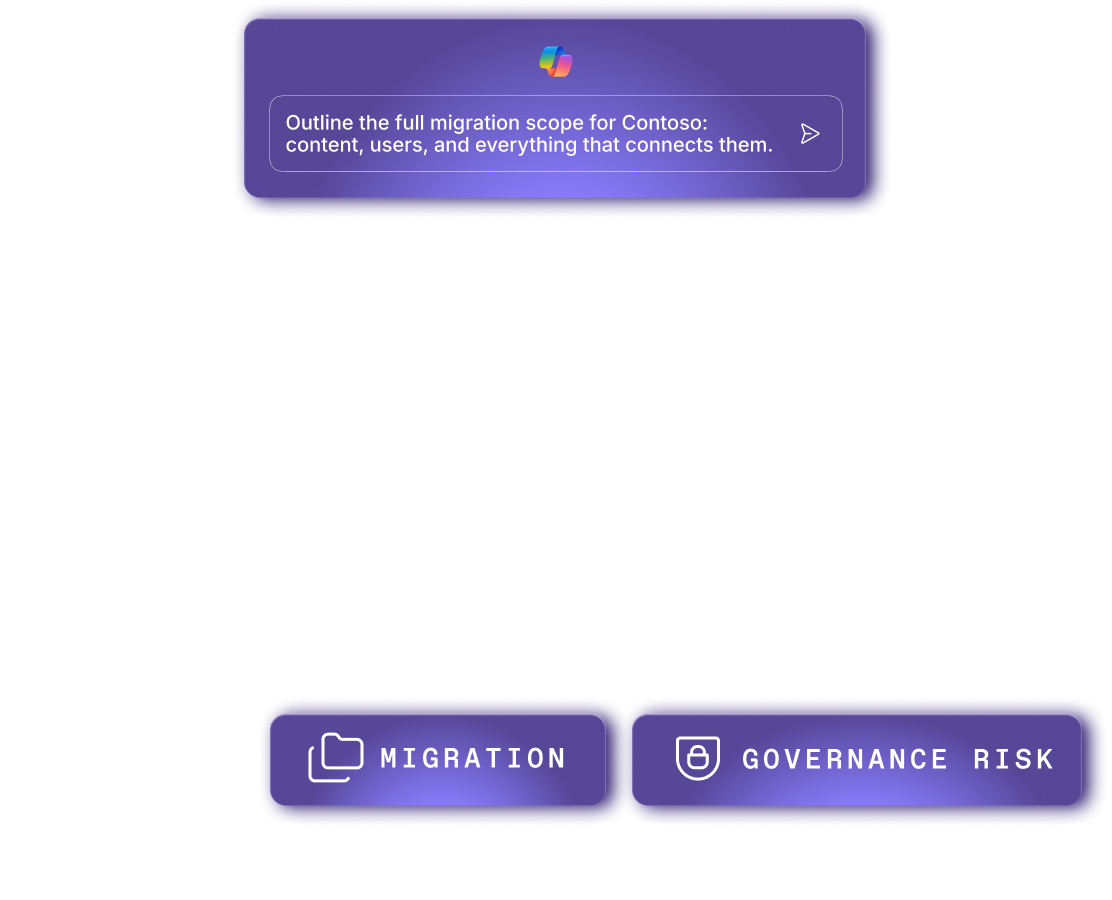







Frequently asked questions

ShareGate's automated policies act on sites, groups, OneDrives and sharing links, up to once a day, on anything that matches your conditions. Today they can archive or delete workspaces, delete sharing links, remove Everyone Except External Users access, set a version limit and trim versions. Policy actions can't be undone, so you review the matched list and confirm before launch.
No. ShareGate runs nothing outside rules a person set. A policy acts only on the conditions you configure, after you've reviewed the matched list and confirmed. Owner reviews work differently: when an owner submits a decision, it runs right away, with no admin approval step, and it's logged. And ShareGate can't change anything until an admin grants a second, separate consent.
Use a policy when the answer is obvious, and a review when it takes judgment. A policy acts up to once a day on anything matching your conditions, like sharing links that never expire. A review sends the call to the workspace owner, who knows the content and can keep, archive or delete it. Owners sign in with Microsoft 365. No ShareGate account needed.
Send them an owner review. Select the workspaces from any report, choose a lifecycle review and ShareGate emails each owner a link. They sign in with Microsoft 365 (no ShareGate account needed) and choose keep, archive or delete. Their decision runs when they submit it, and it's logged. Reviews cover Teams, Microsoft 365 Groups and SharePoint sites, not OneDrive. Workspaces with no owner are skipped.
Not yet. Today, you send each batch of owner reviews by hand, and they don't repeat on their own. Recurring review policies are on ShareGate's product roadmap. For work that should keep running without anyone hitting send, automated policies run up to once a day on the conditions you set.
No. ShareGate policies don't send emails or alerts. They act on whatever matches when they run. If you want owners to decide first, send an owner review: it's the one email ShareGate sends, and the owner chooses keep, archive or delete. For policies, your safety net is the match count and list you check before launch, because policy actions can't be undone.
Yes, with ShareGate MCP. From Copilot, Claude or ChatGPT, you can create a policy, preview what it would act on, then launch, pause or change it. It acts as the signed-in user, so it can never do more than that account allows. Making changes needs the remediation consent plus Write Guard. Owner reviews can't be built or sent from an AI tool.
Partners set the rules with the client, then let ShareGate run them between visits. Automated policies keep the cleanup going in the client's tenant while you work with your next client. Check in monthly: review what the policies did in the activity log, then send the next batch of owner reviews. One ShareGate account connects to all your client tenants, one at a time.
What the fixes act on
Oversharing

Permissions reporting
Copilot readiness
Admins don't sugarcoat. So these feel extra sweet.
Real words from the admins who run migrations and govern Microsoft 365 every day.

Always-clean tenants. We got this.
Set the guardrails once. Policies fix, reviews delegate, and your tenant stays clean on its own.