ARCHIVE

Inactive Microsoft 365 content, out of the way but never out of reach
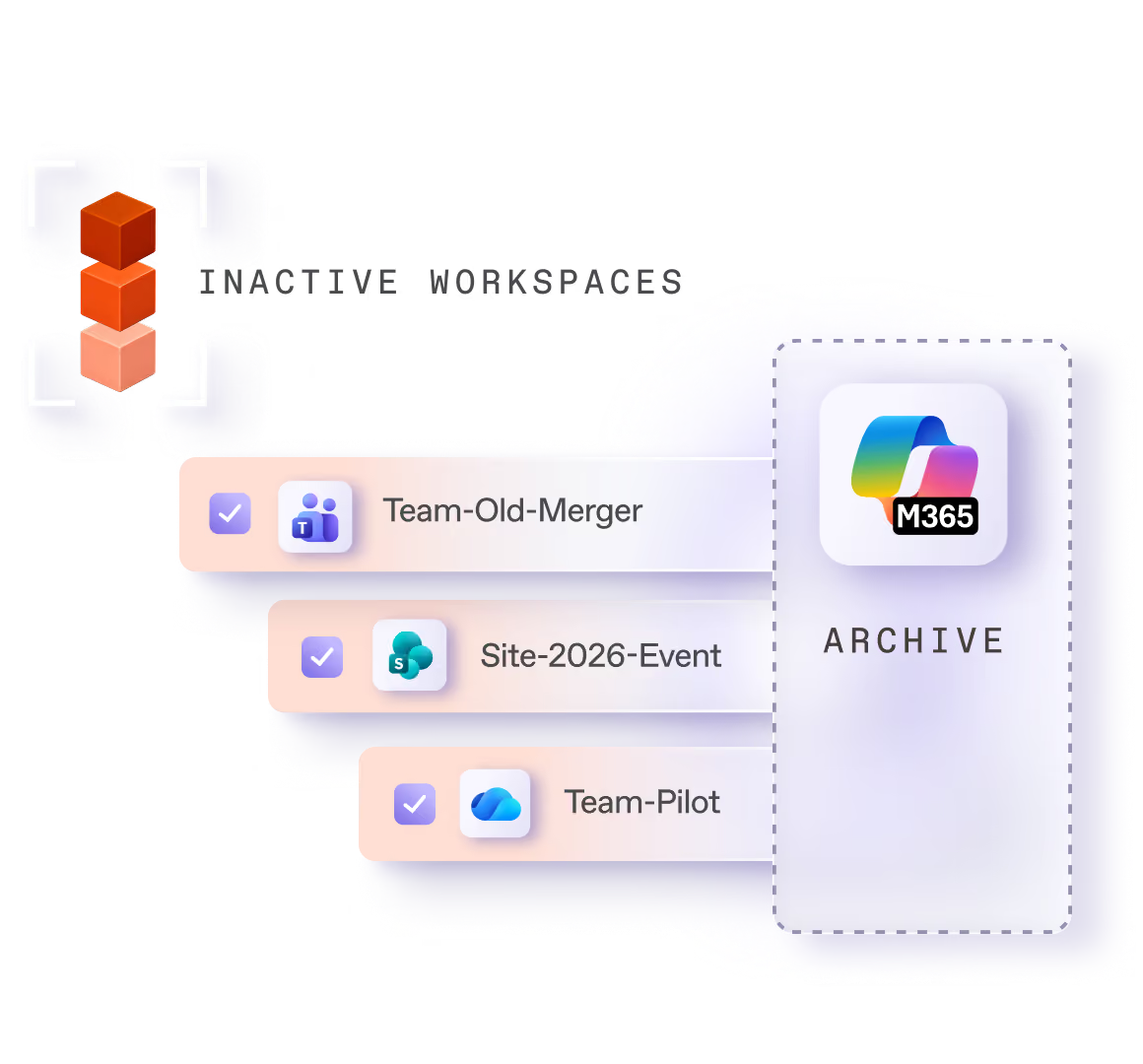

Inactive content piles up, costs storage, and clutters what your AI assistants draw from. Microsoft 365 Archive is the right place for it. ShareGate tells you what belongs there, and when.
on Gartner
on G2
Based on +200 reviews
Trusted by +2,000 partners to scale their business with ShareGate.
Trusted by +100,000 IT pros managing Microsoft 365 every day.
Partners
Customers
The price of hoarding content

Inactive content adds up, and so does the storage it takes

Years of inactive content keeps up production storage, and a bloated tenant is expensive. It also works against your AI. Copilot and other assistants draw on everything they can reach, so outdated and irrelevant content ends up in their answers and makes them less reliable. It’s time to declutter your tenant.
Punching up the baseline

Let Microsoft 365 Archive carry the dead weight
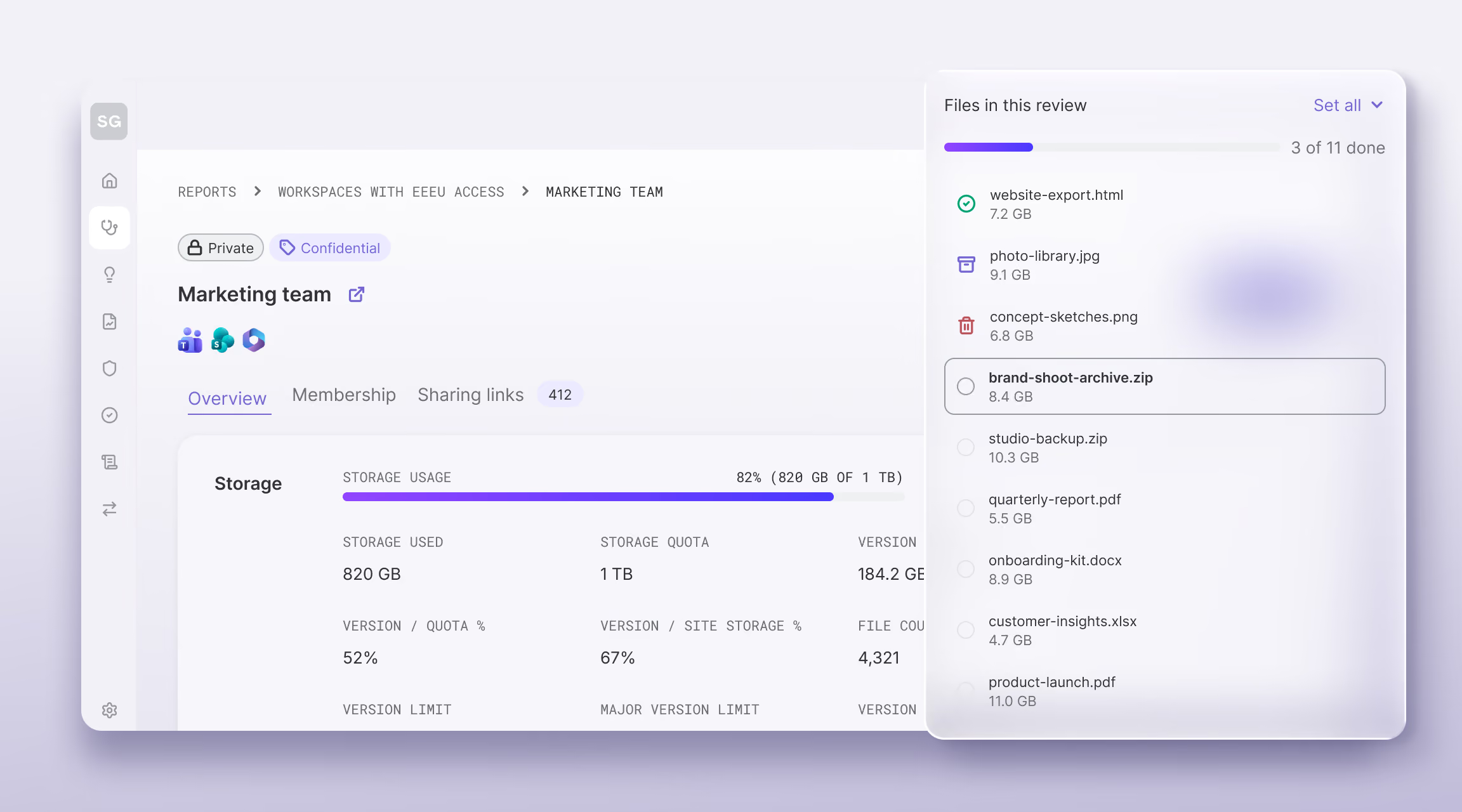
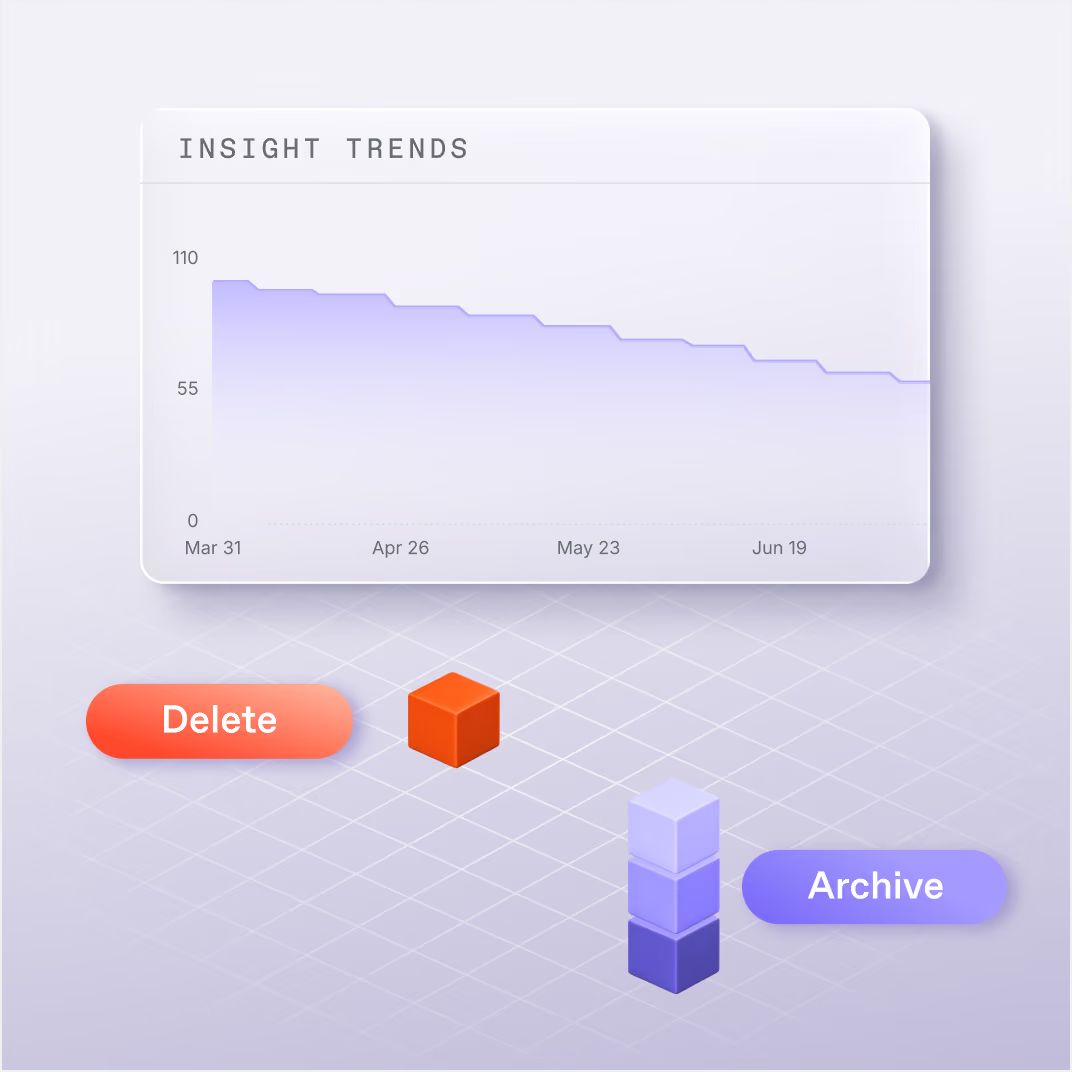
Microsoft 365 Archive is the place for inactive content, no doubt about it. It archives and restores, and keeps your security and compliance rules intact. ShareGate tells you which content to archive, and when.
ShareGate storage usage overview for a Marketing team workspace, with a file review panel to keep, archive, or delete large files.
Ensure compliance

Archive without breaking 
the rules you already have
Microsoft 365 Archive keeps your retention, labels and permissions intact, and your content stays in your tenant.
Everything native stays intact
Microsoft 365 Archive preserves sensitivity labels, retention labels, and all native Microsoft security rules through the archive process. Other archiving approaches don’t.
Archive or delete?
Archive content you want to keep but remove from production storage. Delete content you no longer need.

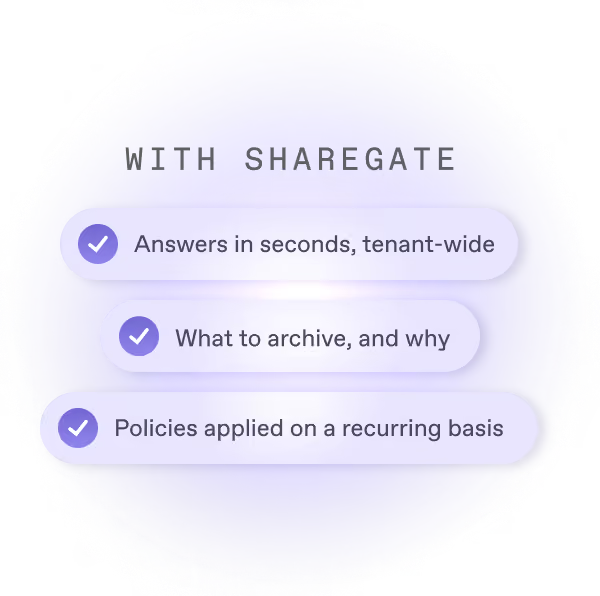
Guessing vs. knowing what to archive
ShareGate partners

A service built on what 
your client already pays for

Microsoft 365 Archive runs on Microsoft infrastructure your client is likely already paying for. ShareGate makes the engagement systematic and repeatable.

Add value to what the client already has

Microsoft 365 Archive may already be in the client’s tenant. ShareGate makes it work at scale. That’s a service you can deliver, charge for, and revisit as more content ages out.

A recurring engagement

Content keeps accumulating. Archive policies are set up once, then reviewed and adjusted over time. Own the archive practice for a client and you have a recurring reason to stay in the relationship.
ShareGate partners

Part of the work you already do

Restructuring isn’t a standalone engagement, and we won’t pretend it is. It’s what you reach for when a client needs content reorganized.

See how ShareGate helps partners

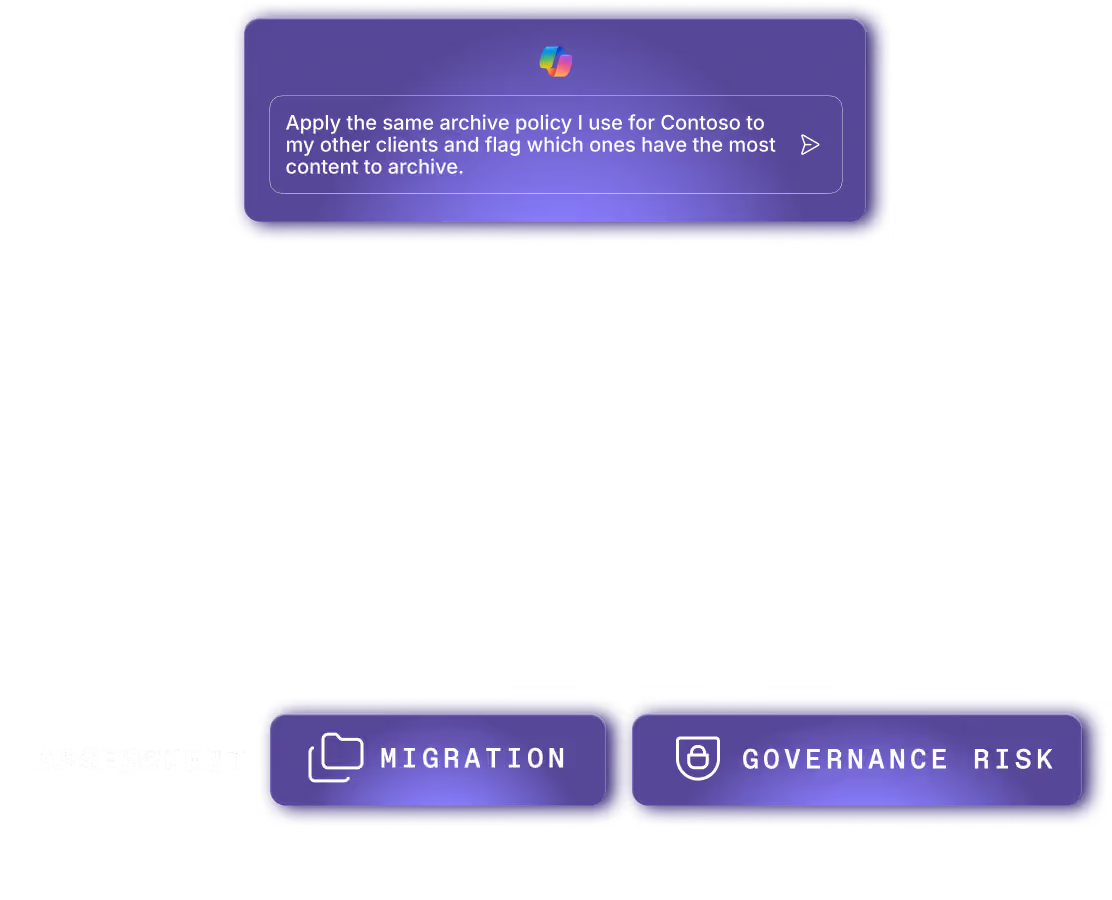
A digital assistant interface with the greeting 'Good morning, Steve' and a message saying 'Apply the same archive policy I use for Contoso to my other clients and flag which ones have the most content to archive.' Below are two buttons labeled 'Migration' with a folder icon and 'Governance Risk' with a shield icon.

See how ShareGate helps partners

Ask our clients and partners. They’ll tell you.

“Partnering with ShareGate has been a good decision for Adepteq—they’ve never let us down. ShareGate helps us stand out in the UK market, and without them, we’d feel a big impact on our renewal revenue stream.”

—
Ian Loman
Microsoft Cloud Expert and Sales Director

“ShareGate helped us cut two-year migration projects down to nine months for clients with complex environments and petabytes of data.”

—
Maggi Honda
Senior Principal Engineer at CDW 

“For me, the biggest benefit of using ShareGate is that it frees up IT time for other value-added activities. I don’t have to babysit my environment because the governance guardrails are in place.”

—
Constanze Pretzler
Senior Inhouse Consultant for Digital Collaboration, STIHL

“I love the reporting tool, and I’ll continue using it even after the migrations. It presents a simple overview of your environments, and it’s great for governance and providing easy-to-read reports to the business users.”

—
Amy Senécal Côté
SharePoint Administrator

Frequently asked questions

How do I decide which SharePoint sites to archive?

Start with the workspaces nobody has touched, and the storage they hold. ShareGate only counts a workspace as inactive when everything attached to it is inactive, after 180 days by default (you can change that). A site with an active Teams conversation never makes the list. Sort by size so you start with the biggest, and archive what you can't delete.

What does Microsoft 365 Archive do, and what does ShareGate add?

Microsoft 365 Archive stores your inactive sites at a lower cost and restores them when you need them. ShareGate finds the sites and teams that have gone quiet, archives them one at a time, in bulk or on a daily policy, and logs every archive. Restoring happens in the Microsoft 365 admin center.

What happens to sensitivity labels and retention when I archive a SharePoint site?

They stay with the content. Microsoft 365 Archive keeps permissions, sensitivity labels, retention policies and all SharePoint metadata. Archived content stays in your own tenant and data region, and nothing goes to third-party storage. ShareGate doesn't set retention. That's Microsoft Purview's job.

What can I archive to Microsoft 365 Archive, and how do I get it back?

Sites, Microsoft 365 Groups and teams all archive as workspaces into Microsoft 365 Archive. Nothing is deleted, and permissions, labels and retention policies stay with the content. Archived workspaces can't be browsed and drop out of ShareGate's other reports, but they're listed in the Archived sites report. To get content back, restore the workspace from the Microsoft 365 admin center.

Can I archive individual files in Microsoft 365, or only whole sites?

Whole sites and workspaces only. That's Microsoft 365 Archive's limit, so there's no archiving by library, folder, file or age. OneDrive can't be archived either, only deleted. File-level archiving is on ShareGate's product roadmap. If old file versions are eating your space, trim version history instead: it works inside sites people still use.

Can I automate Microsoft 365 archiving, and who stays in control?

Yes. ShareGate automates archiving, and you stay in control. An automated policy archives workspaces that match your conditions, once a day. Before launch, you see how many match and which ones, and you confirm you understand the risk. Policy actions can't be undone, and policies don't notify owners. Want owners to decide? Send an owner review instead. They choose keep, archive or delete.

Keep your tenant clean
Archive is one part of keeping a tenant in shape. These three cover the rest.

Admins don't sugarcoat. So these feel extra sweet.

Real words from the admins who run migrations and govern Microsoft 365 every day.

★
4
 / 5
"I used ShareGate for moving and archiving about 600 SharePoint sites and it made it easy to move the site contents without having to give myself permissions to each one."
Verified G2 review
Mid-Market
★
5
 / 5
"Even after we finished the migration we still use it to archive sites (Teams included)"
Verified G2 review
Mid-Market
★
4.5
 / 5
"exporting large document libraries for archiving or system integrations"
Verified G2 review
Enterprise
★
5
 / 5
"we can bring back an archived team, when available, in a few minutes"
Verified G2 review
Mid-Market

Archiving the right content, at the right time. We got this.

Microsoft 365 Archive does the archiving. ShareGate tells you what and when.