
Google Workspace to Microsoft 365 mail migration done right
ShareGate Migrate copies Gmail, calendars, and contacts to Exchange Online with incremental runs so you can cut over without the chaos.
Request a demo


Trusted by 100,000+ IT pros

How it works
A clean migration from start to finish
Mailbox mapping and scoping
Email, calendar, and contacts copy
Copy Gmail messages, Google Calendar events, and contacts to Exchange Online in a single job.
Per-item post-migration reporting
Use ShareGate Migrate to generate a per-item report with categorized errors and warnings after each job.
Incremental copy runs
What ShareGate Migrate handles for this migration
Mapping mailboxes before migration starts
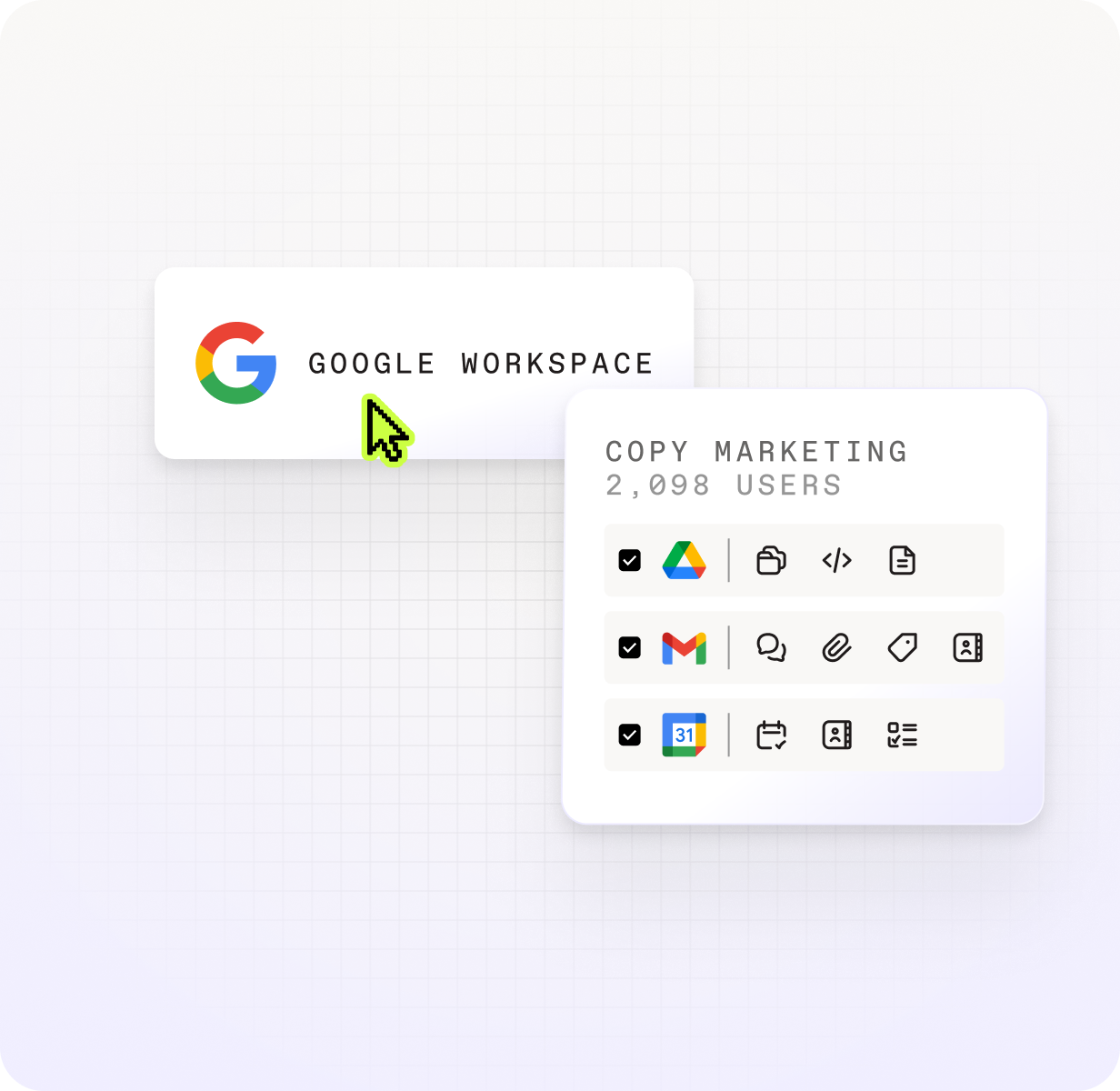
Before any data moves, map source Gmail mailboxes to their Exchange Online destinations and consent to the required Google Workspace API scopes in the Google Admin console. This generates a confirmed scope of work and catches unmapped or suspended accounts before they become cutover-day surprises.
Copying email, calendar, and contacts together
ShareGate Migrate uses both Google Workspace and Microsoft 365 APIs to copy messages, calendar events, and contacts in a single coordinated job. Gmail labels are converted to Outlook categories at the destination — not folders — which keeps mailbox size under control while preserving the label context users rely on.
Reading your post-migration job report
After each completed copy job, ShareGate Migrate generates a detailed per-item report you can export from the Tasks view. Every item is categorized as succeeded, skipped, warning, or error so you know exactly what to remediate before the next run.
Where the Exchange admin center Google Workspace migration tool requires more manual work at scale
| ShareGate Migrate | Exchange admin center Google Workspace migration tool | |
|---|---|---|
| Workloads covered | Email, calendar, and contacts in a single job | Migrates mail, calendar, and contacts together through a single migration endpoint, with each workload as a filter option in one batch. |
| Incremental copy | Re-run jobs pick up new items without duplicating migrated content | Incremental sync supported, but requires manual batch management as user count grows |
| Per-item error reporting | Exportable per-item report with categorized errors and warnings after each job | Per-user status available; granular per-item error detail requires additional investigation |
| Mailbox mapping | Visual mailbox-to-user mapping with recipient mapping step before the job runs | Identity mapping relies on exact UPN or email match; mismatches require manual CSV correction |
Related Pages
One trusted tool, endless ways to simplify your Microsoft 365 migration
Frequently asked questions

Several options exist for migrating Google Calendar to Microsoft 365. Microsoft's Exchange admin center includes a Google Workspace migration tool that handles email, calendar, and contacts, and it works well for straightforward migrations. ShareGate Migrate's Copy from Gmail feature also migrates Google Calendar events to Exchange Online calendars as part of the same job that copies email and contacts. Note that some calendar properties have no Exchange equivalent: Out of Office events don't carry over with automatic decline, Focus Time event properties are not copied, and Google Calendar Tasks are not supported. After each job, ShareGate Migrate generates a per-item report so you can see exactly which events migrated, which were skipped, and why.
The conversion of Google Docs, Sheets, and Slides to Office formats is performed by Google's own export API during the migration process, not by the migration tool itself. Both Microsoft Migration Manager and ShareGate Migrate trigger this Google-side conversion when moving Drive content to Microsoft 365. ShareGate Migrate initiates the export via Google's native API, which produces Word, Excel, and PowerPoint files at the destination. Keep in mind that Google's export may produce formatting differences in complex documents, and the resulting files may appear different from the originals at the destination.
Don’t just migrate it. ShareGate it.