What is information architecture?
Also known as
Definition
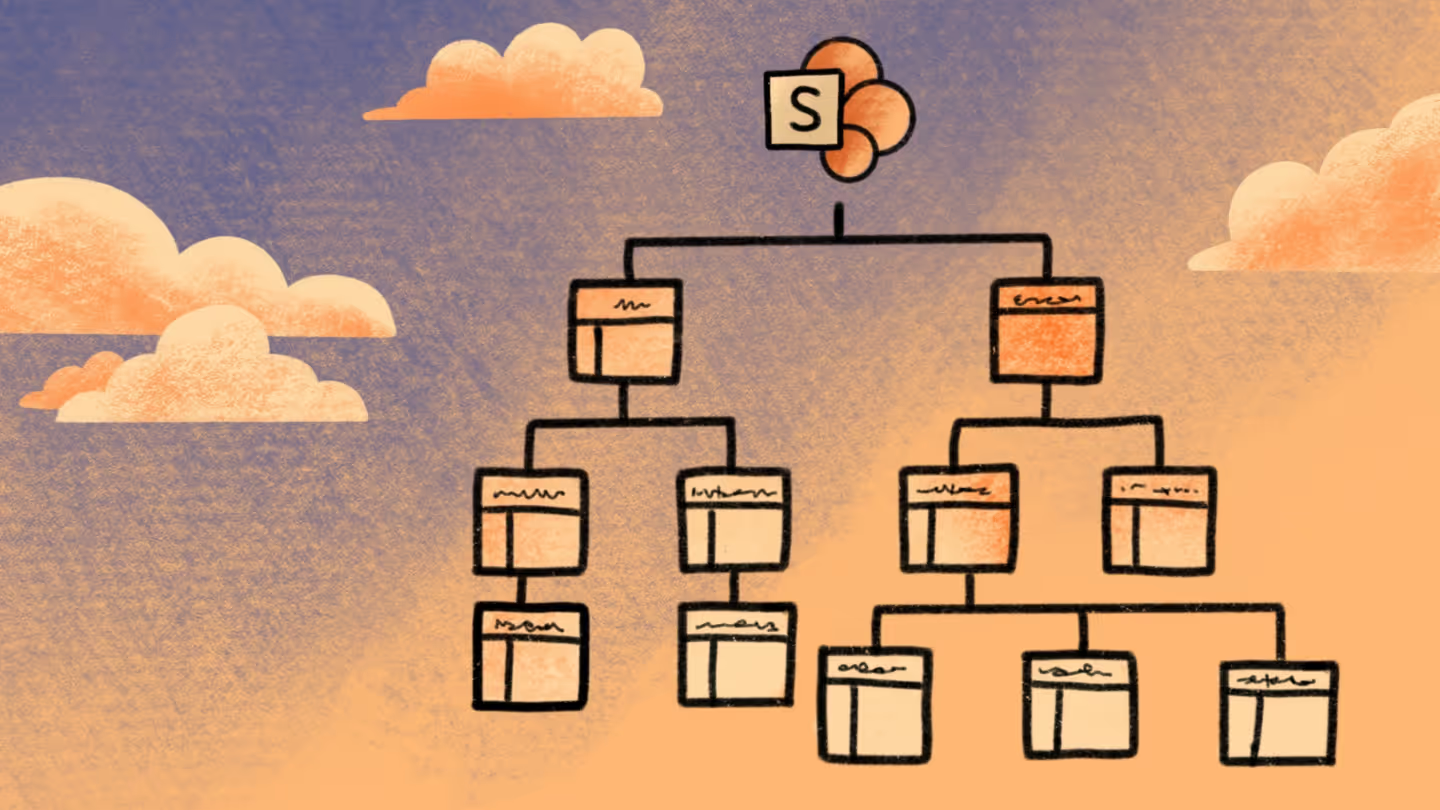
Information architecture is the way content is organized and presented to people across your Microsoft 365 environment. It covers how sites are structured, how documents are stored and tagged, how navigation is built, and how search surfaces the right content.
Good IA means people can find what they need without asking IT. Poor IA means duplicate files, folder hierarchies nobody maintains, search that returns noise, and content that gets abandoned because it's easier to start fresh than to find the original.
In SharePoint specifically, IA involves decisions about site types (team sites, communication sites, hub sites), how libraries and lists are organized, what metadata is applied, and how content relates across spaces. These decisions compound over time. A structure that made sense five years ago may not reflect how work happens today. And a migration that copies old structure without reviewing it just moves the problem to a new place.
tip
Before a migration, ask whether the target design reflects how people actually work today, not how they worked when the structure was first built.
Why it matters
IA is the foundation everything else is built on. If the structure is wrong, governance, search, permissions, and AI outputs all suffer downstream.
- Migration: The target environment inherits the same deep folders, duplicate content, and unclear ownership. Migration is the right moment to decide what to lift as-is and what to restructure.
- Findability & productivity: When content is structured around how people actually work, search is useful, navigation makes sense, and people stop recreating files they can't find.
- AI readiness: A well-structured environment with consistent metadata makes AI results more relevant and easier to trust.
What we see out there
Old structure migrated as-is.
Teams migrate legacy SharePoint environments built years ago without reviewing whether the structure still reflects how work happens. Deeply nested folders, abandoned sites, and duplicate libraries move to the new environment intact.
Deep folder structures incompatible with SharePoint.
Long file paths and deeply nested folder hierarchies from file servers or older SharePoint versions don't translate well to SharePoint Online. They hit URL length limits, break navigation, and make search less effective.
Metadata lost in migration.
Content migrated without metadata mapping loses its context. Files arrive at the destination without the tags and classifications that made them findable in the source system. Users have to manually reclassify, or they just stop finding things.
Frequently asked questions
Should we keep folders in SharePoint?
Folders work, but they have a limitation: a document can only be stored in one folder at a time. If someone looks for it using different criteria, they won't find it. Metadata solves this. You can tag a document with multiple attributes and find it through any of them. Keep folder structures shallow and use metadata to handle the complexity that deep folder hierarchies usually try to solve. For environments migrating from file servers with deeply nested folders, this is often the biggest structural improvement a migration can make.
How does metadata help?
Metadata tags documents with descriptive information (project name, department, document type, status) so they can be found through search, filtered in views, and classified for governance purposes. Unlike folders, a document can have multiple metadata tags, making it findable from multiple angles. It also feeds into Microsoft Search, Copilot, and data classification workflows. The challenge is getting consistent adoption. Users accustomed to folders need to learn a different way of working.
How does IA affect Copilot?
Copilot surfaces content based on what users can access. IA doesn't control that, permissions do. But IA affects the quality of what gets surfaced. Duplicate files produce duplicate results. Stale content that was never cleaned up becomes part of the AI's pool. Inconsistent metadata makes it harder for Copilot to return relevant results. A well-structured environment with consistent metadata makes AI outputs more useful. IA cleanup before a Copilot rollout is one of the most practical things a migration team can do.
When should we restructure during a migration?
When the existing structure no longer reflects how work happens. If users are working around the current structure (saving files locally, using email instead of SharePoint, recreating content they can't find), that's a signal the IA needs work. Migration is the best time to fix it because you're already moving content. The cost of restructuring during migration is lower than fixing it in a live environment afterward. The risk is scope creep. Restructuring everything at once creates delays. Focus on the highest-traffic, highest-risk content first.