
See every risk in Microsoft 365.
Fix what matters.
Copilot doesn't wonder if you should see that file.
ShareGate Protect gives you full visibility into permissions, sharing, and inactive workspaces, so you can resolve potential issues before AI scales them.
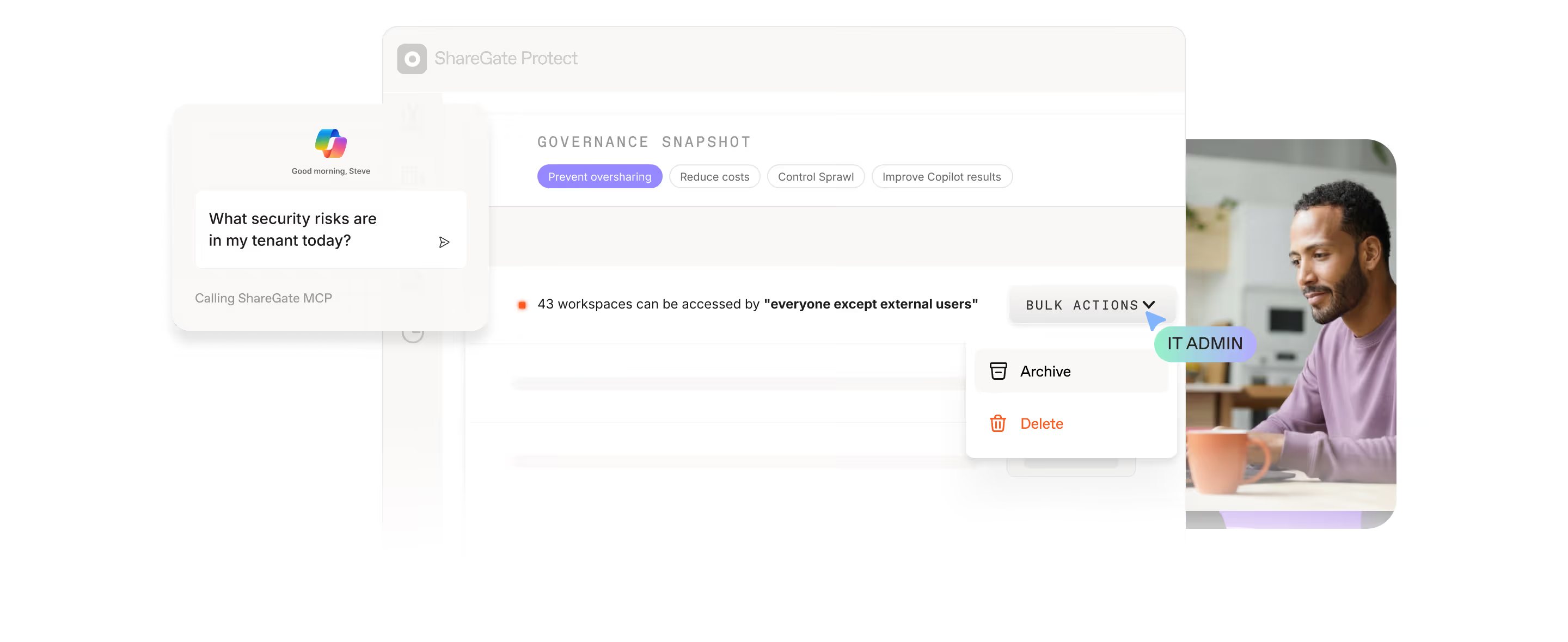
It just knows you have access. ShareGate Protect finds what's overshared across your sites, files, and workspaces, and fixes it in bulk. Before Copilot surfaces it to the whole company.
Trusted by 100,000+ IT pros

4.8★ on g2

4.7★ on Gartner
Get your tenant in order.
Keep it that way.
Step 01
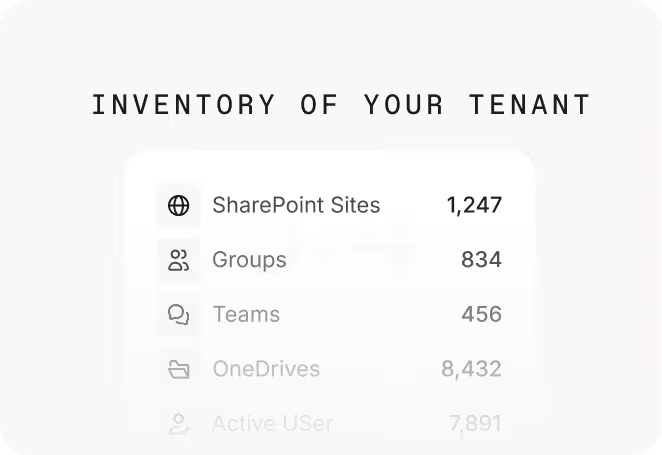
Assess your tenant in minutes

Step 02
Resolve issues where you find them

Step 03
Move with confidence, not crossed fingers


Your tenant is quietly burning budget.
See how much, and what you’d get back with Protect.
Instant estimate. No signup required.

See who has access to what in Microsoft 365
Find and fix risky sharing across Teams, SharePoint, Groups, and OneDrive.
See your permissions exposureJust ask ShareGate MCP
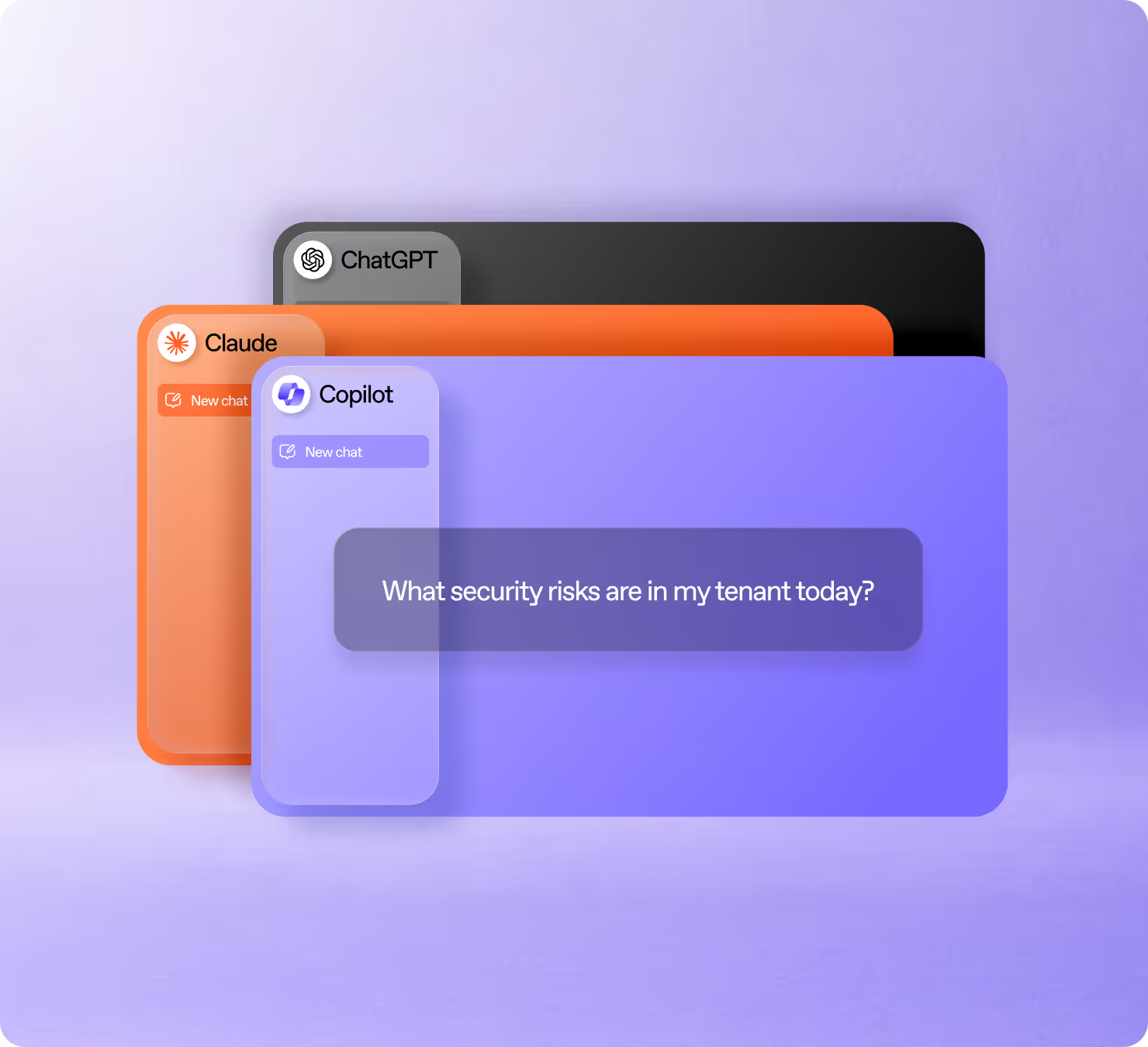
ShareGate MCP connects Protect's access data to Claude, ChatGPT, and Copilot., So you can ask any Microsoft 365 governance question without leaving your workflow.
Reduce Copilot and AI risk in Microsoft 365
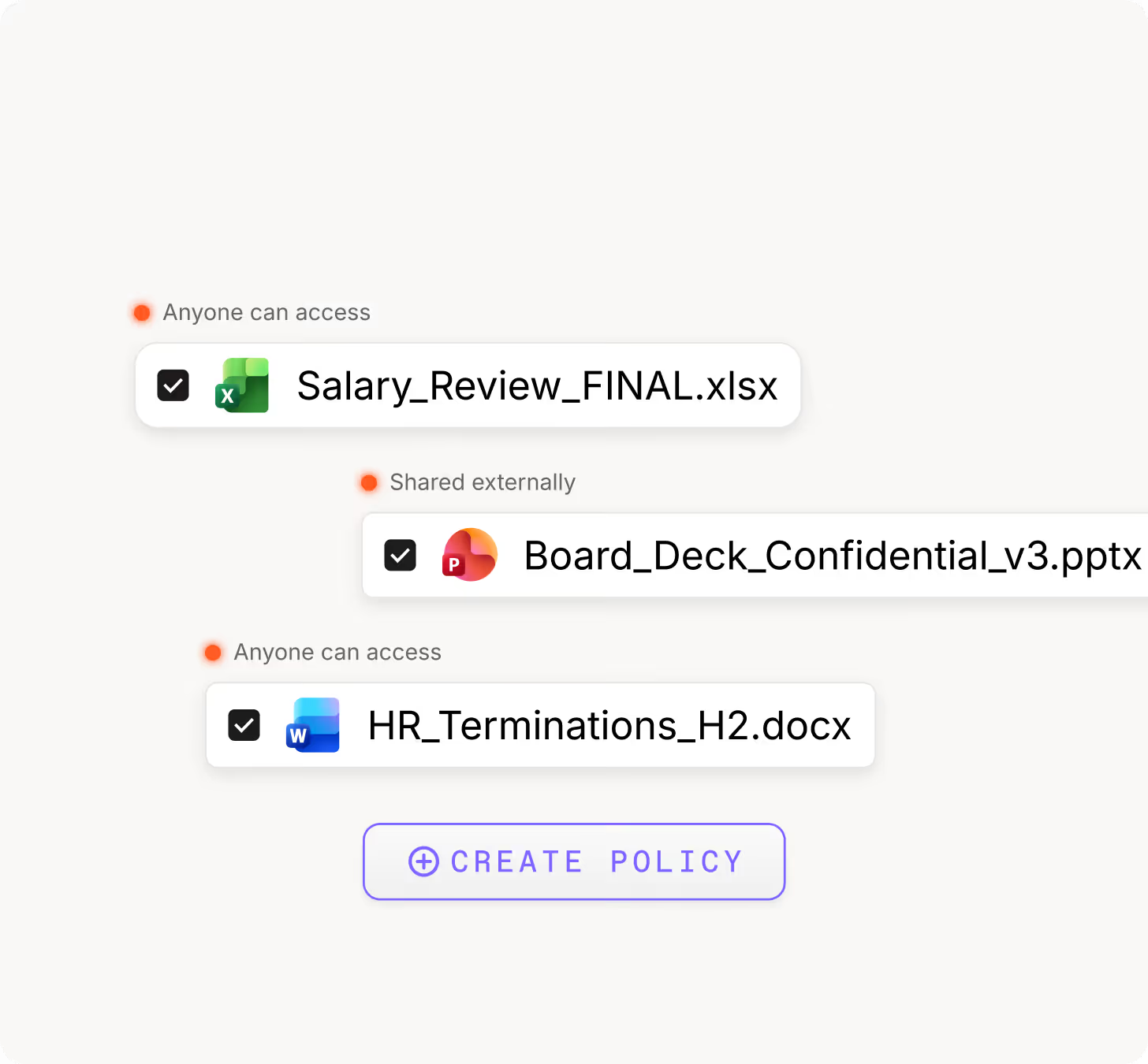
See what Copilot and other connected AI tools can access, and manage your permissions to protect sensitive data.
Get AI-ready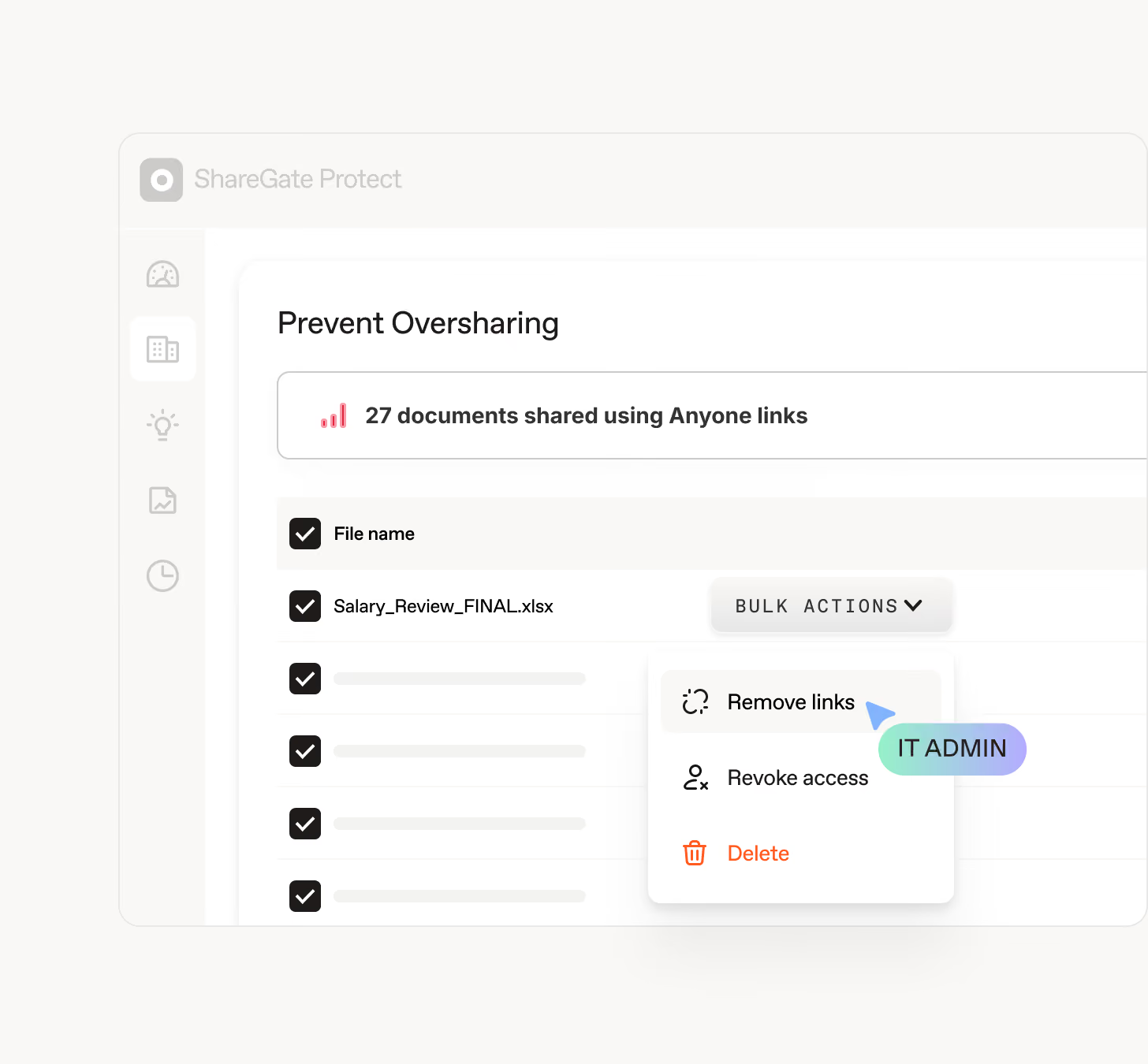
Eliminate unnecessary costs
Find unassigned licenses, inactive workspaces, and wasted storage, then clean them up safely to reduce cost and governance overhead.
Eliminate costs
Govern Microsoft 365
from the AI tools you already use
ShareGate MCP connects Protect to Claude, ChatGPT, and Copilot. Ask questions about your tenant, pull reports, and create cleanup policies without leaving your workflow.

Frequently asked questions

You can get set up and start seeing results in minutes, not weeks. Connect your tenant and the first assessment surfaces your access risks, inactive workspaces, and wasted spend, sorted by severity so you know what to fix first. No PowerShell, no scripts, no specialist required.
Protect scans your tenant and shows you exactly where content is exposed: sharing links, external guests, Anyone links, and the permissions that drifted way past what anyone intended. You see what's shared, with whom, and how risky it is, in one place instead of five admin centers.
If you use ShareGate’s new MCP server, you can even see it all by asking in your own AI tool. From there you act on it: remove risky sharing links, tighten workspace privacy, and fix issues, all within Protect or your AI tool of choice.
Want it to stay clean? Set up an automated policy that clears out links matching your rules on a recurring basis. So you can set it, and stop babysitting it.
Protect starts read-only. To see how SharePoint access is configured, Microsoft requires permissions that technically grant access to file content. Protect doesn't read it. It analyzes metadata: workspace names, permissions, sharing links, activity, and license usage. Document contents, emails, and chats are never collected or stored.
Write access is a separate admin consent. Grant it when you connect, or later when you're ready to remediate. Either way, nothing moves in your tenant until you say so. In Protect, every action is confirmed before it runs and logged after. Revoke consent and access stops immediately. Data is encrypted in transit and at rest.
Purview is powerful. And complex. ShareGate sits on top of your M365 environment to make governance actionable. Where Purview shows you data, ShareGate helps you fix the problem right where you find it. Think of it as the layer that makes your existing tools work harder.
Copilot, as well as ChatGPT, Claude, or other AI tools connected to your tenant, read what they're allowed to reach. Including content that probably shouldn't be reachable.
Protect surfaces AI and Copilot access exposure indicators so you can see exactly where content is reachable before any AI tool gets to it. Then you can fix oversharing across your tenant, so every AI tool in the picture surfaces only what people are meant to see.
You get clean permissions, fewer surprises, an AI footprint your security team will actually sign off on.
Protect tackles excess permissions in two steps: see them, then fix them.
The Permissions matrix report maps who has access to what across SharePoint and OneDrive. It surfaces the broken inheritance and over-broad access that piles up over time.
Once you can see it, you can act on it. Trim access, tighten sharing, and move toward least privilege from inside Protect. Want to share the load? Hand decisions to workspace owners with Delegated Reviews.
One thing Protect won't do: silently strip permissions in the background. Protect starts read-only. Remediation needs write access, which you grant when you're ready.
ShareGate scales from 100-seat companies to enterprise tenants with tens of thousands of users. If you're managing Microsoft 365 at any scale and governance is eating your time, ShareGate was built for you.
Yep! It gives you the visibility audits run on: who has access, what's shared externally, where sensitive content lives, and which workspaces went stale. Build the report you need by describing it in plain language, then export or save it.
Every remediation action gets tracked in an activity log, so you can show what changed, when, and why. Plus you can prove your governance efforts are actually working with impact metrics.
ShareGate doesn't replace your compliance program. It's the layer that shows your M365 environment is undercontrol, and backs it up when someone asks.
ShareGate Protect does. It flags inactive and orphaned sites, teams, , groups, and OneDrives across your tenant, attaches the cost they're quietly racking up, and lets you archive or clean them up with Microsoft 365 Archive. Set an automated policy and it keeps cleaning them up on a schedule.
Everything you need to govern Microsoft 365

Govern Microsoft 365 with confidence
Get visibility back on your side. Reduce risk, strengthen trust, and make collaboration safer with ShareGate Protect.

