What are Microsoft Purview sensitivity labels
Also known as
Definition
A sensitivity label is a tag you apply to content in Microsoft 365: a file, an email, a Teams meeting, a SharePoint site, or a Microsoft 365 Group.
The label travels with the content wherever it goes. Depending on how it's configured, it can apply encryption, restrict sharing, add watermarks, or control what Copilot can surface.
Labels are created and published through the Microsoft Purview portal. Once published, they appear in Office apps, Teams, SharePoint, and Outlook for users to apply manually, or automatically through auto-labeling policies when Purview detects sensitive content like credit card numbers or social security numbers.
A label without a clear meaning is just a sticker. The value is in what it does and whether users understand when to apply it.
tip
Start with policy, not labels. Decide what classifications your organization needs and what counts as sensitive information. Then configure labels and link protection settings to them. Getting the policy right first is what makes the labels meaningful.
Why it matters
Labels are how classification becomes protection. Without them, sensitive content has no enforcement layer.
- Migration: Ideally, labels should be applied before content is migrated—scanning for sensitive information and labeling it first.
- Governance & security: Unlabeled sensitive content can be shared broadly, accessed by guests, and surfaced by Copilot without any restriction.
- AI readiness: Sensitivity labels with encryption restrict what users can do with that content, which carries through to what Copilot can do with it too.
Commonly confused with: Retention labels
Sensitivity labels classify and protect content based on sensitivity. Retention labels manage how long content is kept and what happens when the retention period ends. Both are managed through Microsoft Purview, but they serve different purposes. A document can have both applied at the same time.
What we see out there
Labels get created. Adoption does not follow.
Organizations set up a labeling scheme and publish it. Users see the labels but don’t apply them consistently, either because the labels are not clearly explained, there are too many to choose from, or the guidance is not there.
Too many labels, too little distinction.
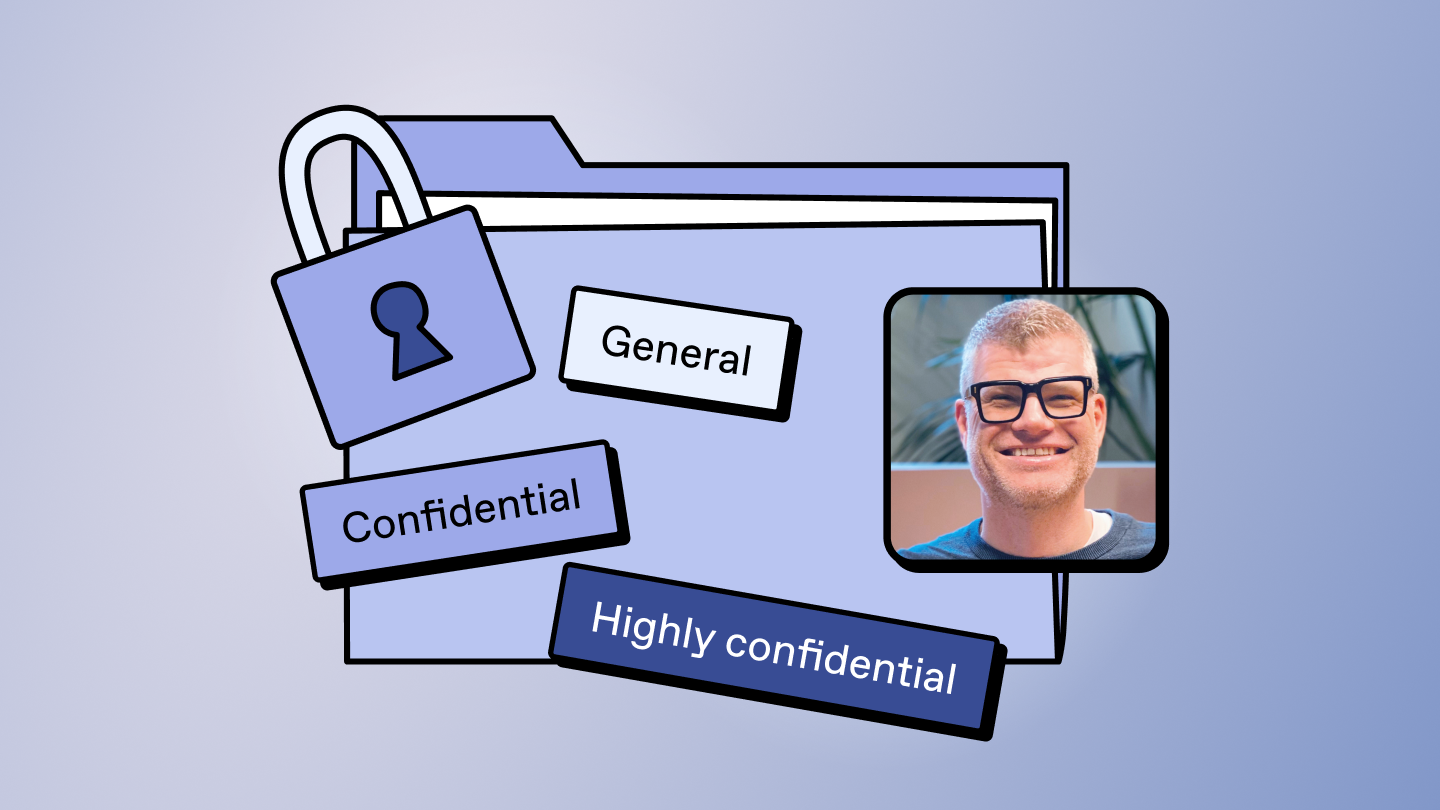
When users can't tell the difference between Confidential and Highly Confidential in their day-to-day work, they stop classifying or they classify everything the same way. Simpler schemes get applied more consistently.
Copilot made unlabeled content a front-of-mind problem.
Organizations that had labeling on the backlog moved it to the top of the priority list the moment Copilot arrived. Unlabeled sensitive content is what Copilot can surface to anyone who has access to it.
Frequently asked questions
What can sensitivity labels protect?
Sensitivity labels have multiple use cases, including:
- They can help you classify and protect data like emails, Office documents, and PDFs.
- They can be applied to sites and teams to enforce governance settings like external access or sharing restrictions.
- And they can be applied to meetings to enforce specific settings like automatic recording or preventing users from copying sensitive information from the chat.
Who applies sensitivity labels?
Users can apply them manually in Office apps, Teams, SharePoint, and Outlook. The challenge is that not everyone knows which label to apply. That's where automatic labeling helps—detecting sensitive information and applying or recommending the right label without putting the decision on the user every time.
How do labels affect sharing?
A label on a site can disable Anyone links, require guests to authenticate, or turn off external sharing entirely. On a file, encryption travels with the content wherever it goes, so even if it leaves Microsoft 365, the protection stays.
How do labels affect Copilot?
Copilot can only interact with content a user has permission to access. When a label applies encryption, it restricts who can access and use that content. So, Copilot is bound by the same restrictions.