


.svg)
.jpeg)
.avif)
Microsoft 365 governance made simple
Fix what matters, faster, without complex rules or tool switching!
Free trial%20(1).avif)
Master Hacks: Migrate like a pro
Check out our video series to help you turn migration projects into masterpieces!
Table of contents
Microsoft 365 compliance risks can slip in quietly, often through something as simple as an open sharing link or outdated permission. Without consistent policies and visibility, those small gaps can quickly lead to bigger issues like data exposure, audit failures, or unauthorized access.
Understanding where these risks come from is the first step to addressing them. In this guide, we’ll break down the most common compliance risks in M365, why they show up, and what you can do to stay ahead of them.
Understanding Microsoft 365 compliance risks in complex environments
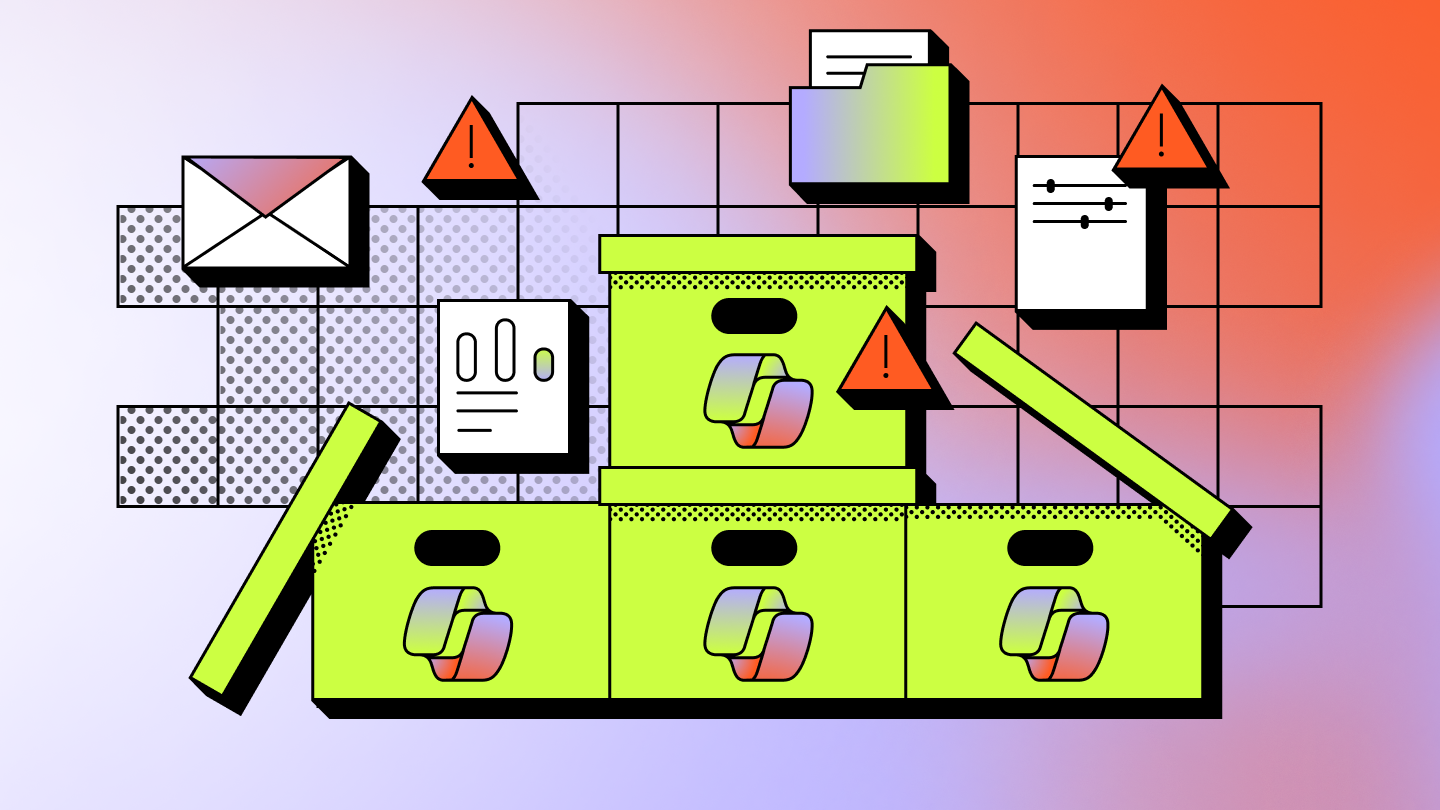
Between Teams, OneDrive, and SharePoint, your company hosts sensitive business data, private files, and internal communication records. When policies, permissions, and data management practices aren’t applied consistently, compliance risks start to sneak in.
Compliance risks in Microsoft 365 are gaps or weaknesses that could lead to data loss, unauthorized access, or audit failures. As a company grows with more users, third-party apps, and hybrid setups, these risks become harder to spot. Small errors, like a misconfigured permission or unmanaged guest access, can quickly multiply.
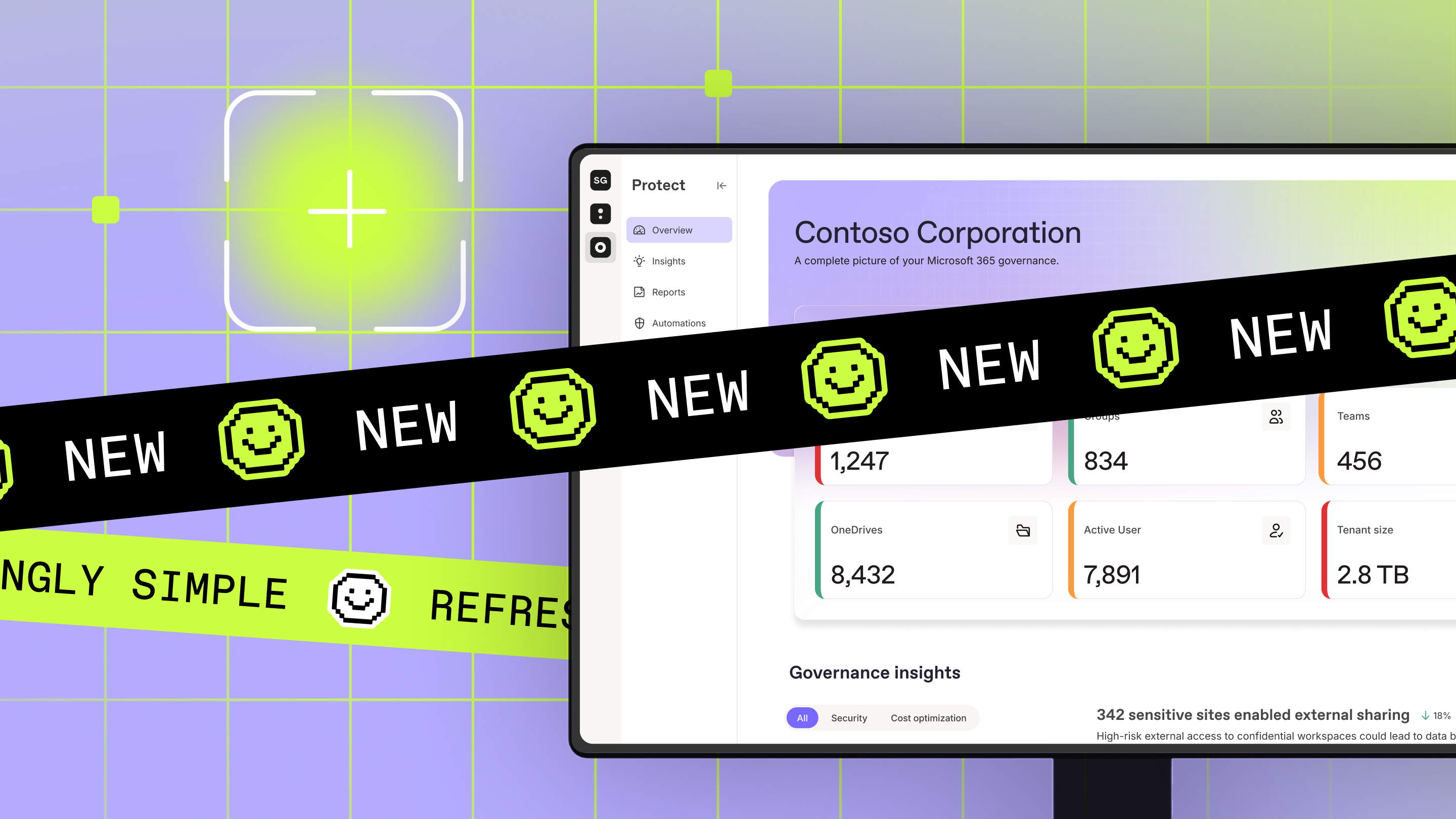
Microsoft Purview tools help identify these risks. But without full visibility over how sensitive data moves through your company, where it lives, and who accesses it, it may leave blind spots. ShareGate Protect provides unified visibility across your environments and flags oversharing, inactive workspaces, and external access risks so IT teams can close Microsoft 365 governance gaps, take direct action, and maintain ongoing governance.
Compliance challenges for IT admins managing Microsoft 365
In Microsoft 365, it’s rare to deal with a singular compliance issue. Without clear governance and full visibility, you’ll likely have small problems or gaps quietly snowballing in the background—things like extra permissions and open external sharing links.
Here are some of the most common challenges to keep an eye out for, along with practical solutions for next steps.
Misconfigurations and over-permissioned access
Unless you constantly monitor permissions, it’s easy for them to drift in Microsoft 365 environments. Users shift roles, project staff changes, and temporary access sticks around longer than planned. And because of the increased chance of accidental data exposure, over-permissioned accounts create a major compliance risk.
To accurately track and tackle permissions, you need visibility. ShareGate provides a unified view of all your Microsoft 365 domains, helping to highlight oversharing, sprawl, and inactive workplaces. Instead of chasing down configurations, you’ll have everything you need to quickly find and remedy issues.
Data sprawl and retention policy conflicts
Organizations know that data sprawl—whether it’s teams sharing multiple versions of the same file or inactive workspaces leaving behind clutter—is hard to avoid. Without clear and consistently applied retention policies, it’s difficult to know where your sensitive files are stored and which data you should keep or delete.
While an occasional storage error here or there won’t cause immediate damage, it can be a little tricky to explain when you’re due for an audit.
To reduce the risk of data sprawl, regularly review your retention and labeling policies across Microsoft 365. Investigate inactive sites, Teams channels, and SharePoint storage to make sure your data is organized and well within regulatory compliance.
Insider risks and shadow IT
While we often think of Microsoft 365 security risks as external parties, the truth is internal users can create just as much exposure. One employee in your organization may share a file with broader permissions than intended, and another may download an unauthorized app to speed up their day-to-day work.
These actions are rarely malicious, but they still create significant risk. Any behavior that leaks data from your controlled environment or expands access to other users creates compliance blind spots.
Microsoft Purview Insider Risk Management helps you discover these issues by monitoring indicators tied to IP theft, data leakage, and security violations—like unapproved or malicious software signals, giving you a view into what’s happening behind the scenes. Armed with these insights, ShareGate provides the tools for action, letting you review permissions, identify oversharing, and clear up access in seconds.
Visibility and auditability gaps
To maintain compliance, it’s vital to know who has access to data, how permissions change, and how data is being used. But when you’re juggling multiple environments, it’s confusing to know where that information is located.
One way to test out your domain visibility is by conducting an internal audit. Pick a workspace and investigate its settings, most recent changes, who changed them, and whether that update created a risk. Internal audits can shed light on oversharing, missing owners, or settings drift.
If you want to automate the process, ShareGate has you covered. View workspace inventories, permissions insights, risk summaries, and full domain histories in one place. With exportable reports and documented remediation actions, ShareGate makes database compliance a breeze while reducing manual admin work.
5 proven compliance best practices for IT leaders
Don’t stop at just understanding why compliance risks happen—take action against them affecting your company.
These best practices offer practical actions you can incorporate into your Microsoft 365 security management strategies for day-to-day governance:
- Implement least privilege and automate permission reviews: Users should only have the minimum level of access required for them to do their job. Don’t let role changes or finished projects leave permissions lingering in your system. Where possible, look to automate access reviews to catch over-permissioned accounts before they spiral into compliance issues.
- Audit inactive users and external sharing links: Inactive accounts often retain their permissions, creating a target for attackers and a risk for your company. Regularly review guest users, former employee accounts, and external sharing links to reduce unnecessary exposure.
- Standardize retention and labeling policies across SharePoint, Exchange, and Teams: Applying inconsistent strategies will create confusion and lead to gaps in your compliance strategy. Aim for a consistent approach across SharePoint, Exchange, and Teams—but configure retention and sensitivity labels per workload/location so the settings actually match how content is stored and managed in each service..
- Conduct quarterly governance reviews and automate reporting: A Microsoft 365 admin needs to review governance across a range of domains and systems. Tackling compliance at least every quarter helps to track any changes that occur in your environment. Automating the reporting process makes it easier to document your efforts, making audits a breeze when it comes time to gather proof of your efforts.
- Maintain consistent documentation and change logs for compliance evidence: Keeping clear records of any compliance-related policy changes, permissions updates, or remediation actions will make it easier to create an audit report. Make sure to document any actions you take to govern your environment.
By working alongside Microsoft Purview and built-in Microsoft 365 security features, ShareGate helps IT teams make governance part of day-to-day operations instead of a last-minute scramble. Rather than relying on manual checks or one-off permissions cleanups, you get clear, ongoing visibility into sharing, access, and activity changes across your environment.
As AI-assisted workflows like Copilot become more common, clarity over your data is more important than ever. Copilot relies on existing permissions, which means oversharing in one place can quickly increase risk. ShareGate helps you break governance work into manageable steps and back it up with audit-ready documentation—so you can reduce exposure and support audit readiness as your Microsoft 365 environment scales.
How ShareGate streamlines Microsoft 365 governance
Managing security and compliance in Microsoft 365 means building sustainable practices to stay in control of an ever-changing landscape. While native tools provide the foundation, maintaining a secure and organized tenant requires clear role structures, aligned policies, and ongoing monitoring to prevent minor oversights from becoming major liabilities.
ShareGate Protect complements native Microsoft 365 controls by providing the operational governance necessary to keep your environment healthy. By unifying visibility and surfacing risks that often go unnoticed, ShareGate helps you:
- See: Gain unified visibility into access, oversharing, sprawl, ownership, and drift—all without scripts or jumping from portal to portal.
- Understand: Get the severity, context, and prioritization signals you need to understand the true impact of tenant activity.
- Fix: Take action with fast, in-context remediation and bulk cleanup tools that reduce exposure and eliminate clutter.
Rather than manual cross-portal investigation, ShareGate puts the insights you need in one place, making it easier to spot risks like lifecycle sprawl or sensitive data oversharing before they escalate.
Ready to gain full visibility into your tenant? Request a demo of ShareGate Protect today



Frequently asked questions

Review permissions and active configurations at least once per quarter. If your environment is scaling or going through major change, it’s smart to audit more frequently.
Use Microsoft 365 security best practices like least privilege, automating where possible, and creating consistent sharing policies to facilitate collaboration securely.
Over-permissioned accounts, inactive workspaces or channels, and uncontrolled external sharing practices are the biggest signs of compliance risks.
Hybrid systems typically have reduced visibility across systems, making policy application and transparency more challenging than in single-vendor environments.
.png)








.avif)

Don’t just migrate it, ShareGate it.
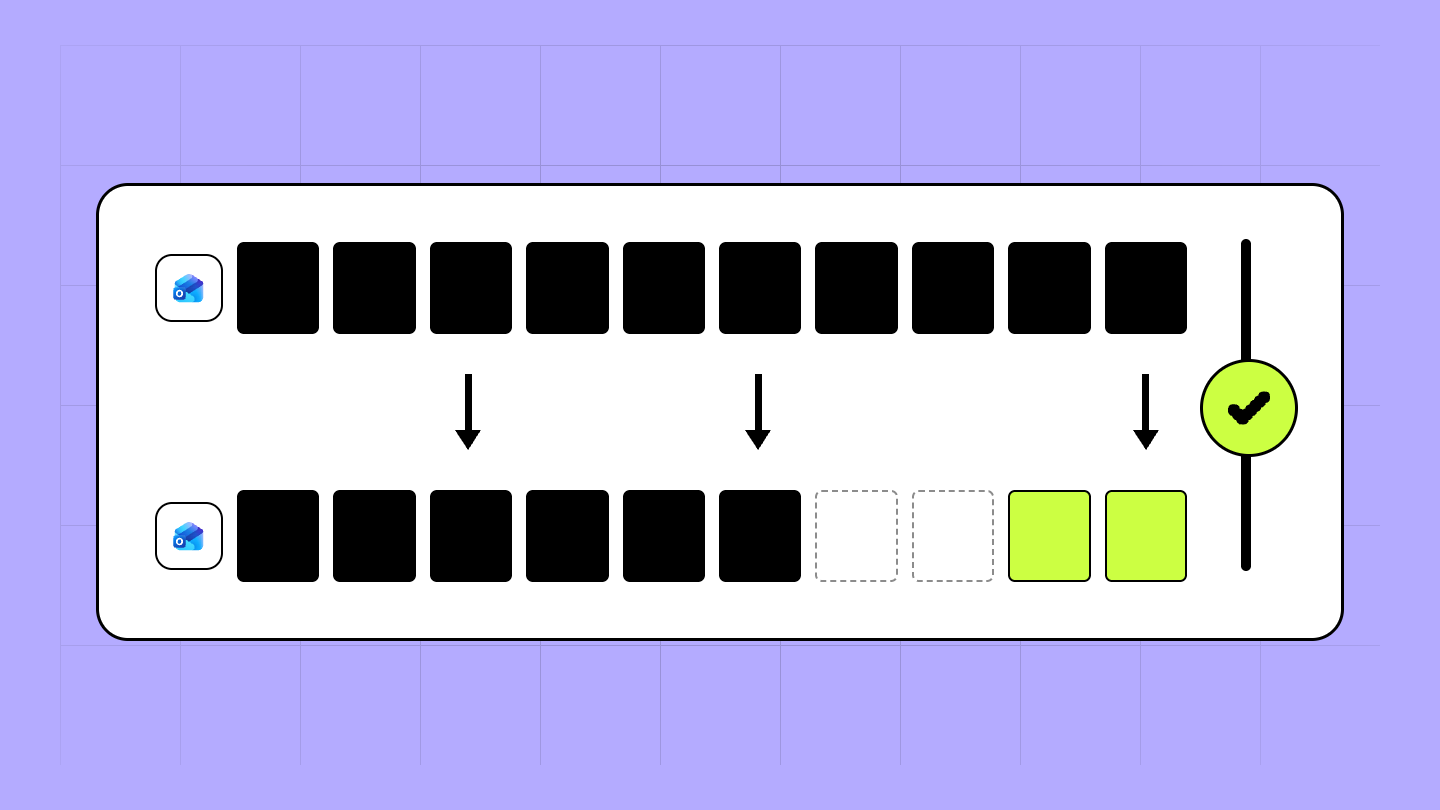
Your source is never touched — ShareGate only copies.
Re-running is safe, included, and free.

