The "good enough" AI readiness checklist (for teams that won't run the full audit)
.svg)

%20(1).avif)
Master Hacks: Migrate like a pro
Check out our video series to help you turn migration projects into masterpieces!
Table of contents
TL;DR: AI readiness for your Microsoft 365 tenant means proving that any connected AI tool can only surface what the connecting user already sees. Copilot connects natively. Claude and ChatGPT connect through a connector or MCP server. Readiness runs in three tiers: bare minimum, recommended, and full audit. You don't need the full audit to be defensibly ready. Do the tier you can afford.
Leadership bought the AI licenses. Now someone forwarded you the email: "Are we ready to turn this on?" No security team owns the answer. Just you, a tenant you inherited, and a go-live date that's already been promised to the board.
Here's the part many governance guides skip. Search "copilot readiness assessment" and you'll get Copilot guides wearing a costume. They walk you through Copilot settings like Copilot is the risk. It isn't. The mechanism that matters is true for any AI tool you connect to your tenant.
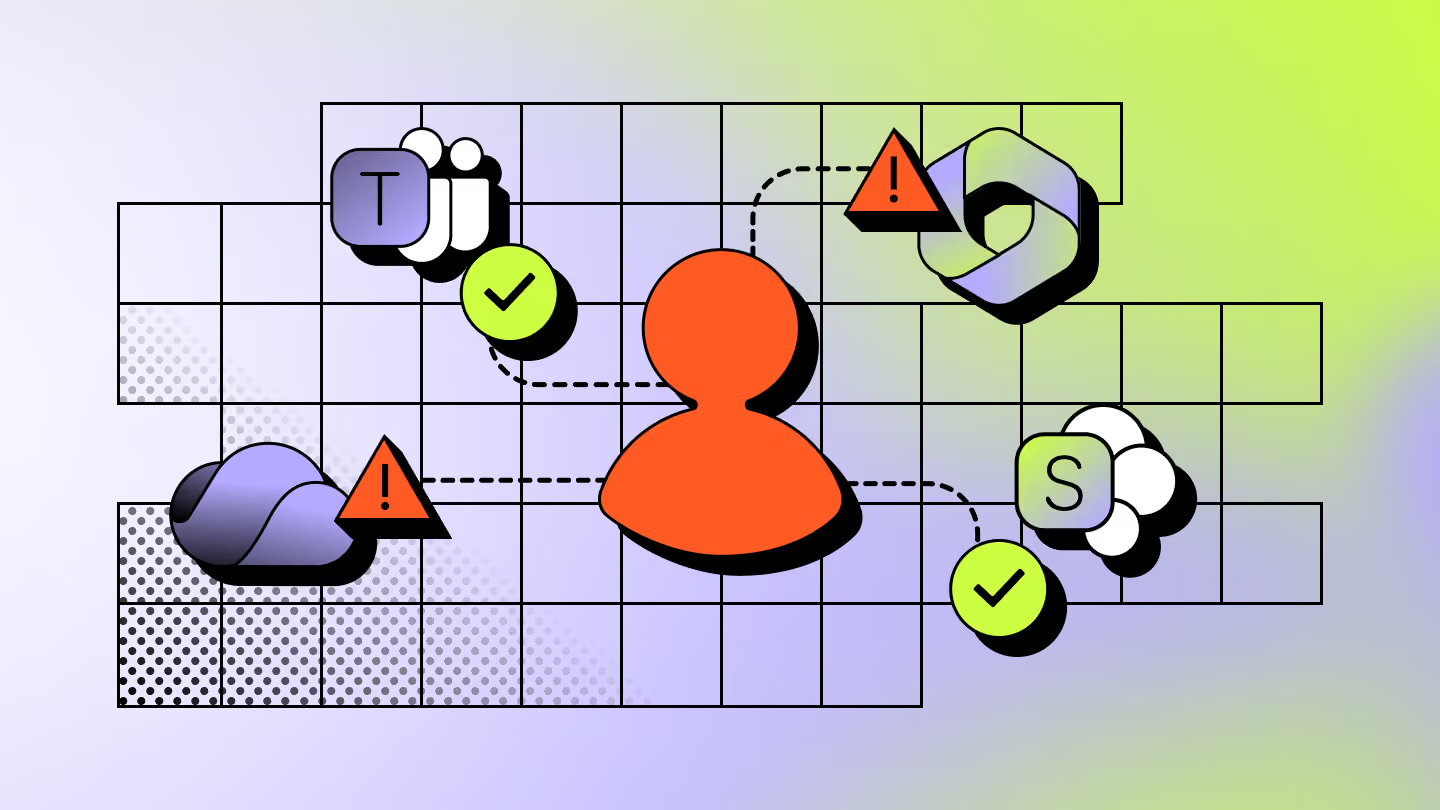
Microsoft 365 Copilot works natively. Claude and ChatGPT reach in through a connector or an MCP server. Different doors, same result. Every one of them inherits the access of the identity that connects it. So the audit is very similar, no matter which tool leadership picked.
The good news? You probably won't need to run a full multi-month audit. This checklist tiers the work by how much time and budget you actually have. Start at the bottom. Stop when you've done enough to say "yes, we checked" and mean it.
What actually happens the moment any AI tool gets tenant access
An AI tool connected to your tenant can only surface what the connecting user already has permission to see. It reads and returns data through that identity's existing access rights. It doesn't grant new access. It just makes existing access instant and searchable.
Microsoft says this plainly. Copilot and its agents only access data that the individual user is already authorized to access, using the end user's access rights to determine what can be surfaced. They also honor Conditional Access policies and MFA through Microsoft Entra ID (Microsoft Learn).
Read that again with your messiest site in mind. If a user can open that HR folder today, the AI can summarize it for them in seconds. That CEO salary document nobody remembered to lock down? One prompt away.
This is why Copilot data access governance comes down to access you already had. The AI just makes it visible at speed. Every over-permissioned folder, every forgotten share, every guest who should've been offboarded. They were risks before the AI arrived. Now they're one prompt from the surface.
The AI didn't break in. It walked through a door you left open. Your job before go-live is finding those doors. So let's find them.
The bare-minimum tier: EEEU, stale links, and orphaned guests
This is the floor. Skip it, and you're gambling with data you can't see. Here's the shortlist that catches the loudest problems fast.
- Clear the EEEU oversharing. "Everyone except external users" quietly grants your whole org access to a site. Microsoft's data access governance reports flag the top 100 sites shared this way in the past 28 days (Microsoft Learn).
- Kill the stale "Anyone" links. Those anonymous sharing links never expire on their own. Microsoft's sharing links activity reports show you where they're piling up.
- Cut orphaned guest access. The contractor who left in 2023 might still have a live guest account. If they do, so does any AI tool acting on their behalf.
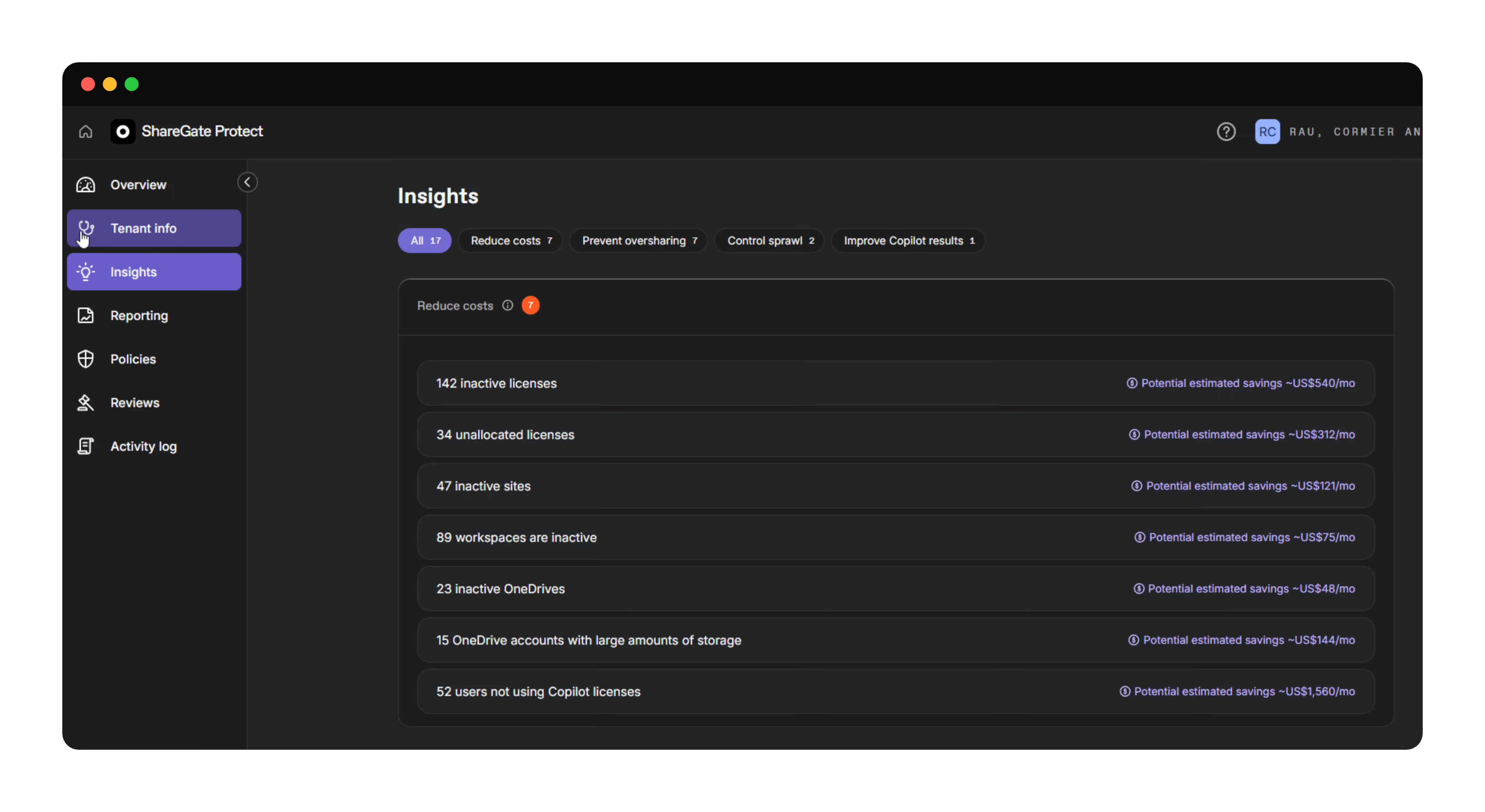
The catch with the native reports: they're scoped to SharePoint, they cap at the top 100 sites, and stitching the full picture together across admin centers is its own weekend project. That's the gap we fill.
ShareGate Protect gives you oversharing and workspace visibility across the whole tenant, no scripts required. You see who has access to what in one view, then fix the risky ones in context. Know who has access to what. And keep it that way. That's the outcome you're after before any AI tool goes live.
The recommended tier: sensitivity labels on your riskiest sites only
Sensitivity labels are where many teams freeze. They picture a tenant-wide classification program and close the tab. Don't. You don't need to label everything in one pass.
Label your highest-risk sites first. HR, finance, legal, the executive workspace. The handful of places where a wrong summary becomes an actual incident. Labels can restrict oversharing and exclude sensitive content from being surfaced (Microsoft Learn).
Ten sites labelled correctly beat a thousand sites labelled someday. Someday never ships. Pick the sites that keep you up at night and start there.
To pick them, you need to know which sites carry the real exposure. That's the part native reports make hard. They show you SharePoint, but risky access hides in Teams, Groups, and OneDrive too. You end up labelling on a hunch.
Protect's oversharing and workspace visibility surfaces the sites with the broadest access across the tenant, so you label the right ones instead of guessing. Less busywork, more coverage where it counts.
The full-audit tier: for regulated industries only
Some of you don't get to pick the cheap option. Healthcare, finance, government. If auditors sign off on your controls, you're in this tier, and you know it.
Here's the honest part. This is Microsoft Purview territory, not ours. Purview Data Security Posture Management (DSPM) runs data risk assessments, Information Protection applies sensitivity labels, and DLP for Copilot enforces the guardrails. SharePoint Advanced Management ships with Copilot licenses, and these capabilities need Microsoft 365 E3 or E5 (Microsoft Learn).
We won't repeat what Microsoft documents well. And we've already written the deep version. If you're standing up governance for AI agents at audit grade, read our governance framework for AI agents in Microsoft 365. Protect handles the day-to-day access visibility. Purview handles the compliance-grade classification and DLP. Different jobs.
"We don't have the budget for the full checklist"
Let's say the quiet thing out loud. A lot of teams tell us they don't have the time or budget to talk about sensitivity labels while rolling out Copilot. That's a real constraint, not a failure. And no vendor writes for it honestly.
So we will. You don't need the full audit to be defensibly ready. You need to know what your users can already see, and you need the loud oversharing cleaned up. That's the bare-minimum tier. It's cheap, it's fast, and it counts.
The teams that get burned aren't the ones who did the minimum. They're the ones who did nothing because the full program felt too big. Skipping the audit entirely is the expensive option. It just sends the invoice later, after the AI surfaces the wrong file to the wrong person.
Do the tier you can afford. Then see what any AI tool can already access in your tenant. Cheap beats nothing every single day.
Your Copilot readiness assessment in five questions
Forget which AI tool you're deploying. This is the whole AI readiness assessment, stripped to what matters. These five questions work for Copilot, Claude, ChatGPT, or whatever leadership buys next quarter. Answer all five with a straight "yes" and your Microsoft 365 Copilot readiness is real.
- Do you know which sites are shared with everyone in the org right now?
- Have you cleared the stale "Anyone" links and orphaned guest accounts?
- Are your highest-risk sites labeled or locked down?
- Can you name who has access to your executive, HR, and finance workspaces?
- Could you show leadership that access map today, without a scripting marathon?
Stumble on any of them, and you've got a gap an AI tool will find faster than you will. Protect's AI and Copilot access exposure indicators turn those five questions into one tenant-wide view, so "are we ready" gets a real answer instead of a shrug.
.avif)
Your go-live date isn't waiting
The AI tool ships whether your tenant's ready or not. Leadership already decided that part. What you decide is how much they can see when it does.
Run the five questions above. If any answer is a maybe, you've found your weekend project, and it's a lot smaller than the full audit you were dreading. Do the tier you can afford, and do it before the switch flips.
See what any AI tool can already access in your tenant. Better you find the open doors than the AI does.

Frequently asked questions









Don’t just migrate it, ShareGate it.
Your source is never touched — ShareGate only copies.
Re-running is safe, included, and free.