


.svg)


ROI calculator
See how much you can save by using ShareGate Protect to govern and secure your tenant
Calculate your savings%20(1).avif)
Master Hacks: Migrate like a pro
Check out our video series to help you turn migration projects into masterpieces!
Table of contents
June was a big month. Two new headliners, one for each product, plus a handful of supporting updates that round them out.
This month in ShareGate: MCP governance gets a voice, identity migration grows up
On the Protect side, ShareGate MCP is now live, which means you can ask your Microsoft 365 governance questions directly inside Claude, ChatGPT, or Microsoft Copilot. On the Migrate side, Entra ID migration is generally available, with a fresh batch of enhancements that make large identity moves a lot less painful. Three Protect updates total, six for Migrate. Here's what shipped.
ShareGate Protect updates
The big one is MCP. The other two clear small frictions in setup that were getting in the way of teams putting Protect to work in the first place.
ShareGate MCP: Govern Microsoft 365 from your AI chat
ShareGate MCP is now live. It plugs ShareGate Protect into Copilot, Claude, and ChatGPT, so the governance data Protect already pulls together from across Microsoft's admin centers is one prompt away in whichever AI tool you're already using.
Today, that's tenant intelligence on tap. Sharing patterns. Guest access. Workspace activity. License usage. Whatever Protect tracks, you can ask about it. Drill into it. Hand the answer to leadership as a branded PDF report, all from the same conversation.
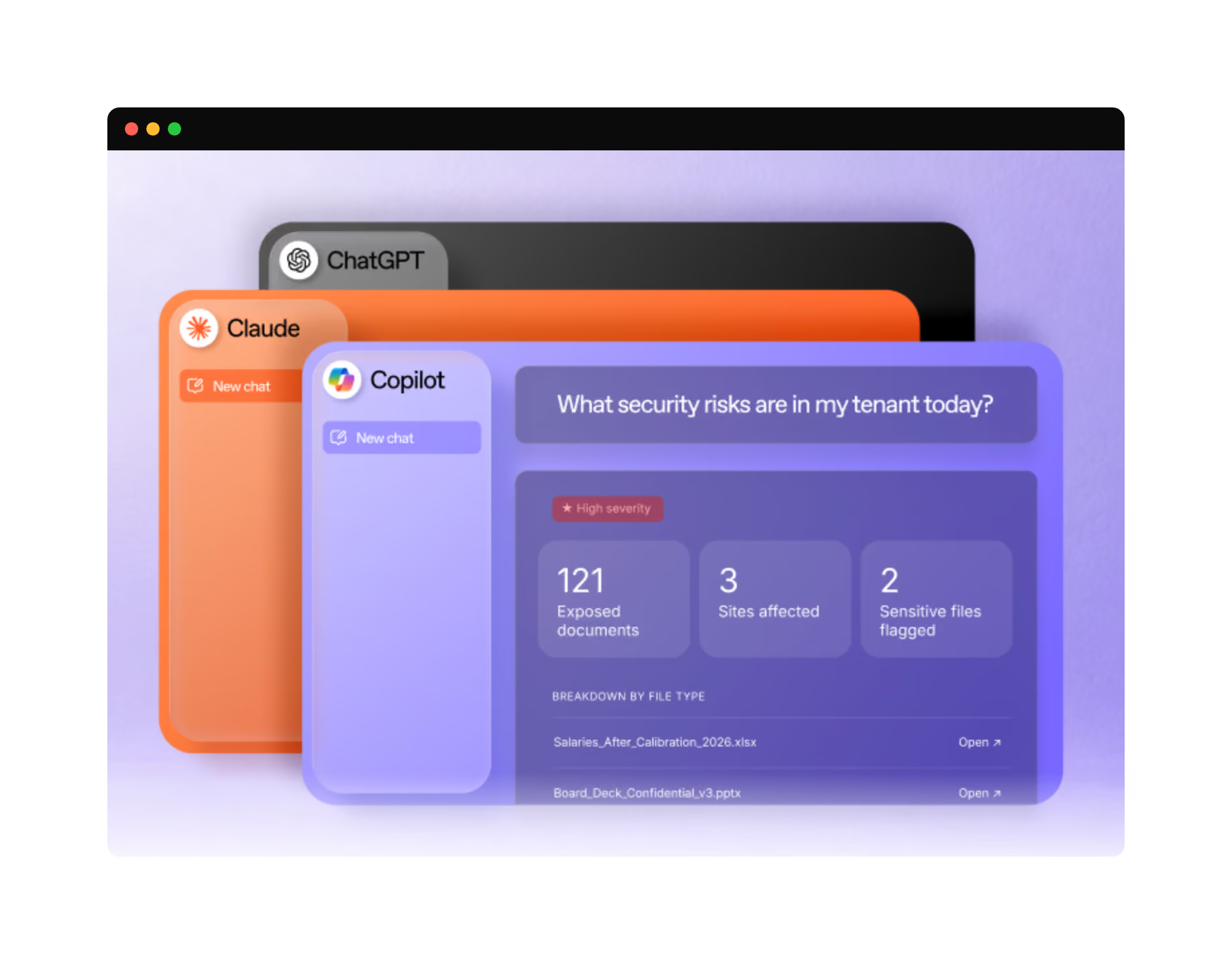
And because MCP is designed to work with other tools, you can layer Protect's view alongside other servers (like Microsoft's Work IQ or the M365 Enterprise MCP) for richer answers neither could give you alone.
In July, MCP will gain write actions: remove a sharing link, adjust ownership, or set up an automated Protect policy that handles a recurring problem on a schedule. Every action gets a plain-language preview and waits for your sign-off before anything runs.
ShareGate MCP is included with every Protect plan at no extra cost. Manual install is live today; native connectors for Claude, ChatGPT, and Copilot are rolling out over the coming weeks. Get the install steps and starter prompt pack here.
Permission setup: Read and Remediation, clearly split
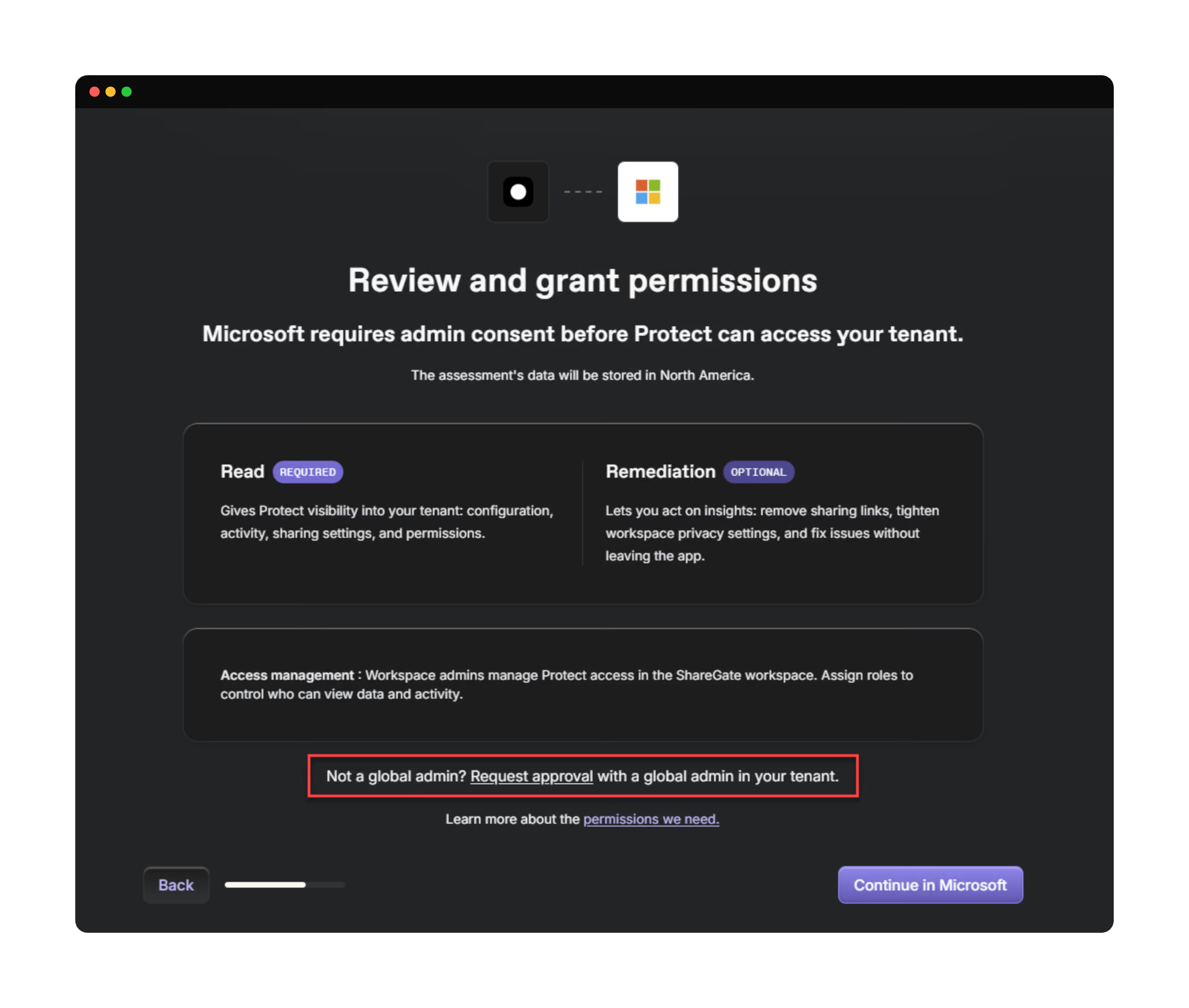
When you set up Protect, the consent flow now presents two clearly labelled permission levels: Read (to surface insights) and Remediation (to act on them). Pick what you need to start. Expand later when you're ready. Same Microsoft 365 permission sets under the hood, just a clearer choice up front.
Self-service consent requests: Get past the Global Admin bottleneck
If you don't have Global Admin rights, you can now request tenant consent for Protect directly from inside the product. Workspace members trigger the request, the consent details auto-route to the Global Admin, and you're not stuck filing a ticket and waiting. Less friction for you. Less context-switching for them.
ShareGate Migrate updates
Six updates this month. Entra ID migration goes GA as the headliner, Application Flow brings true unattended PowerShell migrations across SharePoint, OneDrive, and Teams, and three mailbox updates expand what Copy mailboxes can do.
Entra ID migration: Now generally available
We’ve been telling you about the public preview of Entra ID migration for a few months, and now Entra ID migration is generally available in Migrate Pro and Enterprise! Every mapping decision is visible and confirmed before execution. Conflicts get caught in planning, not in cleanup.
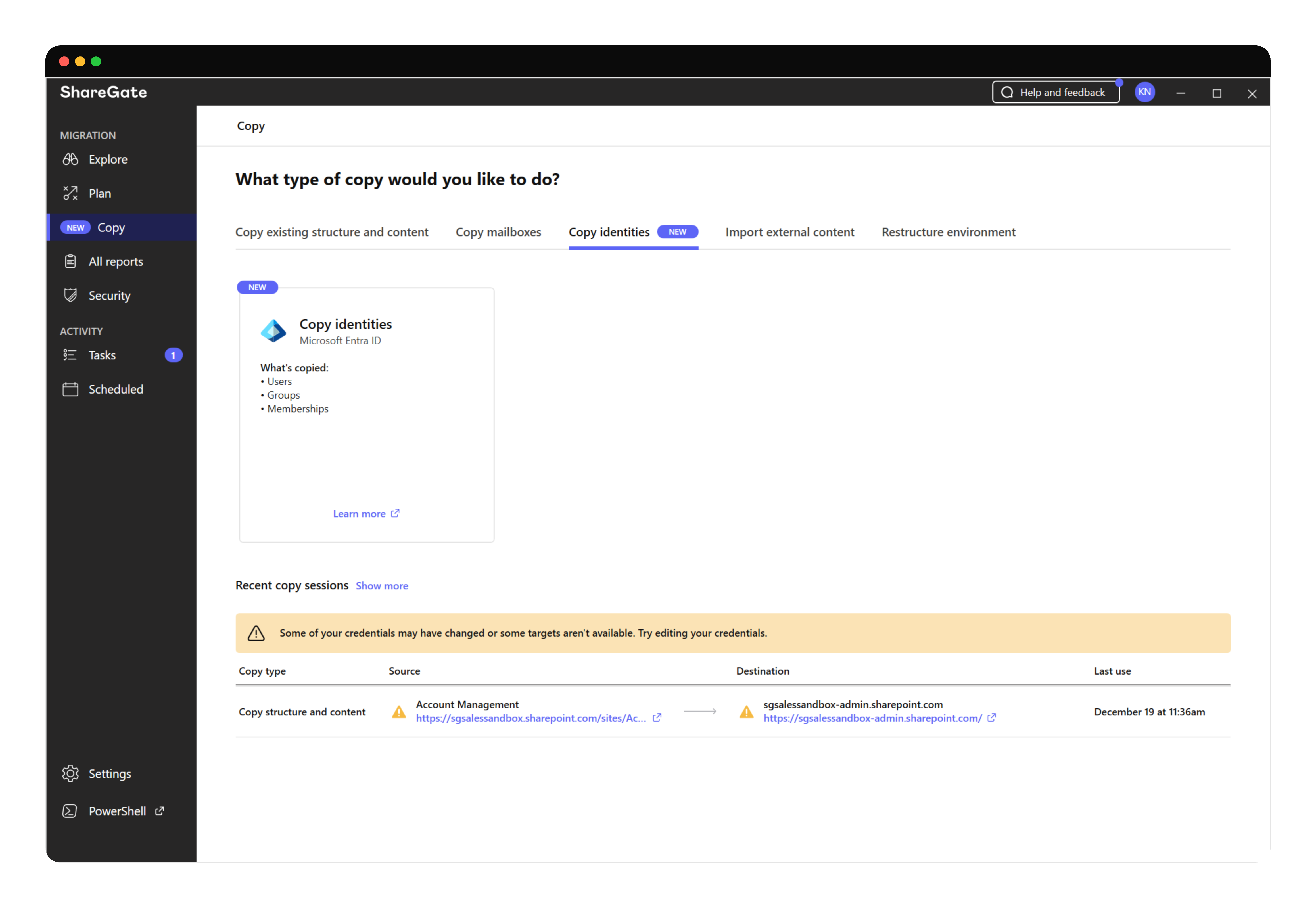
The full picture:
- See every user, group, and conflict before anything runs
- Override auto-matched mappings or resolve duplicates from the side panel
- Assign destination licenses during migration, so users arrive ready
- Map domains source-to-destination, even in complex multi-domain environments
- Save your mapping plan and re-run it in waves without starting over
- Migrated users access their new account immediately via Microsoft's Self-Service Password Reset—no admin intervention needed
- Import or export identity mappings (with destination licenses) as CSV
The last two—SSPR-based onboarding and CSV import/export—are new this month, on top of the broader GA. The full sequence from identity to cutover now lives inside ShareGate. One tool for the whole job. Walkthrough here.
Application Flow: Unattended migrations, now across SharePoint, OneDrive, and Teams
Security-conscious IT pros have been asking for true unattended PowerShell migrations with no credentials in the loop. Application Flow delivers that. ShareGate authenticates as a registered Azure app using a certificate. No user credentials, no browser prompts, no token-refresh interruptions. The migration just runs.
With this release, PowerShell application-flow (ie: app-based authentication) support extends to Exchange Online, SharePoint, OneDrive, and Teams. So once your identities have landed in the destination tenant, you can drive the rest of your tenant-to-tenant move through unattended PowerShell with one authentication model.
Less babysitting. More migrating. It’s just damn simple.
Mailbox concurrency: Up to 128, configurable
The previous PowerShell limit on concurrent mailbox migrations capped at 16, which became a real ceiling on enterprise projects. You can now configure up to 128 concurrent mailboxes through the new -MaxConcurrentMailboxes parameter on New-MailboxCopyOptions. Higher throughput when you need it. Safer defaults when you don't.
Mailbox-to-folder migration: Land in the right subfolder
When you consolidate mailboxes into an active mailbox, content used to dump straight into the root, which made it hard to tell the difference between migrated mail from existing mail after the fact.

You can now specify a destination folder path in Copy mailboxes, so migrated content lands in its own subfolder. Easier to spot. Easier to clean up later if needed. Especially useful for consolidations and offboarding scenarios.
Same-tenant mailbox migration: One tenant, mailbox to mailbox
Copy mailboxes now supports migrations within a single tenant. Mailbox to mailbox, no tenant boundary needed. Useful for internal restructuring, mailbox consolidation, departmental handoffs, and any scenario where the source and destination already live under the same roof.
.gif)
Identity mapping: Filter and bulk-act on the screen
The identity mapping screen now supports filters by department, group, and license, plus a Bulk Actions button that lets you assign destination licenses or remove overrides across many identities at once.
A new collapsible details panel shows source and destination attributes side by side (display name, UPN, email, license, job title, department, account type, country) so you can sanity-check matches before you move. For large identity projects, that's the difference between a clean afternoon and a long evening with PowerShell.
That's June
A lot landing this month and more coming in July, including remediation actions through MCP.
We'll keep making migrations and governance easier—you go enjoy the summer!



















Don’t just migrate it, ShareGate it.
Your source is never touched — ShareGate only copies.
Re-running is safe, included, and free.

