


Entra ID migration re-runs: What they cost and what to look for in an identity migration tool
.svg)

%20(1).avif)
Master Hacks: Migrate like a pro
Check out our video series to help you turn migration projects into masterpieces!
Table of contents
TL;DR: Not all Entra ID migration tools handle re-runs the same way. Some charge per user, so adding new users to scope or re-adding a removed user costs more. Others include unlimited re-runs under a flat annual license. Knowing the difference before you commit matters more the longer and more complex your project is.
Most identity migration projects don't run once. The org keeps changing while the migration is in progress. New users get onboarded. Security groups get restructured. A cutover slips. Compliance asks for another validation pass. Re-runs aren't edge cases. They're how real tenant-to-tenant migrations work.
The question is what they cost you.
What a re-run actually is
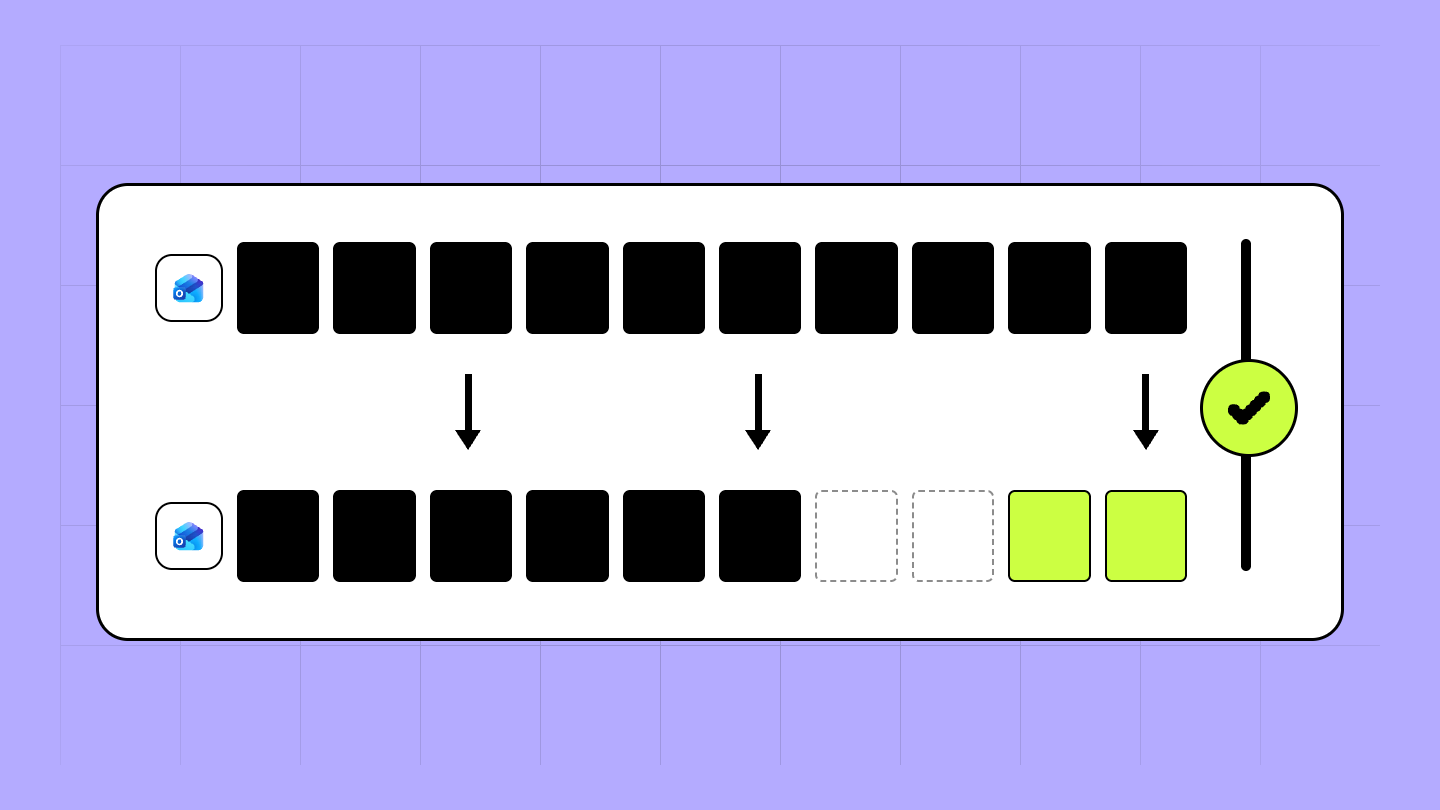
A re-run (also called a delta pass or incremental migration) copies only what changed since the last migration run. New users provisioned after the initial pass. Updated group memberships. License changes. Users who joined the org the week before cutover.
Without delta support, every re-run reprocesses everything from scratch. With it, the tool compares source and destination, identifies what's new or changed, and copies only that delta.
Why migrations always need more than one pass
Org changes mid-project. An acquisition can take months. During that time, HR keeps onboarding, departments restructure, security groups change, and so on. Every change after the first identity migration pass is a user or group that could land incorrectly in the destination—or not at all.
Phased rollout. Most migrations run in waves. Finance in week three, engineering in week six, IT last. Each wave needs its own identity preparation pass to make sure the right users and groups exist before content migration starts.
Validation and compliance. Compliance teams want to check identity mapping before cutover. Each review cycle often surfaces something that needs correcting and that could mean another run.
Cutover slips. When the timeline moves, the identity migration has to stay current with the source tenant. Another pass.
What safe re-runs need
Not all re-runs are equal. A re-run is only safe if the tool recognizes objects it already created and updates them rather than recreating them. If a re-run creates duplicate users, you now have two accounts for the same person—one with the mailbox, one with the group memberships, neither of which is complete.
Safe re-runs need two things:
- Matching on a stable identifier. The tool uses UPN for users and mail nickname for groups to find what already exists and update it. Same result whether you run once or ten times.
- Persistent mapping decisions. If you've manually overridden an automatic match, that decision should survive the next run. Re-doing mapping work every delta pass isn't safe re-run support.
How the pricing model affects what you can do
Pricing models for identity migration tools vary. The main ones to understand when evaluating re-run costs:
- Per user—licensing is tied to the number of users migrated. For BitTitan, removing and re-adding a user to a project consumes a new license.
- Per migrated source account—each user account that moves consumes a license. For Quest, one license covers re-migration of the same user, but new users added to scope consume an additional license.
- Flat annual pricing—one price covers unlimited users, unlimited data, and unlimited migration passes for the full term. For ShareGate, re-runs don't add to the cost.
The model you choose determines whether scope changes mid-project add to your bill or not. A small, clean migration that runs once might not feel the difference. A large project with multiple waves and an org that keeps changing will.
How ShareGate, BitTitan, and Quest handle re-runs
The following is drawn from publicly available information as of June 2026. Features and pricing change—confirm current details directly with each vendor before making a purchasing decision.
For the full comparison on scope, provisioning, workflow, and conflict detection, check out our Entra ID migration tool comparison.
What to ask before you choose
When evaluating identity migration tools on re-run support, these are the questions that matter:
- Does re-running create duplicates? A second pass should recognize objects already created and update them, not recreate them. Ask how the tool handles matching on re-run before you commit.
- Are mapping decisions saved between runs? Manual overrides should persist across sessions. If they don't, every delta pass means re-doing mapping work.
- Does the tool surface conflicts before execution or during the run? Finding conflicts in a pre-migration report is different from finding them mid-migration. Know which one you're getting.
- Is identity migration part of the core workflow or a separate product? Some tools call for a separate license and a separate project for identity. That affects both cost and how much you're coordinating between tools.
Learn more about what ShareGate's Entra ID migration can do for you.



.avif)




Don’t just migrate it, ShareGate it.
Your source is never touched — ShareGate only copies.
Re-running is safe, included, and free.

