


.svg)
.avif)
Microsoft 365 governance made simple
Fix what matters, faster, without complex rules or tool switching!
Free trial%20(1).avif)
Master Hacks: Migrate like a pro
Check out our video series to help you turn migration projects into masterpieces!
Table of contents
For years, IT teams treated data classification as a “someday” problem—a complex compliance task that lived at the bottom of the priority list. Copilot turned it into a “right now” problem because anything a user can access, AI can surface and share in seconds
According to our State of Microsoft 365 report, 82% of organizations have deployed Copilot, but 36% admit they lack governance for AI. This creates a massive, often invisible risk surface where sensitive data is only a prompt away from the wrong eyes.
Here’s where the distinction between “knowing” and “protecting” becomes key. While protection tools like encryption and access blocks are the ultimate goal, they can’t function without a clear understanding of the content they’re meant to guard.
M365 data classification doesn’t block anything on its own. Instead, it provides the essential visibility needed to see exactly where your risks live so you can act. This article explains how to interpret the signals from Microsoft Purview’s classification tools to make smarter, more targeted governance decisions.
Using data classification to identify sensitive data across Microsoft 365
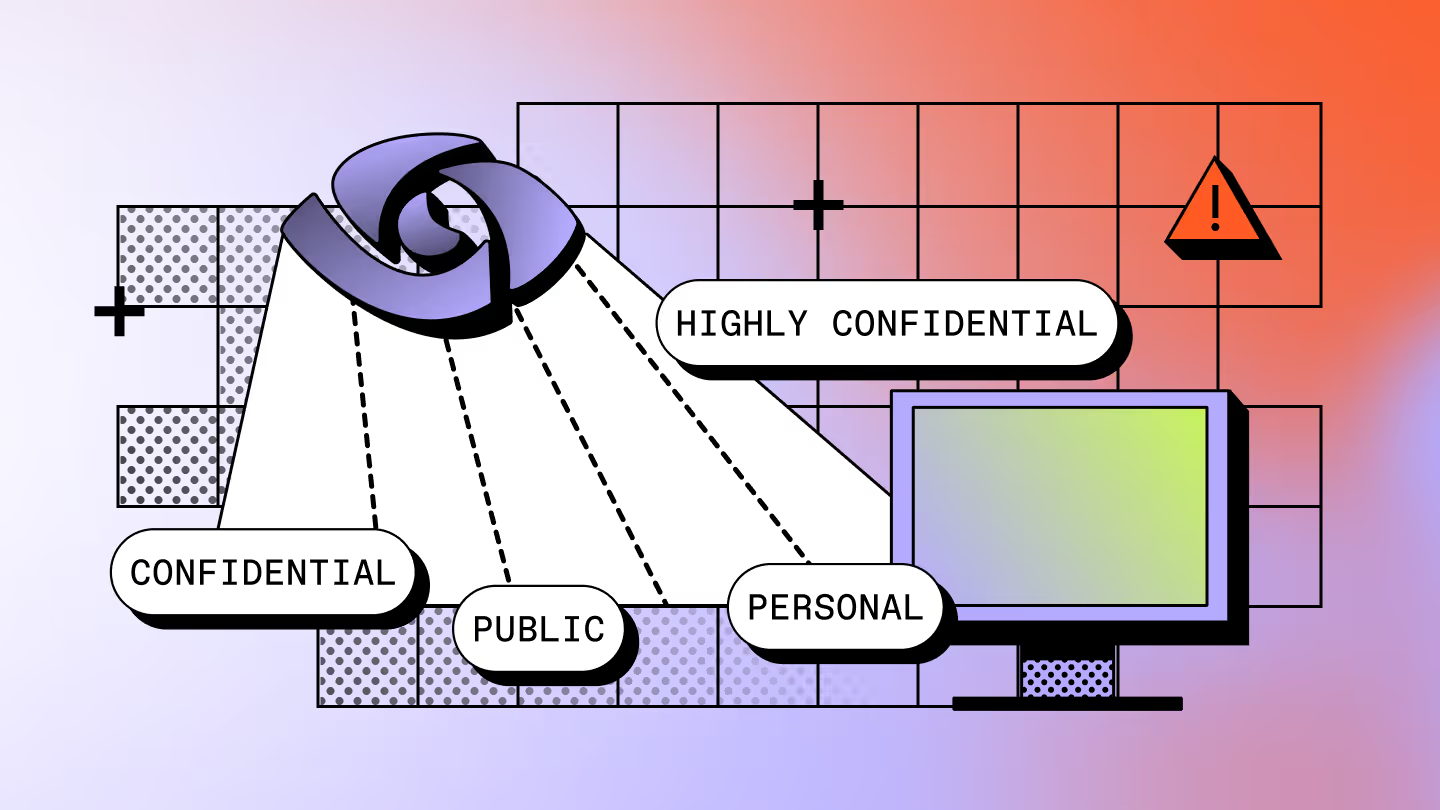
The data sensitivity classification process in Microsoft 365 is essentially a detection mechanism. Think of it like a network of sophisticated smoke detectors for your data. They alert you to the presence of sensitive information, but they don’t put out the fire. The actual protection—the “sprinkler system”—is handled by downstream tools like sensitivity labels and Data Loss Prevention (DLP) policies, which act on the signals that classification provides.
The engine in Microsoft Purview Information Protection does the heavy lifting here. It detects sensitive content automatically, without manual scans or connectors to configure. For Microsoft 365 workloads like SharePoint, OneDrive, and Teams, this is built in, not bolted on. Because it’s built into the stack, there are no connectors to configure or manual scans to run. Once the features are enabled in your tenant, the classification engine automatically begins to classify sensitive content as it’s created or modified, giving you a clear picture of your data landscape from day one, without a complex setup.
How IT teams use Microsoft Purview classification capabilities
For an IT admin, Microsoft Purview classification tools work best when approached as a workflow for gaining visibility. Rather than a one-time setup, you establish an effective data classification scheme, then drill into specific areas of concern. The goal is to learn how to interpret the signal Purview provides so you can build a strong M365 governance framework that actually reflects how your users collaborate.
Accessing classification insights in the Microsoft Purview portal
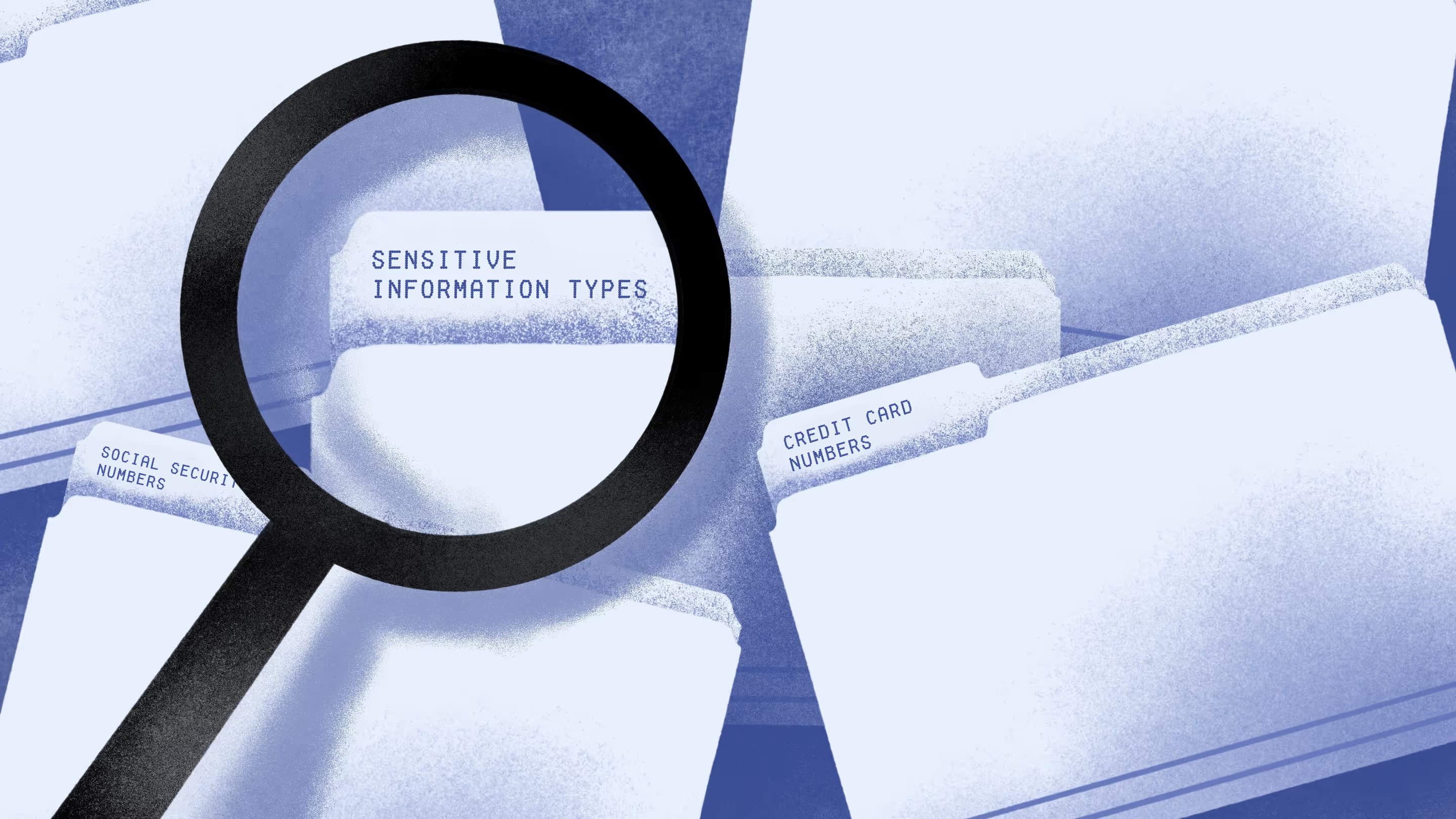
Start in the Microsoft Purview portal. Your classification dashboards live there, and they give you the fastest read on where sensitive data is concentrating across your tenant. These views provide a bird’s-eye look at your data landscape, showing the distribution of sensitive information across your M365 workloads. At a glance, you can see which sensitive information types (SITs) are most prevalent and which areas—like a specific SharePoint site or OneDrive—are most heavily concentrated with confidential content.
Use this view to spot what's unusual. If you notice a sudden spike in financial data in a department that usually handles public-facing content, you should probably dig deeper.
Understanding sensitive information types
SITs are the rules of engagement for the classification engine. The accuracy of your visibility depends on how well these rules match your organization’s data. Microsoft uses three primary detection methods, each with different implications for your workflow:
- Pattern-based detection: This is the most common approach. Microsoft provides hundreds of built-in patterns (like credit card numbers), or you can create custom SITs using regular expressions. But remember, broad, pattern matches can produce false positives, so pay close attention to confidence levels when you classify data.
- Exact Data Match (EDM): For higher confidence, EDM matches content against a secure hash of your own structured data, such as employee IDs. It’s far more accurate than patterns, but setting up and maintaining EDM requires more work, including schema hashing and regular data refreshes.
- Trainable classifiers: Rather than specific strings, trainable classifiers use machine learning to identify content based on context like legal contracts or project plans. You train the Microsoft data classification system with examples, and it learns to recognize similar files.
Keep in mind that using trainable classifiers or auto-labeling based on advanced detection requires Microsoft 365 E5 licensing. For a deeper look at how these detection methods work together, check out ShareGate’s deep dive into sensitive information types.
Using explorer views to investigate classified data
If the overview dashboard is the satellite view, then Data Explorer and Content Explorer are your on-the-ground investigation tools. These views allow you to move from aggregate statistics to individual items, helping you validate detections and understand the context of flagged data.
You can use these explorers to drill down into specific files within SharePoint or OneDrive to answer the question: “What’s this item and why did it get flagged?” While this is essential for validating your data classification rules, it’s just as important to understand what these views don’t tell you. They won’t show you who has access to a file, whether it’s been shared externally, or if the permissions make sense.
Content Explorer shows you what got flagged. It won't tell you who can access it or whether that's a problem. That's a different question. And a different tool.To understand your actual exposure—like whether a confidential document is overshared—you’ll need to layer these insights into a broader governance and access review strategy.
Interpreting classification signals to guide M365 governance decisions
The real value of data classification comes from moving from visibility to action. As an admin, you’re looking for patterns and anomalies that suggest a potential risk—like financial records appearing in a marketing team’s SharePoint site. Seeing those results is your signal to investigate your SharePoint data classification findings more closely to understand if you’re looking at a one-off file or a broader data-handling issue.
These signals don’t automatically mean something is wrong. But they act as the “smoke” that tells you where to focus your attention. If you notice a sudden spike in PII detections, for example, it might indicate that a new, unvetted process is being used to store customer data. Similarly, a high number of false positives is a sign that your custom SITs need tuning for better accuracy.
Ultimately, classification tells you where the sensitive data lives, but it doesn't solve the problem of exposure. Once you’ve used Microsoft Purview to classify your content, the next logical question is: "Now that I know this confidential data exists, how do I figure out who has access to it and if that access appropriate?" Answering that requires looking beyond the content itself and into the permissions and sharing links that govern your Microsoft 365 environment.
Simplify Microsoft 365 governance with ShareGate
Microsoft Purview tells you where sensitive data lives. But seeing these alerts is just the starting point. Next you need to understand who can reach it and whether that access makes sense. Especially as Copilot surfaces whatever data users already have permission to see.
ShareGate Protect picks up where classification leaves off. It provides IT teams unified visibility into oversharing, guest access drift, inactive workspaces, from a single view, helping your team understand and reduce exposure in Copilot-enabled environments.
And when you spot a problem, simple in-context cleanup actions let you address common risks and keep collaboration running smoothly, all from one place. No scripts. No admin-center hopping. Just a clear picture of what’s risky and simple, in-context fixes that take minutes.
Data classification tells you what’s sensitive. ShareGate Protect helps you control who can reach it. Start your free trial now to see how.



Frequently asked questions

The initial detection of sensitive data is automatic once classification features are enabled in your tenant. To automate the actions taken on that data, you can create auto-labeling policies that automatically apply a sensitivity label to content matching a specific SIT or trainable classifier. Just keep in mind that auto-labeling requires a Microsoft 365 E5 license.
Data classification is the process of detecting and identifying sensitive data based on its content. Sensitivity labeling is the process of applying data classification tagging to that data to control its protection and handling. Essentially, classification helps you find the data, while labeling is the action you take to secure it.
Purview doesn’t “scan” these services like a third-party tool would. It’s woven into the fabric of Microsoft 365. Classification happens in real time as content is created or modified. Since Teams stores its files in SharePoint and OneDrive, those workloads are covered the moment you enable classification features in the Microsoft Purview portal.
Treat your framework like a living document, not a “set-it-and-forget-it” policy. Check your SITs quarterly. If false positives are creeping up, that's your signal something needs tuning — not ignoring. Major shifts in your environment like mergers, new compliance requirements, or Copilot rollouts should trigger an immediate review of your classification rules.







.avif)



Don’t just migrate it, ShareGate it.
Your source is never touched — ShareGate only copies.
Re-running is safe, included, and free.

