.svg)

%20(1).avif)
Master Hacks: Migrate like a pro
Check out our video series to help you turn migration projects into masterpieces!
Table of contents
TL;DR: Teams lifecycle management means deciding what happens to a workspace once it goes quiet. Keep it, archive it, or delete it. Most IT teams make that call themselves by default, even though they rarely know if the workspace still matters. ShareGate Protect's Delegated Reviews sends that decision to the owner who actually knows, while IT keeps control of what gets reviewed and when.
Picture the cleanup that kicks all this off. An audit runs, and suddenly, there are 400 stale Teams staring back at you. Half of them you've never heard of. Some belong to a project that wrapped two years ago. A few might still hold something a department can't live without. And now you get to decide the fate of every single one.
Every Microsoft 365 tenant collects workspaces nobody remembers creating. Self-service is on, people spin up a team for a one-off project, and then they move on. The team stays. So does the SharePoint site behind it, the files, the guest access, and the sharing links.
Someone has to decide what happens to all of it. Keep it, archive it, or delete it. Right now, that someone is you, whether or not you have any idea if the workspace still matters. You're getting pressure from both sides. Leadership wants the tenant cleaned up for Copilot or the AI tool you're rolling out. Users panic the second something they forgot about disappears. Fun spot to be in.
What Teams lifecycle management actually means
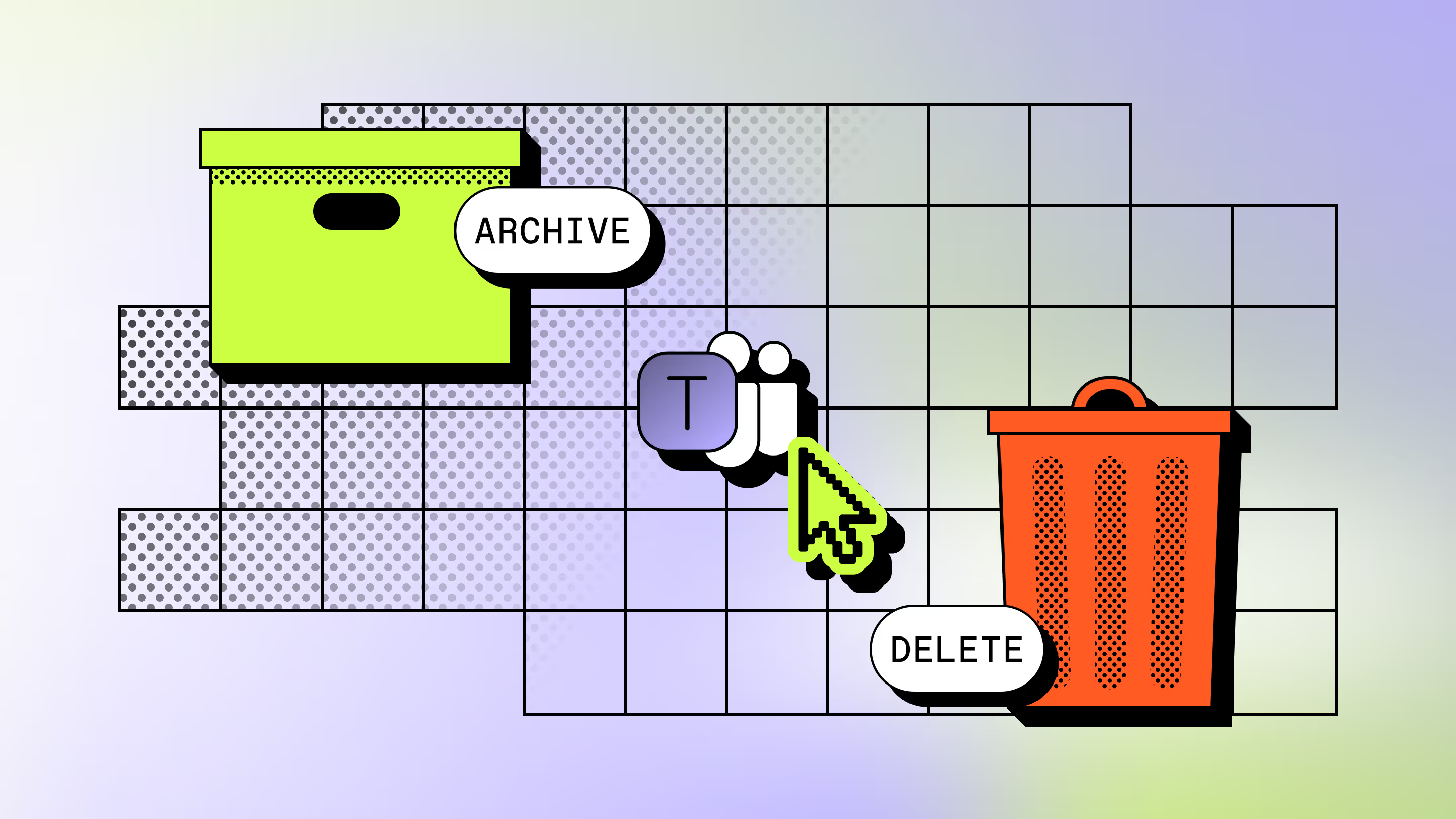
Teams lifecycle management is the practice of deciding what happens to a workspace over its life, from the day it's created to the day it's retired. Every team, group, and site goes through it. The decision at the end is always the same three options: renew it, archive it, or delete it.
Microsoft gives you native tools for the mechanics. Teams are built on Microsoft 365 Groups, so Microsoft's own lifecycle tooling covers Groups expiration and renewal policies, retention policies, and archiving. Microsoft frames the whole thing in stages: a beginning, a middle, and an end. Delete a team and you get a soft delete that's reversible for up to 30 days, so a wrong call isn't instantly fatal.
Here's the gap. Those tools detect. They flag the workspace that hasn't seen activity in six months and nudge an expiration date onto it. What they can't do is tell you whether that quiet workspace still matters. Detection isn't deciding. A tool can spot the silence. It can't ask the one person who knows why it went quiet.
Why lifecycle decisions keep landing on IT
Lifecycle decisions land on IT because IT is the only one with the tenant-wide view. You can see every inactive workspace, every expiration date, and every orphaned site. So the cleanup ticket comes to you, and the "just decide" expectation comes with it. It's one more call stacked onto an already crowded set of Microsoft 365 admin roles and responsibilities.
The problem is that visibility and context are two different things. You can see that a SharePoint site called "Q3-vendor-eval" hasn't been touched since last spring. You cannot see that the procurement lead is holding it for a contract renewal in November. Nobody wrote that down. It lives in one person's head.
So you're stuck guessing. Delete it, and you might nuke something that mattered. Keep everything, and the sprawl never shrinks, which defeats the whole point of the audit. This is where teams sprawl stops being an abstract Microsoft 365 governance headline and turns into your afternoon. Multiply that by a few hundred workspaces and you've become the single point of failure for decisions you don't have the information to make. That's not a workflow. That's a liability with your name on it.
Teams governance vs. Teams lifecycle management: what's the difference
Teams governance is the broad rulebook for how workspaces get created and used. Teams lifecycle management is one chapter of that book: deciding what happens to a workspace over time. Governance sets the guardrails. Lifecycle management handles the retirement.
Governance covers the wide stuff. Naming conventions so you don't end up with six teams called "Marketing." Guest access rules. Sharing settings. Conduct policies. If you're building that foundation, our guide to Teams governance best practices walks through the full checklist, and it pairs well with a broader Microsoft 365 governance framework.
Lifecycle management is narrower and more repetitive. It's the ongoing question of what to do with a workspace that's gone stale. Good Microsoft 365 governance sets the rules up frontMicrosoft 365 governance checklist and IT governance toolbox give you the templates to do it. A good Microsoft Teams governance policy tells you how to enforce them. Lifecycle management is where those rules meet a real workspace that nobody's opened in months, and someone has to act. Confuse the two and you'll write a beautiful policy that never actually cleans anything up.
What it looks like to delegate the decision instead of making it yourself
Delegating the decision means the person who knows the workspace makes the call, not the person who can only see it's quiet. ShareGate Protect is an operational governance layer for Microsoft 365. Its job: know who has access to what, and keep it that way. Its Delegated Reviews feature routes the keep-archive-delete decision to the workspace owner, so context finally meets the choice.
Delegated Reviews sits under to help tremendously scale the use of the tool, as this type of reviewThis isn't a one-time cleanup. It's how lifecycle's a repeatable process, so the next time sprawl builds back up, the decisions keep getting made accurately as the tenant growsstill land with the owners who know the answer, not back on your desk. Here's how a review runs:
- IT dispatches a review batch. You pick the workspaces and send. Reviews are admin-initiated, so nothing fires off on its own. You decide when the batch goes out and who it goes to.
- You choose the review type. Each review targets one thing: lifecycle (keep, archive, or delete), guest access, or sharing links. So the owner answers a focused question, not a vague "clean this up."
- The owner gets the review. Ownerless or excluded workspaces get skipped from the dispatch and flagged upfront, so you're not chasing a decision from a workspace with nobody home.
- The owner signs in with their Microsoft 365 login. No ShareGate account, no new password, no onboarding. They use the Microsoft 365 credentials they already have, which keeps adoption from dying on step one.
- They make the call before the deadline. Every review carries a due date, so decisions don't drift forever. The owner decides, and the action follows their answer.

The advisor framing is blunt, and it's right. The IT team doesn't have the context. The owner does. So what's it going to be: archived, deleted, or kept? You stop guessing, and the person with the answer gives it. The decision that used to sit on your desk goes to the desk that can actually answer it. Your job shrinks from "judge every workspace" to "decide what gets reviewed." Much better use of your afternoon.
This isn't theory. At BCAA, owners now handle 92% of Microsoft 365 maintenance, because the people who know the content are the ones deciding what to keep. Arkin cleared out 98% of its inactive teams the same way, letting owners make the keep-archive-delete call. Oxford Instruments took the same route to bring its inactive teams down to zero. Different orgs, same move: put the decision where the context lives.
What IT still controls
Delegating the decision doesn't mean handing over the keys. IT still controls the whole frame around every review: which workspaces get reviewed, what they get reviewed for, and by when. Owners answer the question. You set it.
You run the show from the admin dashboard, where you build and dispatch review batches and watch their status roll in. Need to keep certain workspaces off-limits? The exclusion list holds them back, so a sensitive site never gets sent out for review by accident. You control the scope, not merely a view of it. The board of directors' site stays put while the abandoned intern project goes out for review.
The audit trail is where the "I've lost oversight" fear dies. Protect's Activity Log records every reviewer's decision, along with the reviewer's identity and reasoning. So even when someone else made the call, you know who decided, what they chose, and why. If an owner goes quiet, you can manually resend the notification, capped at once every 24 hours per owner.
Be clear on the edges, too. There's no automated escalation or reminder cadence in this version, so the resend is a manual nudge, not a drip campaign. There's no admin approval gate before a reviewer's action executes: when the owner decides, it happens. And this is workspace-level cleanup, not identity certification. It covers keep-archive-delete plus guest and link tidying across Teams, Groups, and SharePoint sites. OneDrive isn't confirmed for the initial release. If you need formal access certification, that's Microsoft Entra ID (formerly Azure AD) territory, not this.
Stop deciding alone
The stale workspaces aren't going to sort themselves out. Every month you spend guessing which ones matter is a month of sprawl growing, Copilot readiness slipping, and one person carrying decisions they were never equipped to make. That person is you, and it doesn't scale.
Send the decision to the people who actually know the answer, and keep the control that makes it safe. See what's actually happening in your tenant. Then decide who should be making the call.



Frequently asked questions















Don’t just migrate it, ShareGate it.
Your source is never touched — ShareGate only copies.
Re-running is safe, included, and free.